


css如何实现气泡框上的箭头
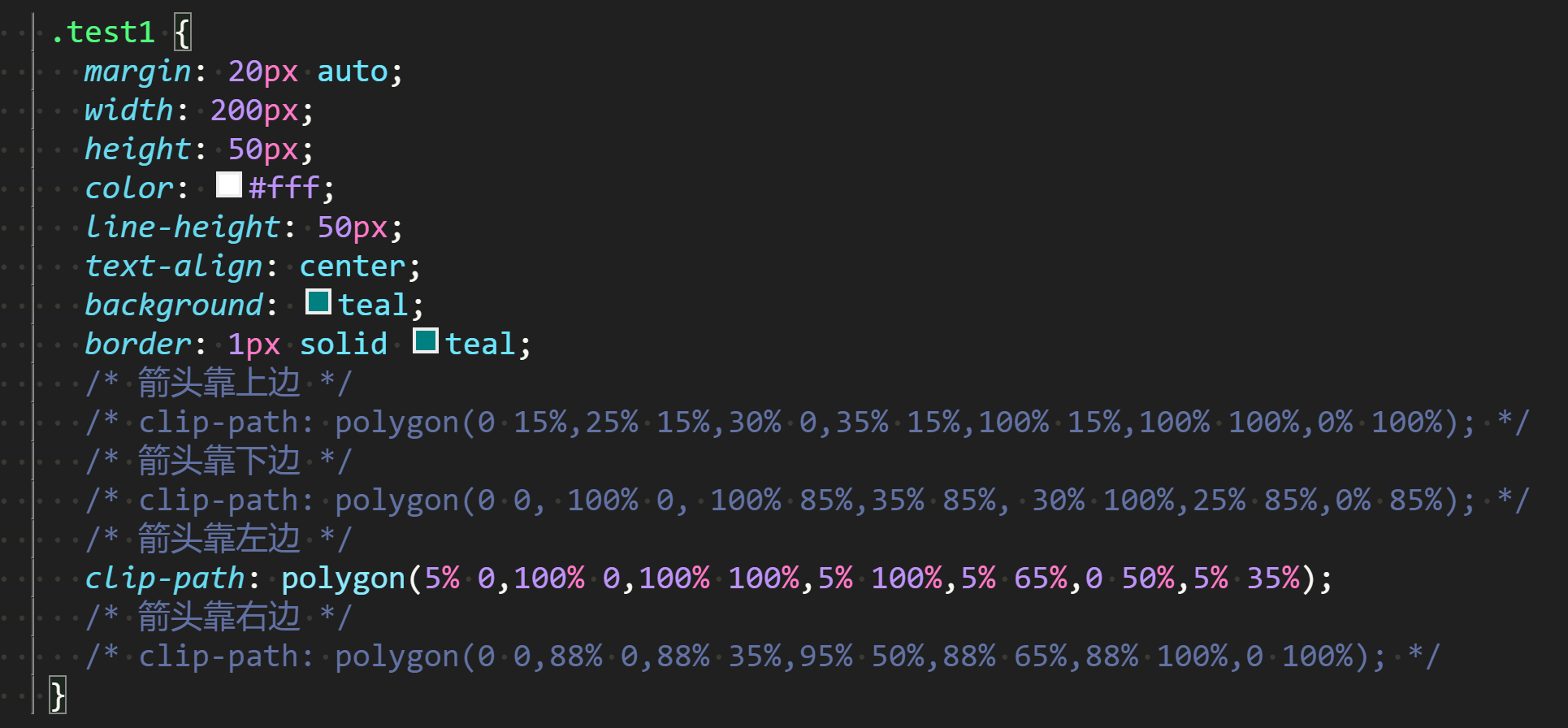
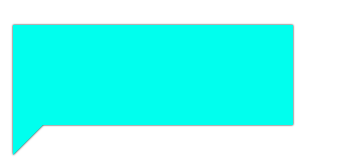
1:clip-path: polygon(...);

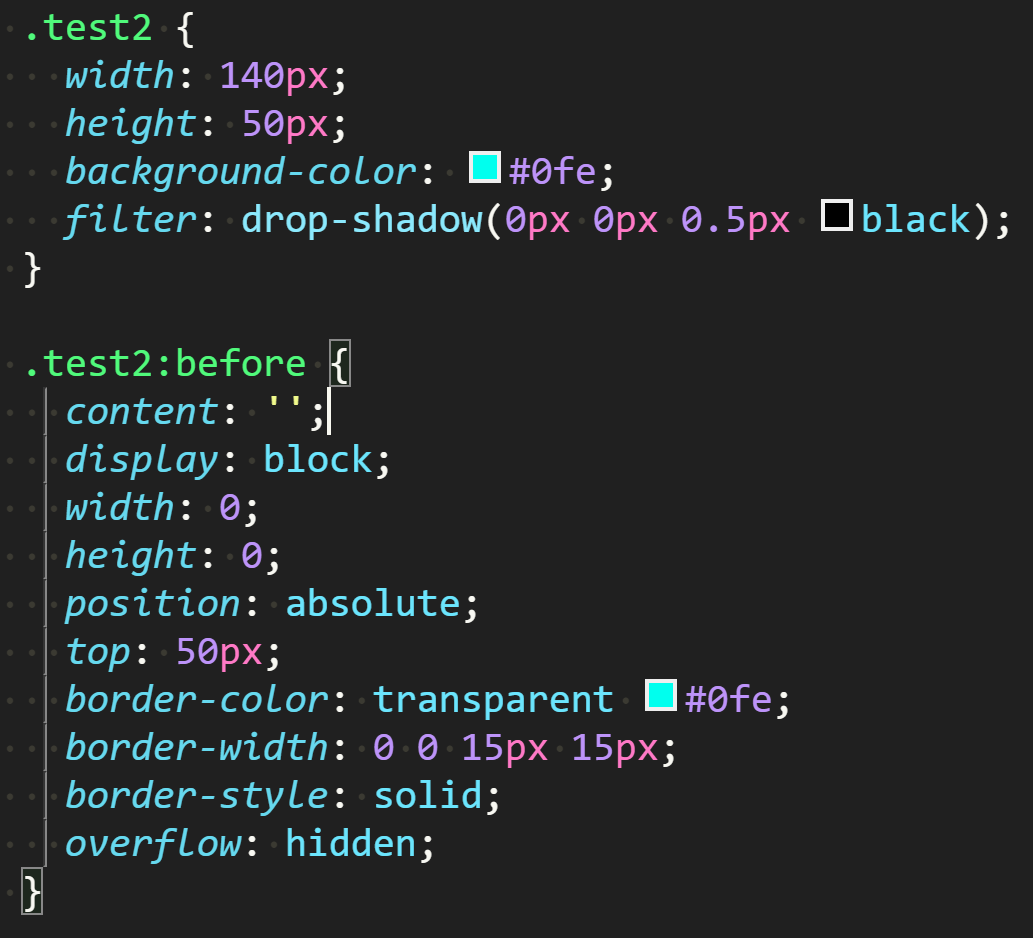
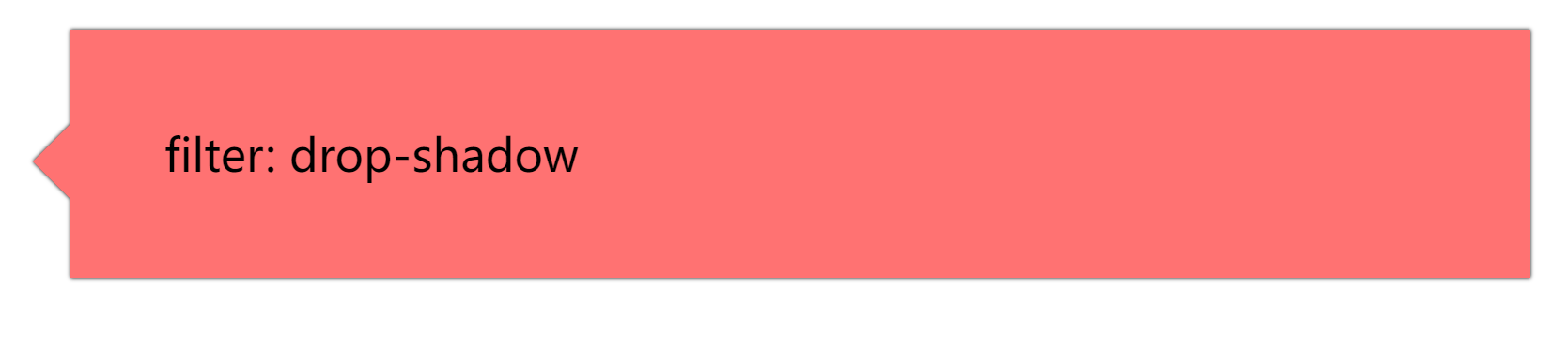
2:filter: drop-shadow(...);
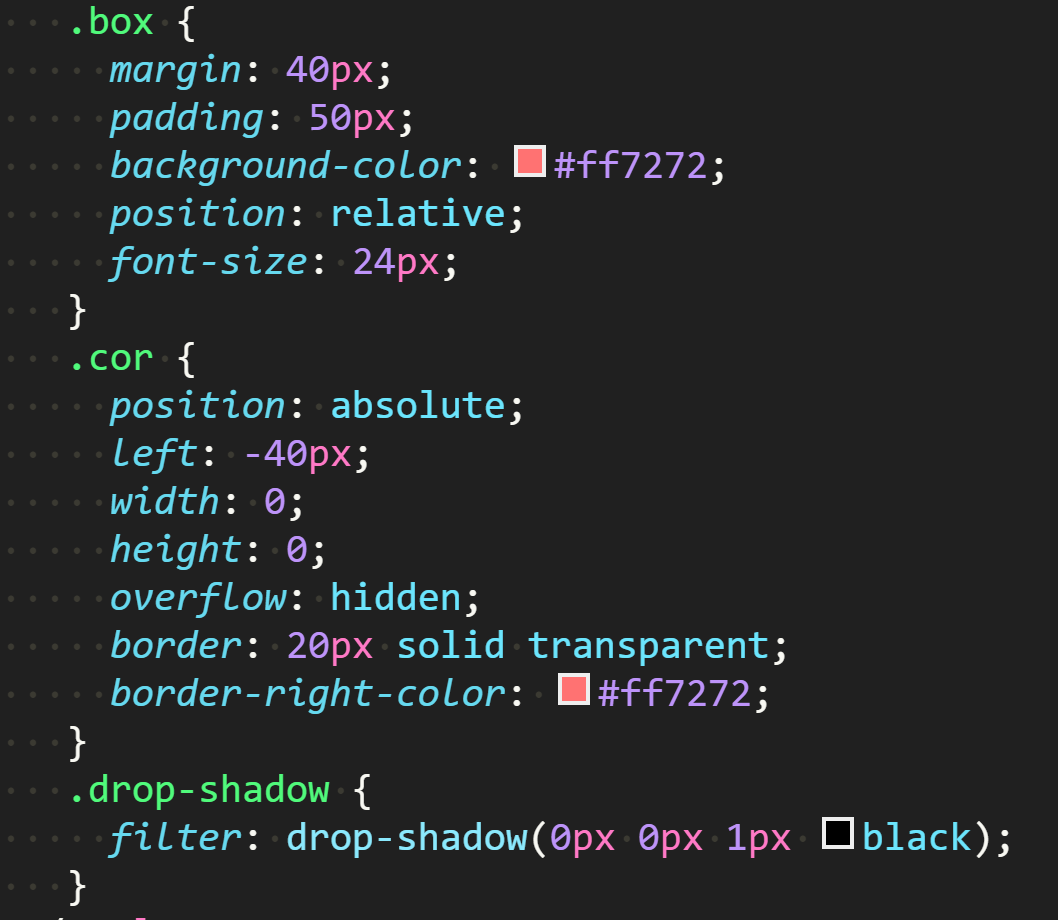
点击查看全部代码
	<!DOCTYPE html>
<html lang="en">
  <head>
    <meta charset="UTF-8" />
    <meta http-equiv="X-UA-Compatible" content="IE=edge" />
    <meta name="viewport" content="width=device-width, initial-scale=1.0" />
    <title>Document</title>
    <style>
      .test1 {
        margin: 20px auto;
        width: 200px;
        height: 50px;
        color: #fff;
        line-height: 50px;
        text-align: center;
        background: teal;
        border: 1px solid teal;
        /* 箭头靠上边 */
        /* clip-path: polygon(0 15%,25% 15%,30% 0,35% 15%,100% 15%,100% 100%,0% 100%); */
        /* 箭头靠下边 */
        /* clip-path: polygon(0 0, 100% 0, 100% 85%,35% 85%, 30% 100%,25% 85%,0% 85%); */
        /* 箭头靠左边 */
        clip-path: polygon(
          5% 0,
          100% 0,
          100% 100%,
          5% 100%,
          5% 65%,
          0 50%,
          5% 35%
        );
        /* 箭头靠右边 */
        /* clip-path: polygon(0 0,88% 0,88% 35%,95% 50%,88% 65%,88% 100%,0 100%); */
      }

      .test2 {
        width: 140px;
        height: 50px;
        background-color: #0fe;
        filter: drop-shadow(0px 0px 0.5px black);
      }

      .test2:before {
        content: '';
        display: block;
        width: 0;
        height: 0;
        position: absolute;
        top: 50px;
        border-color: transparent #0fe;
        border-width: 0 0 15px 15px;
        border-style: solid;
        overflow: hidden;
      }

      /*  */
      .box {
        margin: 40px;
        padding: 50px;
        background-color: #ff7272;
        position: relative;
        font-size: 24px;
      }
      .cor {
        position: absolute;
        left: -40px;
        width: 0;
        height: 0;
        overflow: hidden;
        border: 20px solid transparent;
        border-right-color: #ff7272;
      }
      .drop-shadow {
        filter: drop-shadow(0px 0px 1px black);
      }
    </style>
  </head>
  <body>
    <div class="test1"></div>

    <div class="test2"></div>

    <div class="box drop-shadow">
      <i class="cor"></i>
      filter: drop-shadow
    </div>
  </body>
</html>

 浙公网安备 33010602011771号