
AICube数据集不合法清洗解决方法
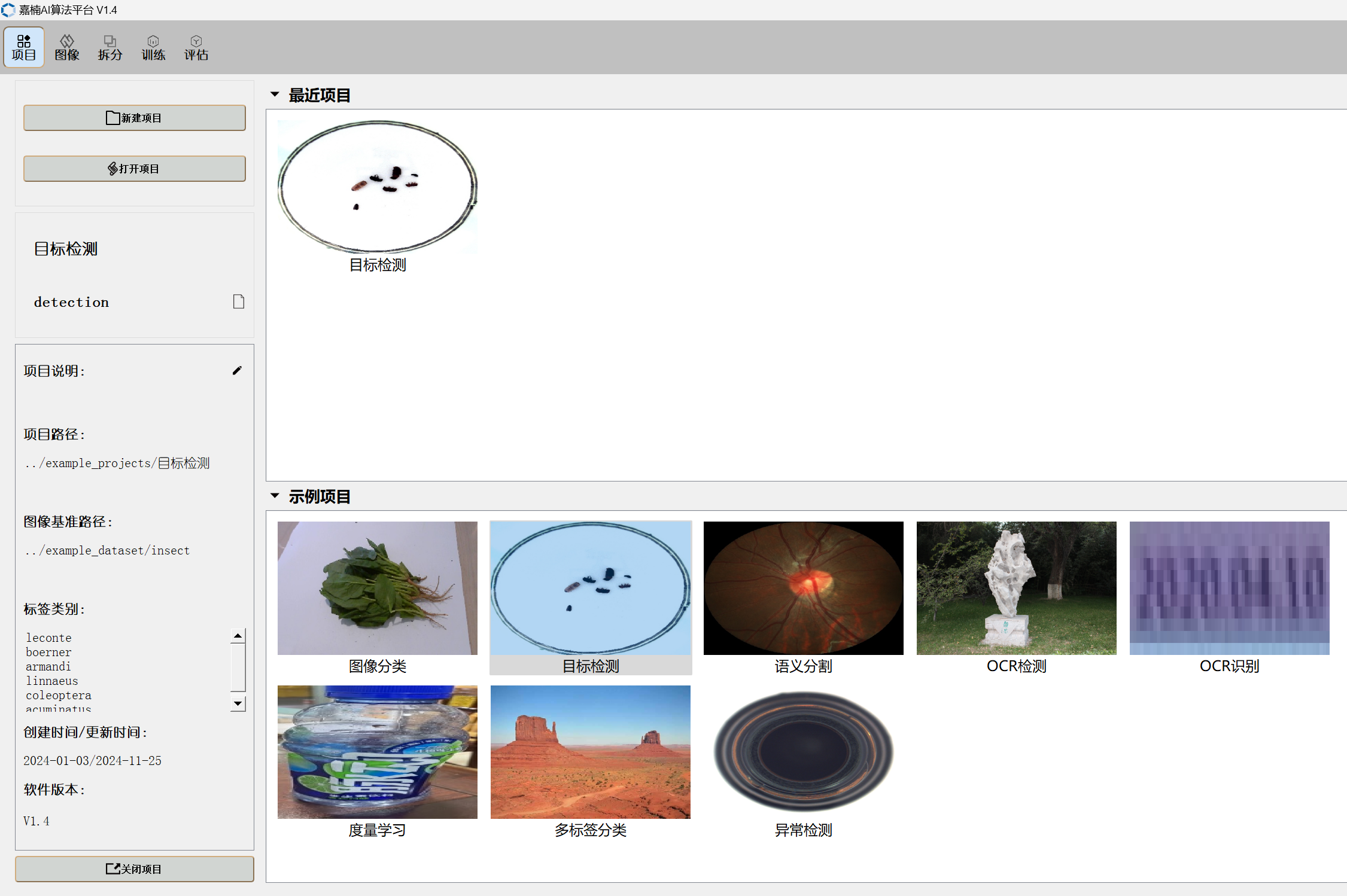
通过kendryte云平台标注后下载的数据集在本地更改为Ai_Cube数据集目录格式后提示数据库不合法需要清洗。
最后发现堪智在线平台导出的数据集中的xml文件缺少size字段,可以通过脚本给xml文件添加size片段,添加结束之后就可以在aicube上面训练数据了,下面是脚本代码
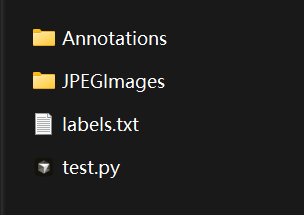
import os
import cv2
import xml.etree.ElementTree as ET

# 路径配置
image_dir = "JPEGImages"
xml_dir = "Annotations"

# 遍历所有XML文件
for xml_file in os.listdir(xml_dir):
    if not xml_file.endswith(".xml"):
        continue

    xml_path = os.path.join(xml_dir, xml_file)
    tree = ET.parse(xml_path)
    root = tree.getroot()

    # 检查是否已经有 <size> 节点
    if root.find("size") is not None:
        print(f"[跳过] {xml_file} 已有 <size>")
        continue

    # 获取对应的图片路径
    img_filename = root.find("filename").text
    img_path = os.path.join(image_dir, img_filename)

    if not os.path.exists(img_path):
        print(f"[警告] 找不到对应图片:{img_filename}")
        continue

    # 读取图像大小
    img = cv2.imread(img_path)
    if img is None:
        print(f"[错误] 无法读取图像:{img_filename}")
        continue

    height, width, depth = img.shape

    # 创建 <size> 节点并插入到 <annotation> 下
    size_elem = ET.Element("size")
    ET.SubElement(size_elem, "width").text = str(width)
    ET.SubElement(size_elem, "height").text = str(height)
    ET.SubElement(size_elem, "depth").text = str(depth)

    root.insert(1, size_elem)  # 插入在 <filename> 之后更符合VOC结构

    # 保存修改后的XML
    tree.write(xml_path, encoding="utf-8", xml_declaration=True)
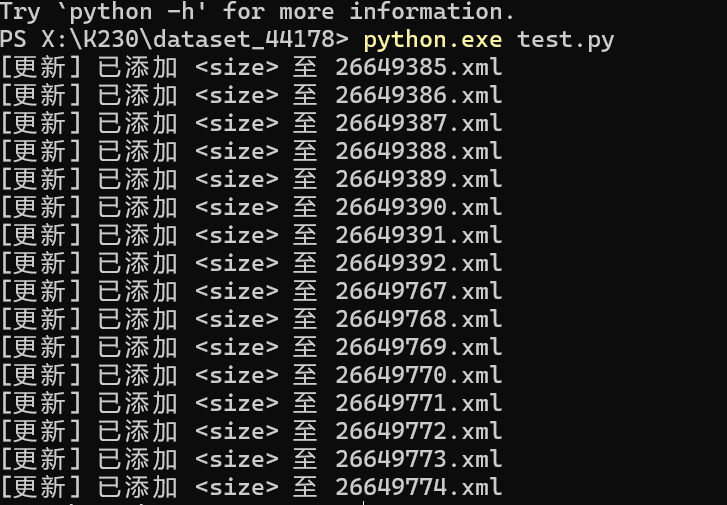
    print(f"[更新] 已添加 <size> 至 {xml_file}")

 浙公网安备 33010602011771号