
消息中间件-RabbitMQ持久化机制、内存磁盘控制
RabbitMQ持久化机制
RabbitMQ内存控制
RabbitMQ磁盘控制
RabbitMQ持久化机制


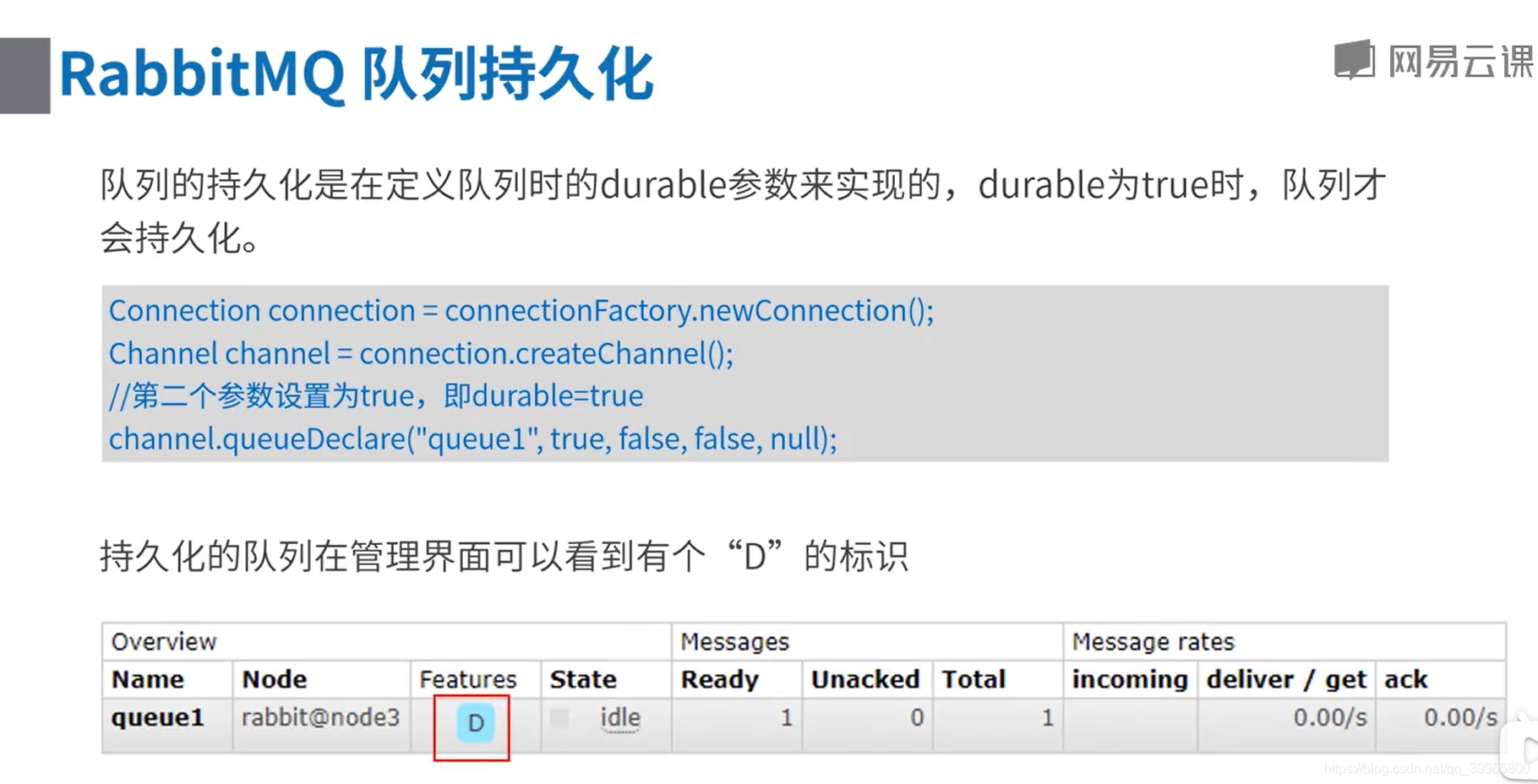
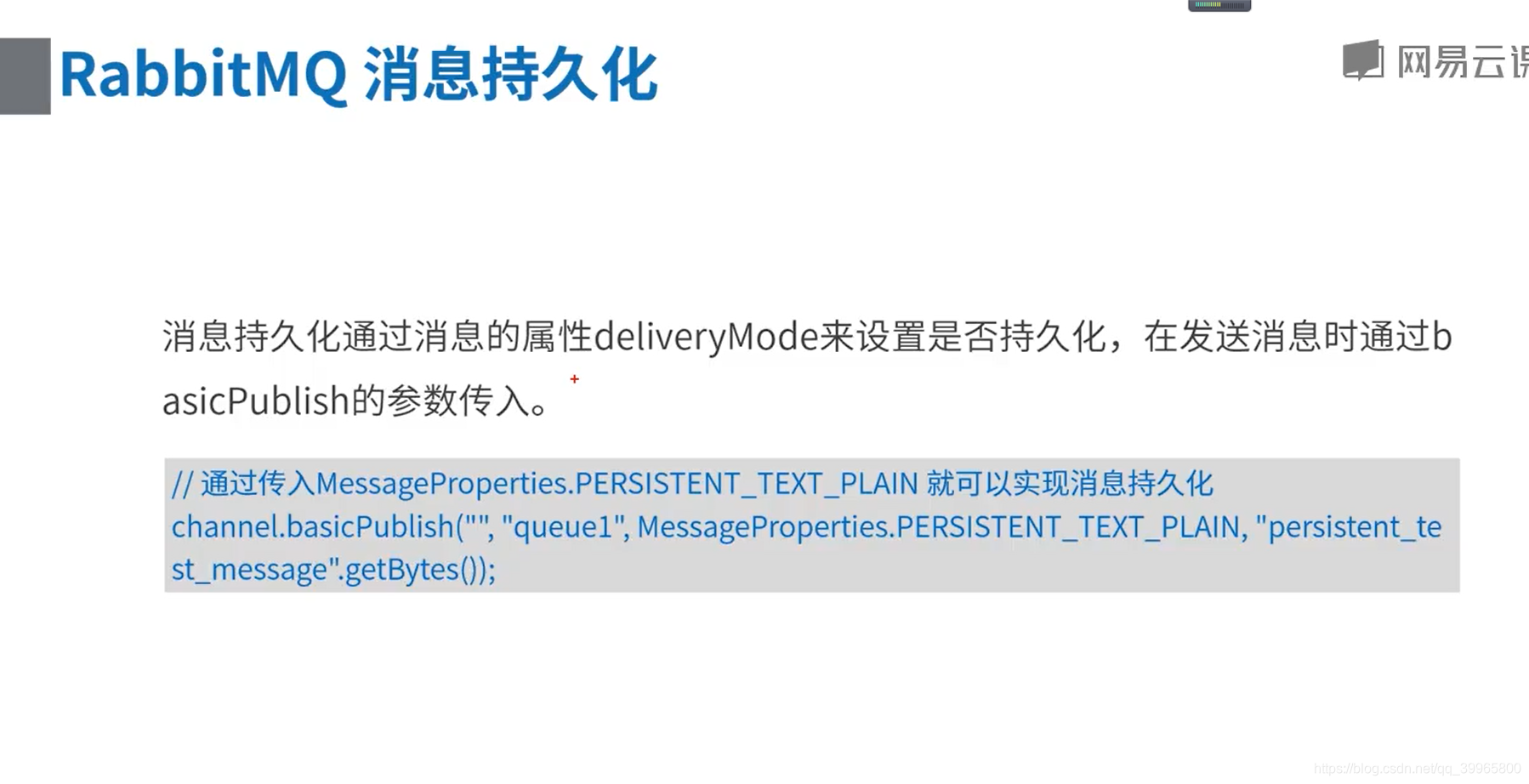
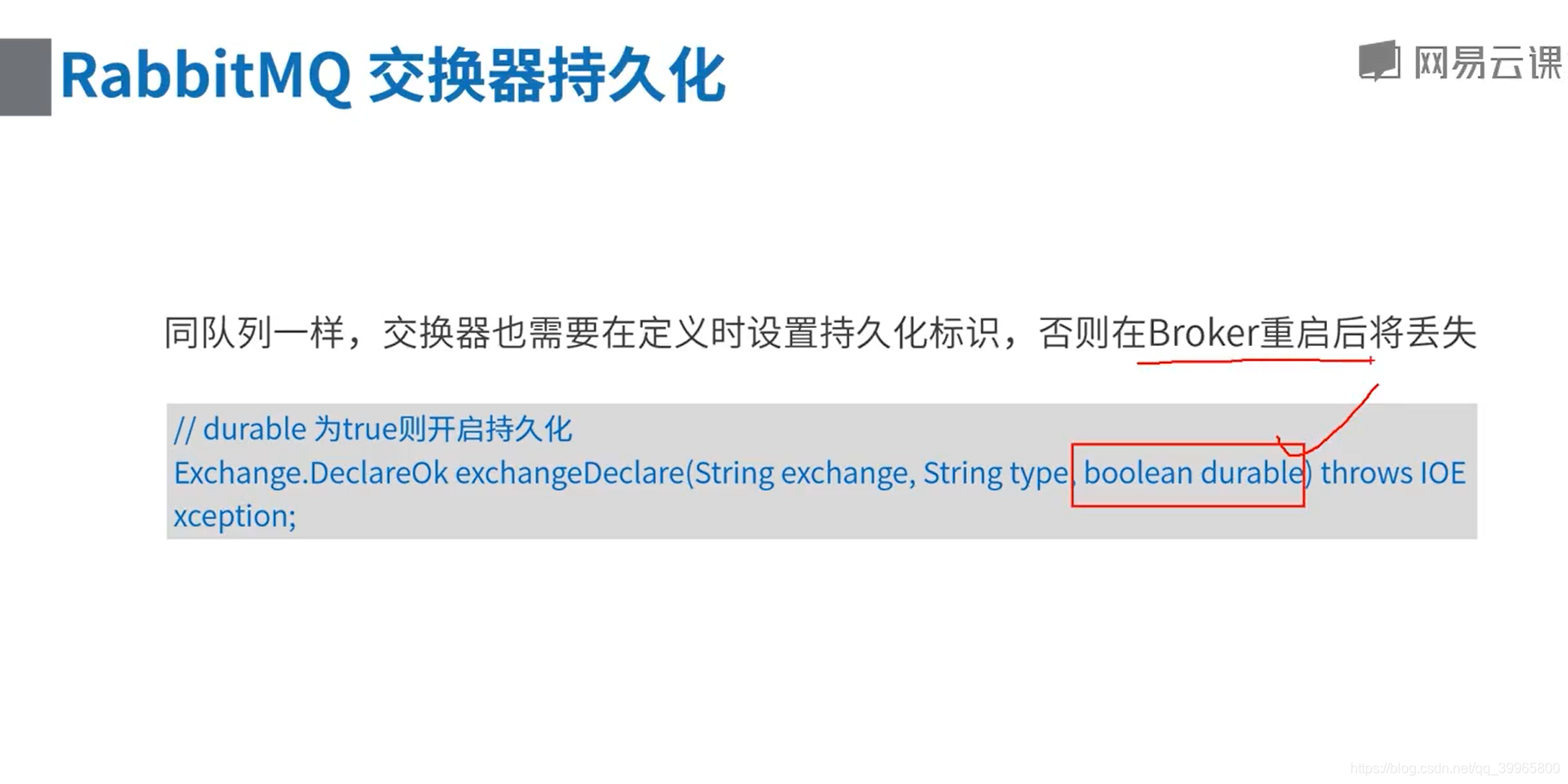
重启之后没有持久化的消息会丢失
package com.study.rabbitmq.a134;

import com.rabbitmq.client.*;

import java.io.IOException;
import java.util.concurrent.TimeoutException;

/**
 * 持久化示例
 */
public class Producer {

    public static void main(String[] args) {
        // 1、创建连接工厂
        ConnectionFactory factory = new ConnectionFactory();
        // 2、设置连接属性
        factory.setHost("192.168.100.242");
        factory.setUsername("admin");
        factory.setPassword("admin");

        Connection connection = null;
        Channel channel = null;

        try {
            // 3、从连接工厂获取连接
            connection = factory.newConnection("生产者");

            // 4、从链接中创建通道
            channel = connection.createChannel();

            // 定义一个持久化的,direct类型交换器
            channel.exchangeDeclare("routing_test", "direct", true);

            // 内存、磁盘预警时用
            System.out.println("按回车继续");
            System.in.read();

            // 消息内容
            String message = "Hello A";
            // 发送持久化消息到routing_test交换器上
            channel.basicPublish("routing_test", "c1", MessageProperties.PERSISTENT_TEXT_PLAIN, message.getBytes());
            System.out.println("消息 " + message + " 已发送!");

            // 消息内容
            message = "Hello B";
            // 发送持久化消息到routing_test交换器上
            channel.basicPublish("routing_test", "c2", MessageProperties.PERSISTENT_TEXT_PLAIN, message.getBytes());
            System.out.println("消息 " + message + " 已发送!");

            // 内存、池畔预警时用
            System.out.println("按回车结束");
            System.in.read();
        } catch (IOException e) {
            e.printStackTrace();
        } catch (TimeoutException e) {
            e.printStackTrace();
        } finally {
            // 7、关闭通道
            if (channel != null && channel.isOpen()) {
                try {
                    channel.close();
                } catch (IOException e) {
                    e.printStackTrace();
                } catch (TimeoutException e) {
                    e.printStackTrace();
                }
            }

            // 8、关闭连接
            if (connection != null && connection.isOpen()) {
                try {
                    connection.close();
                } catch (IOException e) {
                    e.printStackTrace();
                }
            }
        }
    }
}
package com.study.rabbitmq.a134;

import com.rabbitmq.client.*;

import java.io.IOException;
import java.util.concurrent.TimeoutException;

/**
 * 持久化示例
 */
public class Consumer {

    private static Runnable receive = new Runnable() {
        public void run() {
            // 1、创建连接工厂
            ConnectionFactory factory = new ConnectionFactory();
            // 2、设置连接属性
            factory.setHost("192.168.100.242");
            factory.setUsername("admin");
            factory.setPassword("admin");

            Connection connection = null;
            Channel channel = null;
            final String clientName = Thread.currentThread().getName();
            String queueName = "routing_test_queue";

            try {
                // 3、从连接工厂获取连接
                connection = factory.newConnection("消费者-" + clientName);

                // 4、从链接中创建通道
                channel = connection.createChannel();

                // 定义一个持久化的,direct类型交换器
                channel.exchangeDeclare("routing_test", "direct", true);
                // 定义一个持久化队列
                channel.queueDeclare(queueName, true, false, false, null);

                // 将队列和交换器绑定,第三个参数 routingKey是关键,通过此路由键决定接收谁的消息
                channel.queueBind(queueName, "routing_test", clientName);

                // 定义消息接收回调对象
                DeliverCallback callback = new DeliverCallback() {
                    public void handle(String consumerTag, Delivery message) throws IOException {
                        System.out.println(clientName + " 收到消息:" + new String(message.getBody(), "UTF-8"));
                    }
                };
                // 监听队列
                channel.basicConsume(queueName, true, callback, new CancelCallback() {
                    public void handle(String consumerTag) throws IOException {
                    }
                });

                System.out.println(clientName + " 开始接收消息");
                System.in.read();

            } catch (IOException e) {
                e.printStackTrace();
            } catch (TimeoutException e) {
                e.printStackTrace();
            } finally {
                // 8、关闭通道
                if (channel != null && channel.isOpen()) {
                    try {
                        channel.close();
                    } catch (IOException e) {
                        e.printStackTrace();
                    } catch (TimeoutException e) {
                        e.printStackTrace();
                    }
                }

                // 9、关闭连接
                if (connection != null && connection.isOpen()) {
                    try {
                        connection.close();
                    } catch (IOException e) {
                        e.printStackTrace();
                    }
                }
            }
        }
    };

    public static void main(String[] args) {
        new Thread(receive, "c1").start();
        new Thread(receive, "c2").start();
    }

}
Rabbit内存控制
持久化消息:在内存中也在磁盘中
内存换页,也就是内存满了,需要重新换页

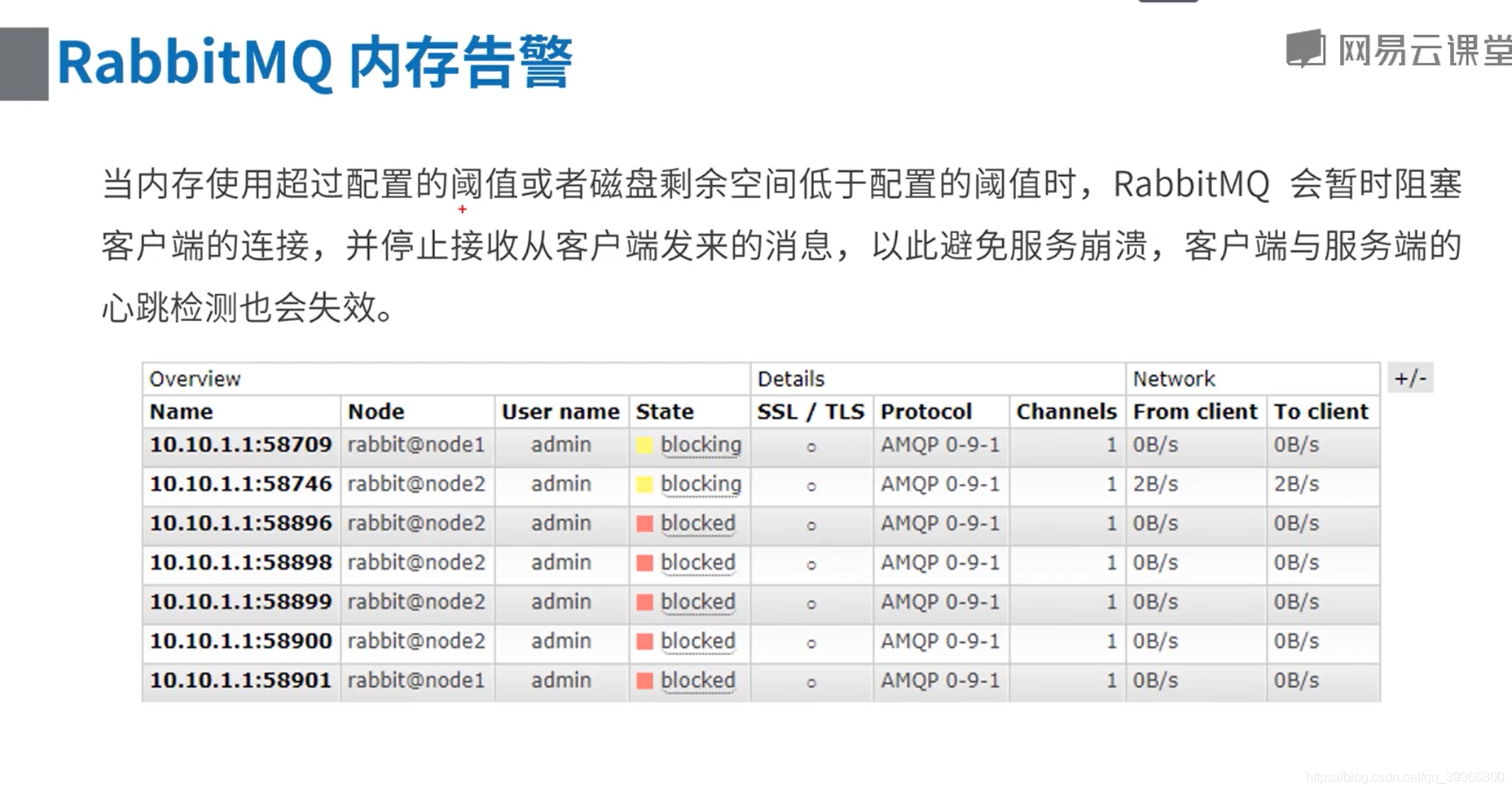


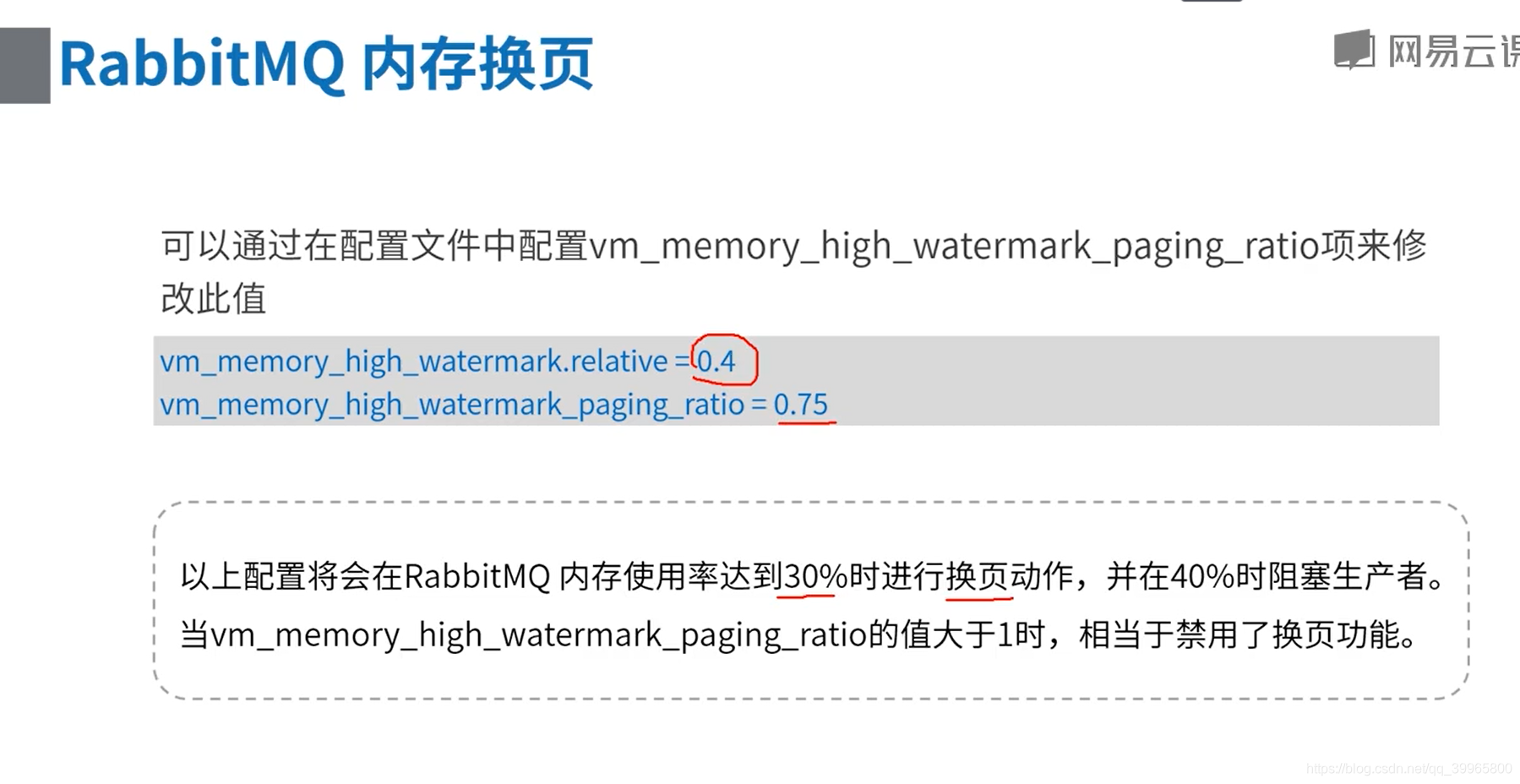
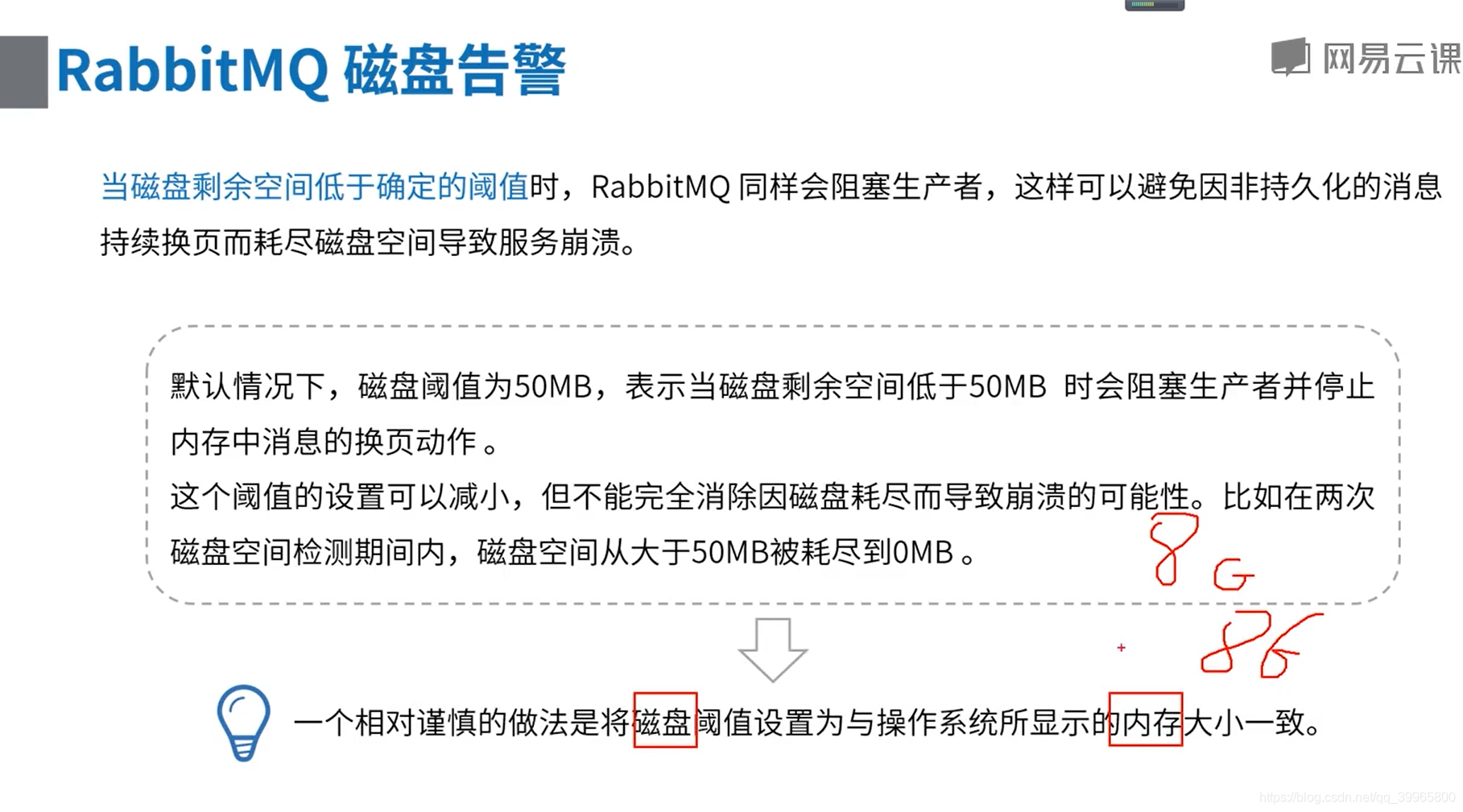
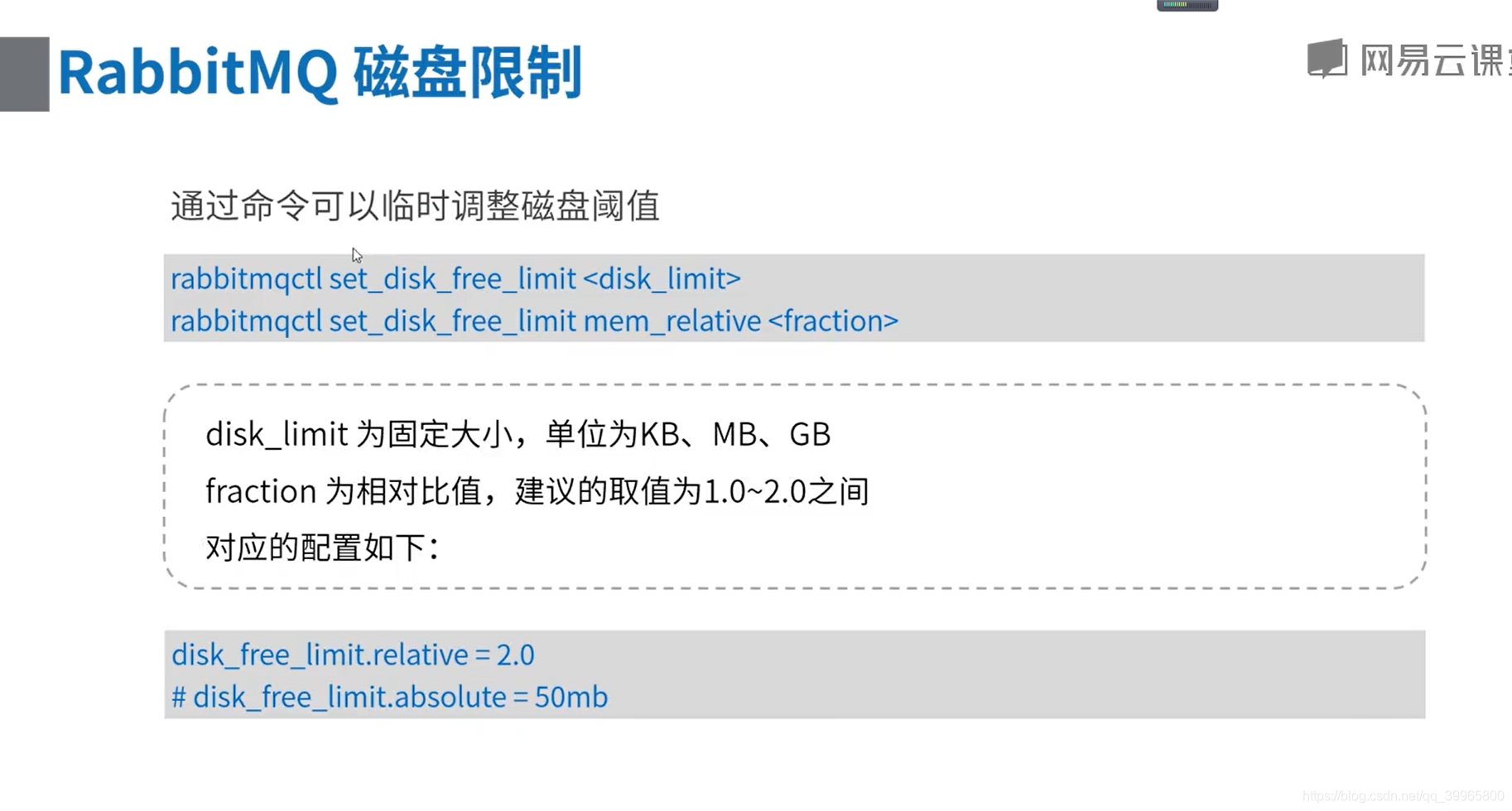
相对内存的大小比值

 浙公网安备 33010602011771号