react跨页跳转锚点
需求:
在一个有Layout页面的react项目中,有一个footer公用模块,主要是显示整个web项目的结构连接;在“aboutus”页面中,自上向下分成了“企业简介”、“发展历程”、“企业资质”、“企业荣誉”、“企业文化”几个区域。
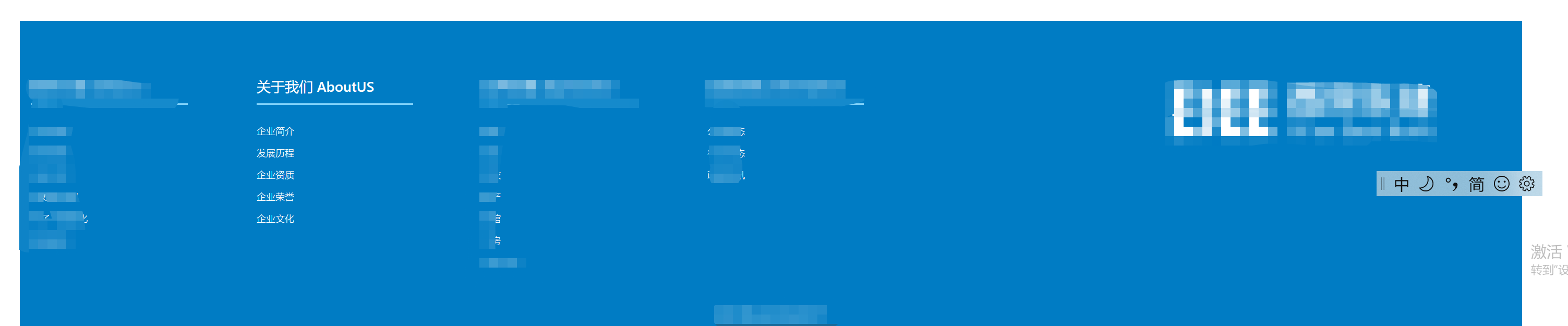
在公用的footer模块中罗列“aboutus”页面模块中的显示区为菜单,现在需要不管在哪个页面中,只要点击footer模块中的“关于我们AboutUS”大菜单下的小菜单,都会跳转到“aboutus”页面中对应的区块。
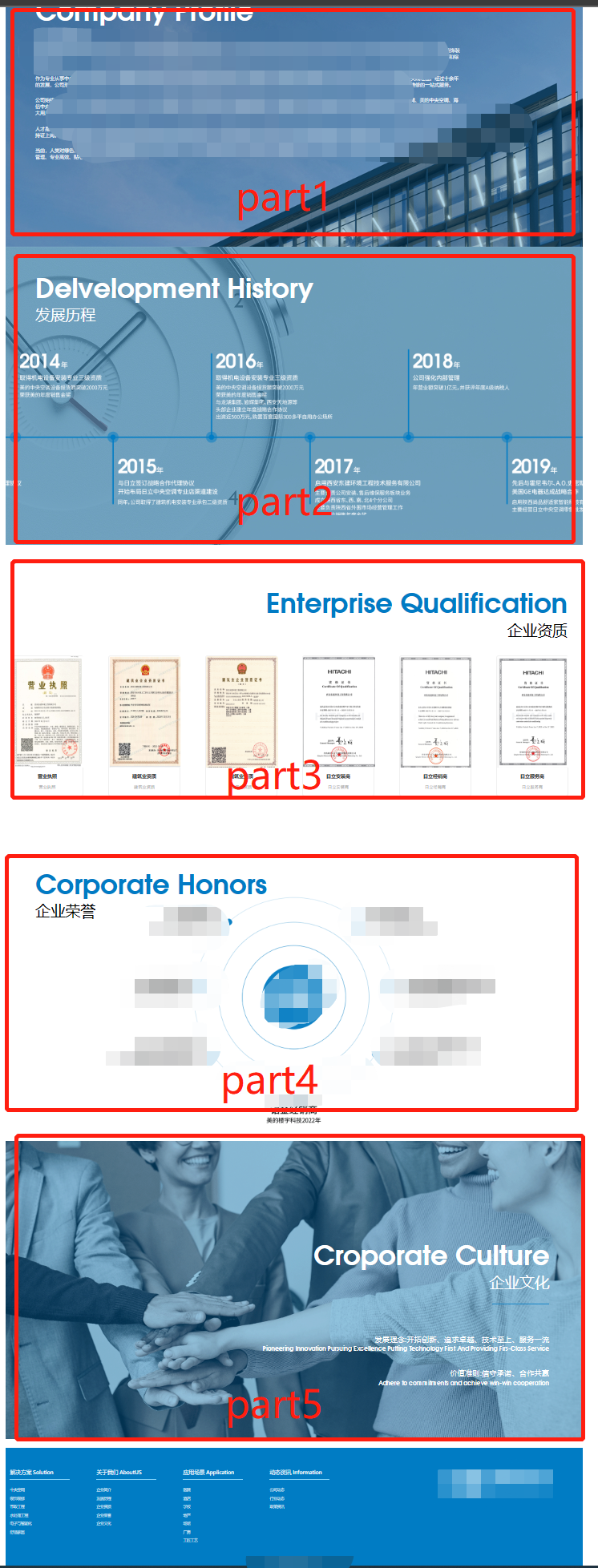
项目结构
myproject(文件夹)
--src(文件夹)
----components(文件夹)
------myfooter(文件夹)
--------myfooterIndex.js
------aboutUS(文件夹)
--------aboutUSPageIndex.js
myfooterIndex.js代码,主要的功能是拼接URL地址:
<div className="footer-col">
     <h4>关于我们 AboutUS</h4>
     <ul>
         <li><a href="/aboutus?a=part-1">企业简介</a></li>
         <li><a href="/aboutus?a=part-2">发展历程</a></li>
         <li><a href="/aboutus?a=part-3" >企业资质</a></li>
         <li><a href="/aboutus?a=part-4">企业荣誉</a></li>
         <li><a href="/aboutus?a=part-5" >企业文化</a></li>
     </ul>
 </div>
aboutUSPageIndex.js代码,主要功能是解析,然后定位到指定区域
收下是类声明,因为要用到生命周期函数:componentDidMount,所以AboutUsPageIndex这个必须申明成一个类。
render方法里面用id="part-1"等来给页面添加锚点
class AboutUsPageIndex extends Component {
 componentDidMount(): void {
    let hr = window.location.href;
    if (hr
      &&hr.includes("?a=")&& hr.split("?")[1].split("=")[1] != undefined) {
        let anchorElement = document.getElementById(hr.split("?")[1].split("=")[1]);
      // 如果对应id的锚点存在,就跳转到锚点
      if(anchorElement) { anchorElement.scrollIntoView({block: 'start', behavior: 'smooth'}); }
    }
  }
runder()
{
  return(
<div>
<div style={{ float: 'left', width: '300px', height: "100%" }}>
<a href='#part-1' style={{ color: 'white' }} >企业简介</a>
</div>
<div style={{ float: 'left', width: '3px', height: "100%", color: 'white' }}>|</div>
<div style={{ float: 'left', width: '300px', height: "100%" }}>
<a href='#part-2' style={{ color: 'white' }} >发展历程</a>
</div>
<div style={{ float: 'left', width: '3px', height: "100%", color: 'white' }}>|</div>
<div style={{ float: 'left', width: '300px', height: "100%" }}>
<a href='#part-3' style={{ color: 'white' }} >企业资质</a>
</div>
<div style={{ float: 'left', width: '3px', height: "100%", color: 'white' }}>|</div>
<div style={{ float: 'left', width: '300px', height: "100%" }}>
<a href='#part-4' style={{ color: 'white' }} >企业荣誉</a>
</div>
<div style={{ float: 'left', width: '3px', height: "100%", color: 'white' }}>|</div>
<div style={{ float: 'left', width: '300px', height: "100%" }}>
<a href='#part-5' style={{ color: 'white' }} >企业文化</a>
</div>
<div id="part-1" style={{ width: "1920px", height: "992px", backgroundImage: `url(${companyProfileImag})` }} >
<CompanyProfile />
</div>
<div id="part-2" style={{ width: "1920px", height: "992px", backgroundImage: `url(${DelvelopmentHistoryBackImag})` }}>
<DelvelopmentHistory />
</div>
<div id="part-3" style={{ width: "1920px", height: "992px" }}>
<EnterpriseQualification />
</div>
</div>
)
}

 浙公网安备 33010602011771号