
发布包到nuget
开发一个非常Cool的类库
这里我开发了一个LootCode的TreeNode类库
源码地址:https://github.com/huzuohuyou/LeetCode/tree/master/LeetCode.TreeNode
配置元数据
修改项目.csproj文件添加如下内容
<Project Sdk="Microsoft.NET.Sdk">

	<PropertyGroup>
		<TargetFramework>net6.0</TargetFramework>
		<ImplicitUsings>enable</ImplicitUsings>
		<Nullable>enable</Nullable>
		<!--包名-->
		<PackageId>LeetCode.TreeNode</PackageId>
		<!--版本-->
		<Version>1.0.0</Version>
		<!--作者-->
		<Authors>wuhailong</Authors>
		<!--公司-->
		<Company>personal</Company>
		<!--生成自动构建-->
		<GeneratePackageOnBuild>true</GeneratePackageOnBuild>
	</PropertyGroup>

</Project>
发布到nuget
-
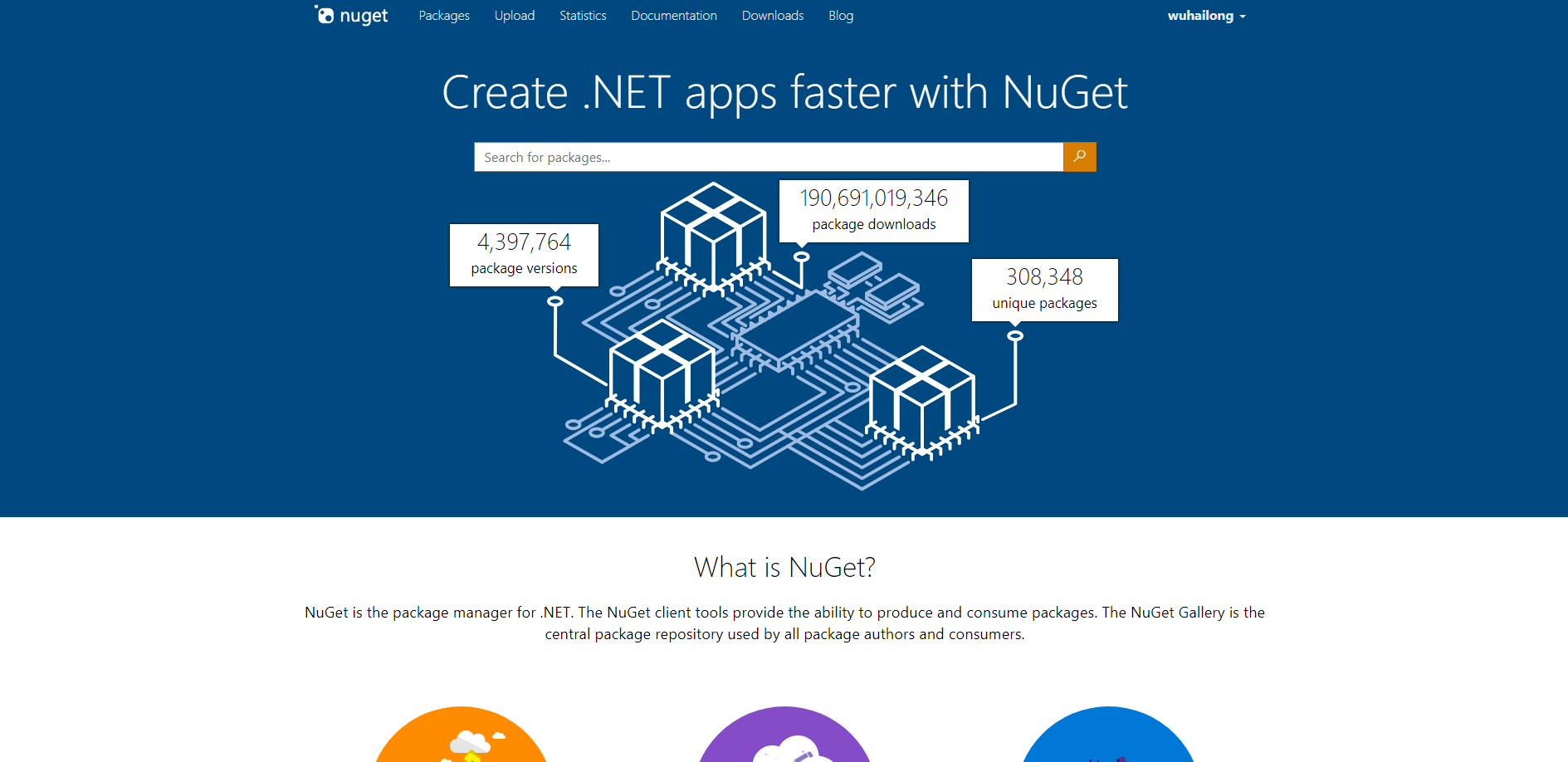
注册用户
地址:https://www.nuget.org/
-
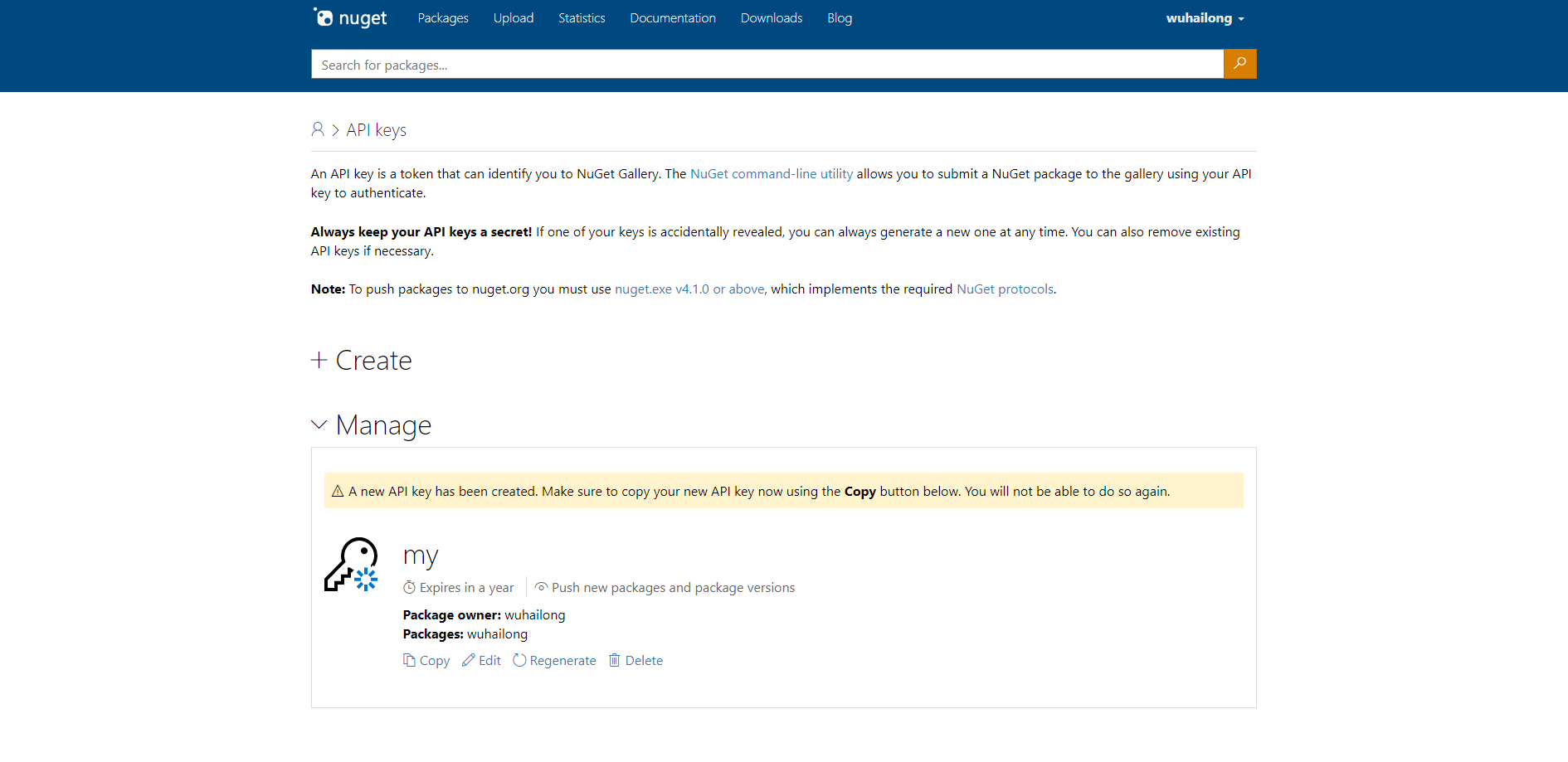
获取API Key
地址:https://www.nuget.org/account/apikeys
- 打包dotnet pack 生成nupkg

- 用 dotnet nuget push 发布
dotnet nuget push LeetCode.TreeNode.1.0.0.nupkg --api-key <你的API key> --source https://api.nuget.org/v3/index.json

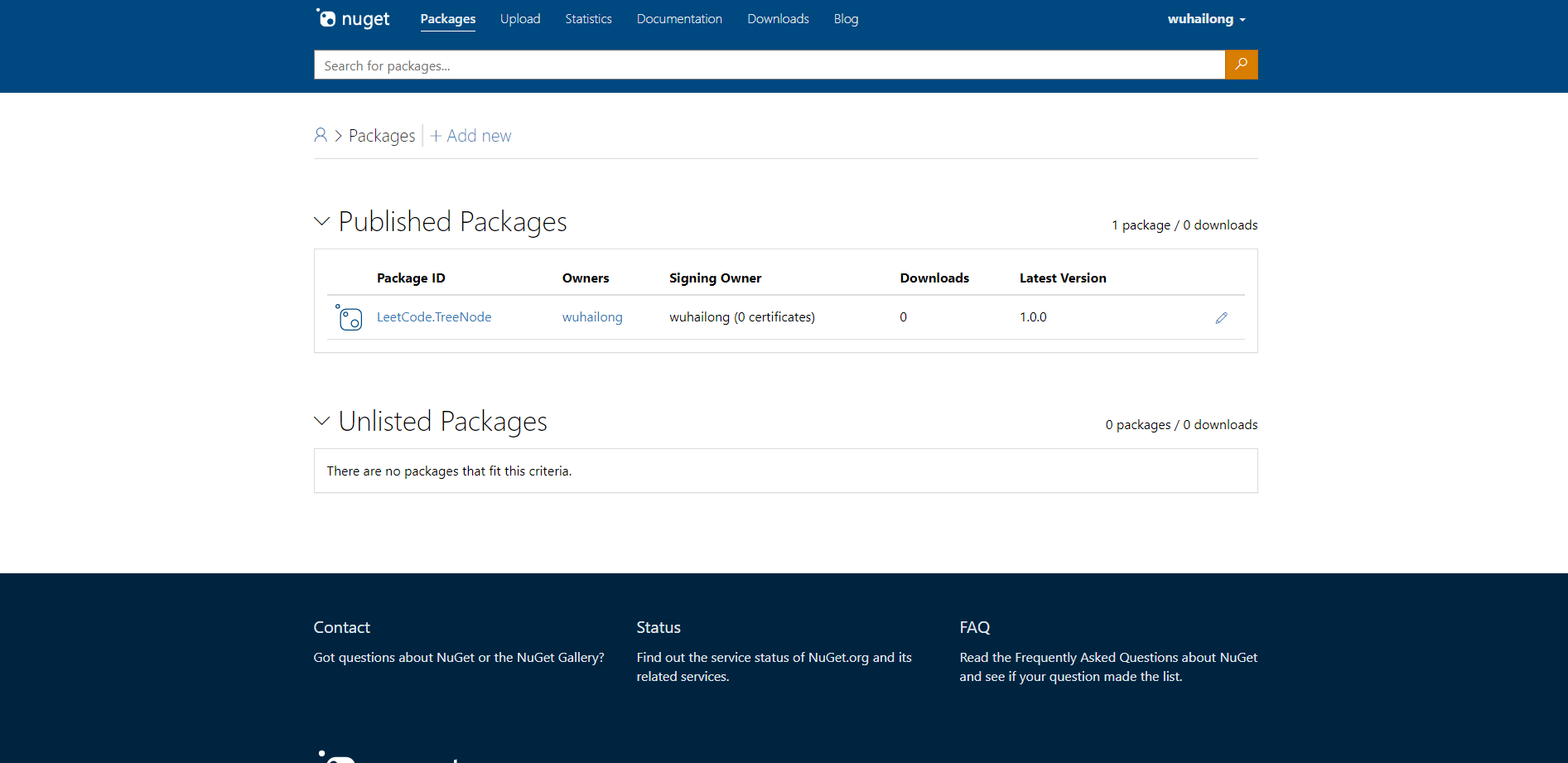
管理包
地址:https://www.nuget.org/account/Packages
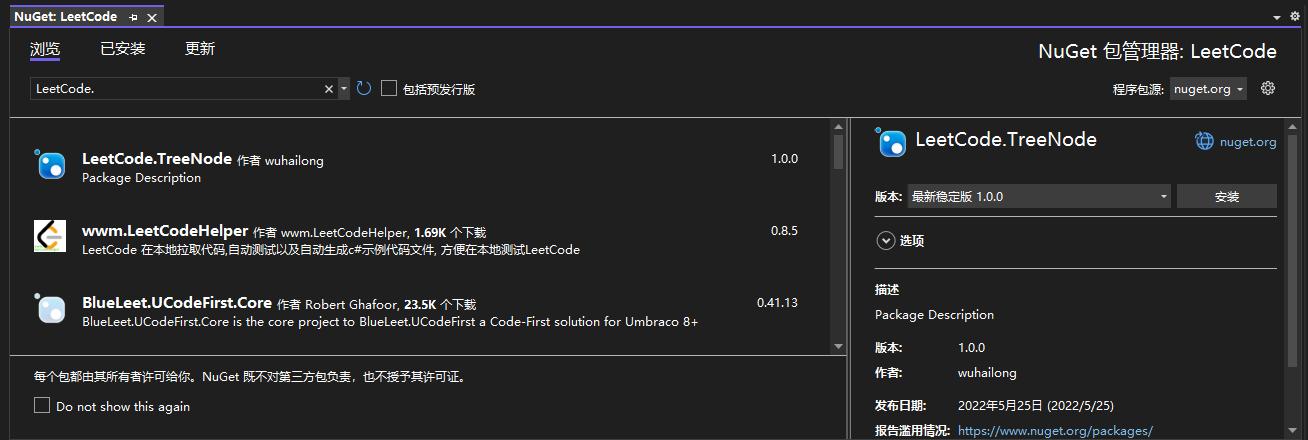
从nuget安装包
运行后事件
cd bin/Debug
if exist *.nupkg dotnet nuget push *.nupkg --api-key oy2agil73bnrazxeblmqs2msoyoam7cuxh6ysybqn3zuzm --source https://api.nuget.org/v3/index.json  --skip-duplicate

 浙公网安备 33010602011771号