

VSCode Vue Debug
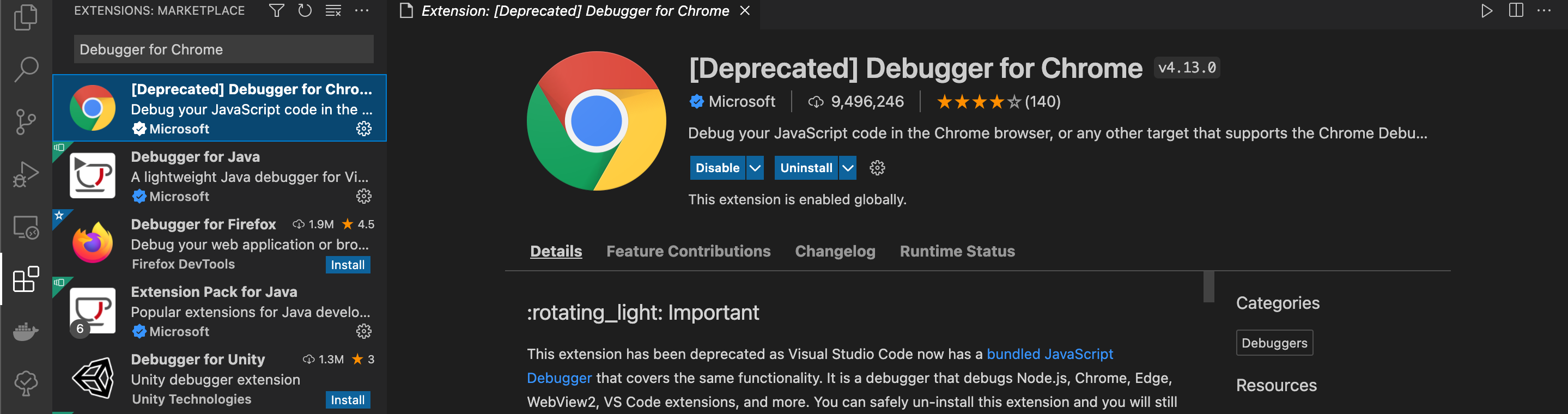
安装插件
Debugger for Chrome
配置环境
1.生成launch.json
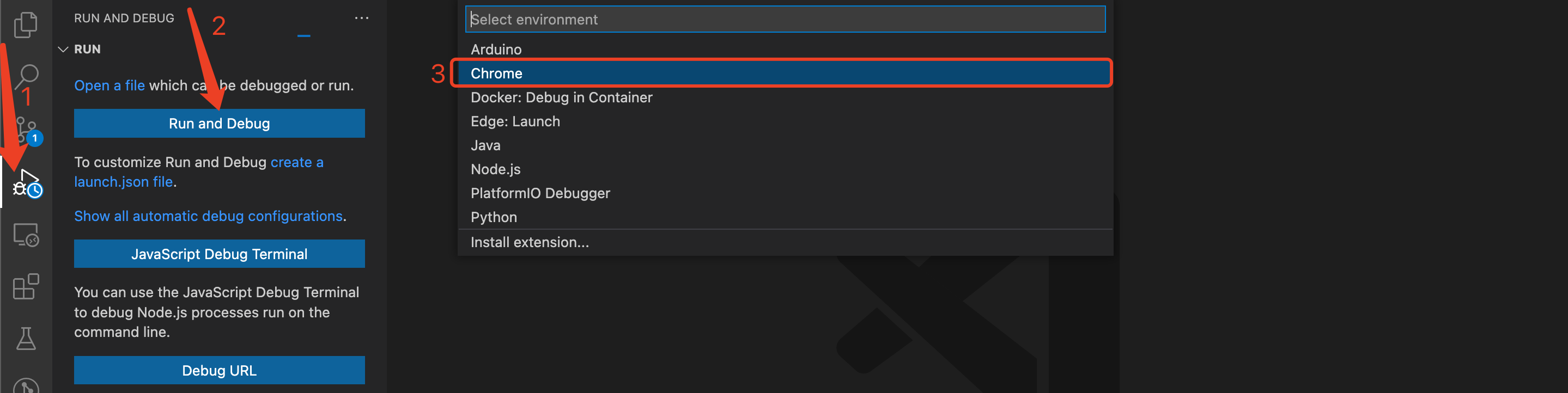
2. 修改launch.json
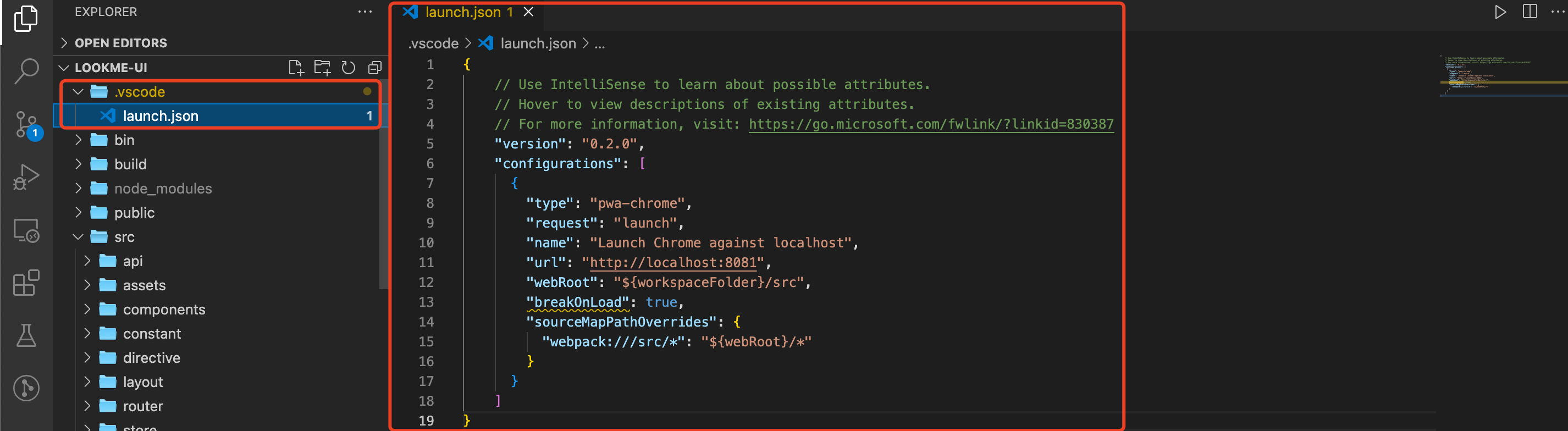
{
  // Use IntelliSense to learn about possible attributes.
  // Hover to view descriptions of existing attributes.
  // For more information, visit: https://go.microsoft.com/fwlink/?linkid=830387
  "version": "0.2.0",
  "configurations": [
    {
      "type": "pwa-chrome",
      "request": "launch",
      "name": "Launch Chrome against localhost",
      // 配置项目实际端口号
      // http://localhost:1024/admin
      "url": "http://localhost:8081",
      "webRoot": "${workspaceFolder}/src",
      "breakOnLoad": true,
      "sourceMapPathOverrides": {
        "webpack:///src/*": "${webRoot}/*"
      }
    }
  ]
}
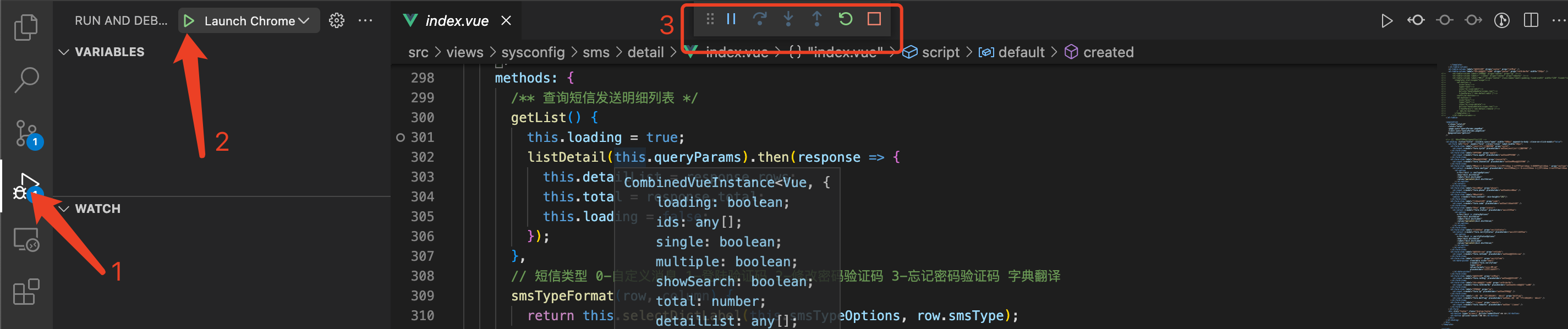
开始Debug
1. 启动vue项目
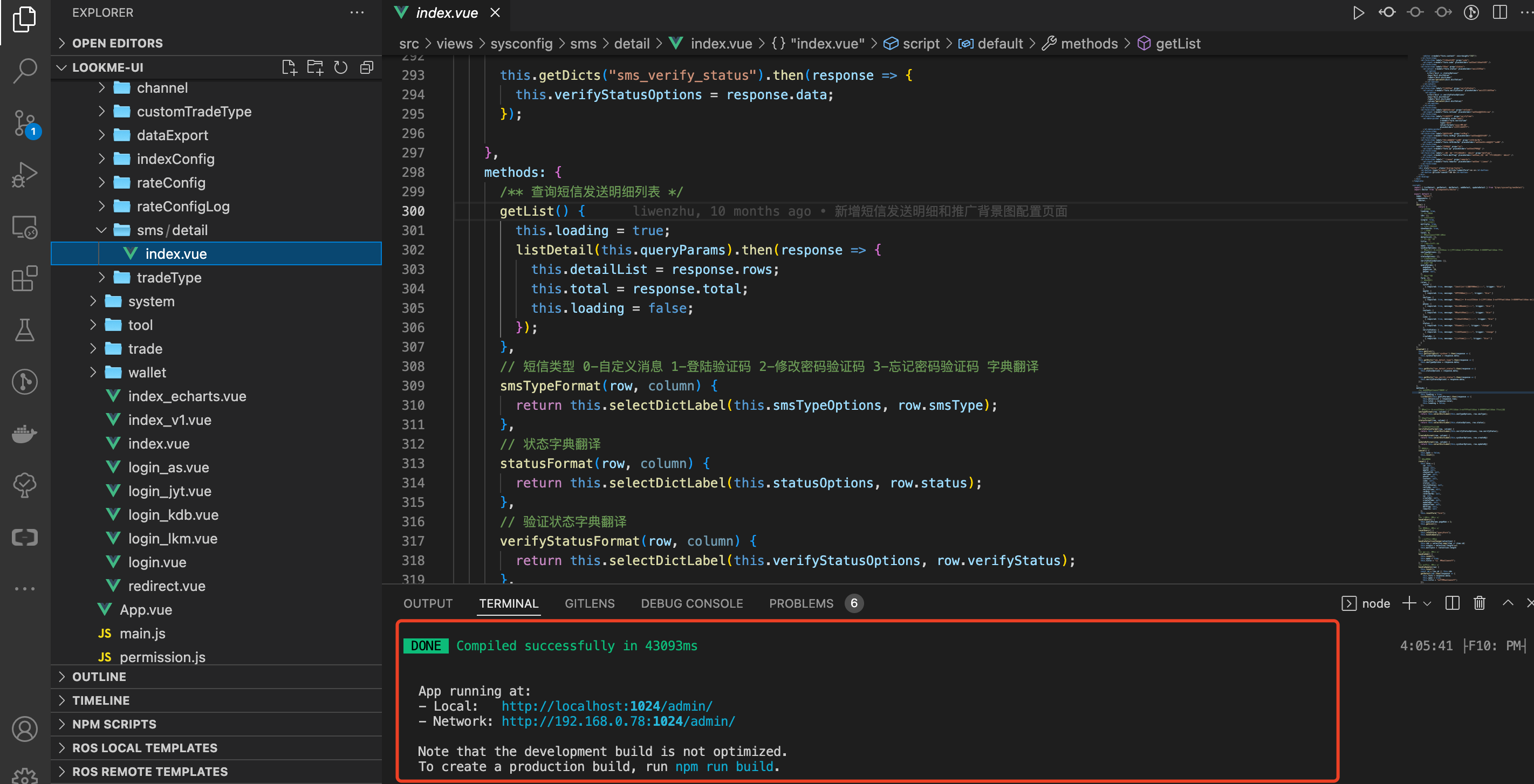
2. 启动Debug
按 F5 启动

 浙公网安备 33010602011771号