

Vscode+CodeRunner 更加优雅的运行MPICC
Vscode+CodeRunner 更加优雅的运行MPICC
1.安装
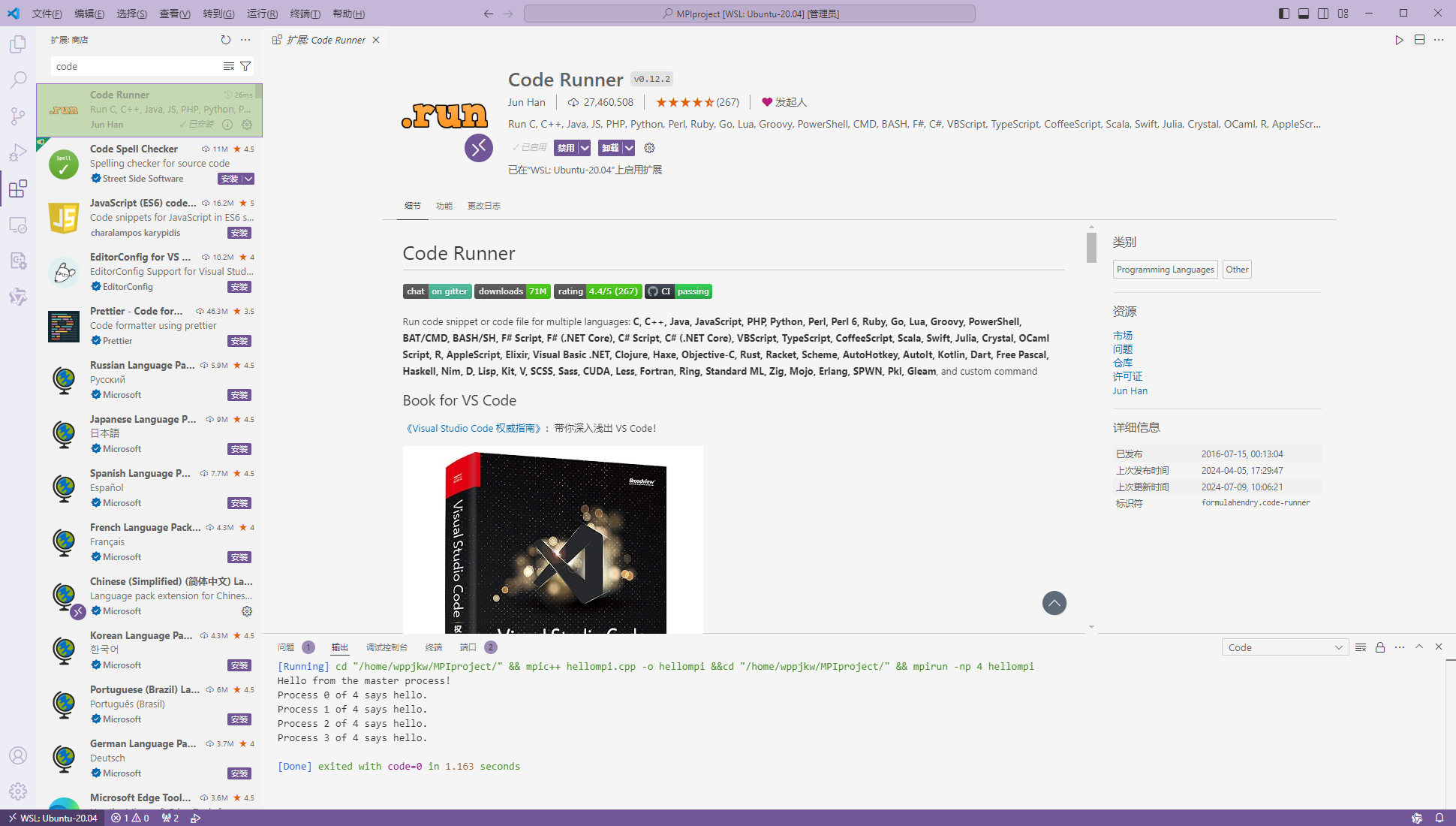
在VsCode拓展中安装CodeRunner
2.配置
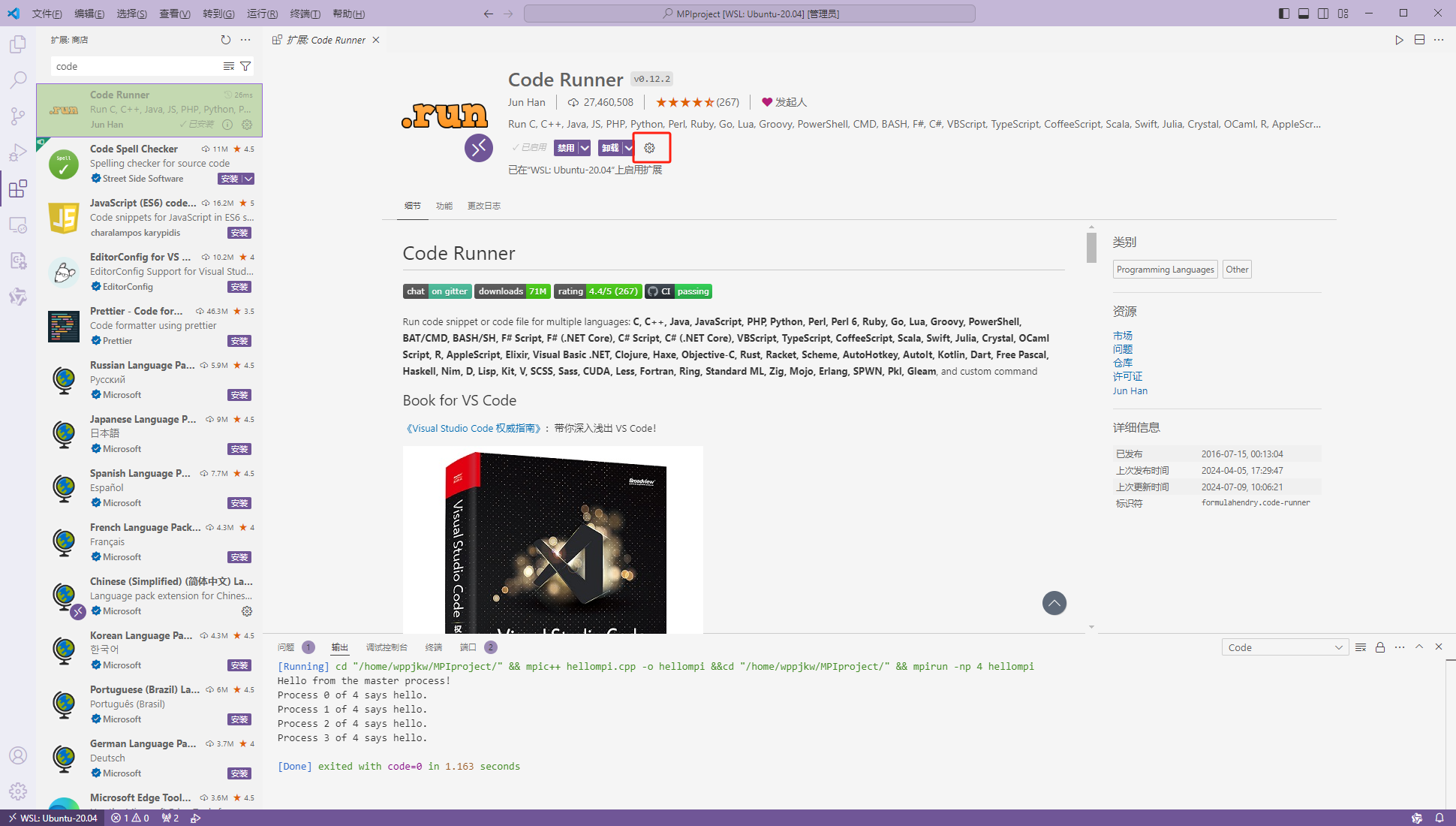
- 点击设置
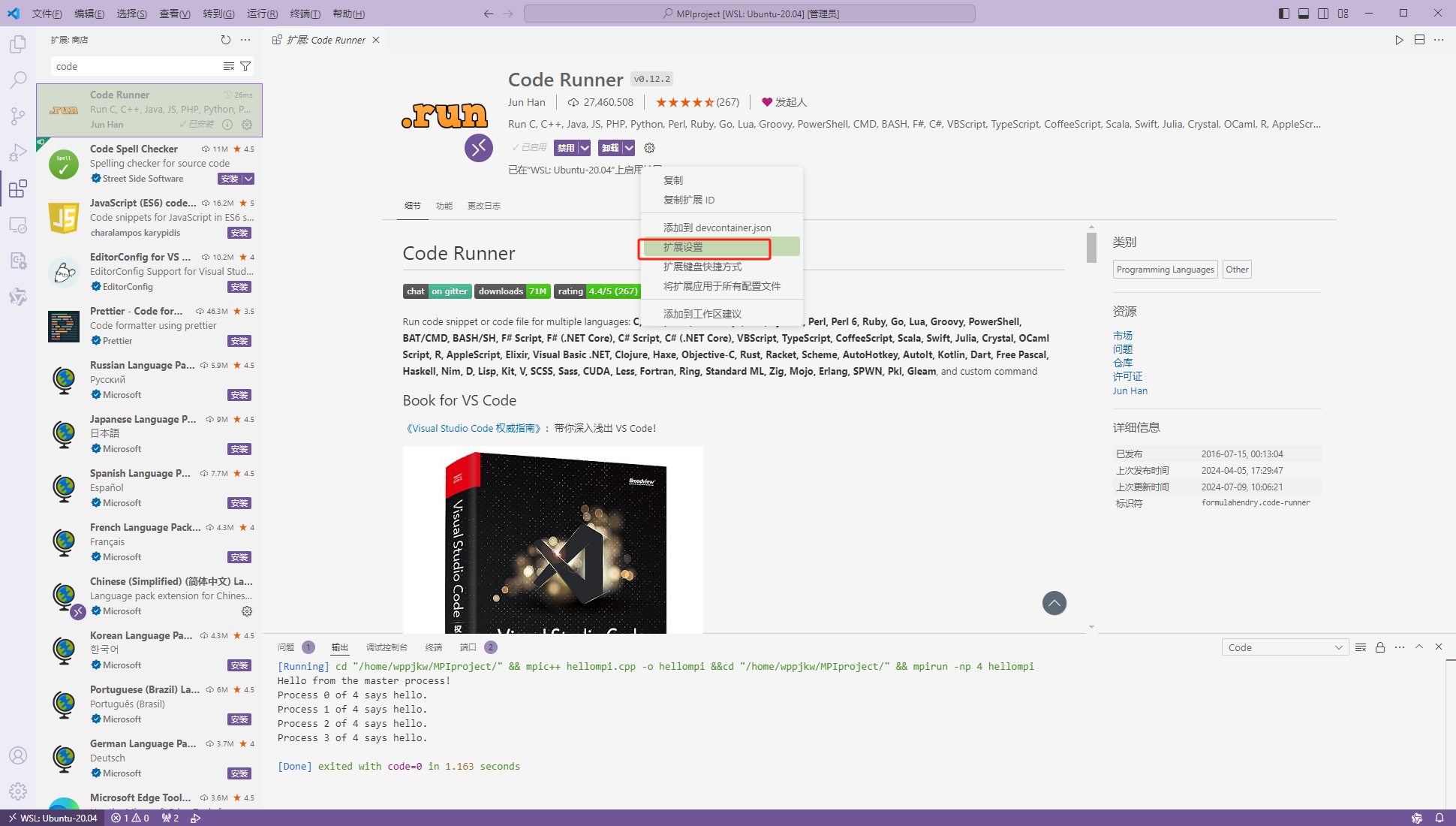
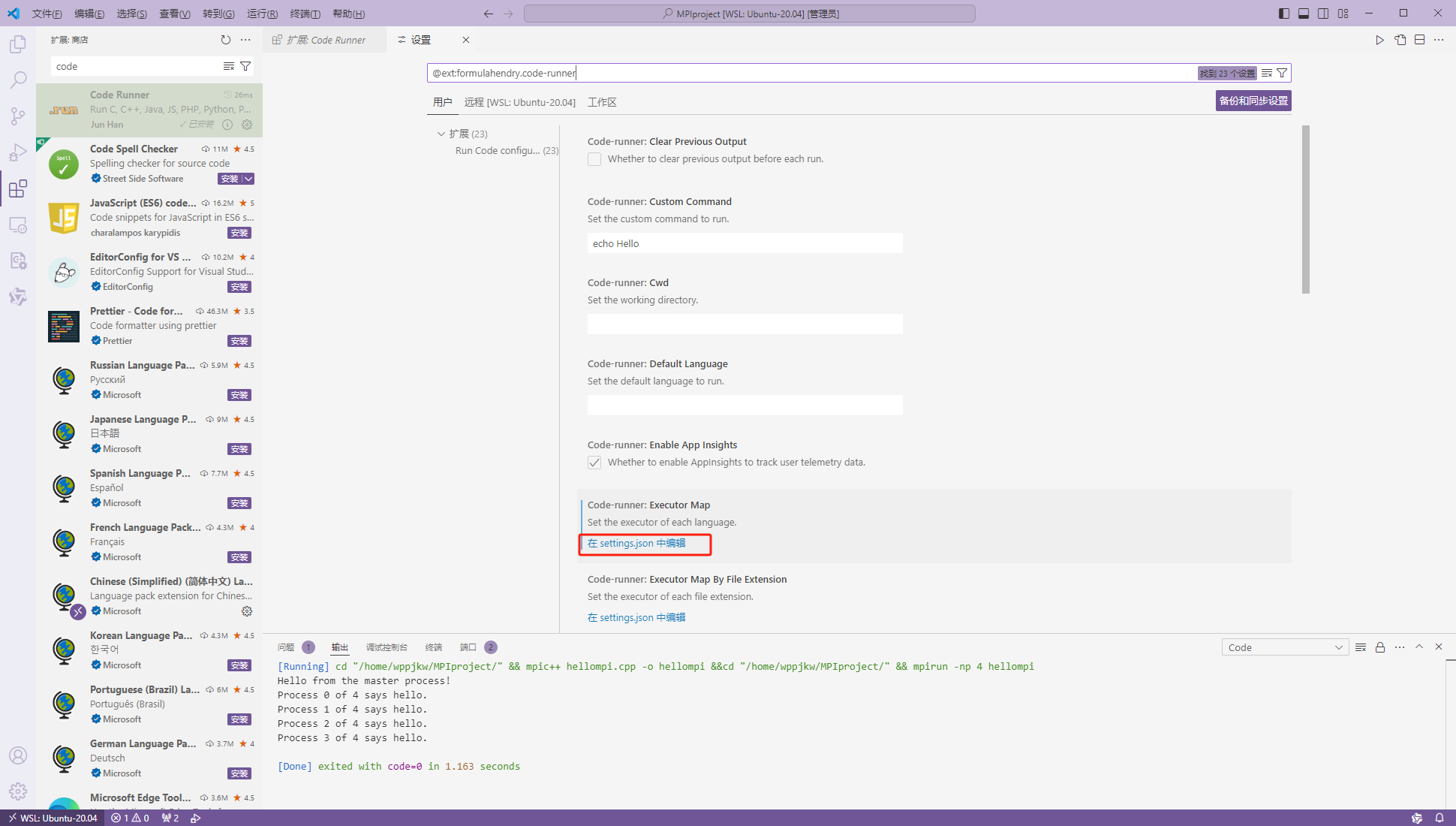
- 点击 在
setting.json中编辑
3.setting.json设置
这里我们以cpp为例
偷懒可以直接把下面的json文件做替换
{
    "workbench.colorTheme": "Quiet Light",
    "remote.SSH.showLoginTerminal": true,
    "remote.SSH.useFlock": false,
    "remote.SSH.useLocalServer": true,
    "security.workspace.trust.untrustedFiles": "open",
    "cmake.showOptionsMovedNotification": false,
    "remote.SSH.suppressWindowsSshWarning": true,
    "cmake.configureOnOpen": false,
    "git.ignoreMissingGitWarning": true,
    "python.createEnvironment.trigger": "off",
    "debug.onTaskErrors": "debugAnyway",
    "code-runner.executorMap": {


        "javascript": "node",
        "java": "cd $dir && javac $fileName && java $fileNameWithoutExt",
        "c": "cd $dir && gcc $fileName -o $fileNameWithoutExt && $dir$fileNameWithoutExt",
        "zig": "zig run",
        //"cpp": "cd $dir && g++ $fileName -o $fileNameWithoutExt && $dir$fileNameWithoutExt",
        "cpp" : "cd $dir && mpic++ $fileName -o $fileNameWithoutExt &&cd $dir && mpirun -np 4 $fileNameWithoutExt",
        "objective-c": "cd $dir && gcc -framework Cocoa $fileName -o $fileNameWithoutExt && $dir$fileNameWithoutExt",
        "php": "php",
        "python": "python -u",
        "perl": "perl",
        "perl6": "perl6",
        "ruby": "ruby",
        "go": "go run",
        "lua": "lua",
        "groovy": "groovy",
        "powershell": "powershell -ExecutionPolicy ByPass -File",
        "bat": "cmd /c",
        "shellscript": "bash",
        "fsharp": "fsi",
        "csharp": "scriptcs",
        "vbscript": "cscript //Nologo",
        "typescript": "ts-node",
        "coffeescript": "coffee",
        "scala": "scala",
        "swift": "swift",
        "julia": "julia",
        "crystal": "crystal",
        "ocaml": "ocaml",
        "r": "Rscript",
        "applescript": "osascript",
        "clojure": "lein exec",
        "haxe": "haxe --cwd $dirWithoutTrailingSlash --run $fileNameWithoutExt",
        "rust": "cd $dir && rustc $fileName && $dir$fileNameWithoutExt",
        "racket": "racket",
        "scheme": "csi -script",
        "ahk": "autohotkey",
        "autoit": "autoit3",
        "dart": "dart",
        "pascal": "cd $dir && fpc $fileName && $dir$fileNameWithoutExt",
        "d": "cd $dir && dmd $fileName && $dir$fileNameWithoutExt",
        "haskell": "runghc",
        "nim": "nim compile --verbosity:0 --hints:off --run",
        "lisp": "sbcl --script",
        "kit": "kitc --run",
        "v": "v run",
        "sass": "sass --style expanded",
        "scss": "scss --style expanded",
        "less": "cd $dir && lessc $fileName $fileNameWithoutExt.css",
        "FortranFreeForm": "cd $dir && gfortran $fileName -o $fileNameWithoutExt && $dir$fileNameWithoutExt",
        "fortran-modern": "cd $dir && gfortran $fileName -o $fileNameWithoutExt && $dir$fileNameWithoutExt",
        "fortran_fixed-form": "cd $dir && gfortran $fileName -o $fileNameWithoutExt && $dir$fileNameWithoutExt",
        "fortran": "cd $dir && gfortran $fileName -o $fileNameWithoutExt && $dir$fileNameWithoutExt",
        "sml": "cd $dir && sml $fileName",
        "mojo": "mojo run",
        "erlang": "escript",
        "spwn": "spwn build",
        "pkl": "cd $dir && pkl eval -f yaml $fileName -o $fileNameWithoutExt.yaml",
        "gleam": "gleam run -m $fileNameWithoutExt"
    }
}
我们需要修改的是c/cpp的配置
首先注释掉原来的配置
之后做如下修改:
"cpp" : "cd $dir && mpic++ $fileName -o $fileNameWithoutExt &&cd $dir && mpirun -np 4 $fileNameWithoutExt",
其中 -o命令后面可以修改一下地址 集中将可执行文件放置在某目录下 如果不做修改 exe将生成在源代码旁边
-np后面可以修改线程数 这里固定为4,可以根据需要做修改
4.运行效果
直接点击Run Code或者Ctrl+Alt+N即可运行代码
运行效果如下:


 浙公网安备 33010602011771号