Python学习笔记(九)
Python学习笔记(九)—— Python计算生态
一、从数据处理到人工智能
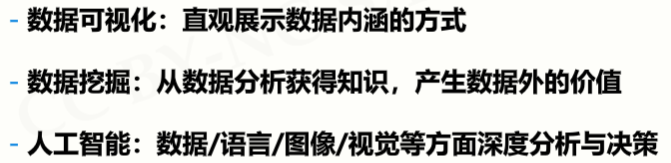
1、流程


2、Python库的使用
2.1 Python库之数据分析
2.2.1 Numpy

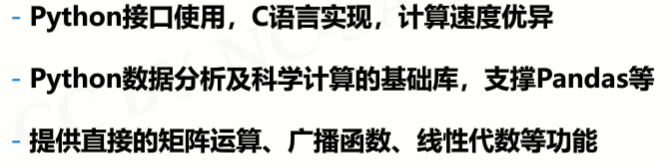
例子:
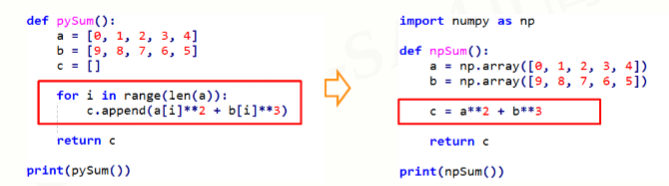
2.2.2 Pandas

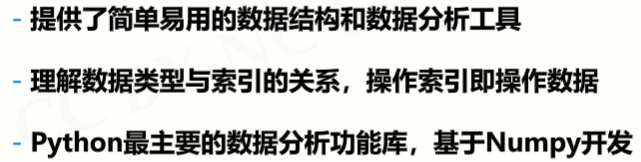
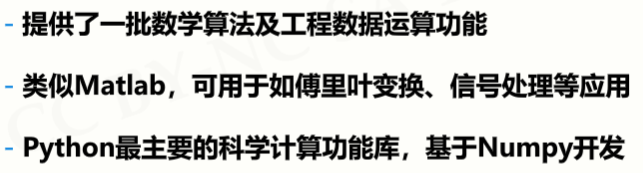
2.2.3 SciPy


2.2 Python库之数据可视化
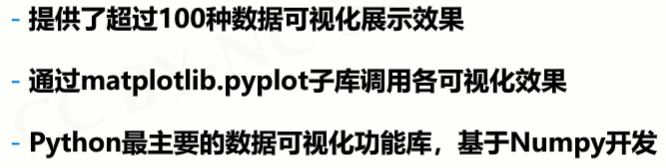
2.2.1 Matplotlib

2.2.2 Seaborn


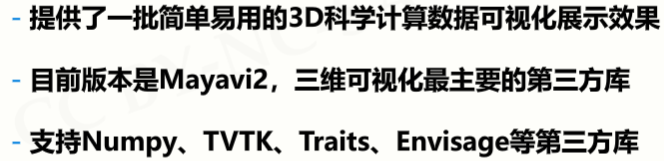
2.2.3 Mayavi

2.3 Python库之文本处理
2.3.1 PyPDF2


2.3.2 NLTK


2.3.3 Python-docx


2.4 Python库之机器学习
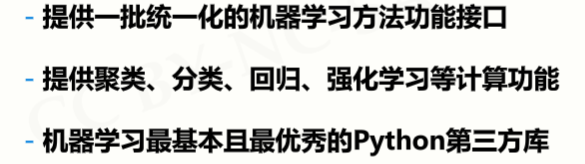
2.4.1 Scikit-learn


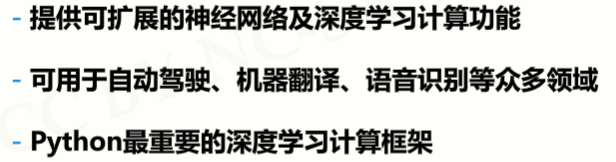
2.4.2 TensorFlow

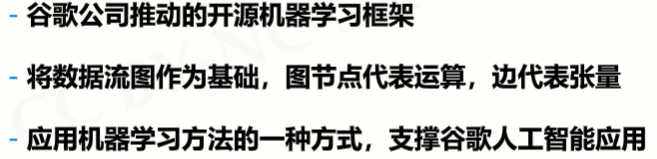
2.4.3 MXNet

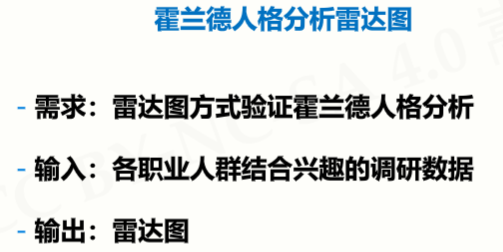
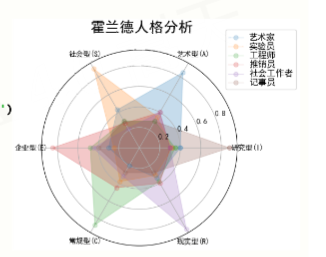
二、实例:霍兰德人格分析雷达图
1、问题分析

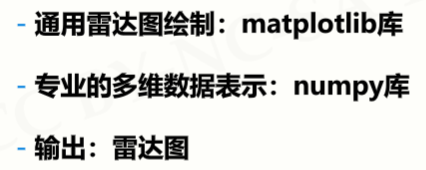
2、实例展示
#HollandRadarDraw
import numpy as np
import matplotlib.pyplot as plt
import matplotlib
matplotlib.rcParams['font.family']='SimHei'
radar_labels = np.array(['研究型(I)','艺术型(A)','社会型(S)',\
                         '企业型(E)','常规型(C)','现实型(R)']) #雷达标签
nAttr = 6
data = np.array([[0.40, 0.32, 0.35, 0.30, 0.30, 0.88],
                 [0.85, 0.35, 0.30, 0.40, 0.40, 0.30],
                 [0.43, 0.89, 0.30, 0.28, 0.22, 0.30],
                 [0.30, 0.25, 0.48, 0.85, 0.45, 0.40],
                 [0.20, 0.38, 0.87, 0.45, 0.32, 0.28],
                 [0.34, 0.31, 0.38, 0.40, 0.92, 0.28]]) #数据值
data_labels = ('艺术家', '实验员', '工程师', '推销员', '社会工作者','记事员')
angles = np.linspace(0, 2*np.pi, nAttr, endpoint=False)
data = np.concatenate((data, [data[0]]))
angles = np.concatenate((angles, [angles[0]]))
fig = plt.figure(facecolor="white")
plt.subplot(111, polar=True)
plt.plot(angles,data,'o-', linewidth=1, alpha=0.2)
plt.fill(angles,data, alpha=0.25)
plt.thetagrids(angles*180/np.pi, radar_labels,frac = 1.2)
plt.figtext(0.52, 0.95, '霍兰德人格分析', ha='center', size=20)
legend = plt.legend(data_labels, loc=(0.94, 0.80), labelspacing=0.1)
plt.setp(legend.get_texts(), fontsize='large')
plt.grid(True)
plt.savefig('holland_radar.jpg')
plt.show()
结果:
三、从Web解析到网络空间
1、Python库之网络爬虫
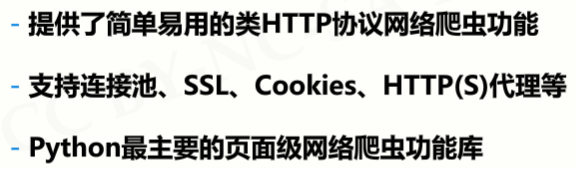
1.1 Requests

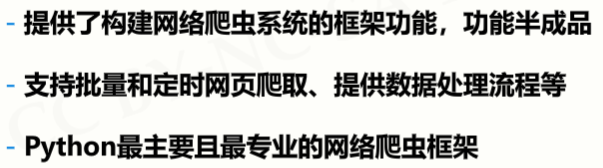
1.2 Scapy

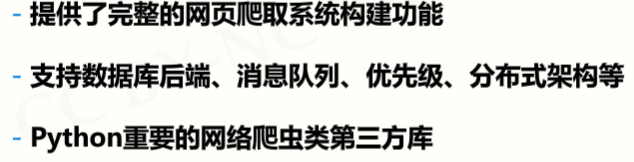
1.3 pyspider

2、Python库之Web信息提取
2.1 Beautiful Soup


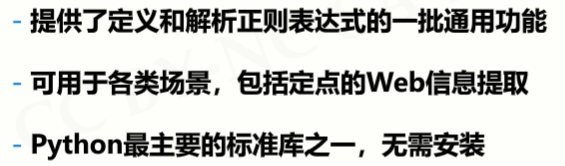
2.2 Re

2.3 Python-Goose


3、Python库之Web网站开发
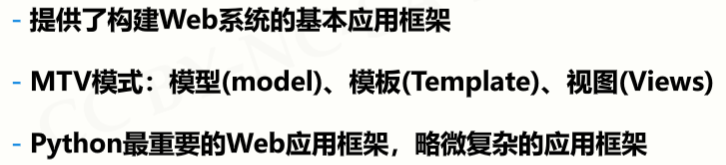
3.1 Django

3.2 Pyramid

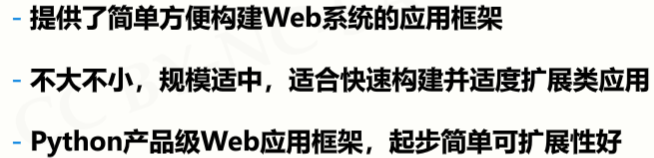
3.3 Flask


4、Python库之网络应用开发
4.1 WeRoBot


4.2 aip


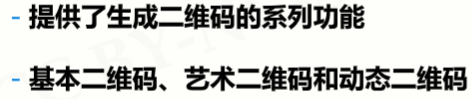
4.3 MyQR

四、从人机交互到艺术设计
1、Python库之图形用户界面
1.1 PyQt5


1.2 wxPython

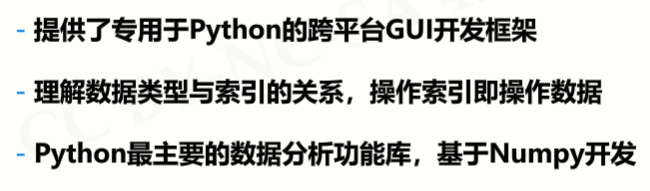
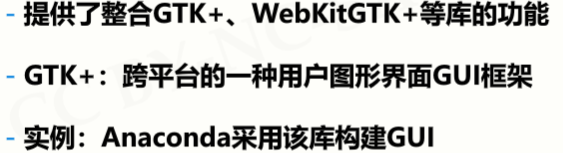
1.3 PyGObject

2、Python库之游戏开发
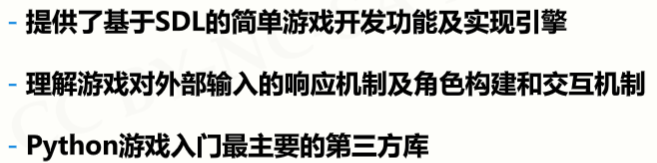
2.1 P有Game

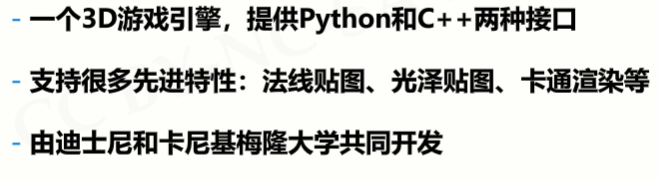
2.2 Panda3D

2.3 cocos2d

3、Python库之虚拟现实
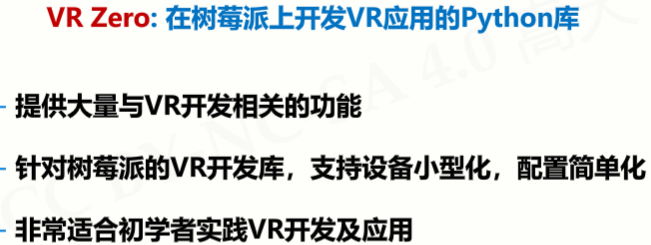
3.1 VR Zero
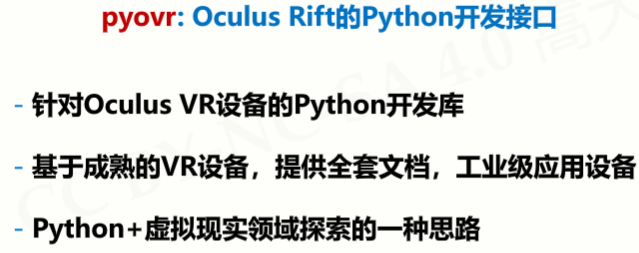
3.2 pyovr
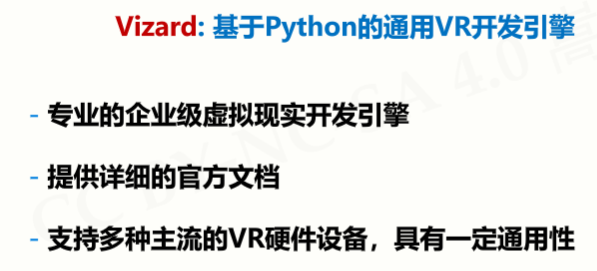
3.3 Vizard
4、Python库之图形艺术
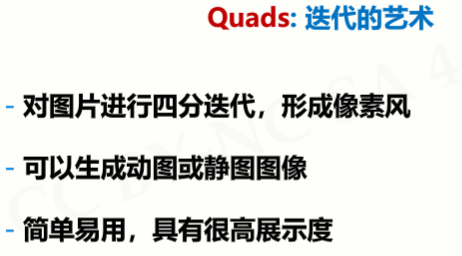
4.1 Quads
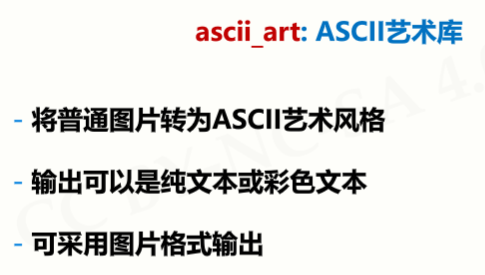
4.2 ascii_art
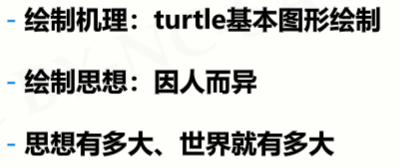
4.3 turtle

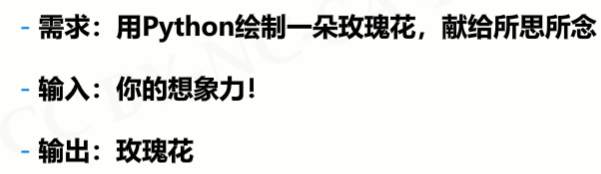
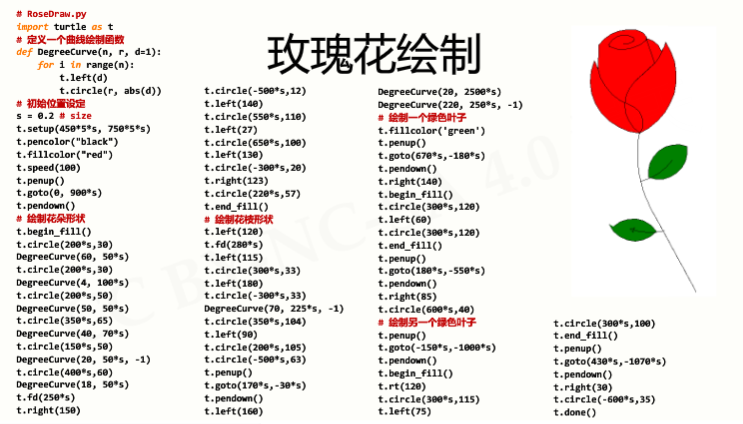
五、实例:玫瑰花绘制
1、问题分析
2、
代码
#RoseDraw.py
import turtle as t
# 定义一个曲线绘制函数
def DegreeCurve(n, r, d=1):
    for i in range(n):
        t.left(d)
        t.circle(r, abs(d))
# 初始位置设定
s = 0.2 # size
t.setup(450*5*s, 750*5*s)
t.pencolor("black")
t.fillcolor("red")
t.speed(100)
t.penup()
t.goto(0, 900*s)
t.pendown()
# 绘制花朵形状
t.begin_fill()
t.circle(200*s,30)
DegreeCurve(60, 50*s)
t.circle(200*s,30)
DegreeCurve(4, 100*s)
t.circle(200*s,50)
DegreeCurve(50, 50*s)
t.circle(350*s,65)
DegreeCurve(40, 70*s)
t.circle(150*s,50)
DegreeCurve(20, 50*s, -1)
t.circle(400*s,60)
DegreeCurve(18, 50*s)
t.fd(250*s)
t.right(150)
t.circle(-500*s,12)
t.left(140)
t.circle(550*s,110)
t.left(27)
t.circle(650*s,100)
t.left(130)
t.circle(-300*s,20)
t.right(123)
t.circle(220*s,57)
t.end_fill()
# 绘制花枝形状
t.left(120)
t.fd(280*s)
t.left(115)
t.circle(300*s,33)
t.left(180)
t.circle(-300*s,33)
DegreeCurve(70, 225*s, -1)
t.circle(350*s,104)
t.left(90)
t.circle(200*s,105)
t.circle(-500*s,63)
t.penup()
t.goto(170*s,-30*s)
t.pendown()
t.left(160)
DegreeCurve(20, 2500*s)
DegreeCurve(220, 250*s, -1)
# 绘制一个绿色叶子
t.fillcolor('green')
t.penup()
t.goto(670*s,-180*s)
t.pendown()
t.right(140)
t.begin_fill()
t.circle(300*s,120)
t.left(60)
t.circle(300*s,120)
t.end_fill()
t.penup()
t.goto(180*s,-550*s)
t.pendown()
t.right(85)
t.circle(600*s,40)
# 绘制另一个绿色叶子
t.penup()
t.goto(-150*s,-1000*s)
t.pendown()
t.begin_fill()
t.rt(120)
t.circle(300*s,115)
t.left(75)
t.circle(300*s,100)
t.end_fill()
t.penup()
t.goto(430*s,-1070*s)
t.pendown()
t.right(30)
t.circle(-600*s,35)
t.done()

 浙公网安备 33010602011771号