
110_webpack学习使用
目录
什么是Webpack
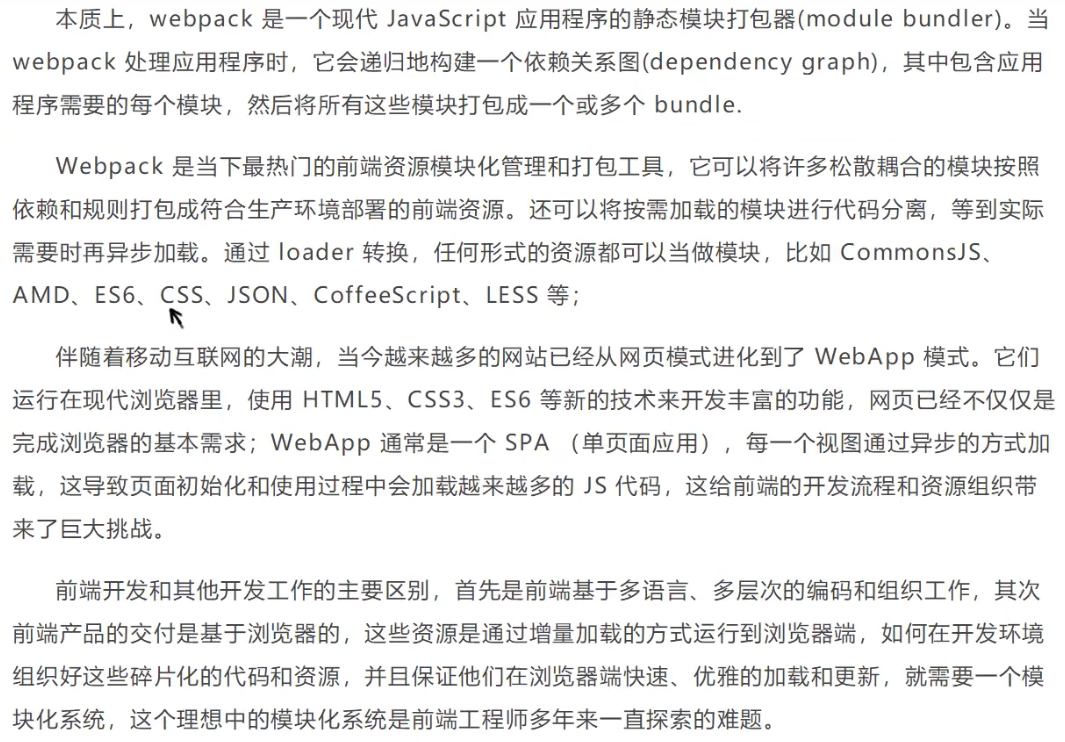
模块化的演进
Script标签
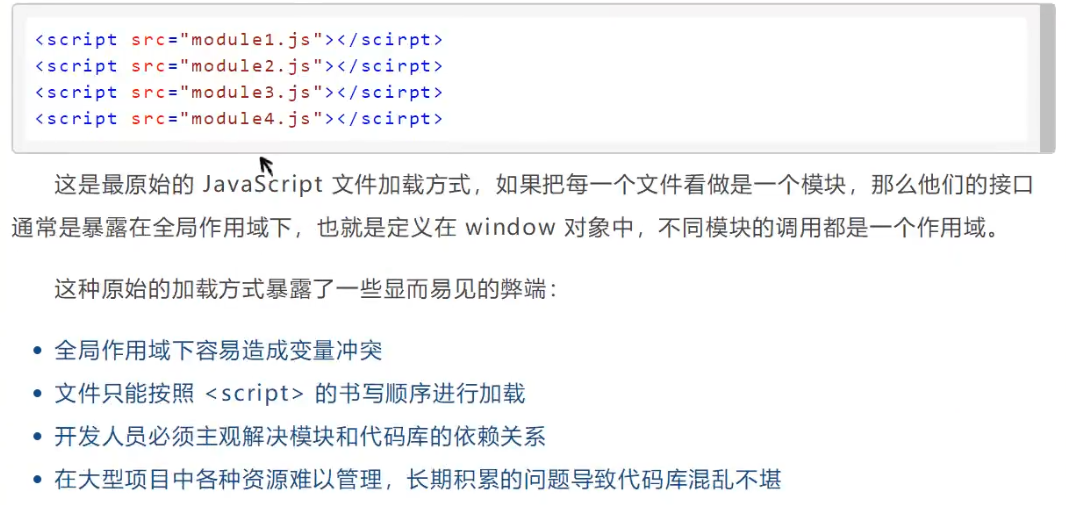
CommonsJS
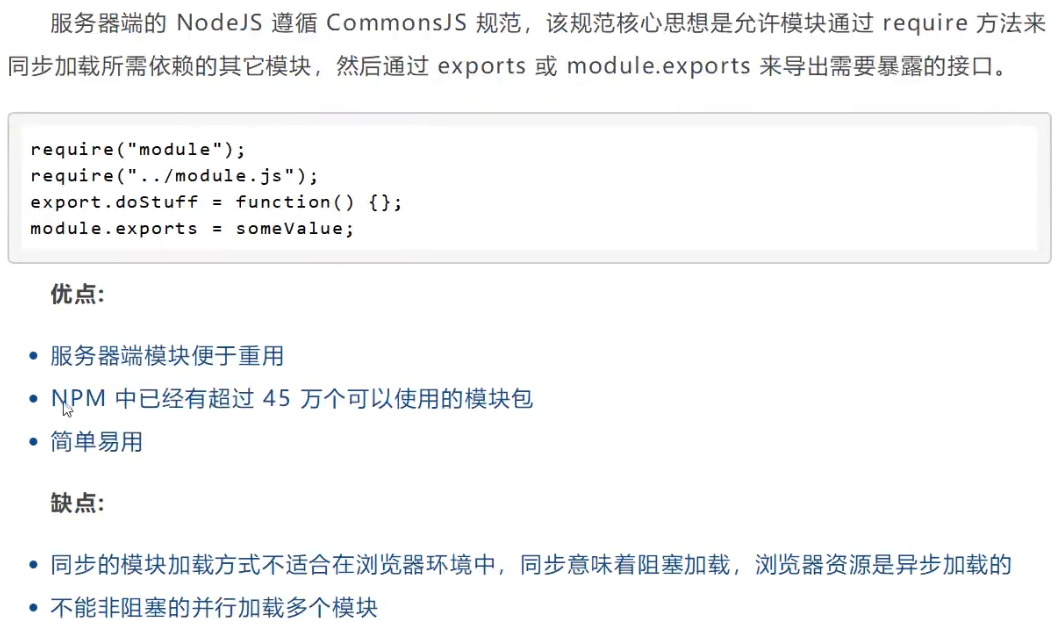
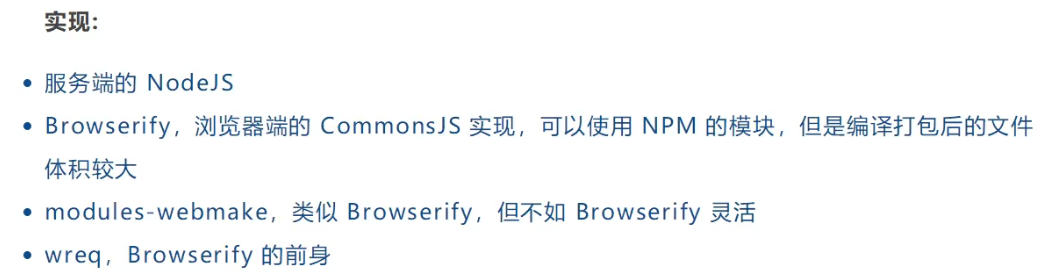
AMD
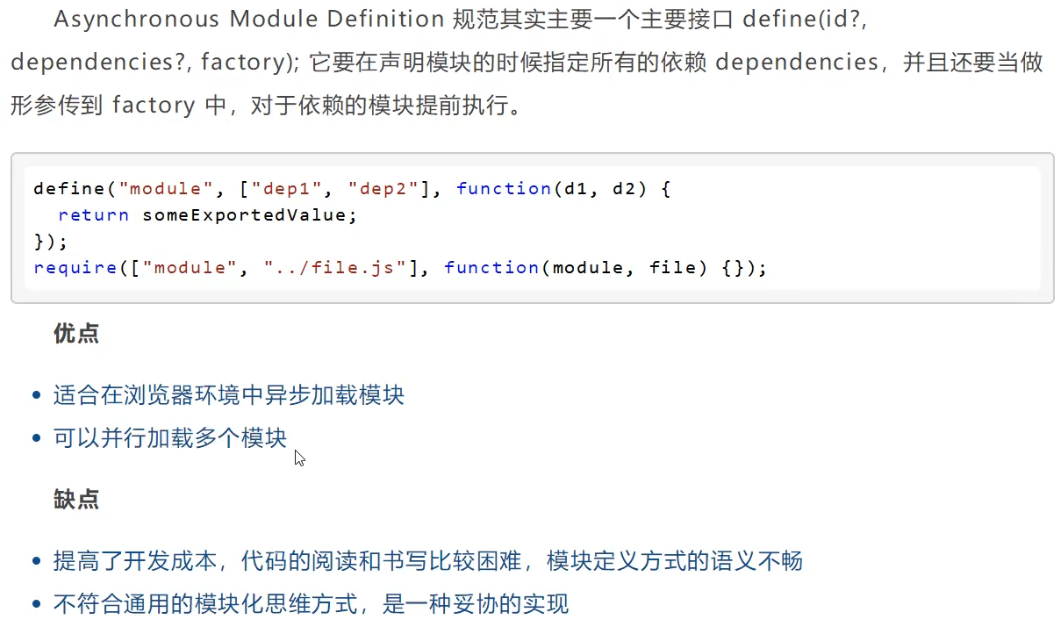

CMD
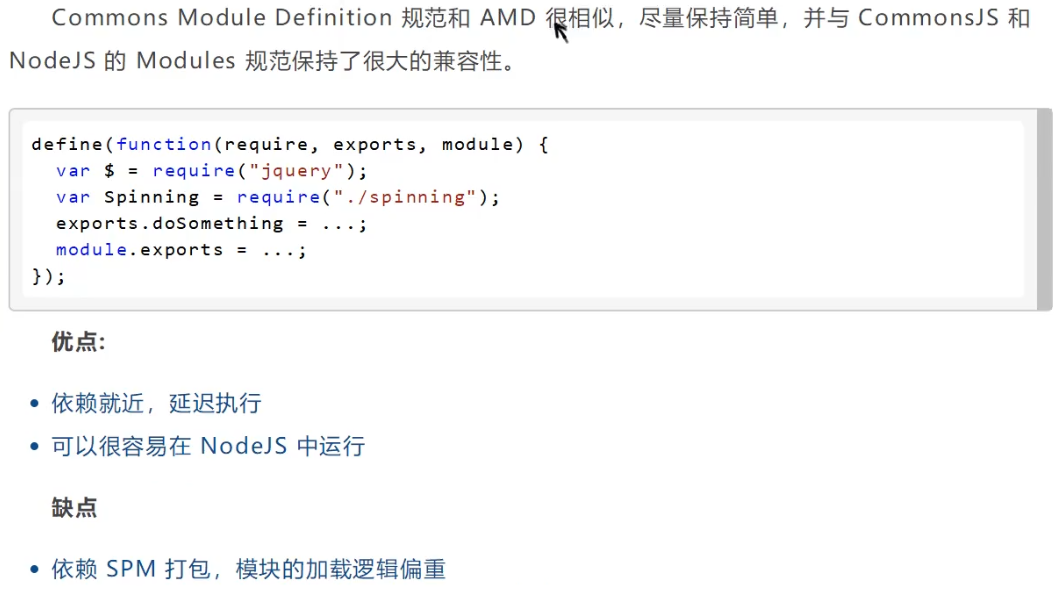

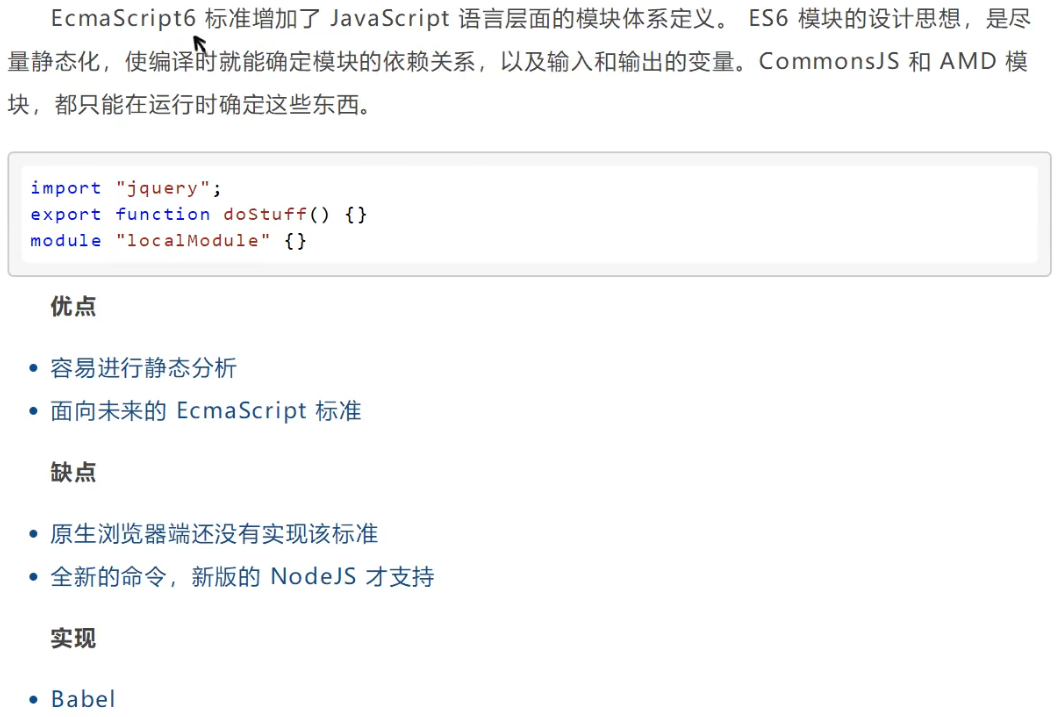
ES6模块
安装Webpack

npm install webpack -g
npm install webpack-cli -g

安装卡时,可以使用cnpm,但尽量使用npm

cnpm install webpack -g
cnpm install webpack-cli -g
C:\Users\Administrator>webpack -v
webpack: 5.57.1
webpack-cli: 4.9.0
webpack-dev-server not installed

C:\Users\Administrator>webpack-cli -v
webpack: 5.57.1
webpack-cli: 4.9.0
webpack-dev-server not installed

C:\Users\Administrator>
配置
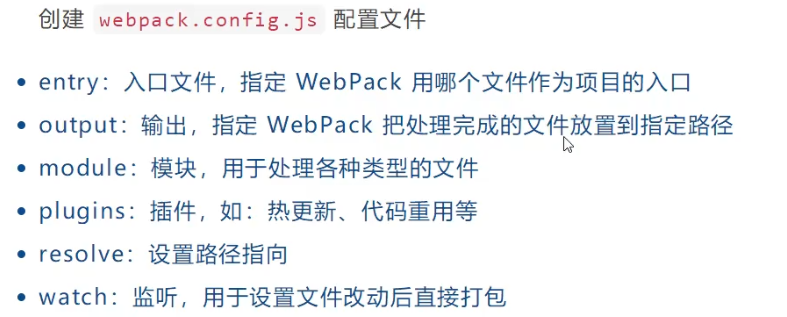
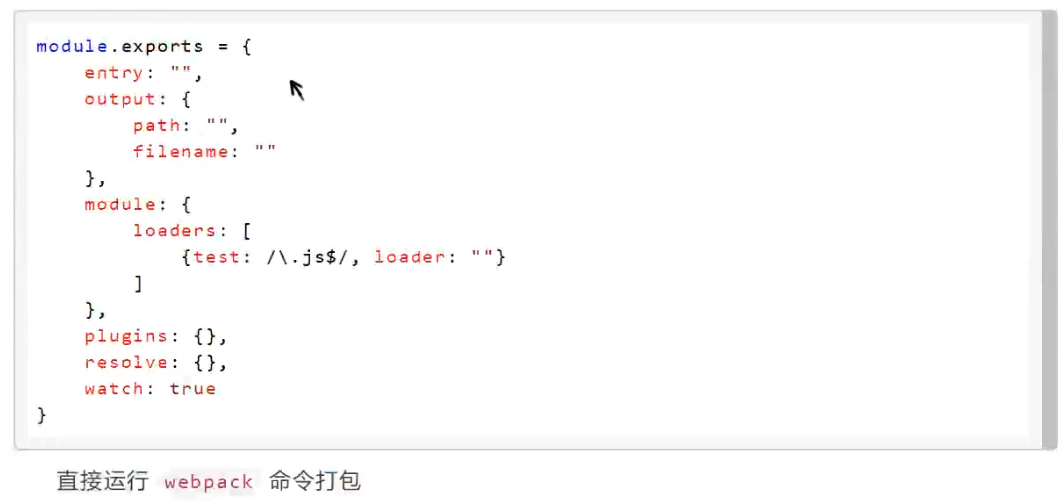
使用Webpack
创建项目webpack-study

idea打开项目
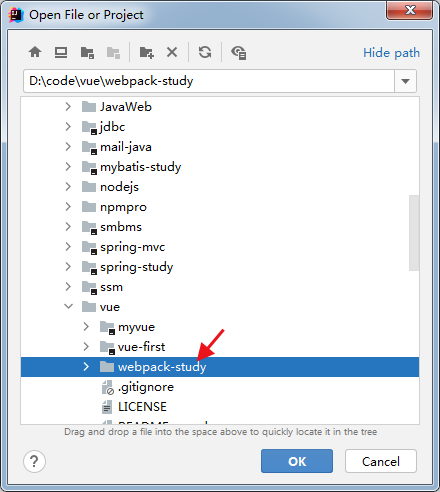
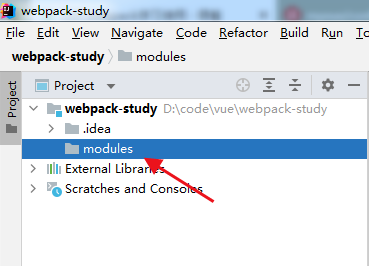
创建modules目录,用于放置js模块等资源文件
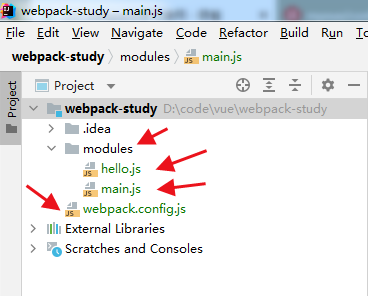
在modules下创建模块文件,如hello.js,用于编写js模块相关代码
// 暴露一个方法
exports.sayHi = function () {
    document.write("<div>暴露一个方法</div>");
}
在modules下创建main.js入口文件,用于打包时设置entry属性
var hello = require("./hello");
hello.sayHi();

在项目目录下创建webpack.config.js配置文件,使用webpack命令打包
module.exports = {
    entry: './modules/main.js',
    output: {
        filename: './js/bundle.js'
    }
}

webpack命令打包报错:无法加载文件 C:\Users\Administrator\AppData\Roaming\npm\webpack.ps1
PS D:\code\vue\webpack-study> webpack
无法加载文件 C:\Users\Administrator\AppData\Roaming\npm\webpack.ps1,因为在此系统中禁止执行脚本。有关详细信息,请参阅 "get-help about_signing"。
所在位置 行:1 字符: 8
+ webpack <<<<
    + CategoryInfo          : NotSpecified: (:) [], PSSecurityException
    + FullyQualifiedErrorId : RuntimeException
解决
参考文档:https://blog.csdn.net/Autism_er/article/details/108444522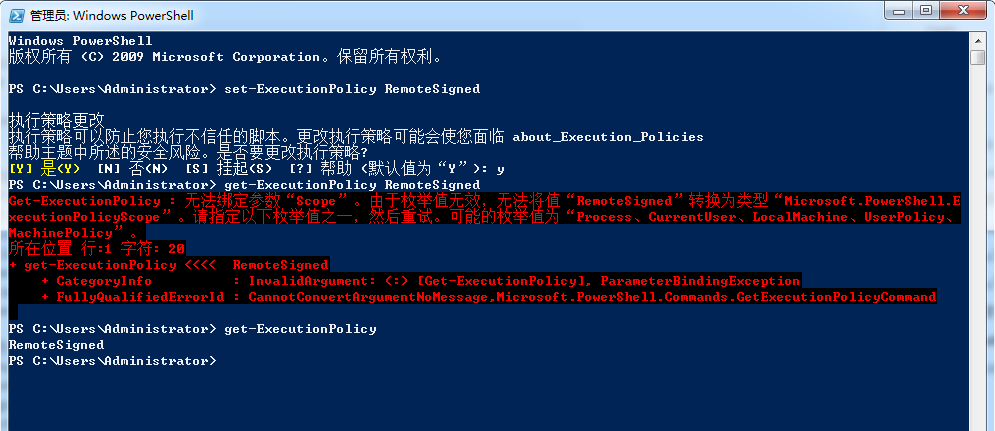
Windows PowerShell
版权所有 (C) 2009 Microsoft Corporation。保留所有权利。

PS C:\Users\Administrator> set-ExecutionPolicy RemoteSigned

执行策略更改
执行策略可以防止您执行不信任的脚本。更改执行策略可能会使您面临 about_Execution_Policies
帮助主题中所述的安全风险。是否要更改执行策略?
[Y] 是(Y)  [N] 否(N)  [S] 挂起(S)  [?] 帮助 (默认值为“Y”): y
PS C:\Users\Administrator> get-ExecutionPolicy RemoteSigned
Get-ExecutionPolicy : 无法绑定参数“Scope”。由于枚举值无效,无法将值“RemoteSigned”转换为类型“Microsoft.PowerShell.E
xecutionPolicyScope”。请指定以下枚举值之一,然后重试。可能的枚举值为“Process、CurrentUser、LocalMachine、UserPolicy、
MachinePolicy”。
所在位置 行:1 字符: 20
+ get-ExecutionPolicy <<<<  RemoteSigned
    + CategoryInfo          : InvalidArgument: (:) [Get-ExecutionPolicy], ParameterBindingException
    + FullyQualifiedErrorId : CannotConvertArgumentNoMessage,Microsoft.PowerShell.Commands.GetExecutionPolicyCommand

PS C:\Users\Administrator> get-ExecutionPolicy
RemoteSigned
PS C:\Users\Administrator>
webpack命令打包,生成dist/js/bundle.js
PS D:\code\vue\webpack-study> webpack
asset ./js/bundle.js 237 bytes [emitted] [minimized] (name: main)
./modules/main.js 47 bytes [built] [code generated]
./modules/hello.js 109 bytes [built] [code generated]

WARNING in configuration
The 'mode' option has not been set, webpack will fallback to 'production' for this value.
Set 'mode' option to 'development' or 'production' to enable defaults for each environment.
You can also set it to 'none' to disable any default behavior. Learn more: https://webpack.js.org/configuration/mode/

webpack 5.57.1 compiled with 1 warning in 711 ms
PS D:\code\vue\webpack-study>
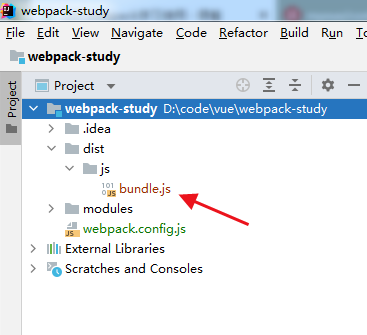
(()=>{var r={645:(r,t)=>{t.sayHi=function(){document.write("<div>暴露一个方法</div>")}}},t={};(function i(e){var o=t[e];if(void 0!==o)return o.exports;var n=t[e]={exports:{}};return r[e](n,n.exports,i),n.exports})(645).sayHi()})();
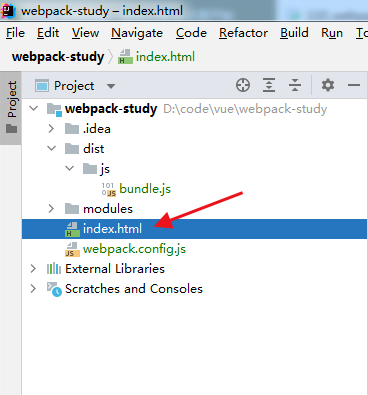
在项目目录下创建index.html,导入webpack打包后的js文件
<!DOCTYPE html>
<html lang="en">
<head>
    <meta charset="UTF-8">
    <title>Title</title>
</head>
<body>
<script src="dist/js/bundle.js"></script>
</body>
</html>
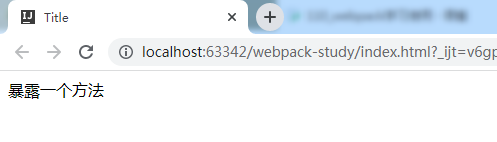
打开浏览器测试
webpack --watch实现热部署
webpack --watch
watch用于监听变化,代码改变后,会自动打包,实现热部署

 浙公网安备 33010602011771号