

ububtu+windows双系统,优化阶段
双系统安装步骤
参见上篇博客,安装步骤及主题定制
oc主题下载界面
https://github.com/chris1111/My-Simple-OC-Themes/releases/tag/Archive_New-Themes
ubuntu下浏览器无法输入法中文问题
24.04版本中,系统可以输入中文,edge无法输入中文,建议降级edge或者升级fcitx5解决
edge下载
fcitx5安装
sudo apt update
sudo apt install fcitx5 fcitx5-config-qt fcitx5-frontend-gtk3 fcitx5-frontend-qt5
设置fcitx开机自启动
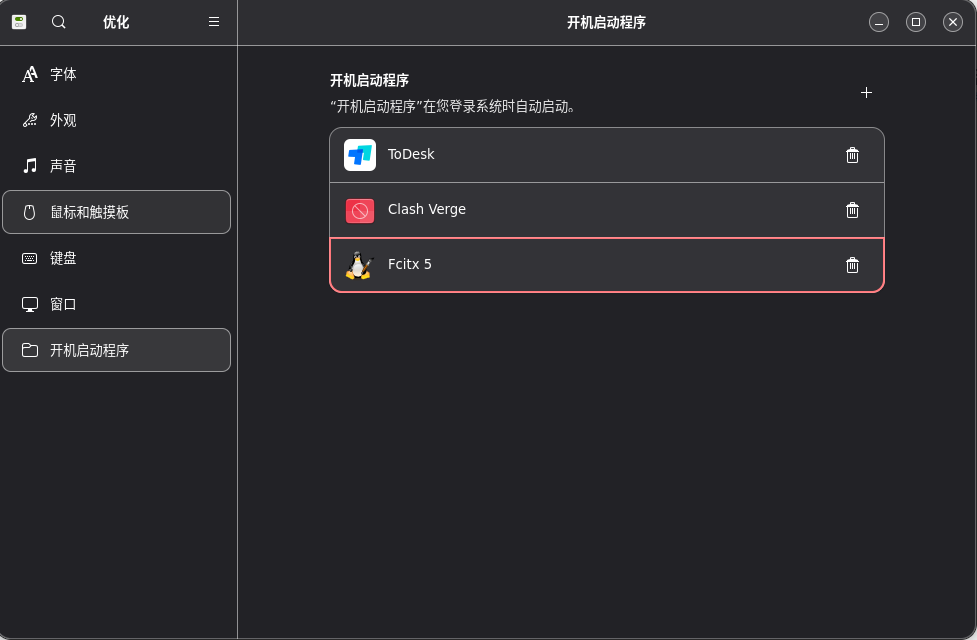
wine安装,用于支持部分windows程序的运行
wine安装参见博客:
https://blog.csdn.net/wenxiaocsdn/article/details/143914086?spm=1001.2014.3001.5502
Debian/Ubuntu · Wiki · wine / wine · GitLab
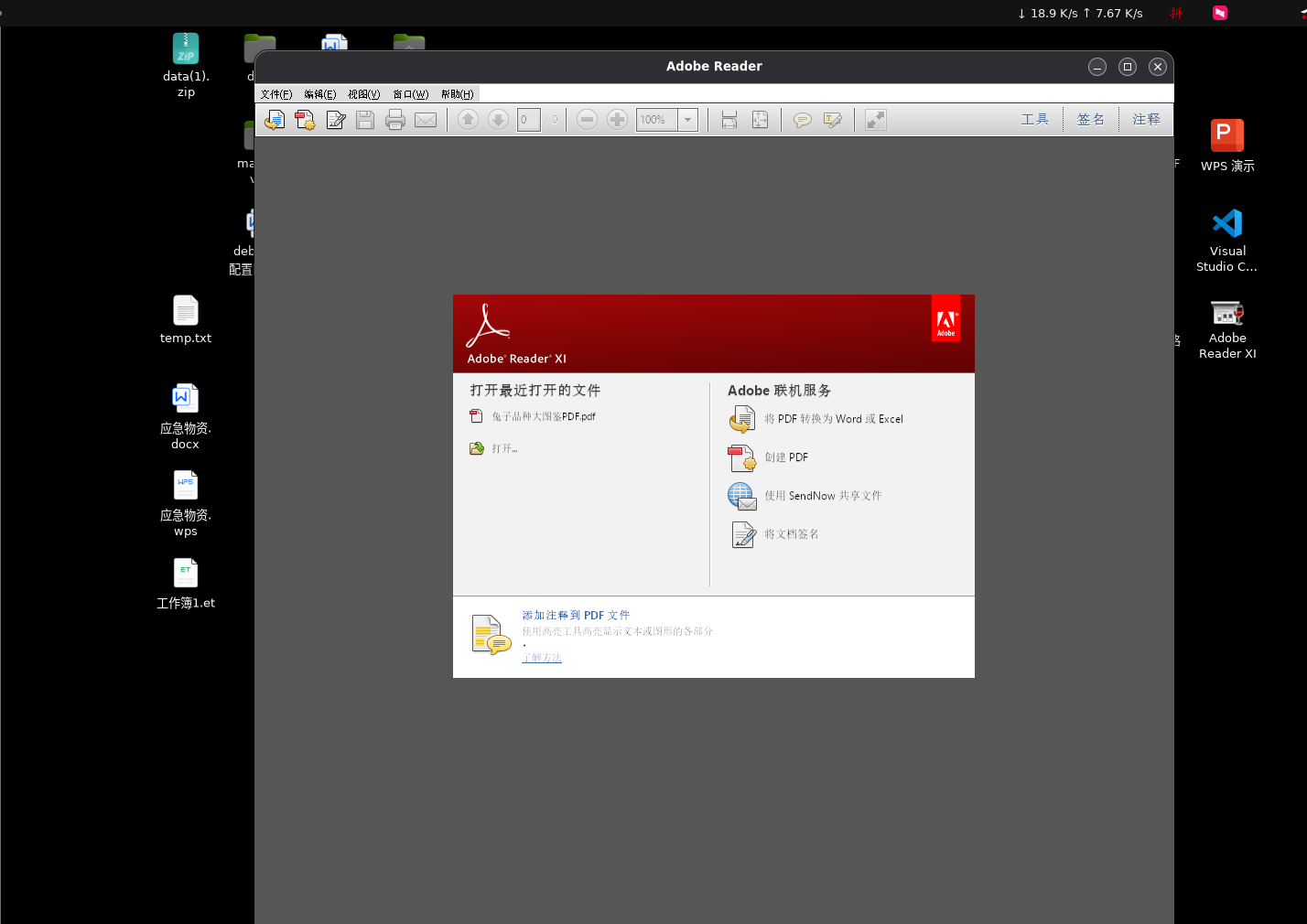
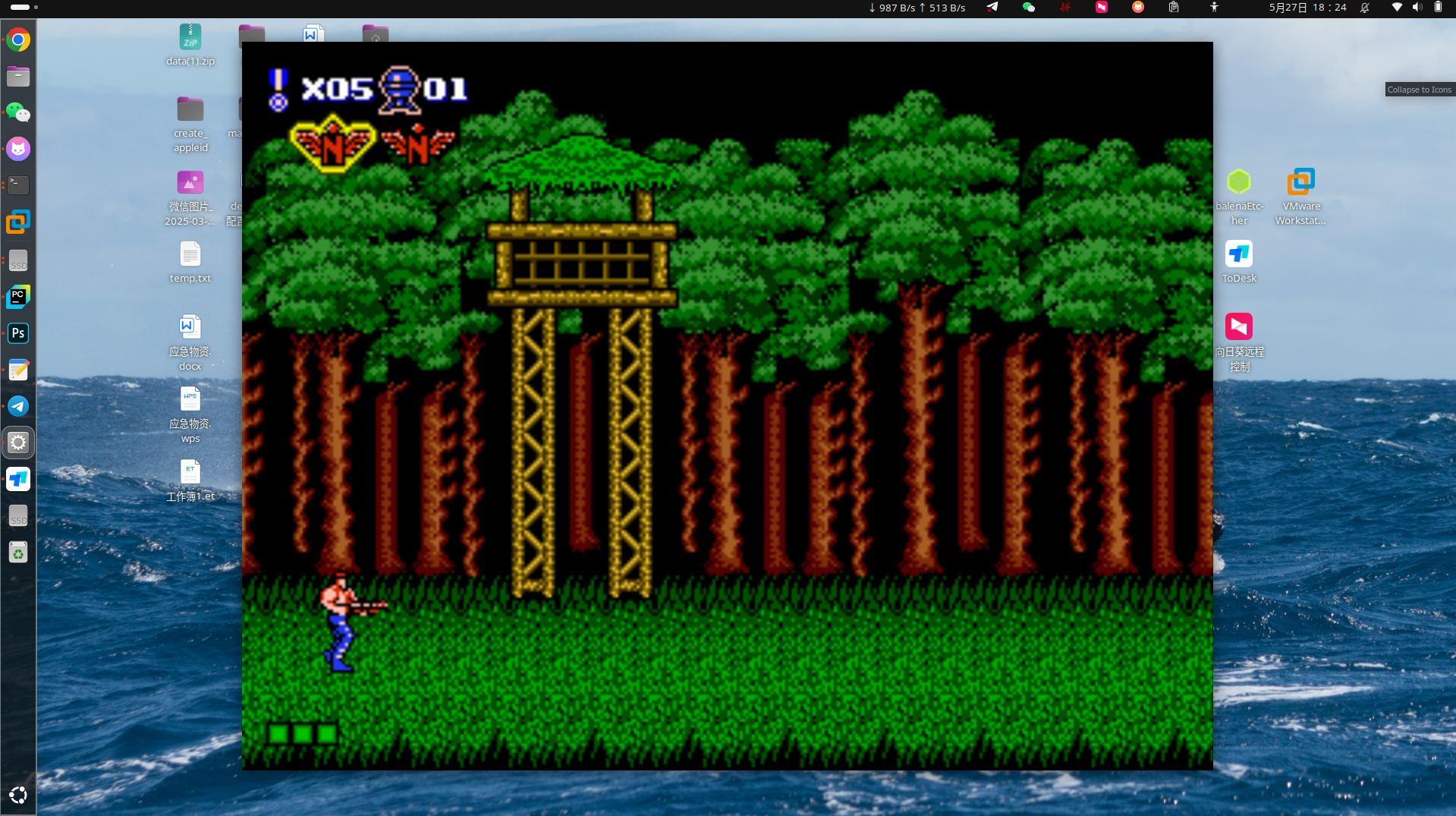
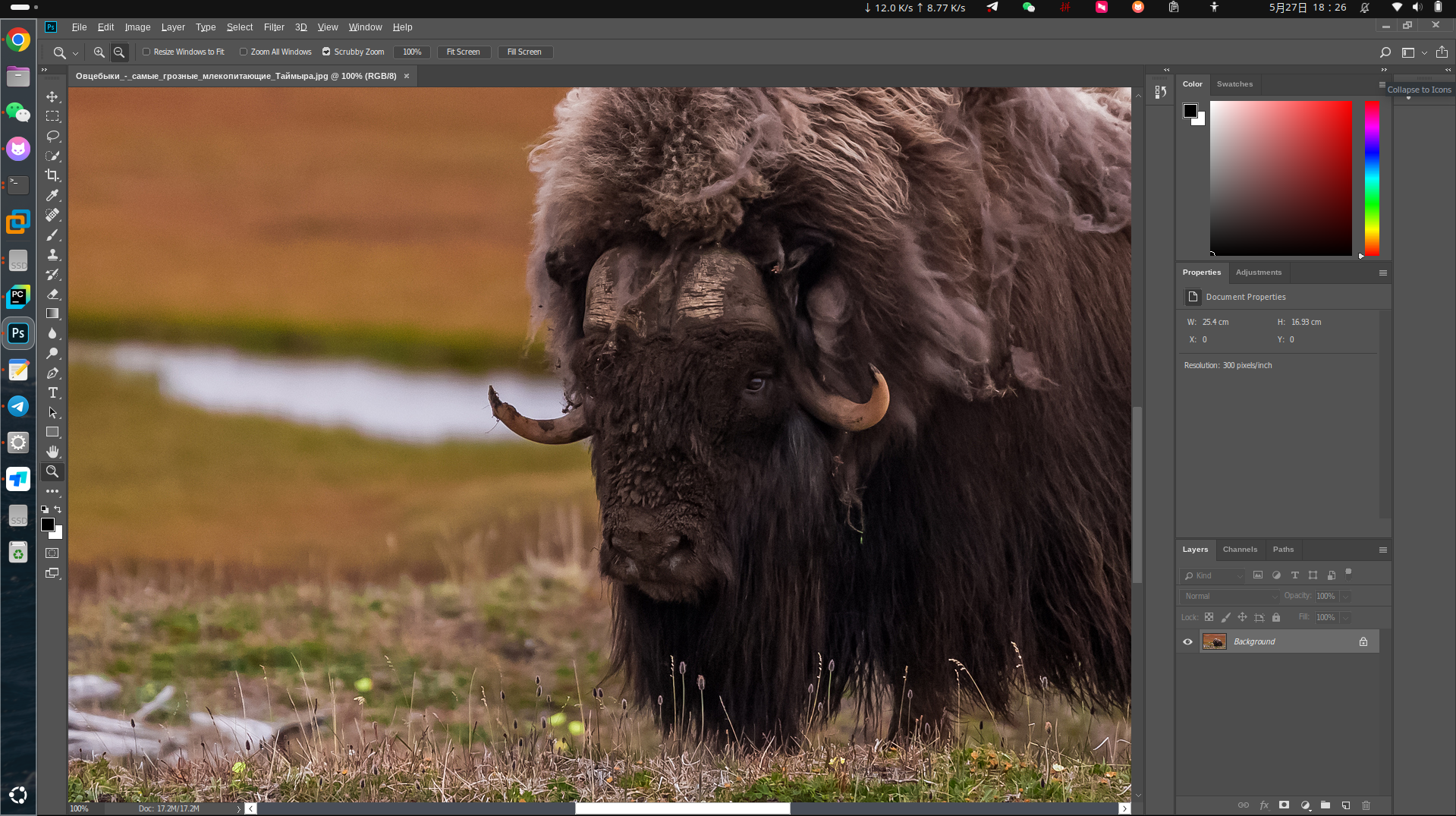
如adobe,office,adobe photoshop,魂斗罗小游戏等
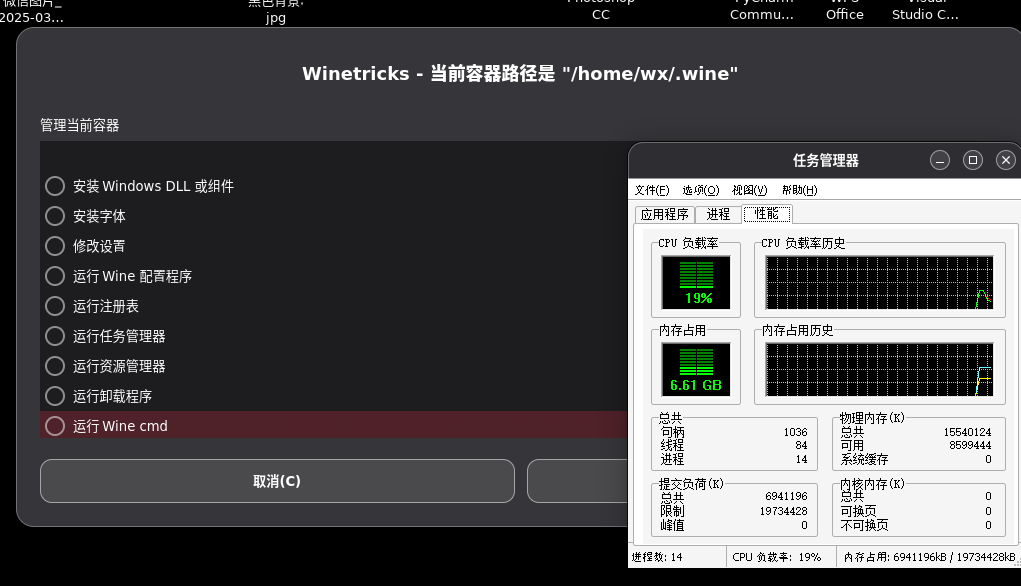
wine下调用任务管理器
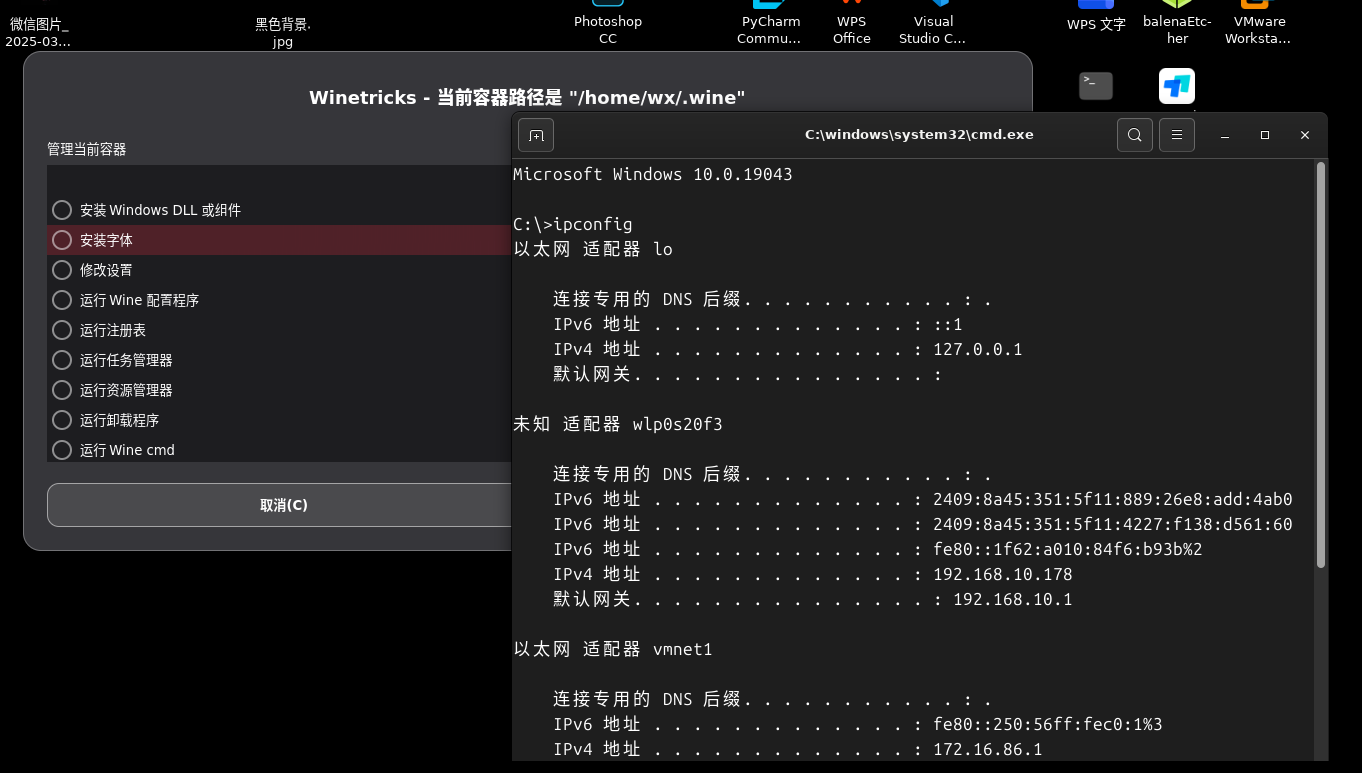
wine下调用cmd
ubutu插件优化
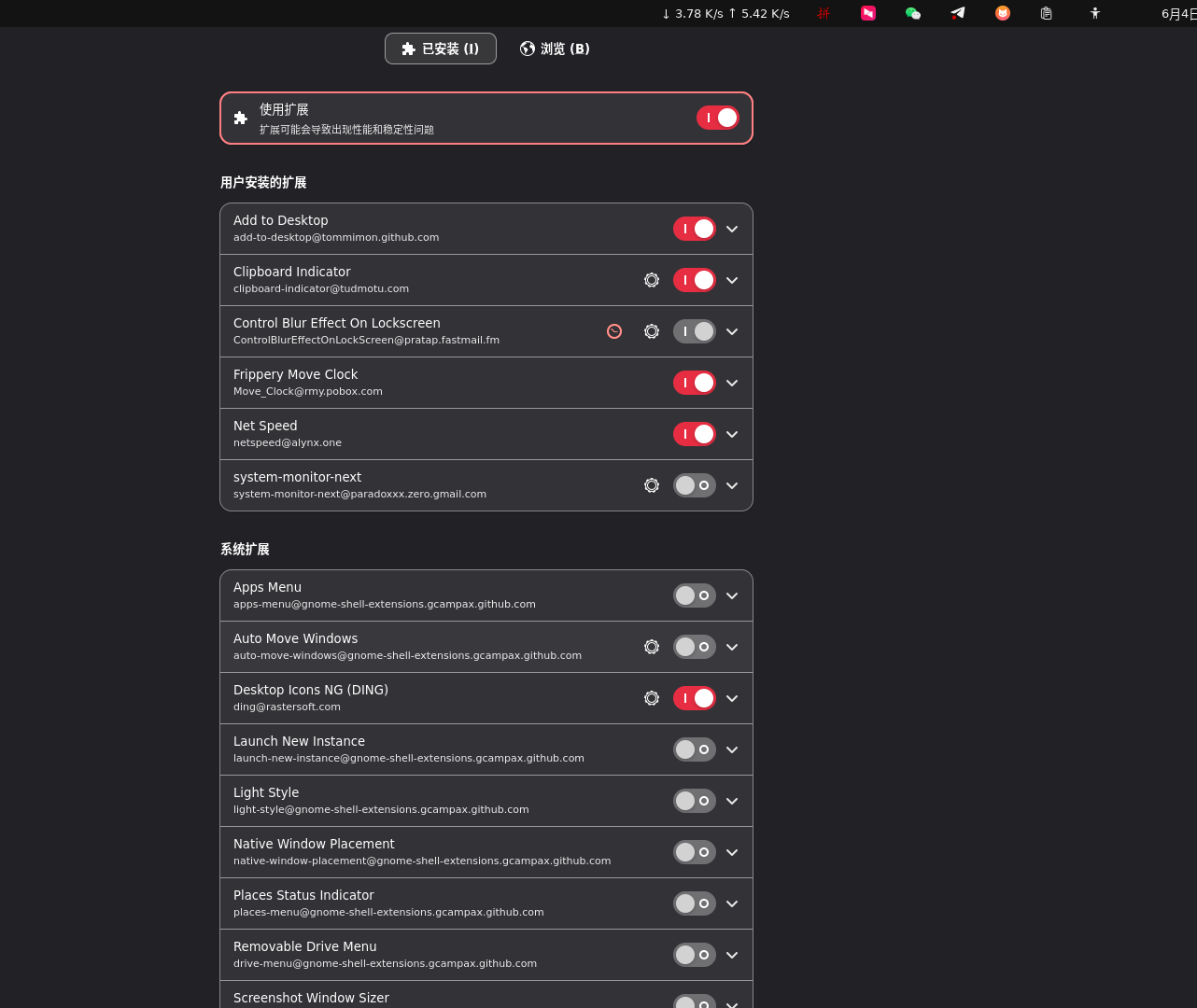
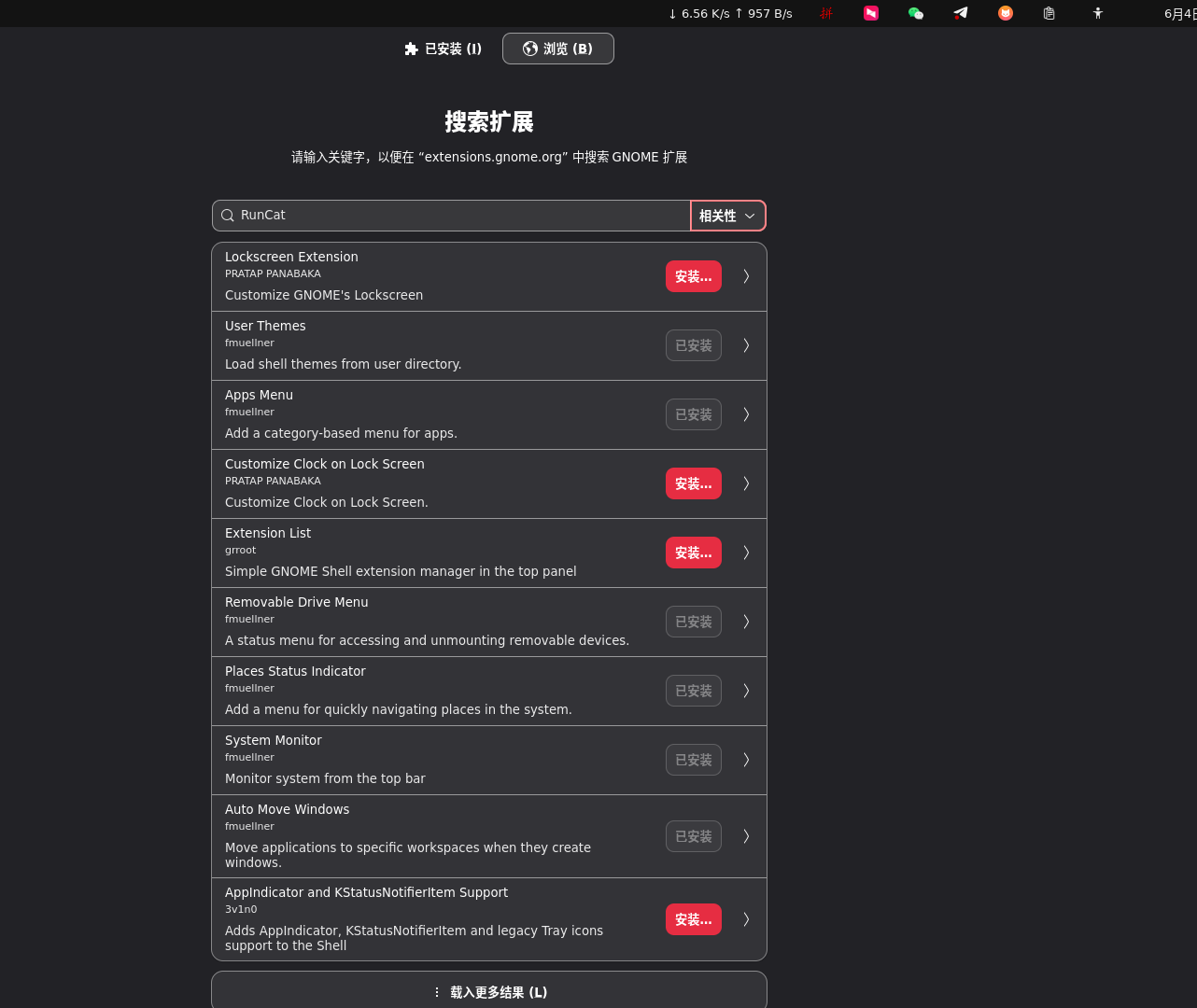
包括主题自定义,网速显示等
ubunt下读写windows的ntfs分区
安装ntfs-3g的包后尝试挂载报错信息如下
he disk contains an unclean file system (0, 0).
Metadata kept in Windows cache, refused to mount.
Falling back to read-only mount because the NTFS partition is in an
unsafe state. Please resume and shutdown Windows fully (no hibernation
or fast restarting.)
Could not mount read-write, trying read-only
mount: (hint) your fstab has been modified, but systemd still uses
       the old version; use 'systemctl daemon-reload' to reload
错误原因,来自chatgpt的回复
Metadata kept in Windows cache, refused to mount.
-> Windows 把文件系统元数据保存在缓存中,没有写回硬盘(未正常关机)。

Please resume and shutdown Windows fully (no hibernation or fast restarting.)
-> 请重启进入 Windows 并彻底关机(不能是休眠、快速启动或关机前休眠)。

Falling back to read-only mount
-> Ubuntu 将该分区以只读方式挂载,防止破坏数据。
解决方法:
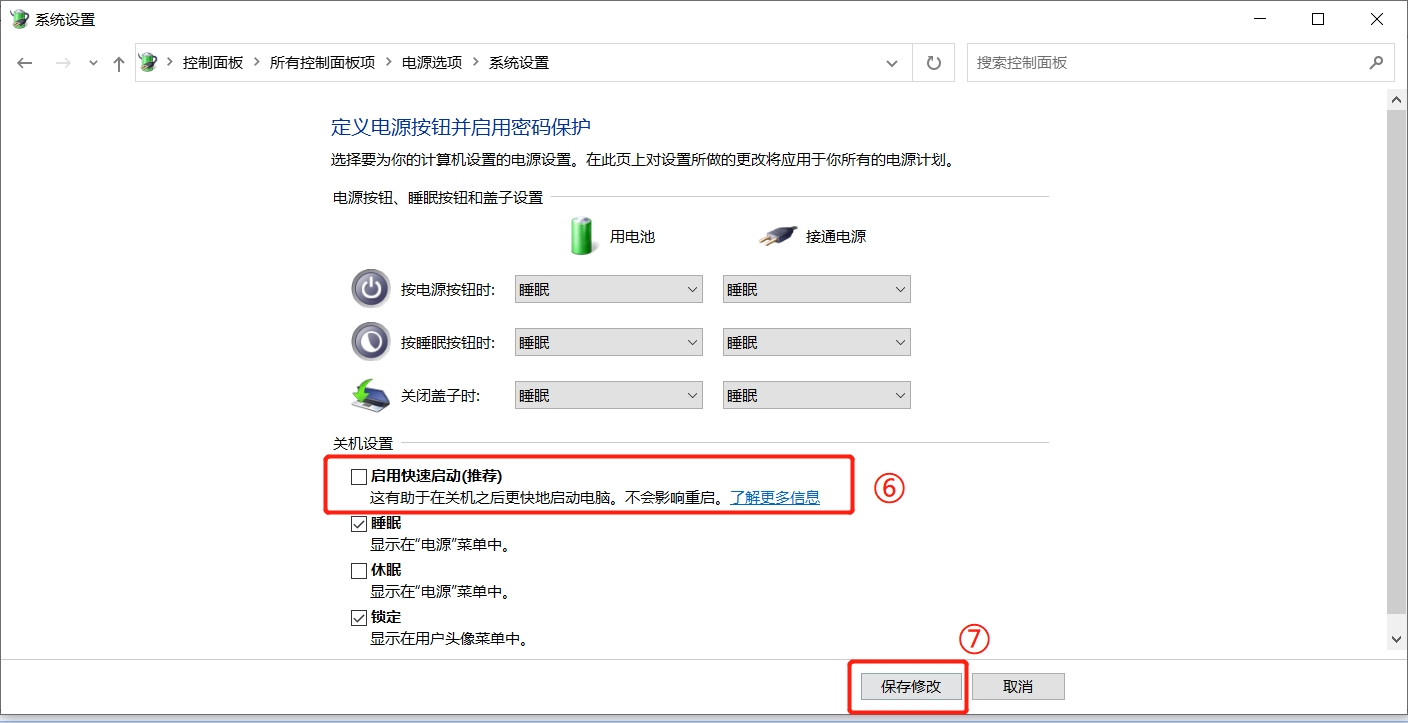
关闭 Windows 的快速启动功能(长期解决)
启动 Windows。

控制面板 → 硬件和声音 → 电源选项。

点击左边的 “选择电源按钮的功能”。

点击上方“更改当前不可用的设置”。

向下滚动,取消勾选「启用快速启动(推荐)」。

保存,关机再回到 Ubuntu。
如下图
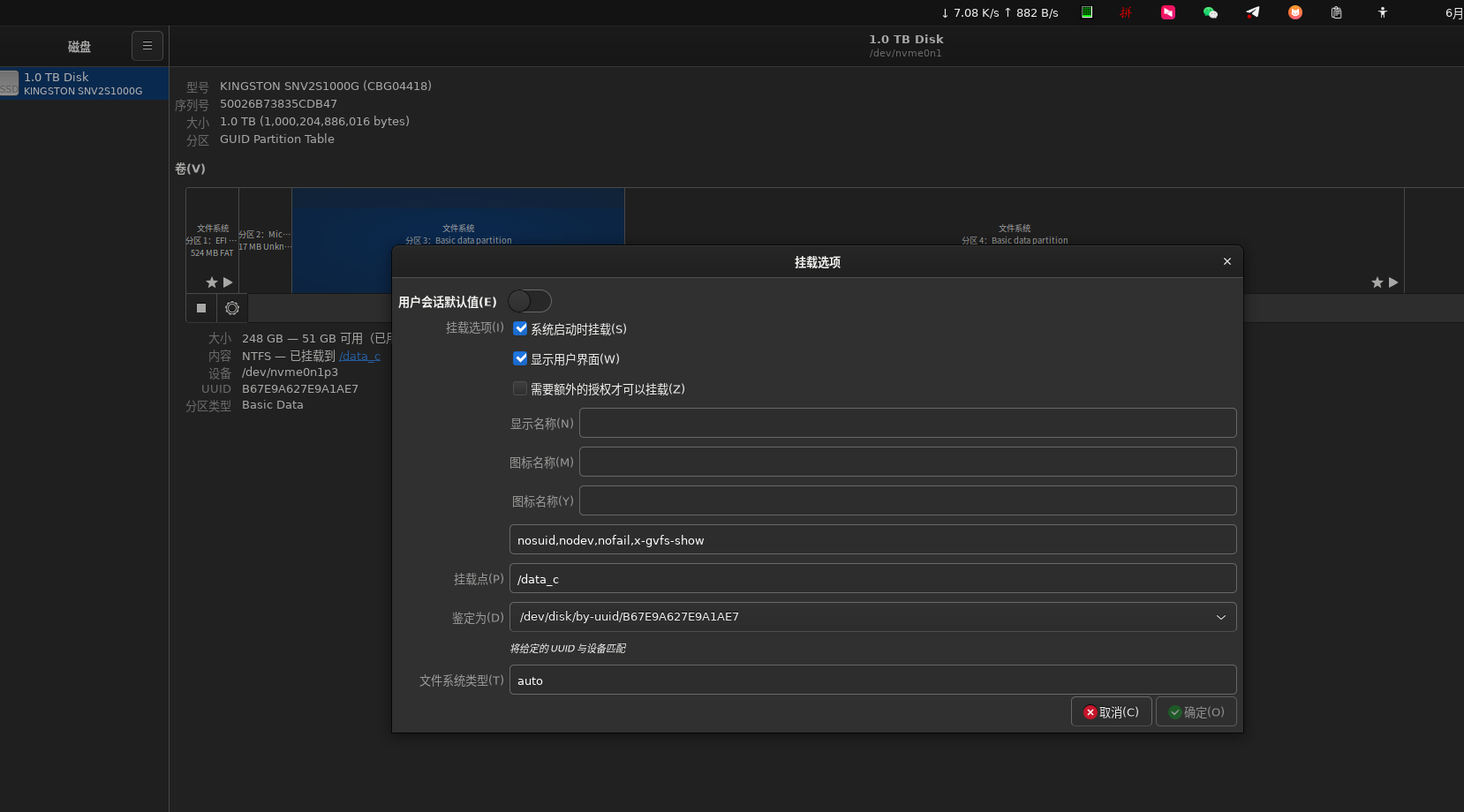
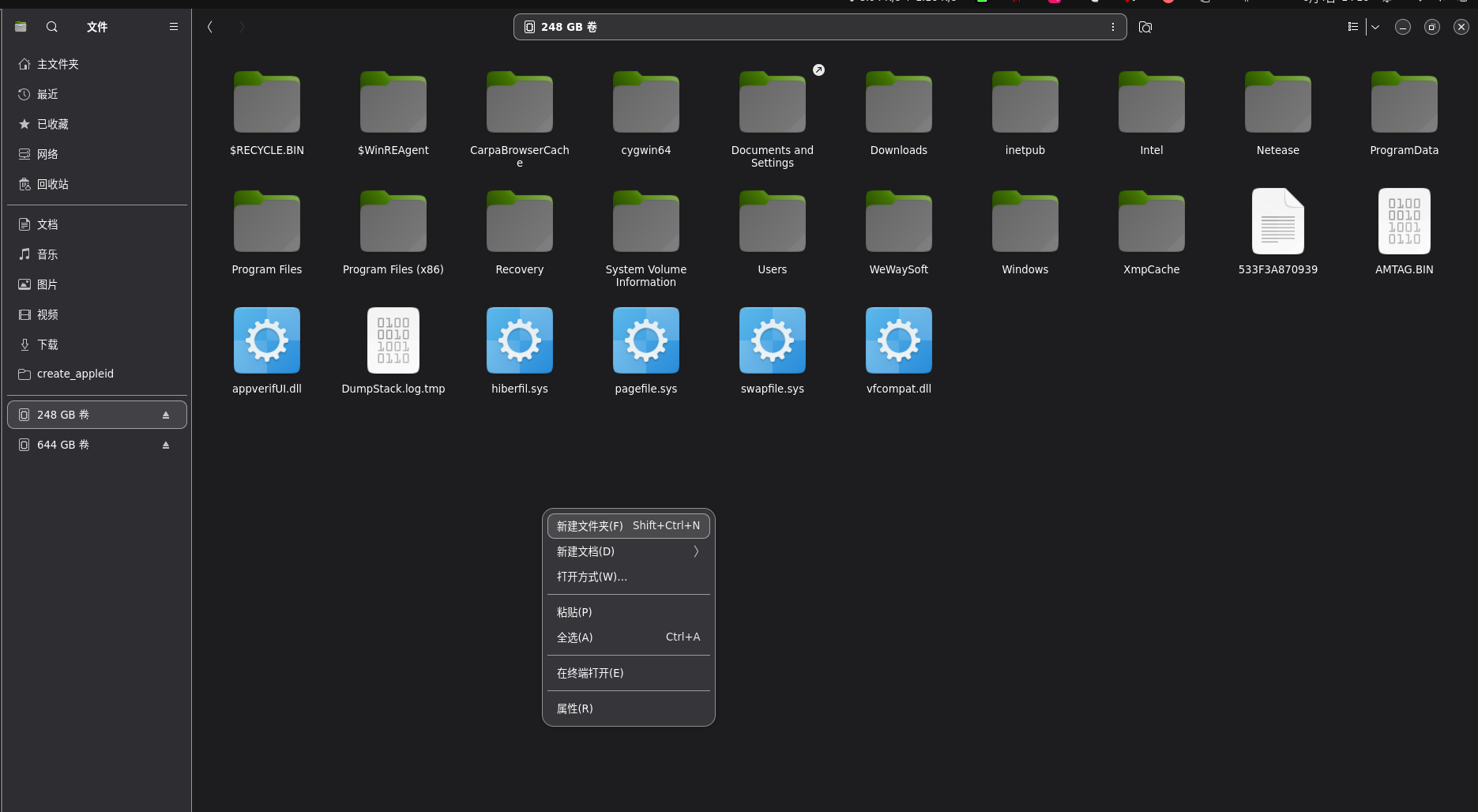
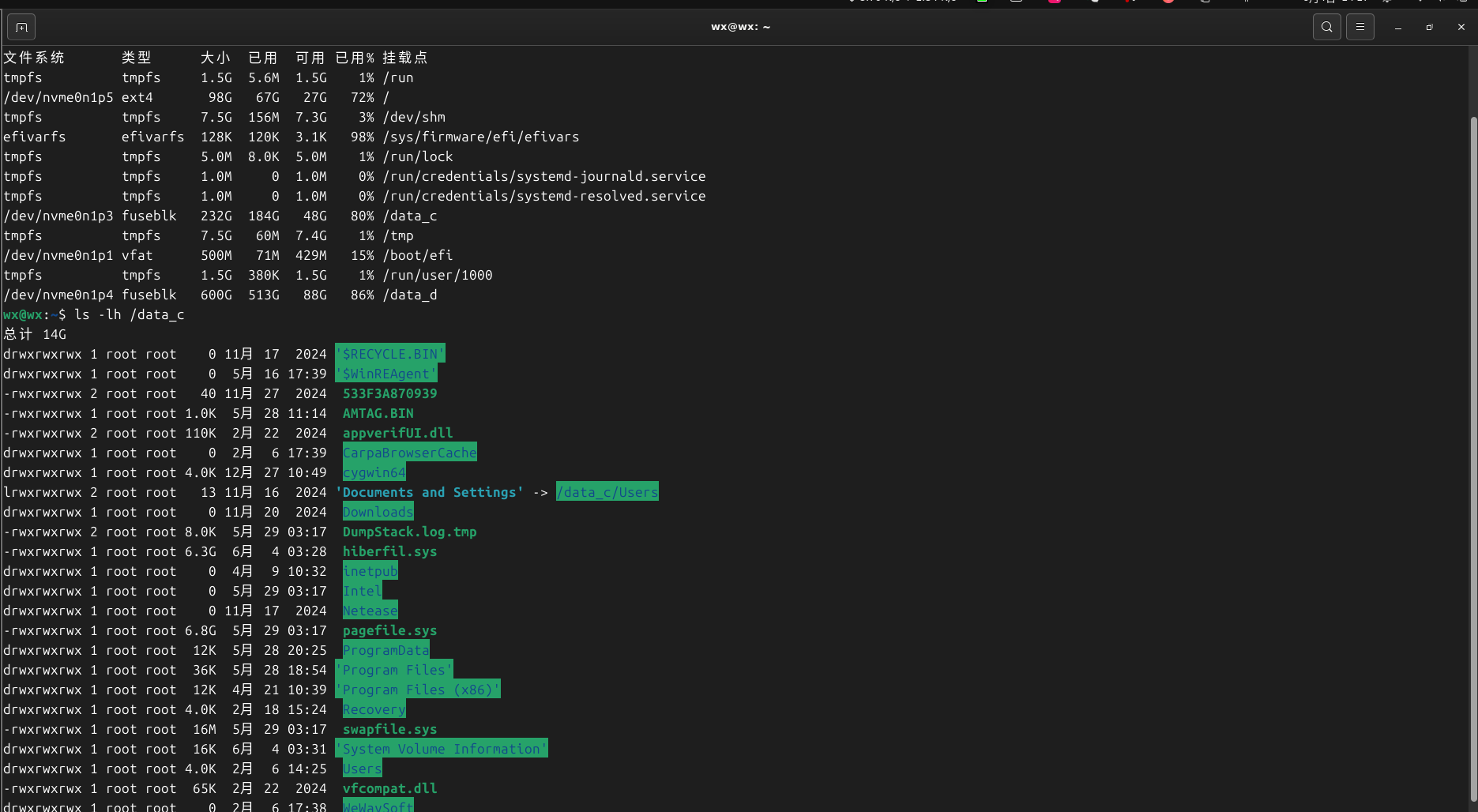
保存后重启进入ubuntu,ntfs分区即可正常读写
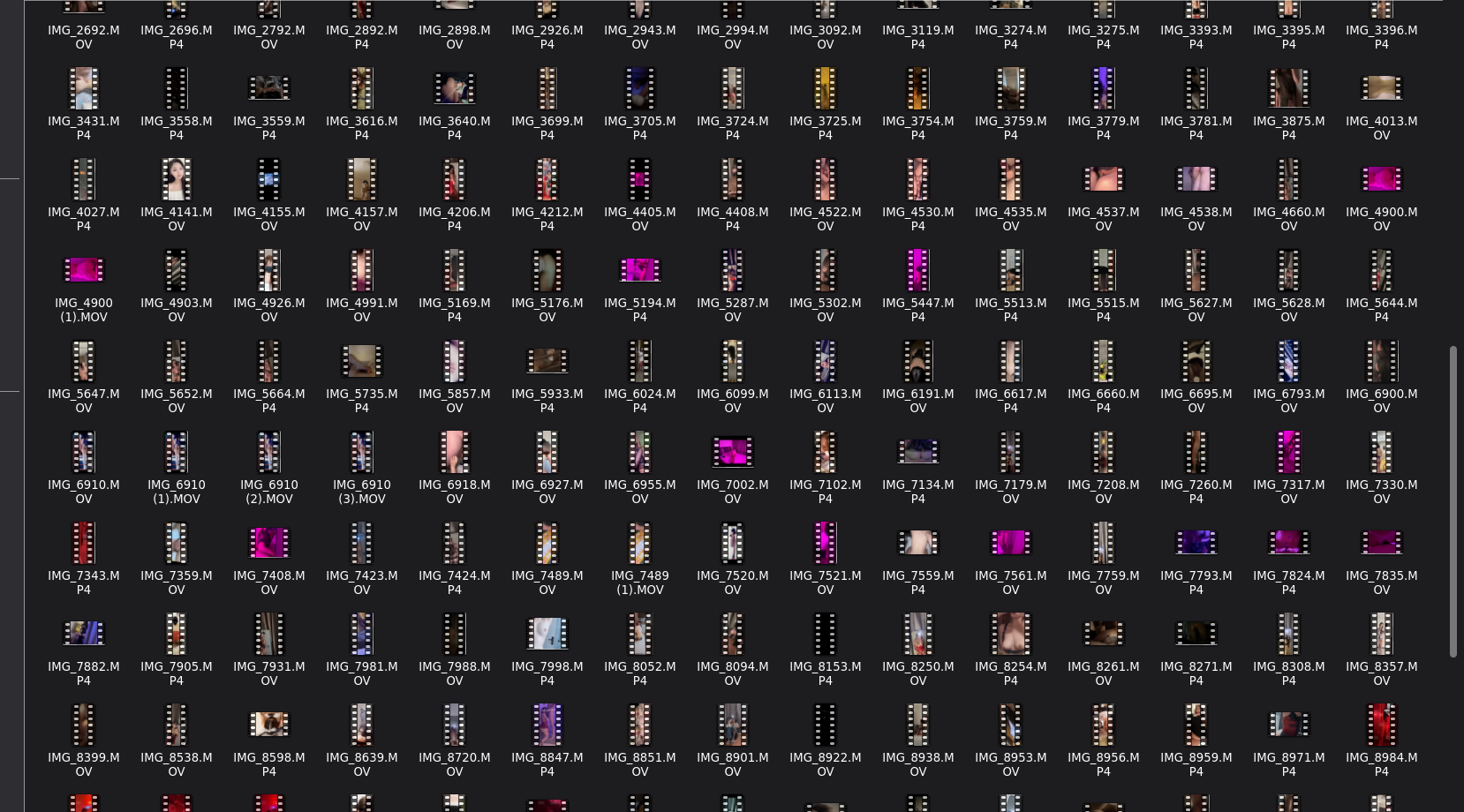
图片及视频文件的预览(jpg,mp4,mov)
在文件管理器里显示 .mov 视频缩略图
默认 Ubuntu 文件管理器(比如 GNOME 的 Nautilus)可能不会自动生成 .mov 文件的缩略图。你可以安装支持视频缩略图的插件:


sudo apt install ffmpegthumbnailer
淘宝小店,欢迎你的光临,可定制你的需求

https://shop340822098.taobao.com/

 浙公网安备 33010602011771号