

Syncthing 基础同步实验
实验环境
服务端为虚拟机centos7.9
客户端为ubuntu24.04 ,windows
实验目的
满足日常的文件共享,自动同步备份
Syncthing 软件介绍
Syncthing 是一个跨平台、开源的去中心化文件同步工具,它允许多台设备间自动、安全地同步文件夹,无需依赖第三方云服务(如 Dropbox、OneDrive),适用于个人、团队、企业数据同步和备份。
软件下载
软件支持windows,macos linux并且开源免费
https://syncthing.net/downloads/
https://github.com/syncthing/syncthing/releases/tag/v1.29.7
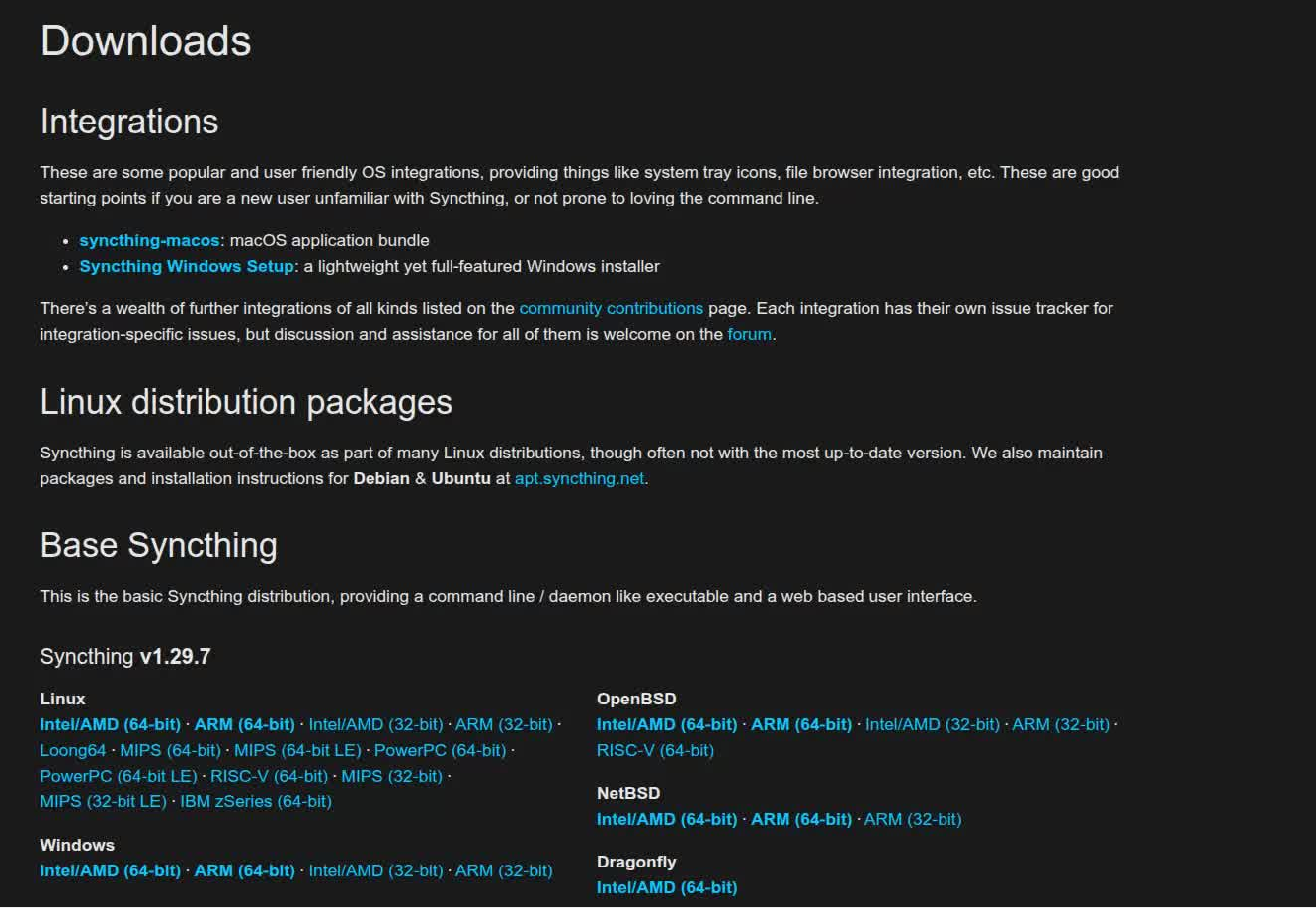
Syncthing 文档
Welcome to Syncthing’s documentation! — Syncthing documentation
安装步骤
syncthing 启动
root@test ~]# tar -zxf   syncthing-linux-amd64-v1.29.7.tar.gz
[root@test ~]# cd syncthing-linux-amd64-v1.29.7/
[root@test syncthing-linux-amd64-v1.29.7]# ls
AUTHORS.txt  etc  LICENSE.txt  README.txt  syncthing
[root@test syncthing-linux-amd64-v1.29.7]# ./syncthing
[start] 2025/06/30 21:28:03 INFO: syncthing v1.29.7 "Gold Grasshopper" (go1.24.3 linux-amd64) builder@github.syncthing.net 2025-05-29 08:04:08 UTC
[PUOXN] 2025/06/30 21:28:05 INFO: My ID: PUOXNBK-2Q5234F-BT5THDG-4WCHBAF-Z3IRJJ5-I4OIASL-KRXC674-6FZ33QI
[PUOXN] 2025/06/30 21:28:05 INFO: Hashing performance is 959.88 MB/s
[PUOXN] 2025/06/30 21:28:05 INFO: Overall send rate is unlimited, receive rate is unlimited
[PUOXN] 2025/06/30 21:28:05 INFO: Using discovery mechanism: global discovery server https://discovery-lookup.syncthing.net/v2/?noannounce
[PUOXN] 2025/06/30 21:28:05 INFO: Using discovery mechanism: global discovery server https://discovery-announce-v4.syncthing.net/v2/?nolookup
[PUOXN] 2025/06/30 21:28:05 INFO: Using discovery mechanism: global discovery server https://discovery-announce-v6.syncthing.net/v2/?nolookup
[PUOXN] 2025/06/30 21:28:05 INFO: Using discovery mechanism: IPv4 local broadcast discovery on port 21027
[PUOXN] 2025/06/30 21:28:05 INFO: Using discovery mechanism: IPv6 local multicast discovery on address [ff12::8384]:21027
[PUOXN] 2025/06/30 21:28:05 INFO: Ready to synchronize "Default Folder" (default) (sendreceive)
[PUOXN] 2025/06/30 21:28:05 INFO: Completed initial scan of sendreceive folder "Default Folder" (default)
[PUOXN] 2025/06/30 21:28:05 INFO: TCP listener ([::]:22000) starting
[PUOXN] 2025/06/30 21:28:05 INFO: Relay listener (dynamic+https://relays.syncthing.net/endpoint) starting
[PUOXN] 2025/06/30 21:28:05 INFO: QUIC listener ([::]:22000) starting
[PUOXN] 2025/06/30 21:28:05 INFO: GUI and API listening on 127.0.0.1:8384
[PUOXN] 2025/06/30 21:28:05 INFO: Access the GUI via the following URL: http://127.0.0.1:8384/
[PUOXN] 2025/06/30 21:28:05 INFO: My name is "test"
[PUOXN] 2025/06/30 21:28:05 WARNING: Syncthing should not run as a privileged or system user. Please consider using a normal user account.
查看监听地址
默认启动为监听本地端口,(服务器端为centos无桌面版本,需要修改监听地址为ip地址,远程登陆web界面配置)
root@test ~]# netstat -tunlp | grep 8384
tcp        0      0 127.0.0.1:8384          0.0.0.0:*               LISTEN      6321/syncthing
[root@test ~]#
查看版本和配置文件路径
[root@test syncthing-linux-amd64-v1.29.7]# ./syncthing -version
syncthing v1.29.7 "Gold Grasshopper" (go1.24.3 linux-amd64) builder@github.syncthing.net 2025-05-29 08:04:08 UTC
[root@test syncthing-linux-amd64-v1.29.7]# ./syncthing -path
syncthing: error: unknown flag --path, did you mean one of "--data", "--paths"?
[root@test syncthing-linux-amd64-v1.29.7]# ./syncthing -paths
Configuration file:
	/root/.local/state/syncthing/config.xml

Device private key & certificate files:
	/root/.local/state/syncthing/key.pem
	/root/.local/state/syncthing/cert.pem

GUI / API HTTPS private key & certificate files:
	/root/.local/state/syncthing/https-key.pem
	/root/.local/state/syncthing/https-cert.pem

Database location:
	/root/.local/state/syncthing/index-v0.14.0.db

Log file:
	-

GUI override directory:
	/root/.local/state/syncthing/gui

Default sync folder directory:
	/root/Sync

[root@test syncthing-linux-amd64-v1.29.7]#
修改监听地址
编辑配置文件,查找8384端口,

修改127.0,0.1,为0.0.0.0,
  <gui enabled="true" tls="false" debugging="false" sendBasicAuthPrompt="false">
        <address>0.0.0.0:8384</address>
        <metricsWithoutAuth>false</metricsWithoutAuth>
        <apikey>nwvEbGEjkJWsebLAvV3jDZrmoiKLNLVg</apikey>
        <theme>default</theme>
    </gui>
重新启动./syncthing
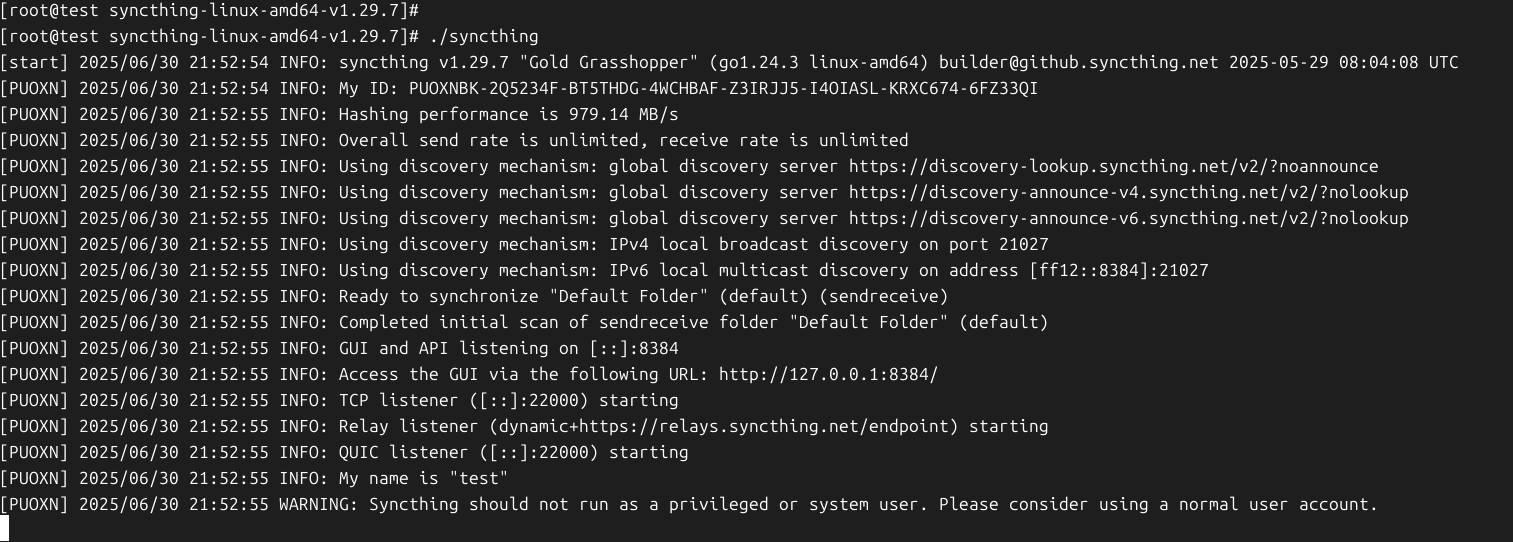
查看监听端口信息
[root@test ~]# netstat -tunlp | grep 8384
tcp6       0      0 :::8384                 :::*                    LISTEN      6971/syncthing
[root@test ~]#
停止软件防火墙
systemctl stop firewalld.service
登陆web界面
设置密码,重新登陆
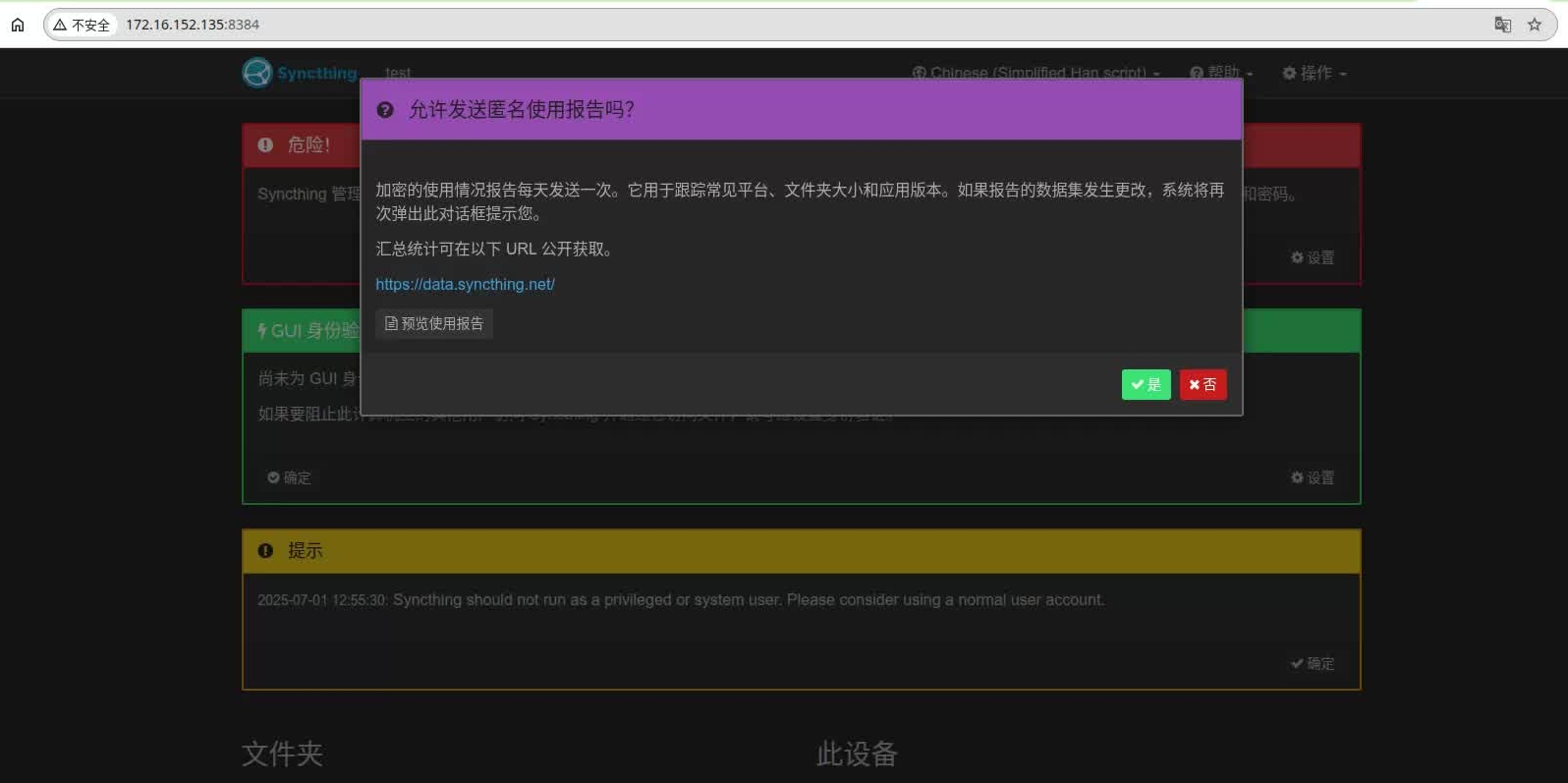
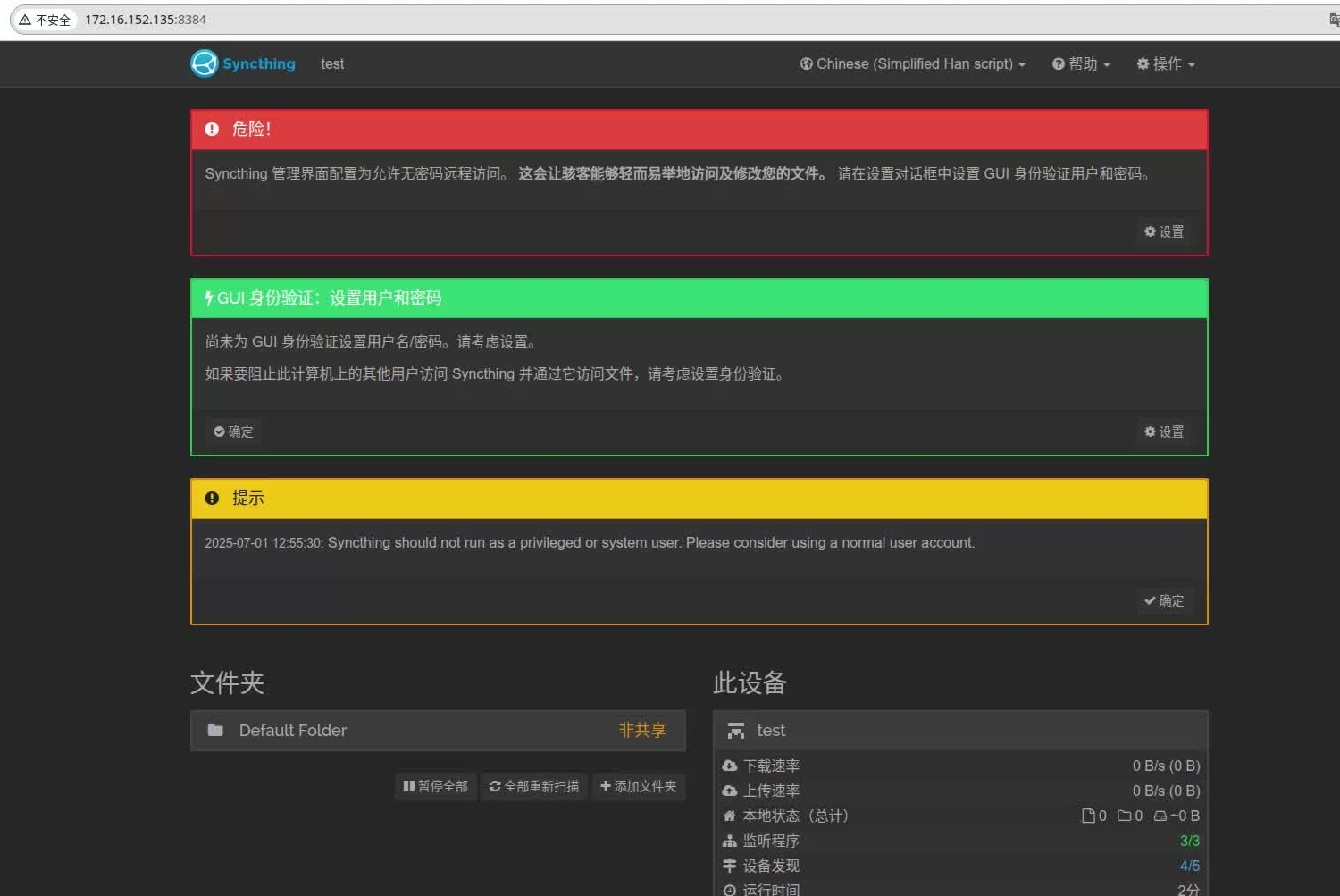
创建普通用户
提示信息如下
提示
2025-07-01 12:55:30: Syncthing should not run as a privileged or system user. Please consider using a normal user account.
创建admin用户,使用admin用户重新启动,重新修改配置文件
界面正常
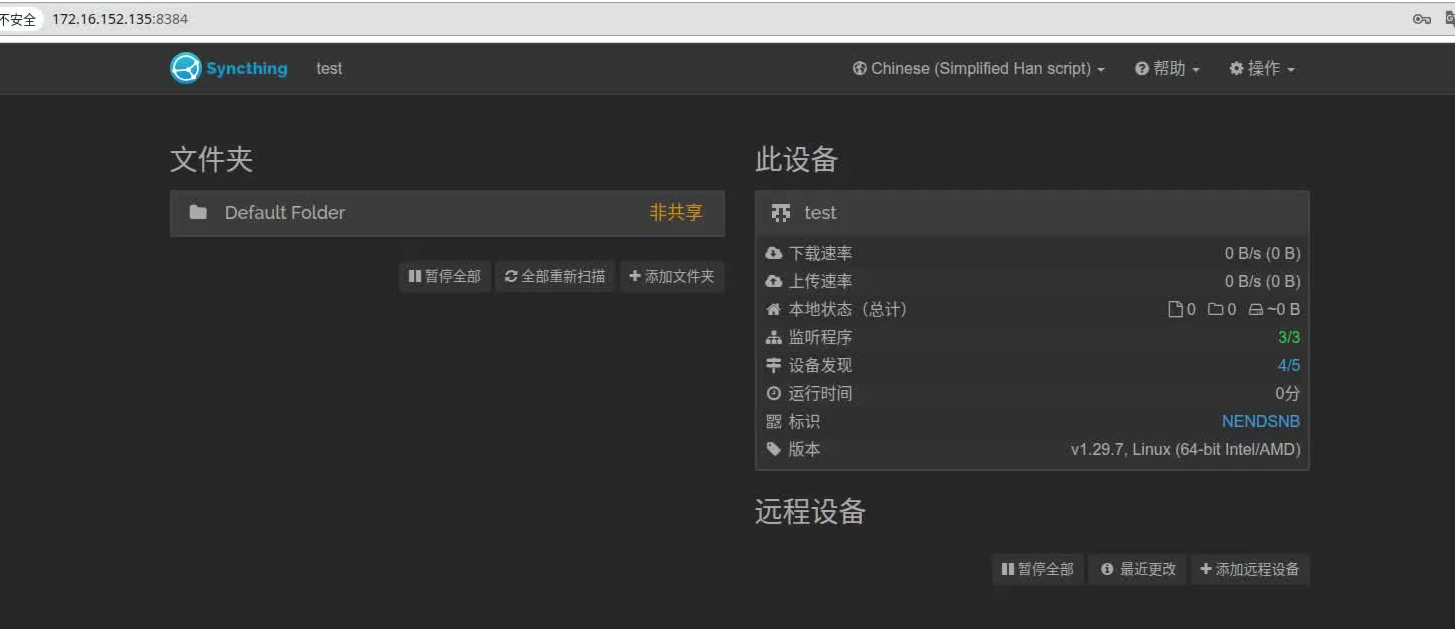
配置同步文件夹
服务端配置
服务端文件夹,先不创建,客户端共享后,自行创建
客户端配置
软件安装
下砸自deb包,链接参考
https://github.com/syncthing/syncthing/releases/download/v1.29.7/syncthing_1.29.7_amd64.deb
执行安装
wx@wx:~/下载$ sudo dpkg -i syncthing_1.29.7_amd64.deb
正在选中未选择的软件包 syncthing。
(正在读取数据库 ... 系统当前共安装有 328900 个文件和目录。)
准备解压 syncthing_1.29.7_amd64.deb  ...
正在解压 syncthing (1.29.7) ...
正在设置 syncthing (1.29.7) ...
正在处理用于 ufw (0.36.2-9) 的触发器 ...
正在处理用于 procps (2:4.0.4-7ubuntu1) 的触发器 ...
正在处理用于 systemd (257.4-1ubuntu3) 的触发器 ...
正在处理用于 desktop-file-utils (0.28-1) 的触发器 ...
正在处理用于 gnome-menus (3.36.0-1.1ubuntu3) 的触发器 ...
正在处理用于 hicolor-icon-theme (0.18-2) 的触发器 ...
正在处理用于 man-db (2.13.0-1) 的触发器 ...
wx@wx:~/下载$
修改配置文件
wx@wx:~/下载$ syncthing -version
syncthing v1.29.7 "Gold Grasshopper" (go1.24.3 linux-amd64) debian@github.syncthing.net 2025-05-29 08:04:08 UTC [noupgrade]
wx@wx:~/下载$ syncthing -paths
Configuration file:
	/home/wx/.local/state/syncthing/config.xml

Device private key & certificate files:
	/home/wx/.local/state/syncthing/key.pem
	/home/wx/.local/state/syncthing/cert.pem

GUI / API HTTPS private key & certificate files:
	/home/wx/.local/state/syncthing/https-key.pem
	/home/wx/.local/state/syncthing/https-cert.pem

Database location:
	/home/wx/.local/state/syncthing/index-v0.14.0.db

Log file:
	-

GUI override directory:
	/home/wx/.local/state/syncthing/gui

Default sync folder directory:
	/home/wx/Sync

wx@wx:~/下载$
启动syncthing
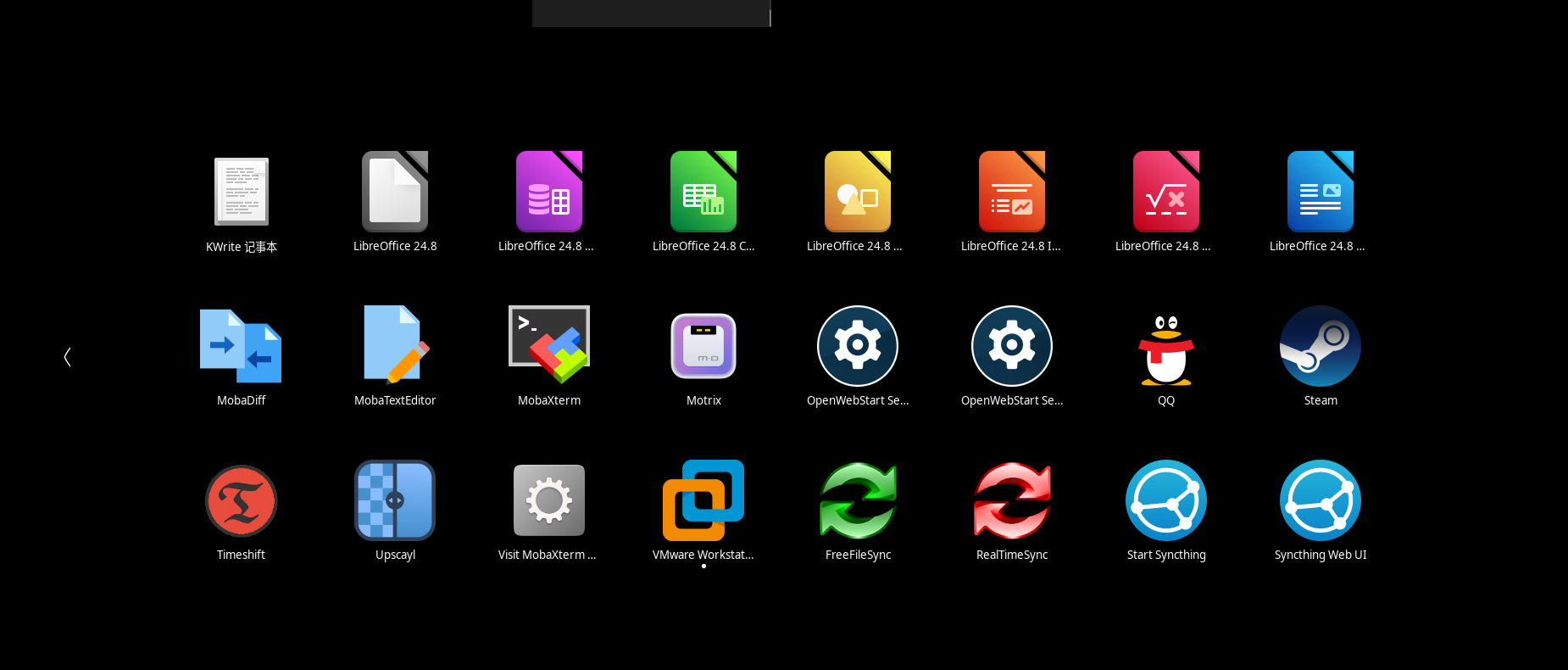
重启步骤
wx@wx:~/下载$ pkill syncthing
wx@wx:~/下载$ systemctl --user  start  syncthing
wx@wx:~/下载$ systemctl --user  status  syncthing
● syncthing.service - Syncthing - Open Source Continuous File Synchronization
     Loaded: loaded (/usr/lib/systemd/user/syncthing.service; disabled; preset: enabled)
     Active: active (running) since Tue 2025-07-01 13:24:40 CST; 5s ago
 Invocation: 49580b62b75b4835ab4c8f560bb1fbe9
       Docs: man:syncthing(1)
   Main PID: 22601 (syncthing)
      Tasks: 22 (limit: 17976)
     Memory: 27.5M (peak: 28.2M)
        CPU: 540ms
     CGroup: /user.slice/user-1000.slice/user@1000.service/app.slice/syncthing.service
             ├─22601 /usr/bin/syncthing serve --no-browser --no-restart --logflags=0
             └─22610 /usr/bin/syncthing serve --no-browser --no-restart --logflags=0

7月 01 13:24:41 wx syncthing[22601]: [XDOTA] INFO: Using discovery mechanism: IPv4 local broadcast discovery on port 21027
7月 01 13:24:41 wx syncthing[22601]: [XDOTA] INFO: Using discovery mechanism: IPv6 local multicast discovery on address [ff12::8384]:21027
7月 01 13:24:41 wx syncthing[22601]: [XDOTA] INFO: TCP listener ([::]:22000) starting
7月 01 13:24:41 wx syncthing[22601]: [XDOTA] INFO: QUIC listener ([::]:22000) starting
7月 01 13:24:41 wx syncthing[22601]: [XDOTA] INFO: Ready to synchronize "Default Folder" (default) (sendreceive)
7月 01 13:24:41 wx syncthing[22601]: [XDOTA] INFO: GUI and API listening on [::]:8384
7月 01 13:24:41 wx syncthing[22601]: [XDOTA] INFO: Access the GUI via the following URL: http://127.0.0.1:8384/
7月 01 13:24:41 wx syncthing[22601]: [XDOTA] INFO: My name is "wx"
7月 01 13:24:41 wx syncthing[22601]: [XDOTA] INFO: Completed initial scan of sendreceive folder "Default Folder" (default)
7月 01 13:24:41 wx syncthing[22601]: [XDOTA] INFO: UPnP parse: XML syntax error on line 2: invalid UTF-8
wx@wx:~/下载$
登陆web界面
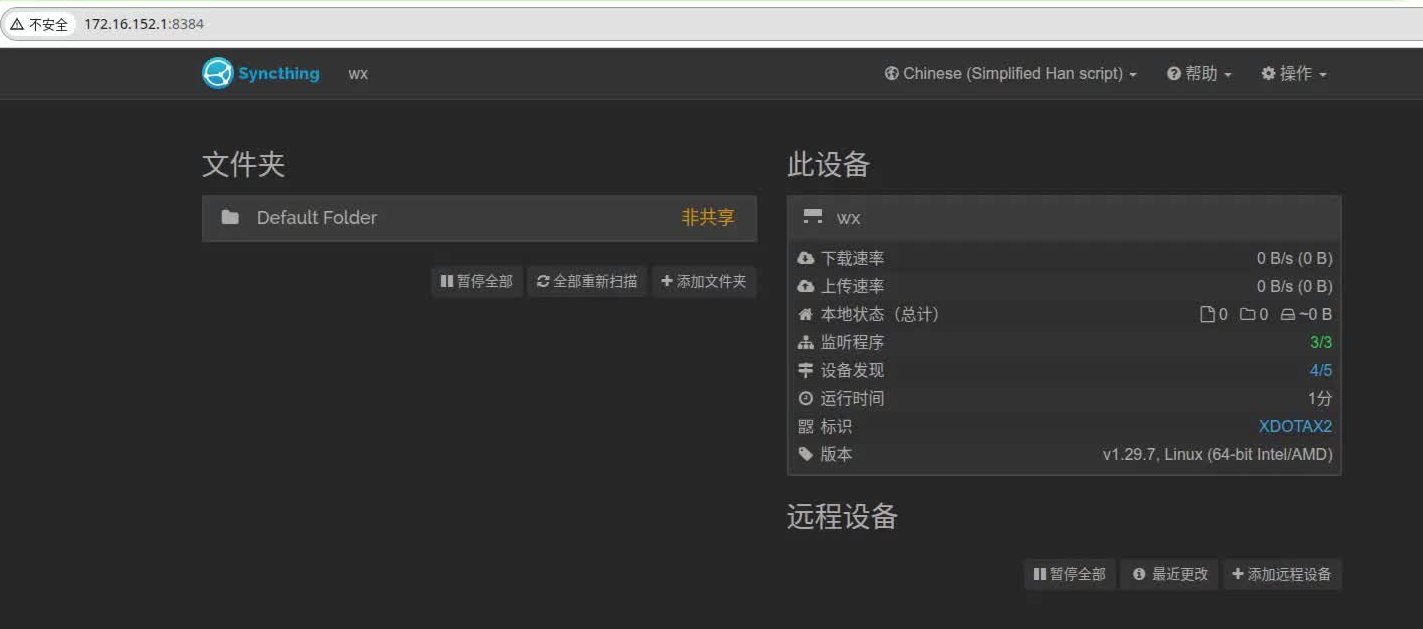
客户端文件夹(需要备份的文件夹)
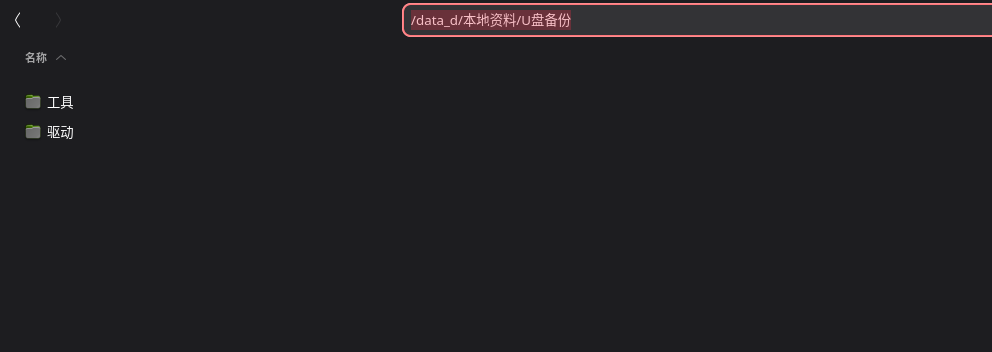
设置为仅发送
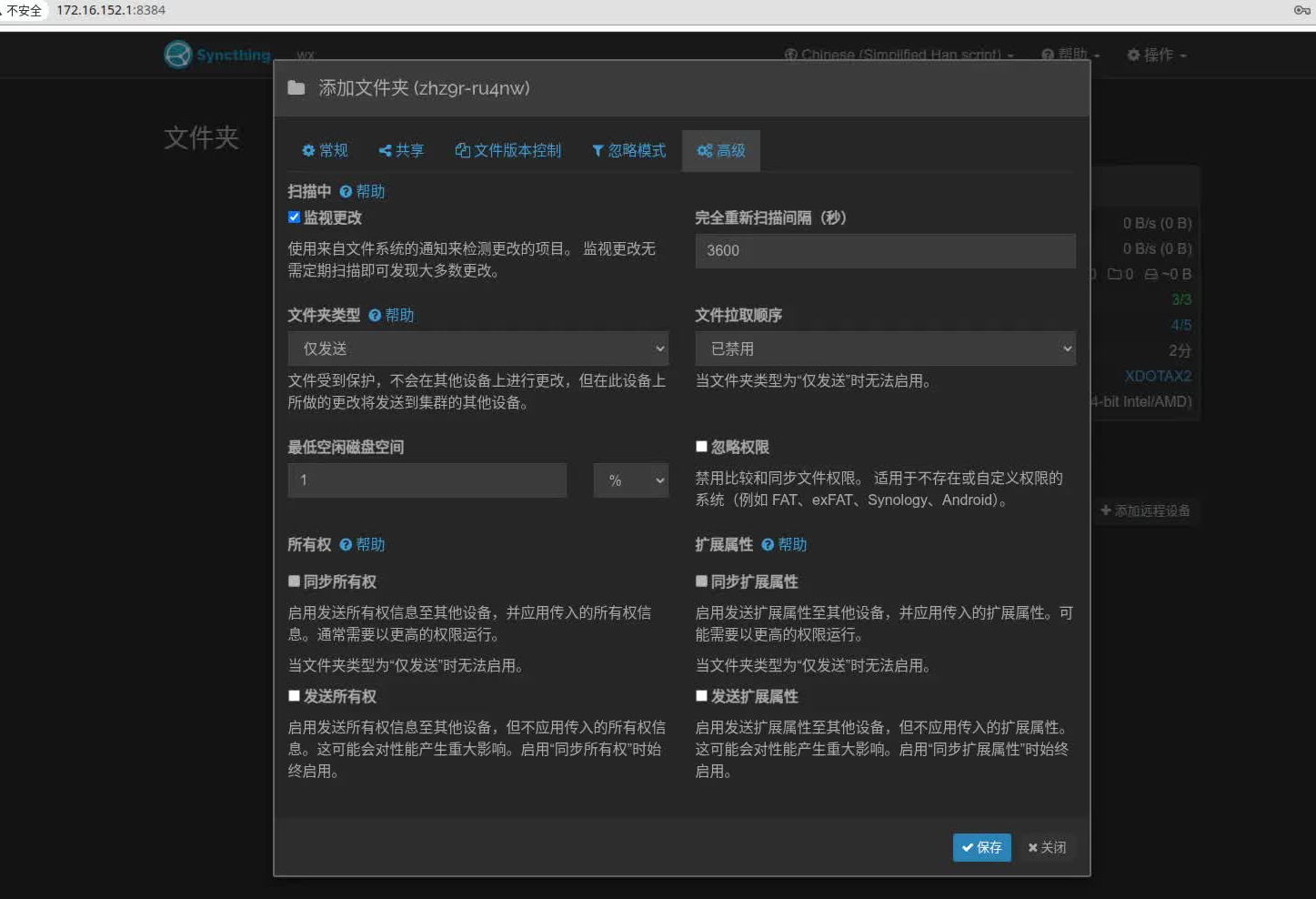
添加远端设备
查看服务端主机的id
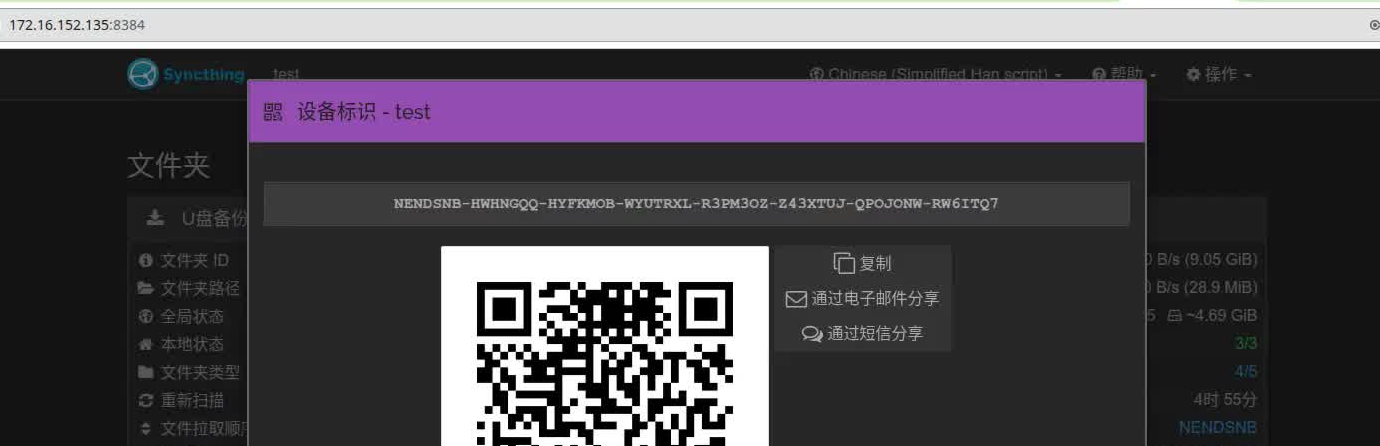
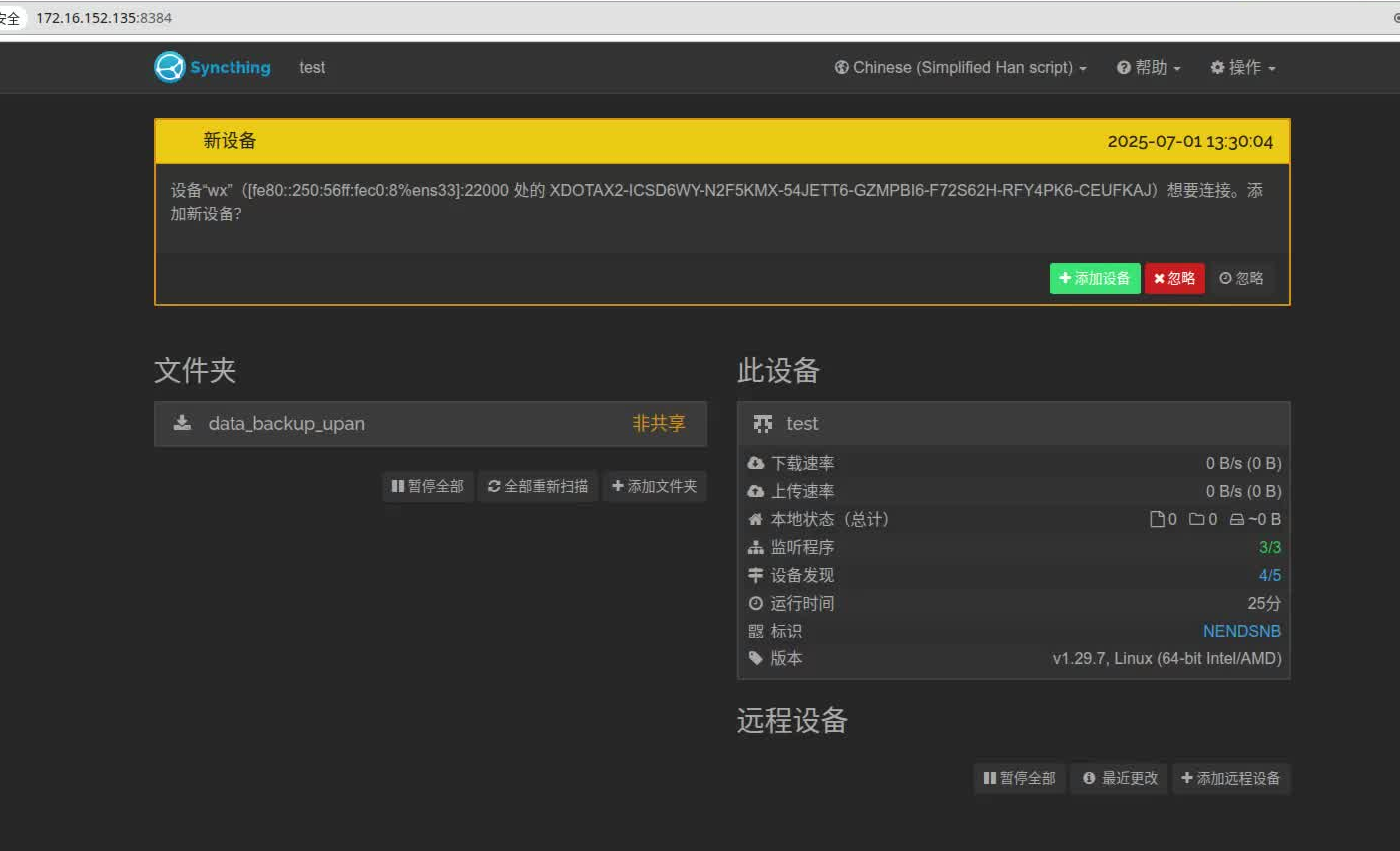
客户端添加
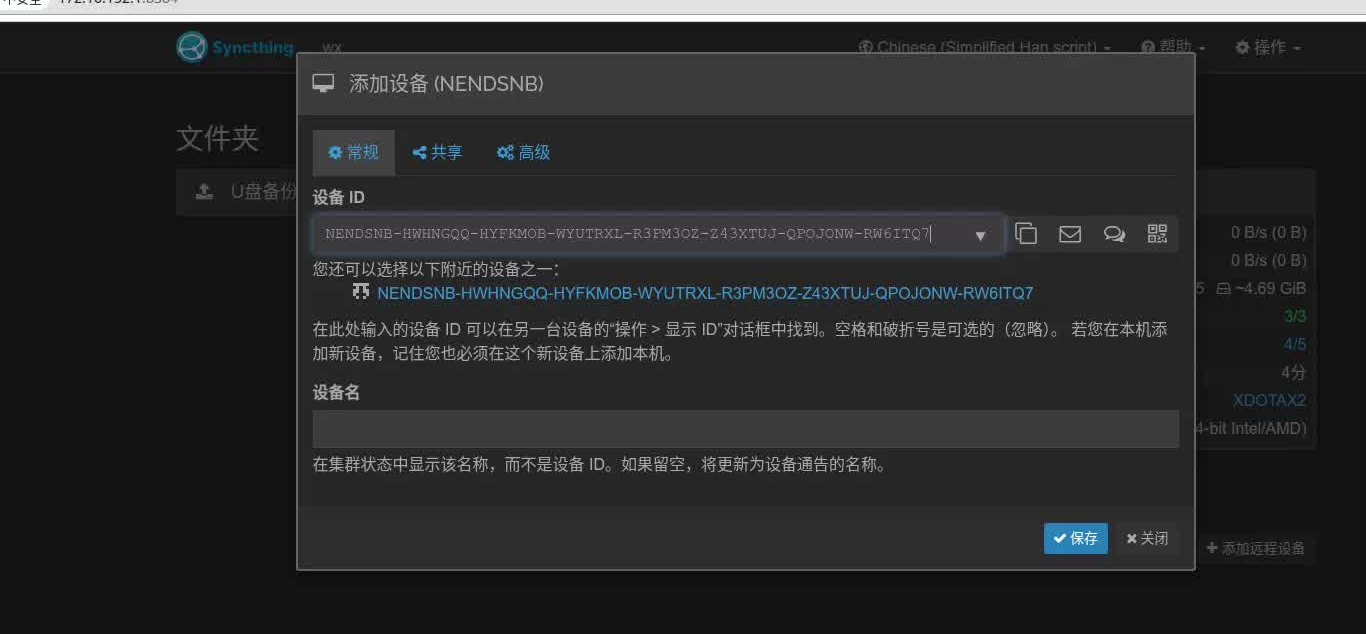
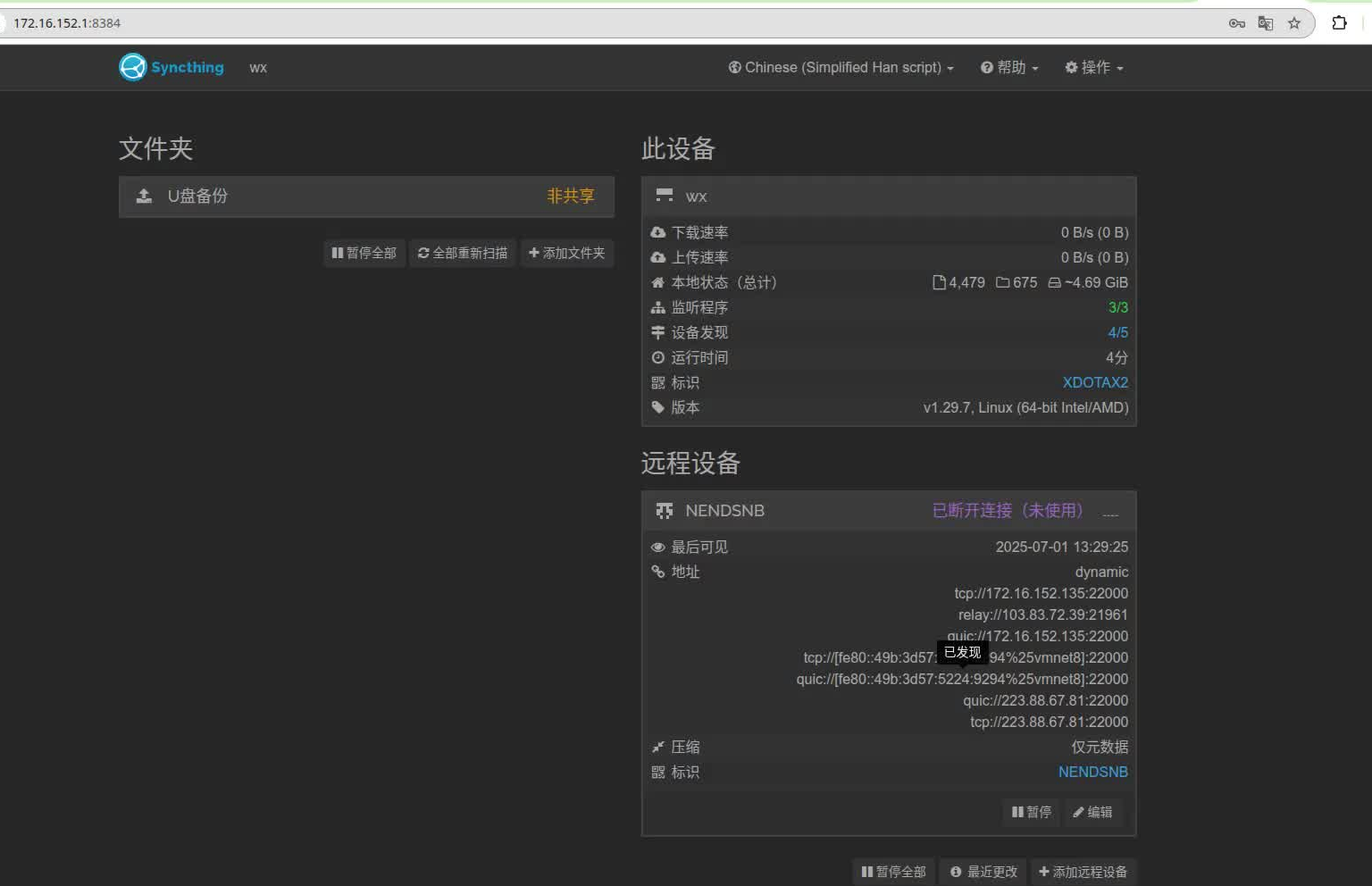
服务端点击接受
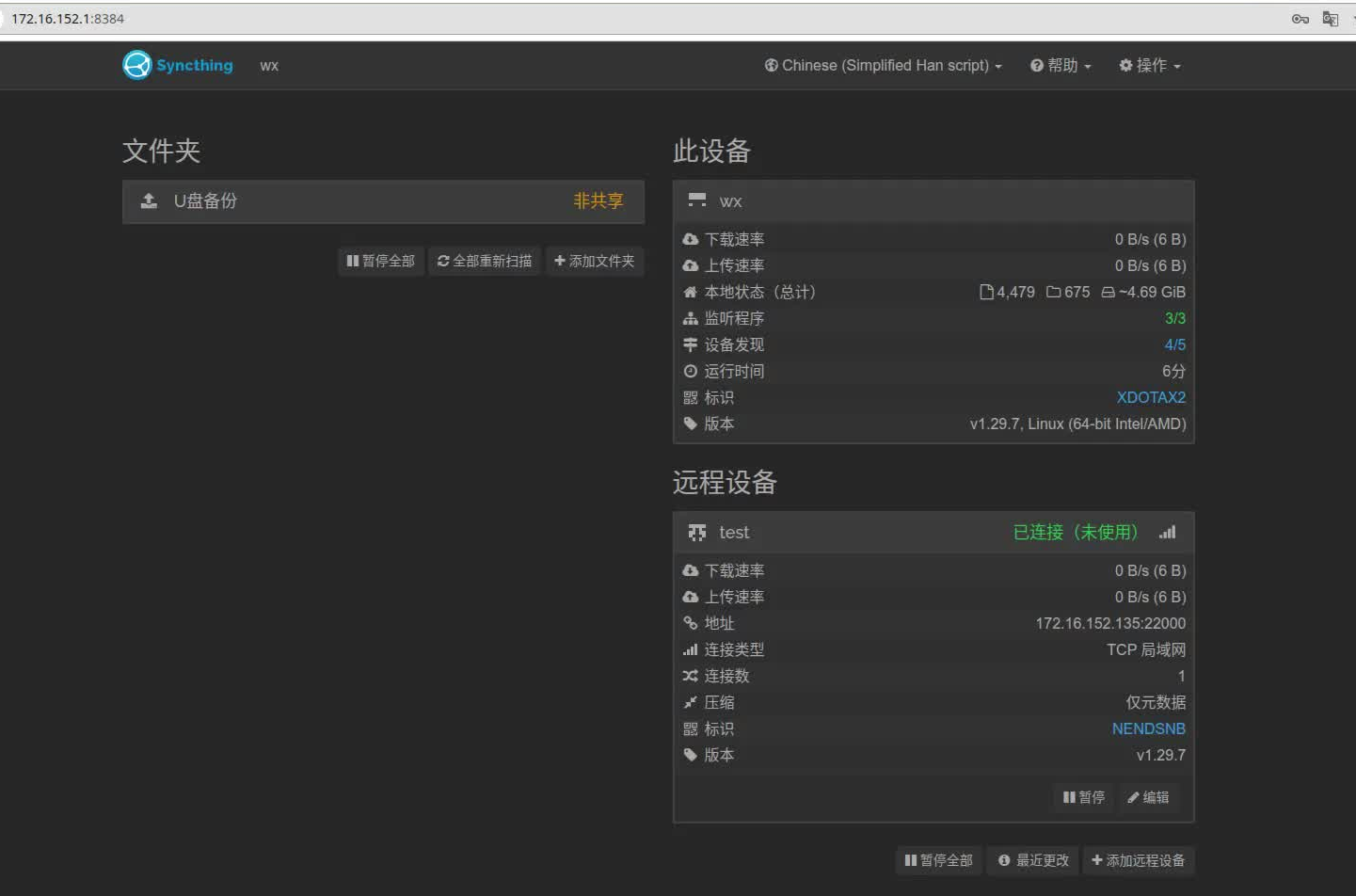
状态变为绿色,连接为使用
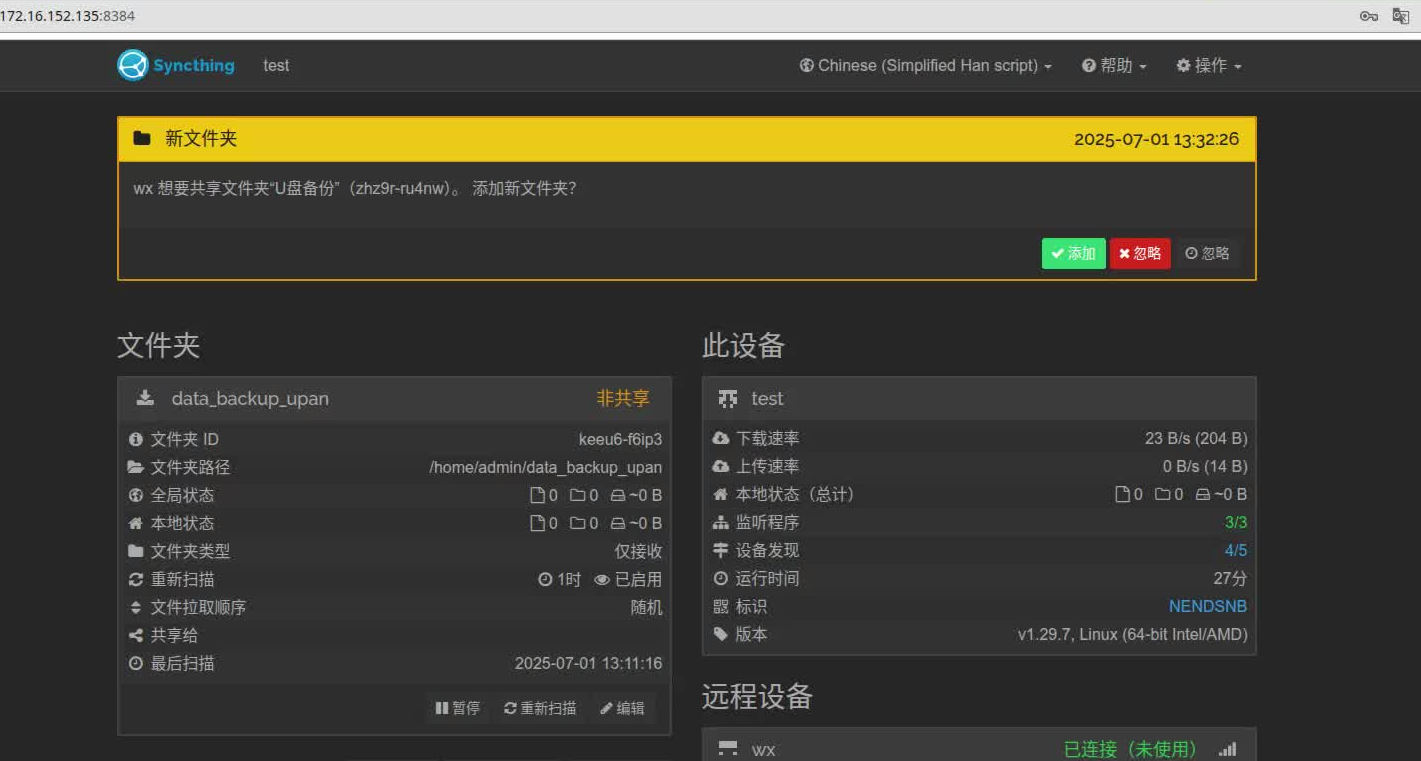
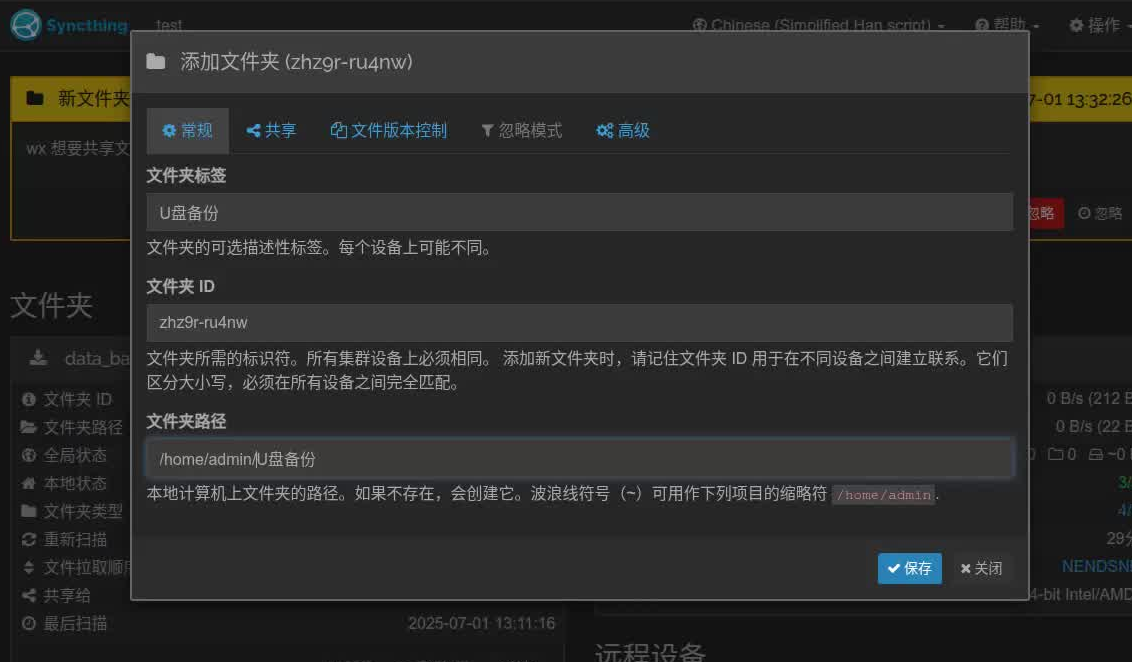
同步中
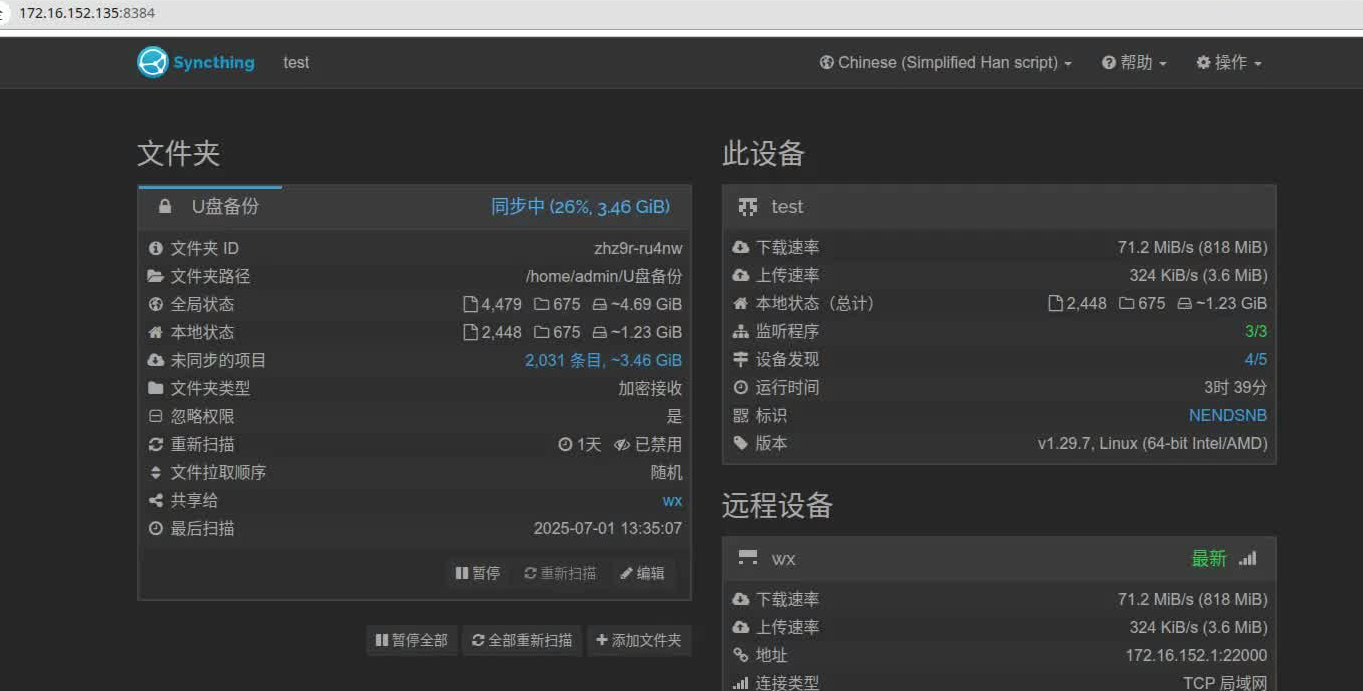
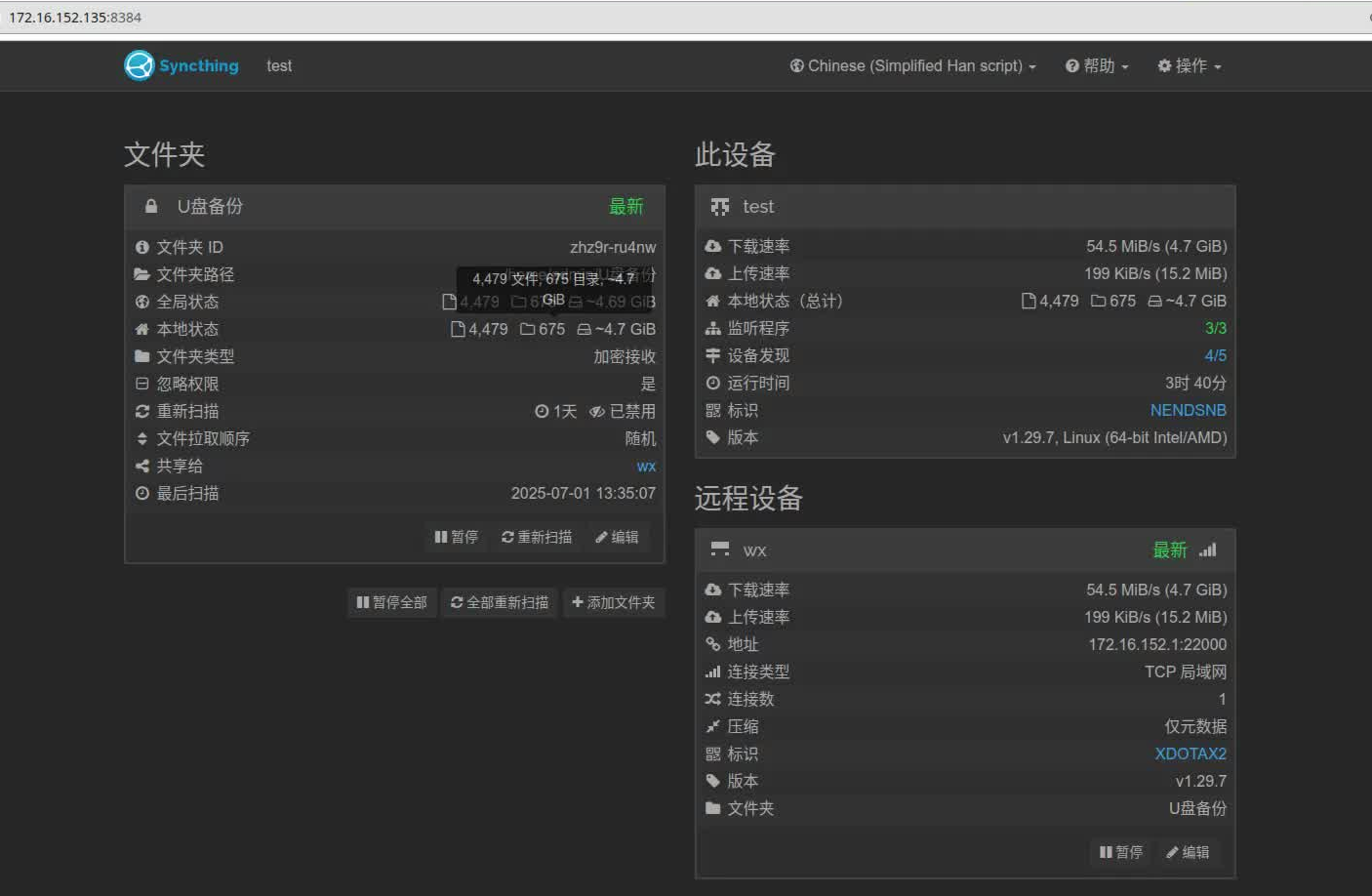
加密备份
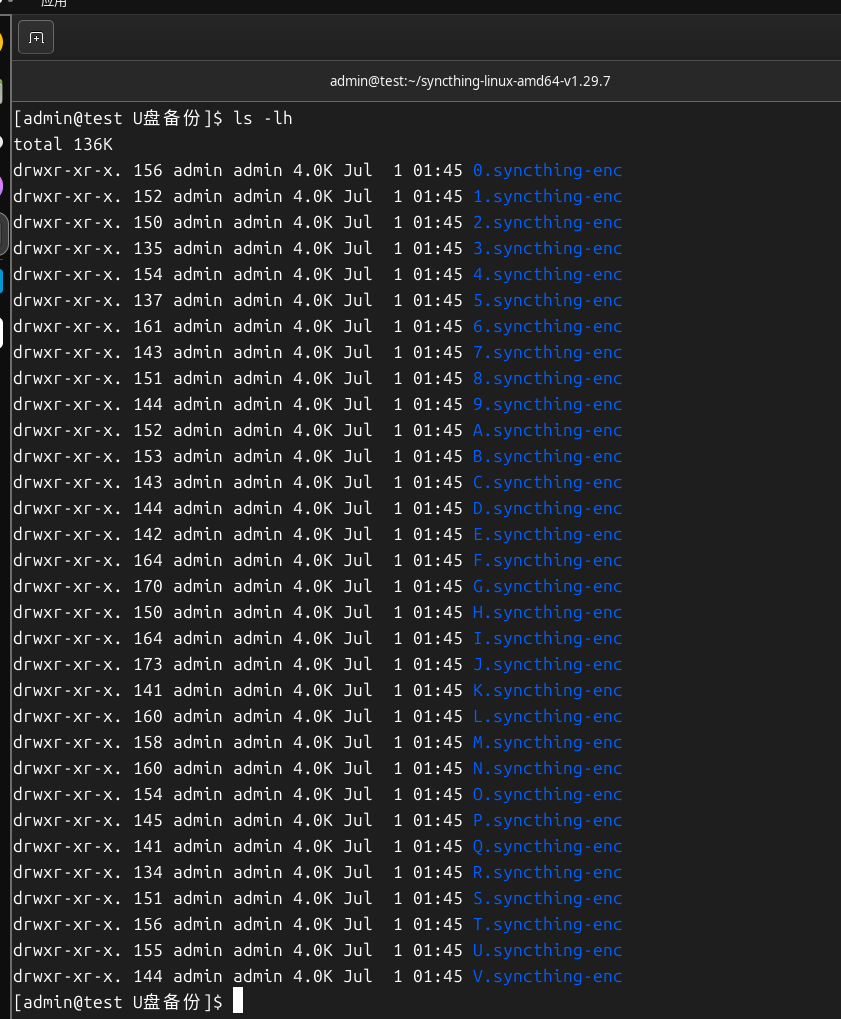
查看服务端文件夹,由于我选择的是加密备份,
不加密备份配置
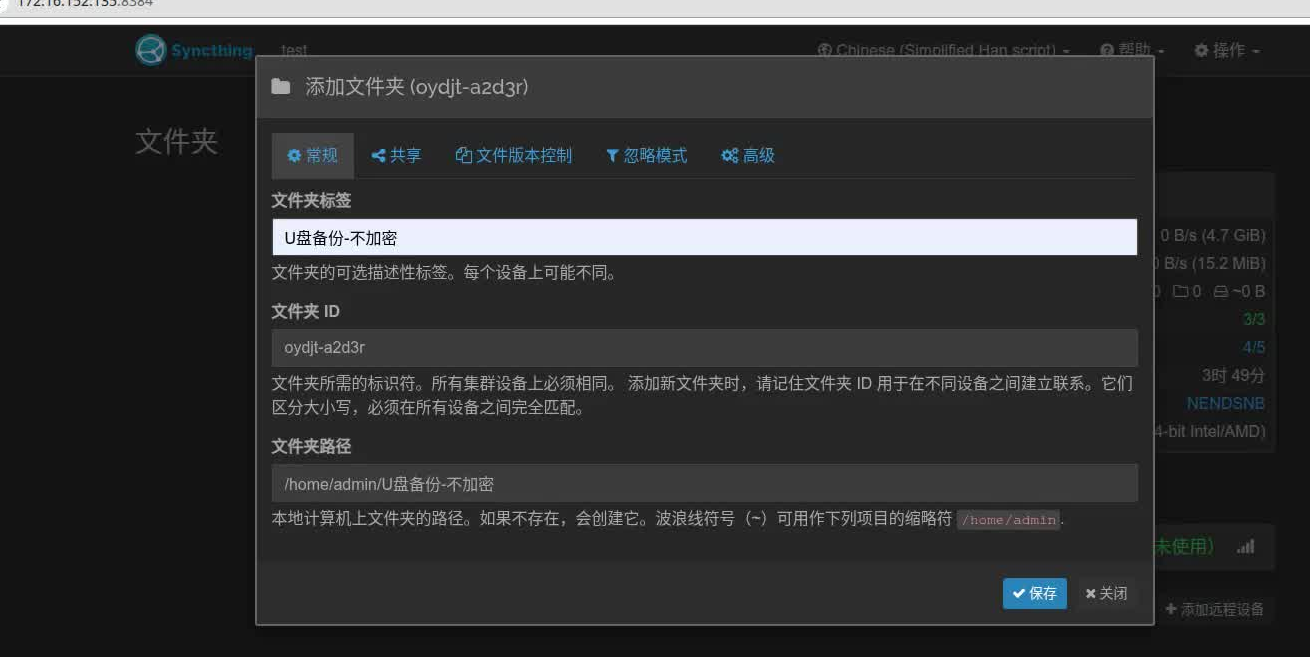
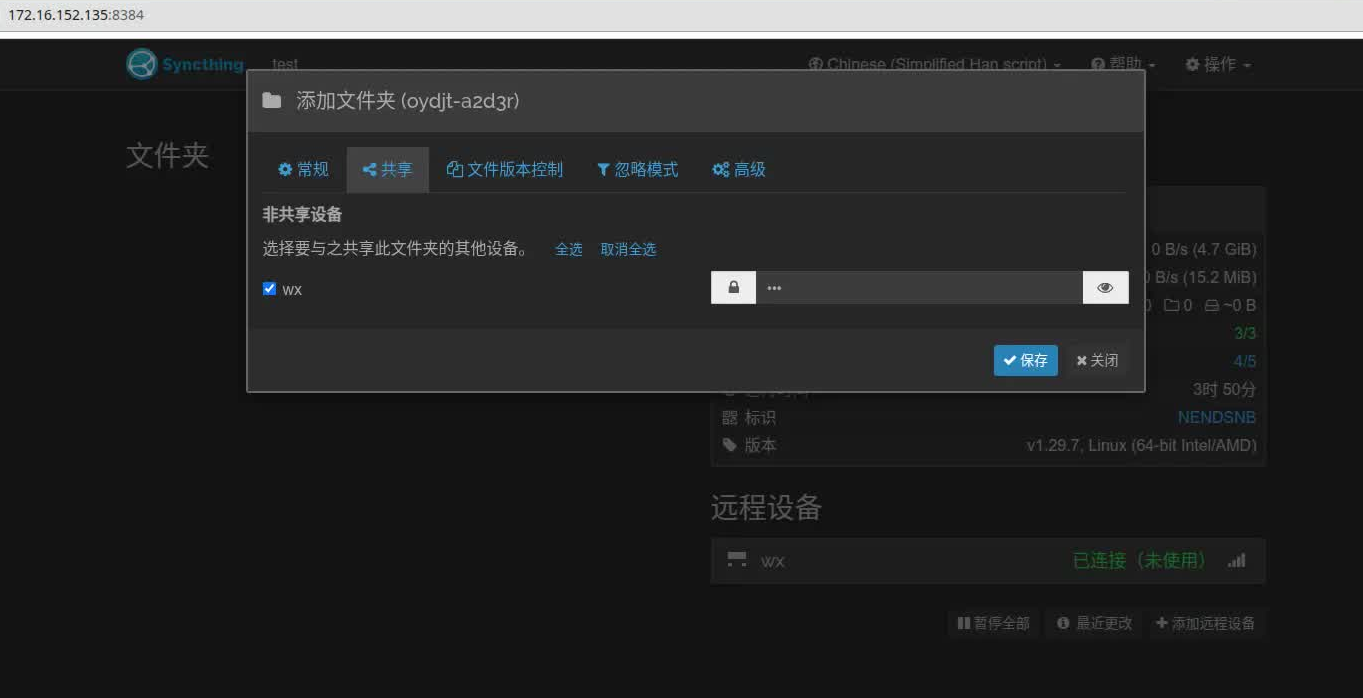
选择仅接收
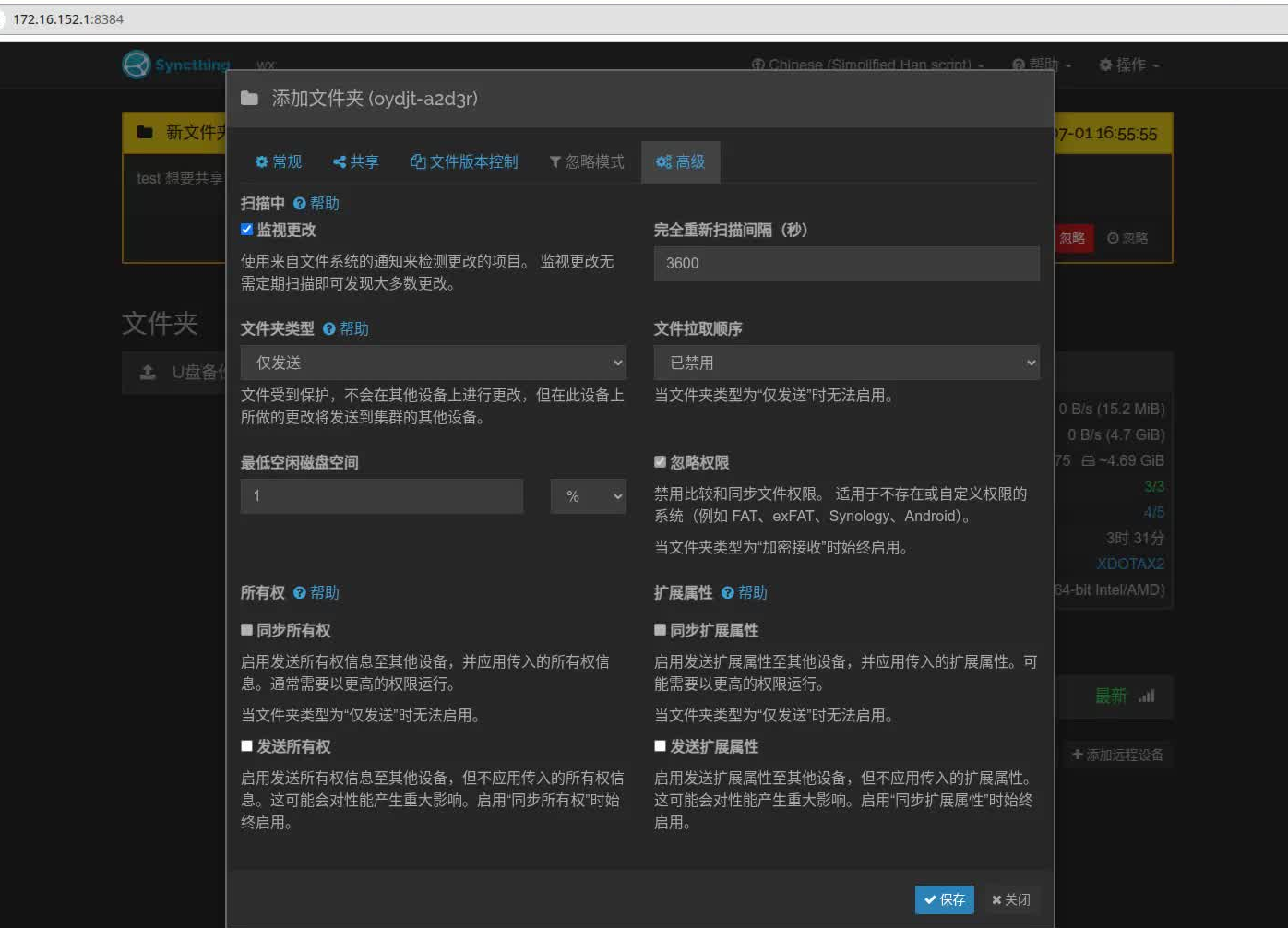
客户端
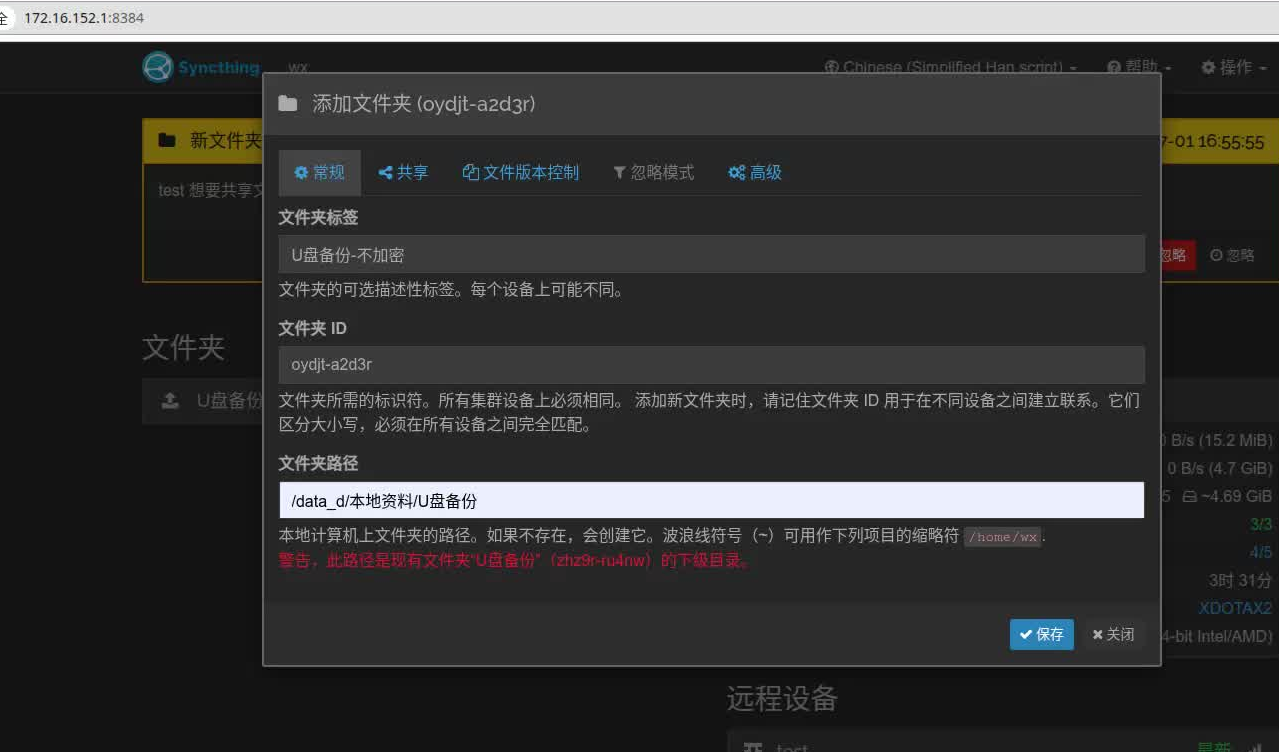
选择仅发送
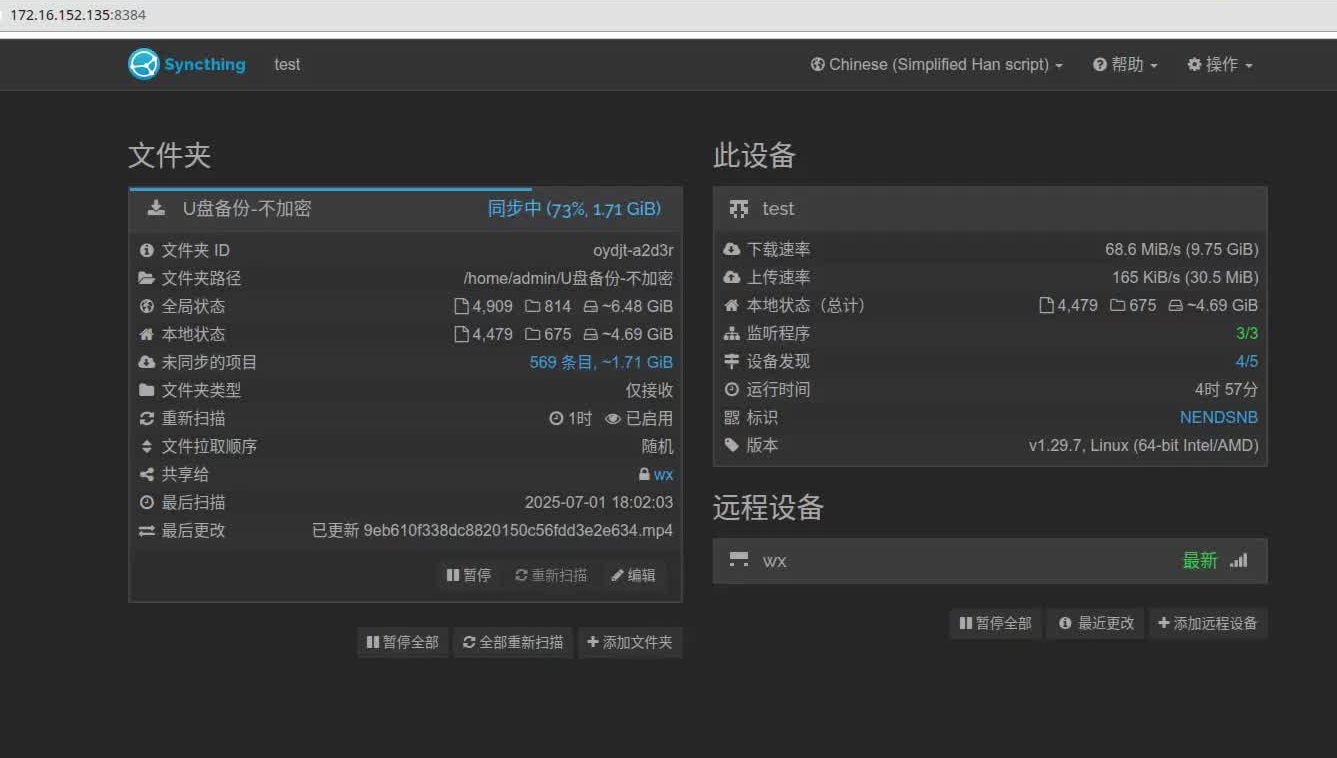
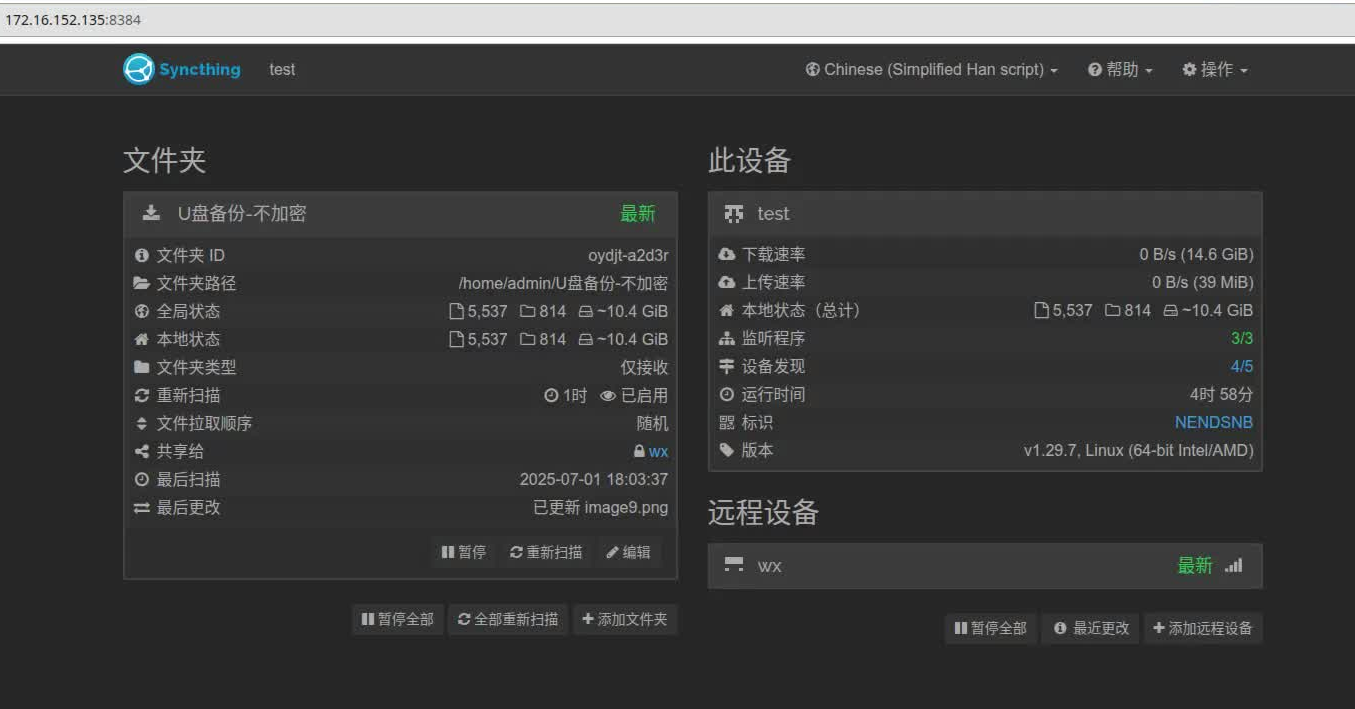
服务端同步进度
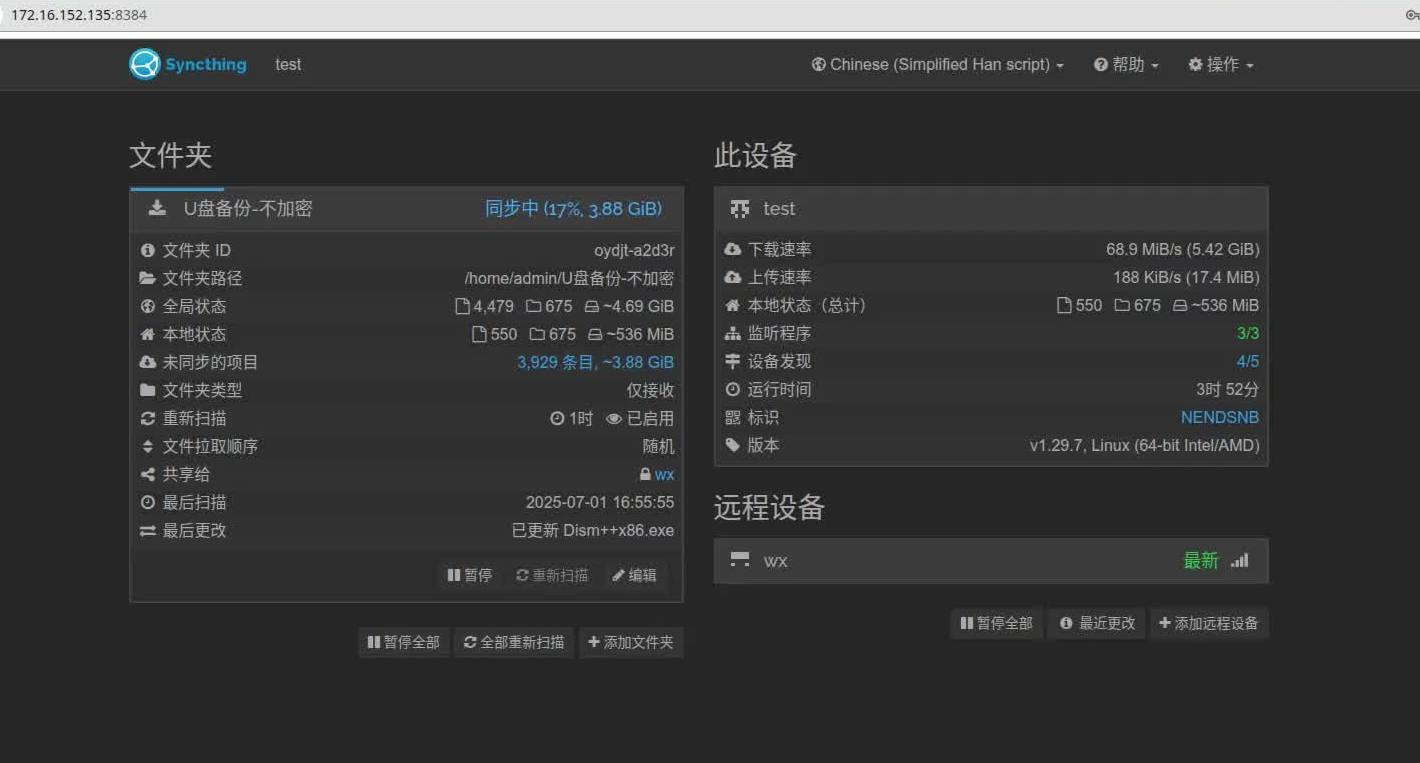
同步完文件目录
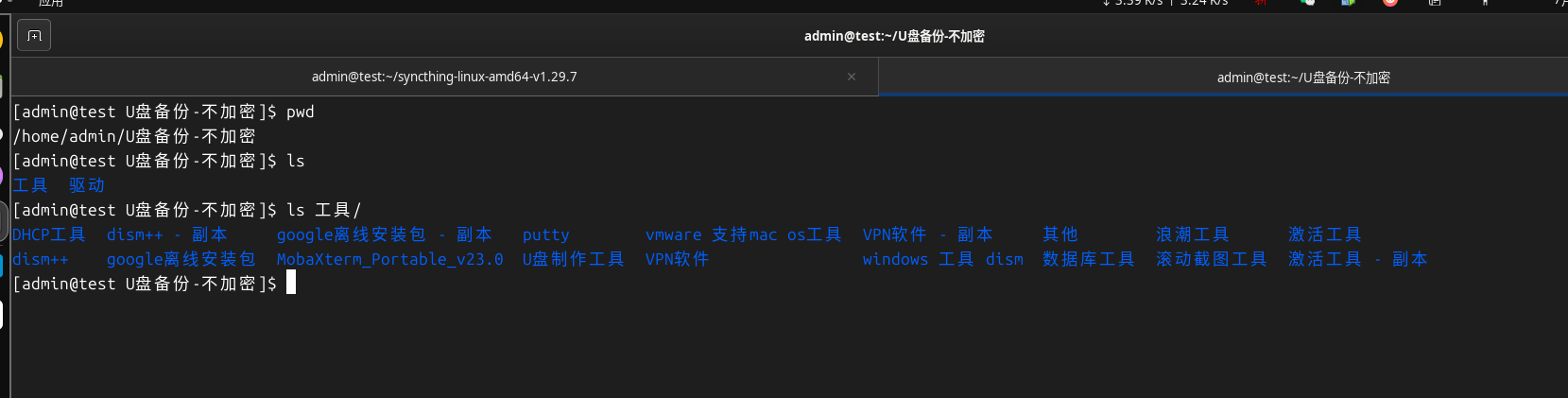
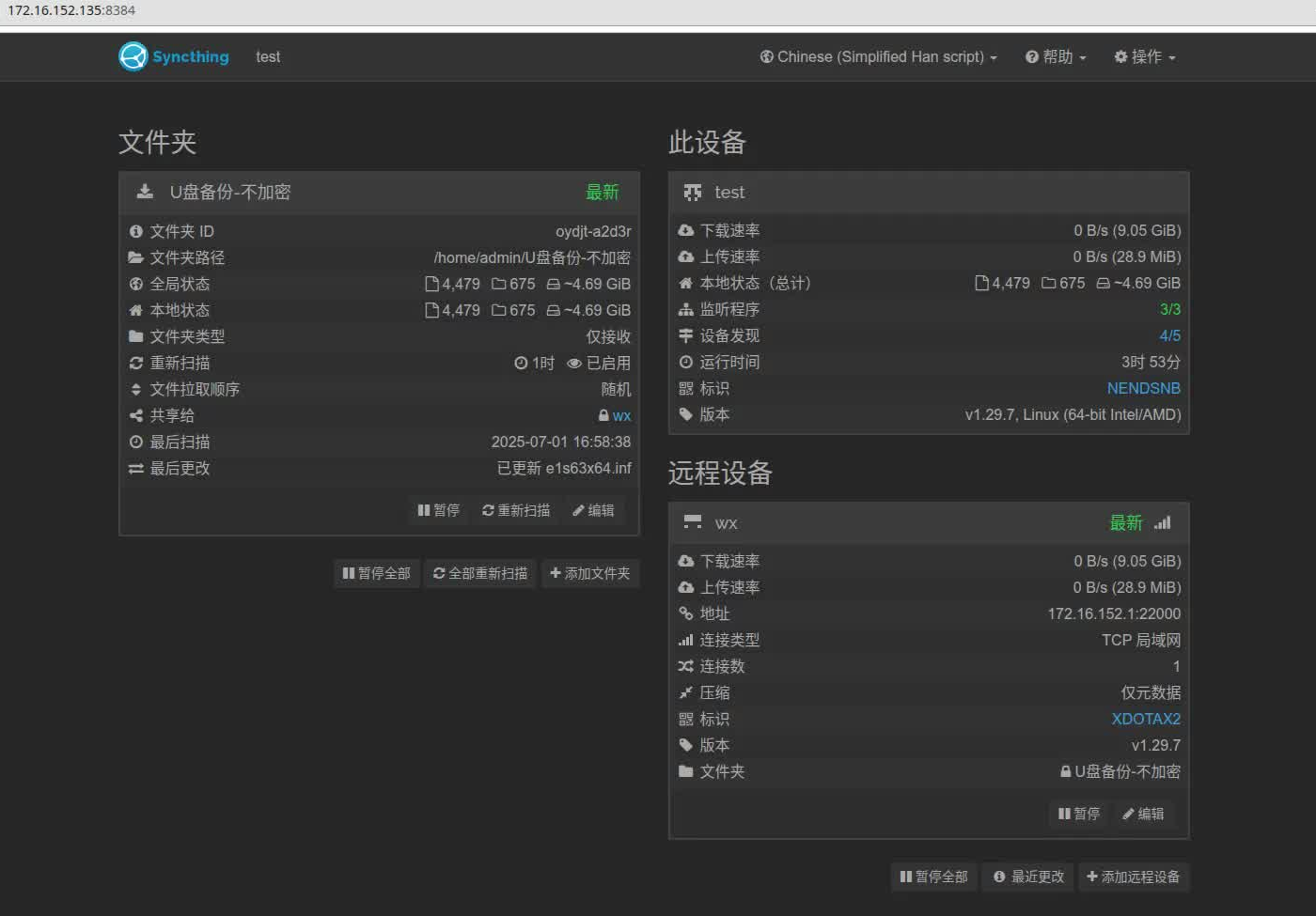
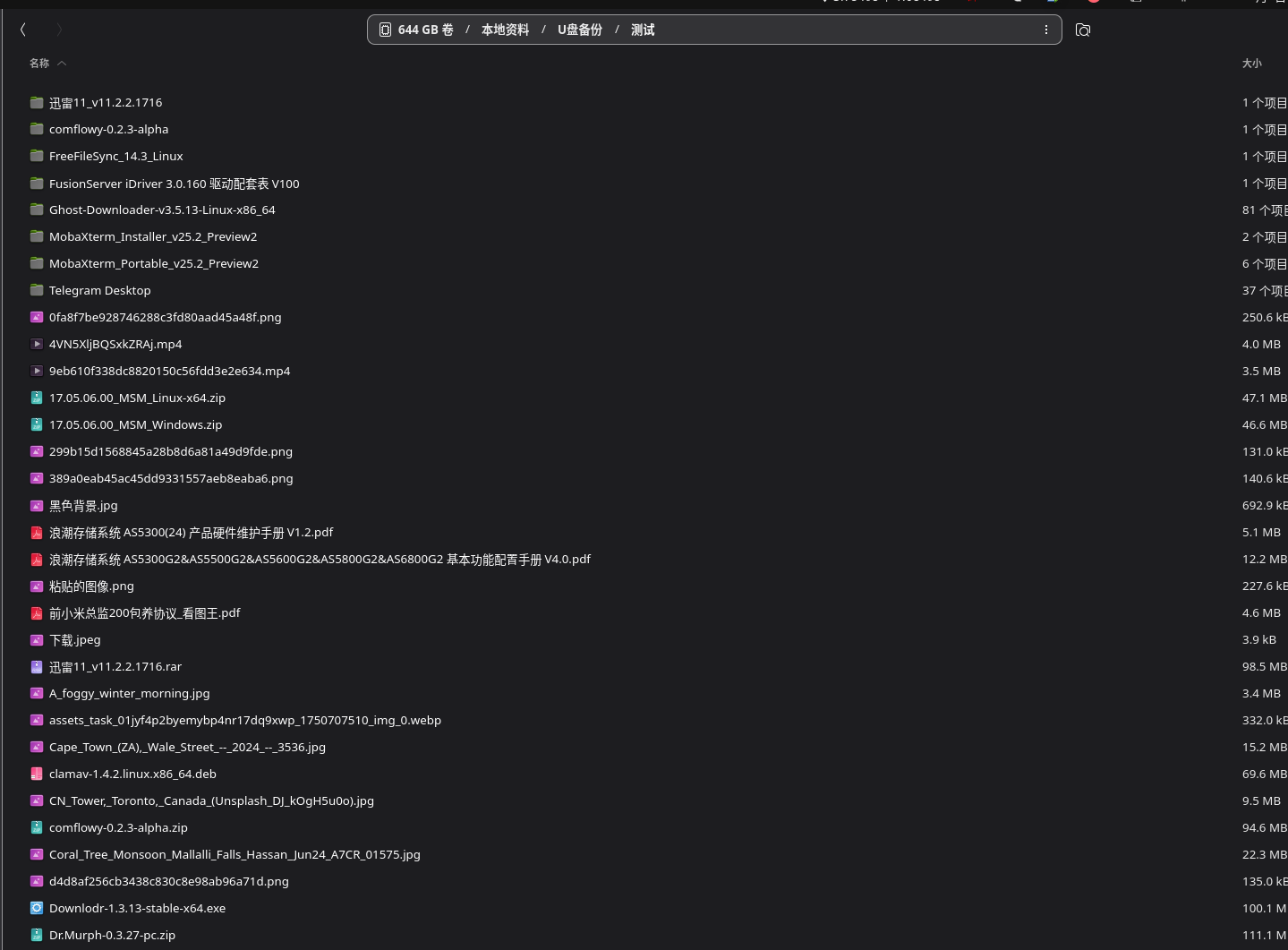
目录增加文件测试
基于windows smb共享文件的同步备份
服务端配置smb共享,windows下挂在共享目录用于读写,,服务器端配置同步备份,可实现文件的自动备份
服务端环境centos7.9,搭建文件服务器参考上一篇博
linux 文件服务器搭建 ftp sftp smb httpd实现文件共享传输_linux 安装sftp 影响samba吗-CSDN博客
smb配置文件如下
[global]
    workgroup = WORKGROUP
    server string = Samba Server
    netbios name = samba-server
    security = user
    map to guest = Bad User

    # 字符集设置(必须放在 [global],防止乱码)
    dos charset = CP932
    unix charset = UTF-8

    # 日志
    log file = /var/log/samba/%m.log
    max log size = 1000

    # 启用较新版本协议
    server min protocol = SMB2
    server max protocol = SMB3

[public]
    comment = Public Share
    path = /data/samba/public
    browseable = yes
    writable = yes
    guest ok = yes
    create mask = 0666
    directory mask = 0777

[private]
    comment = Private Share
    path = /data/samba/private
    browseable = yes
    writable = yes
    guest ok = no
    valid users = admin
    create mask = 0640
    directory mask = 0750
挂载共享目录
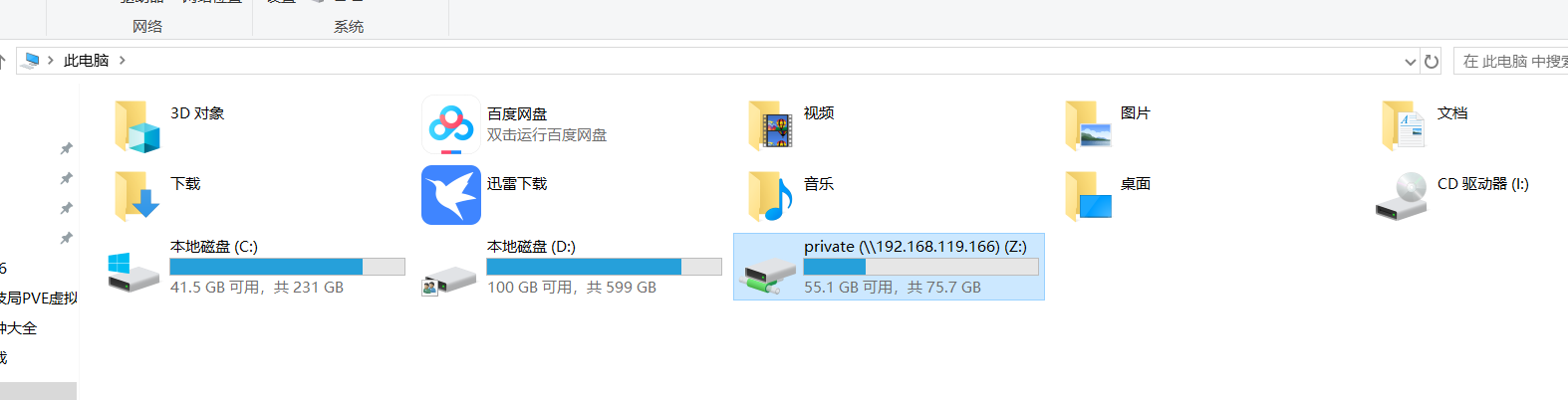
windows下安装syncthing 默认安装即可
windows端启动,登录界面
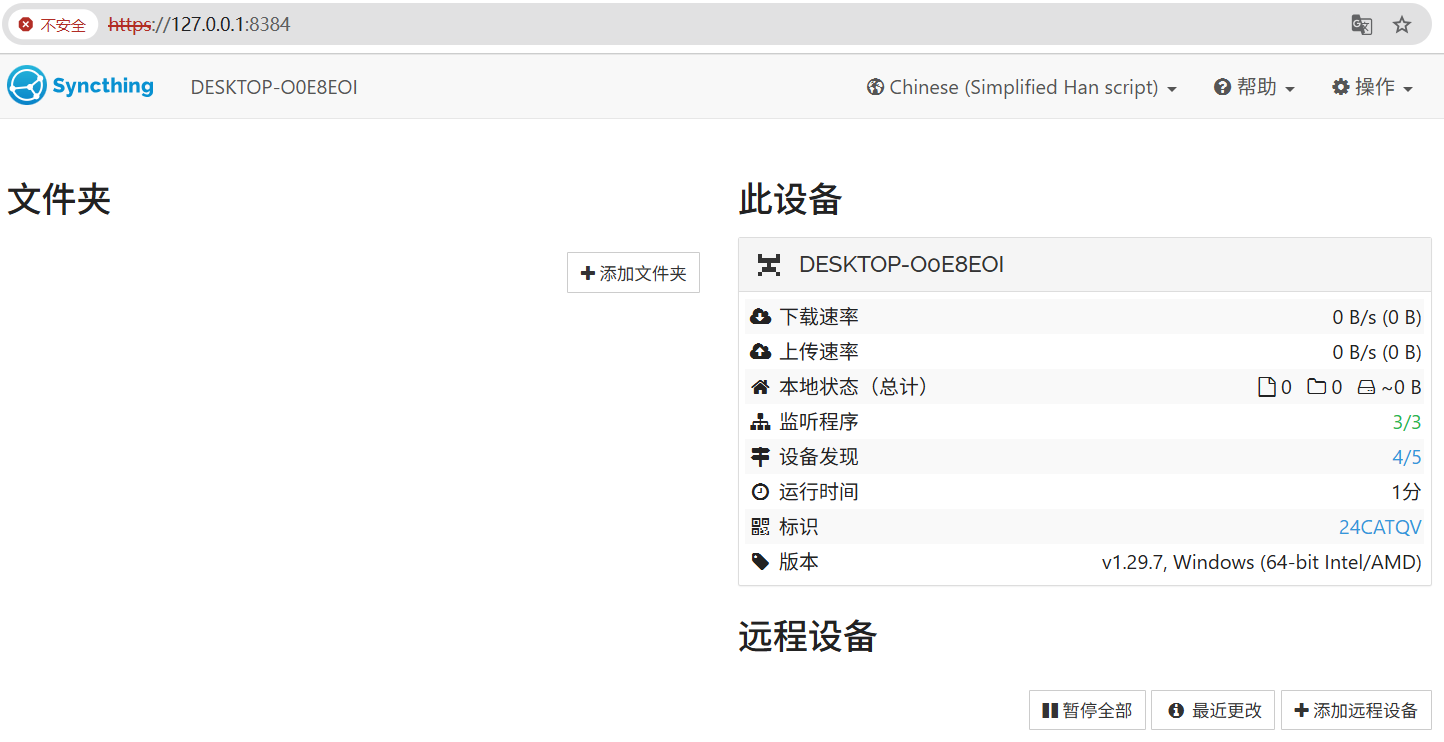
服务器端启动登录界面
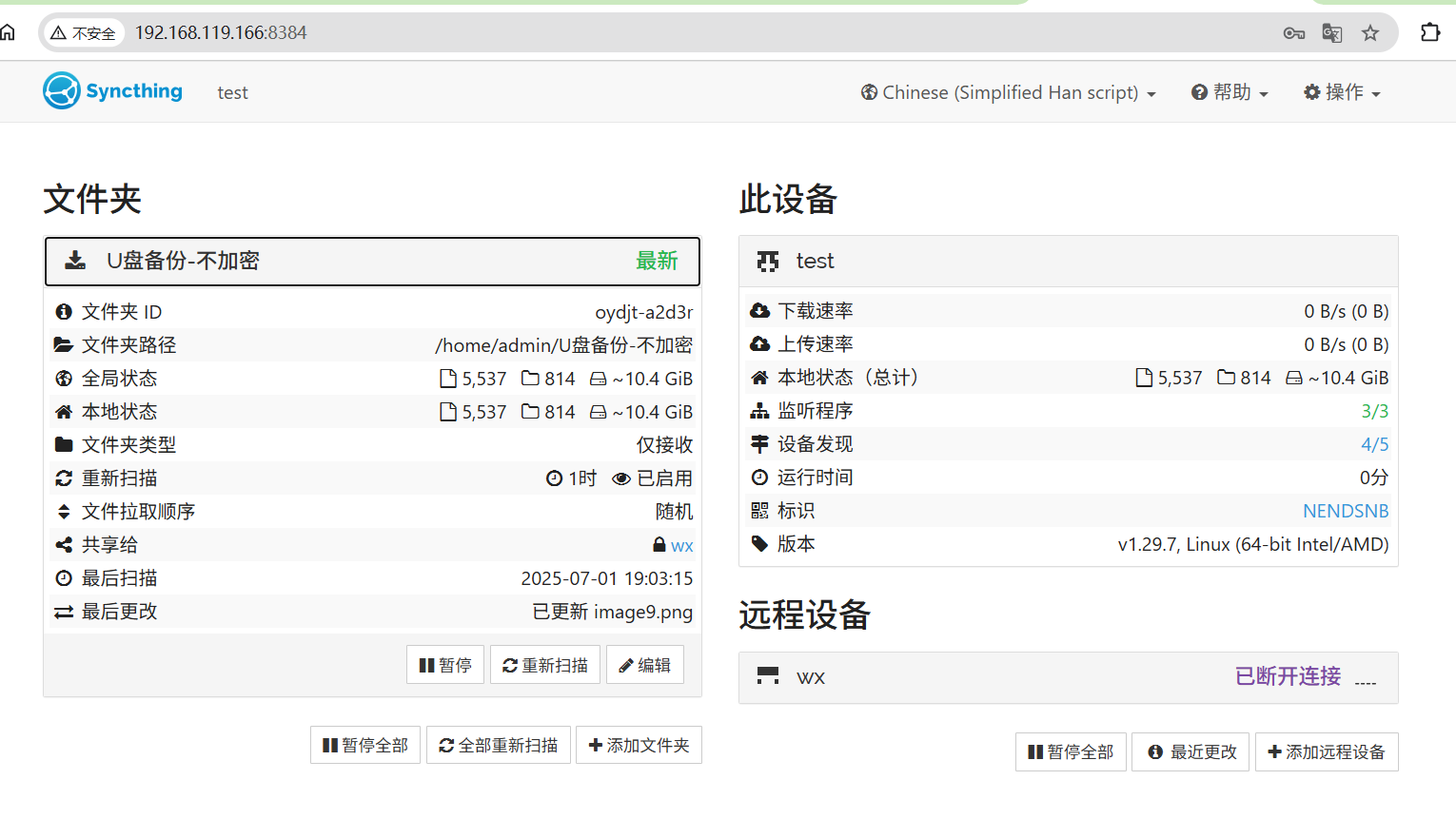
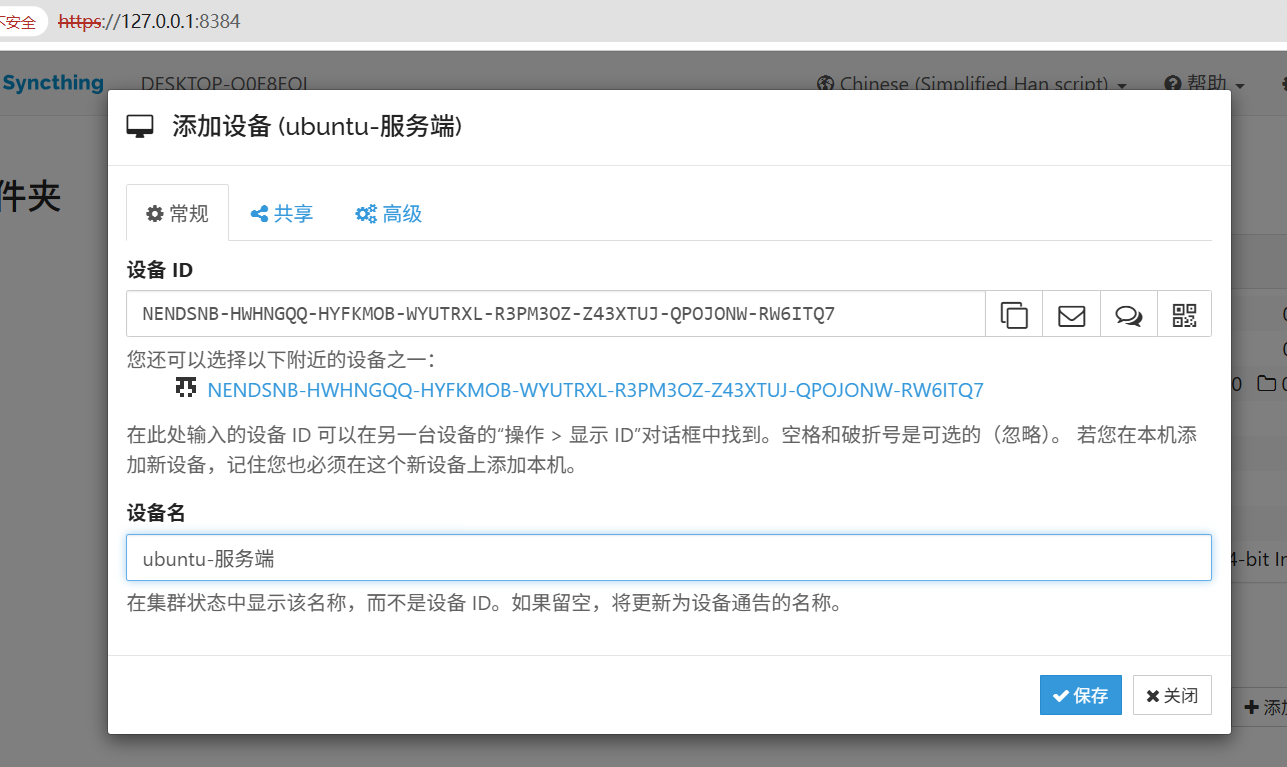
客户端windows添加远程的服务端
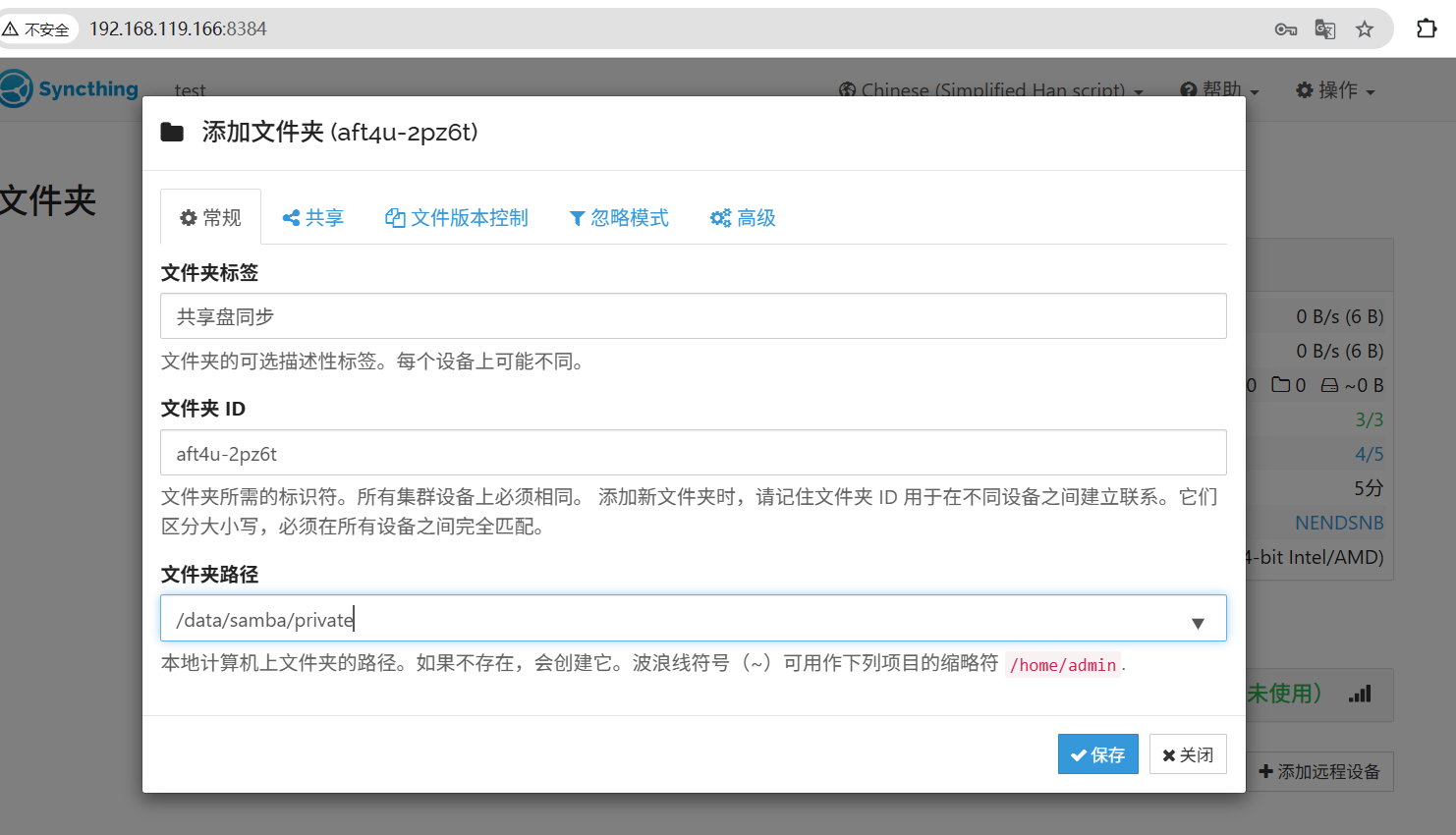
服务端添加文件夹
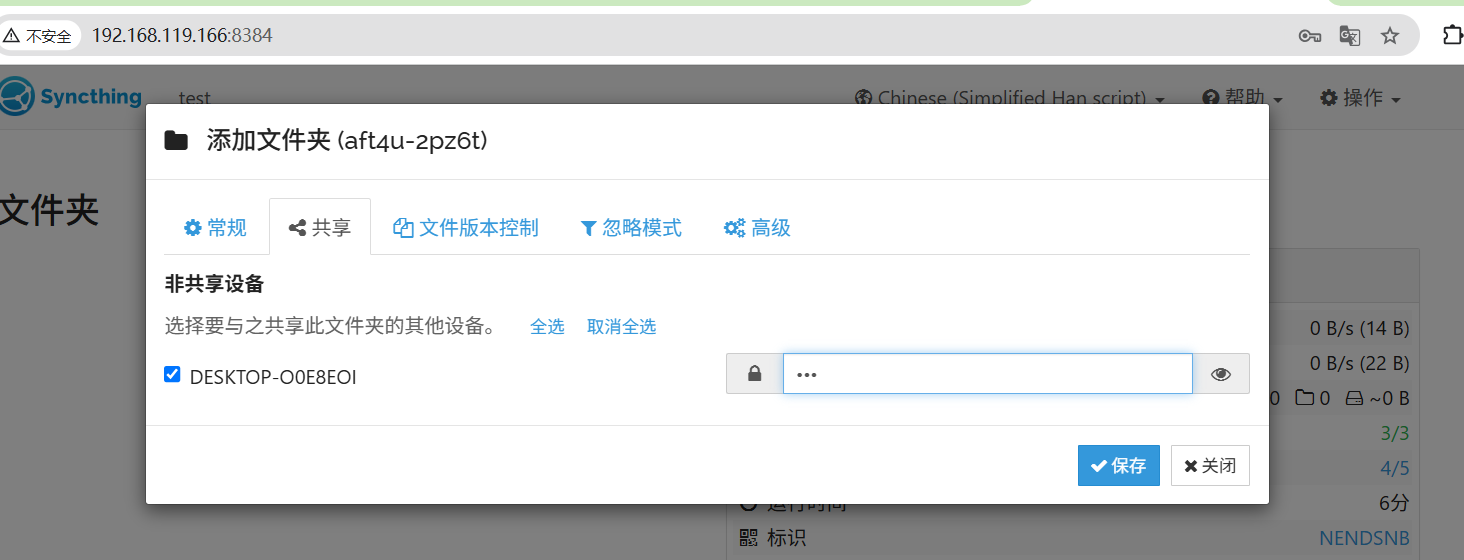
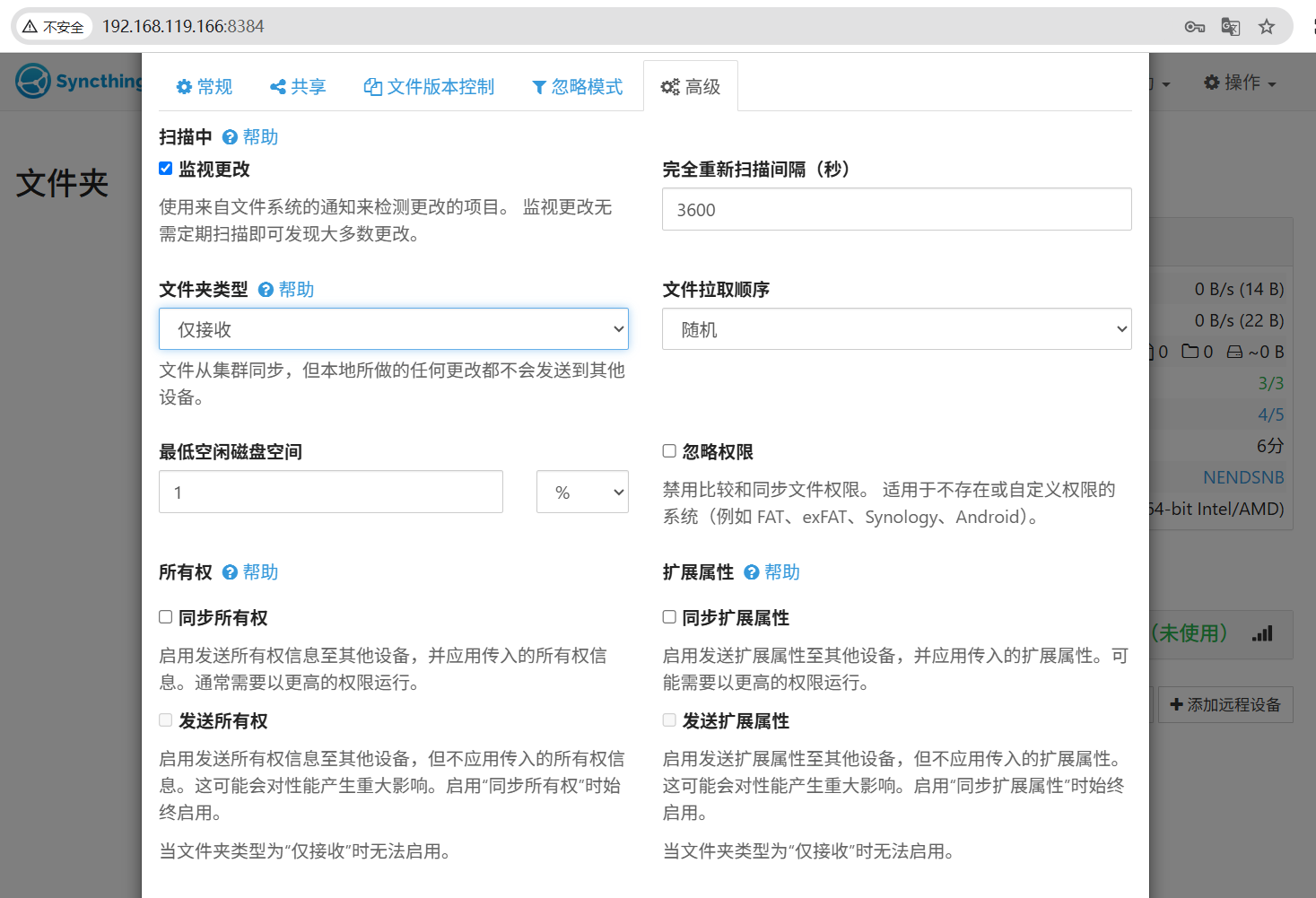
设置为仅接收
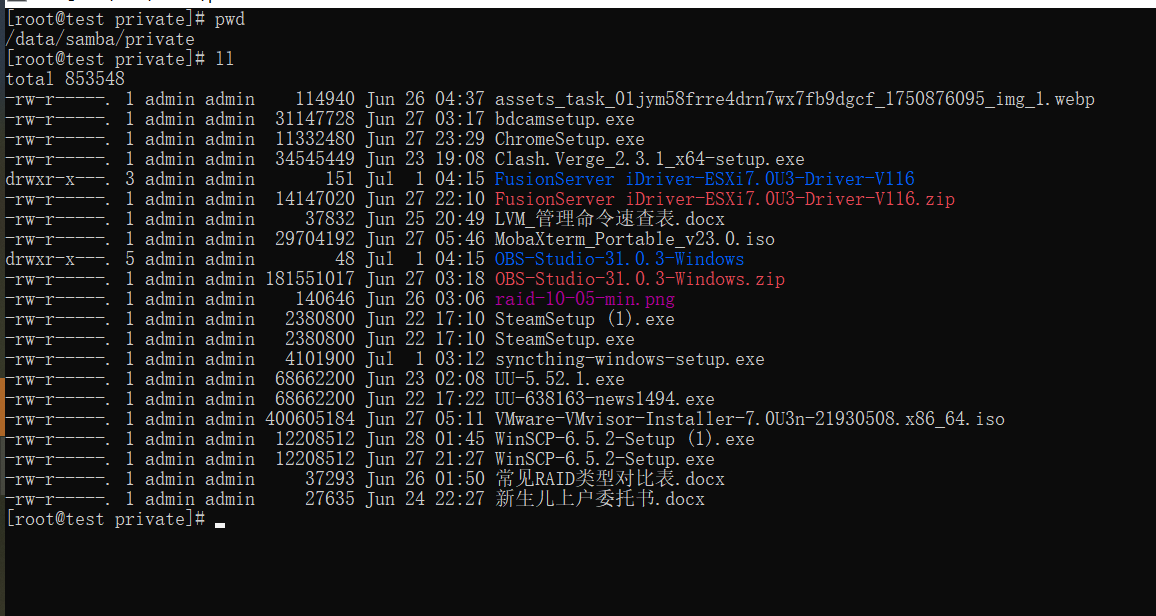
目录/data/samba/private 为共享盘的路径
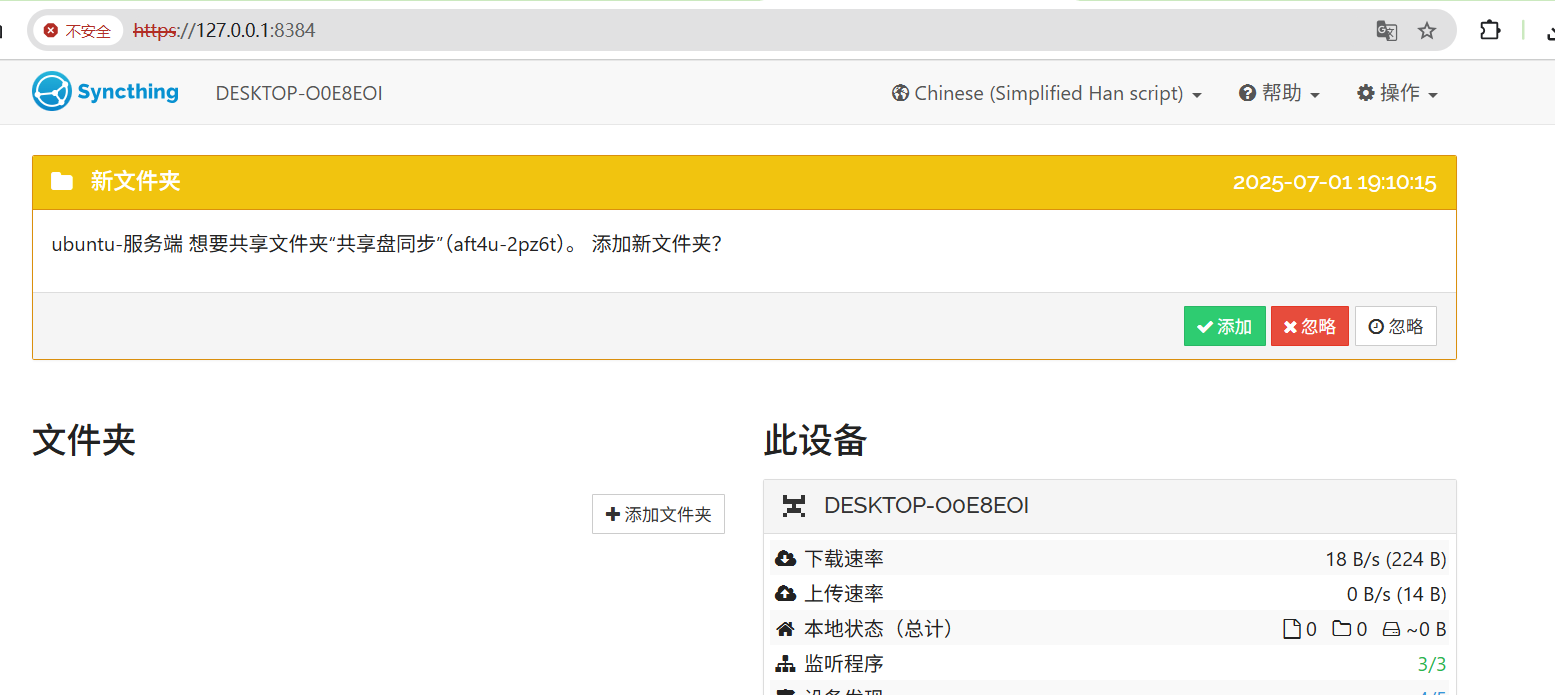
客户端点击接受
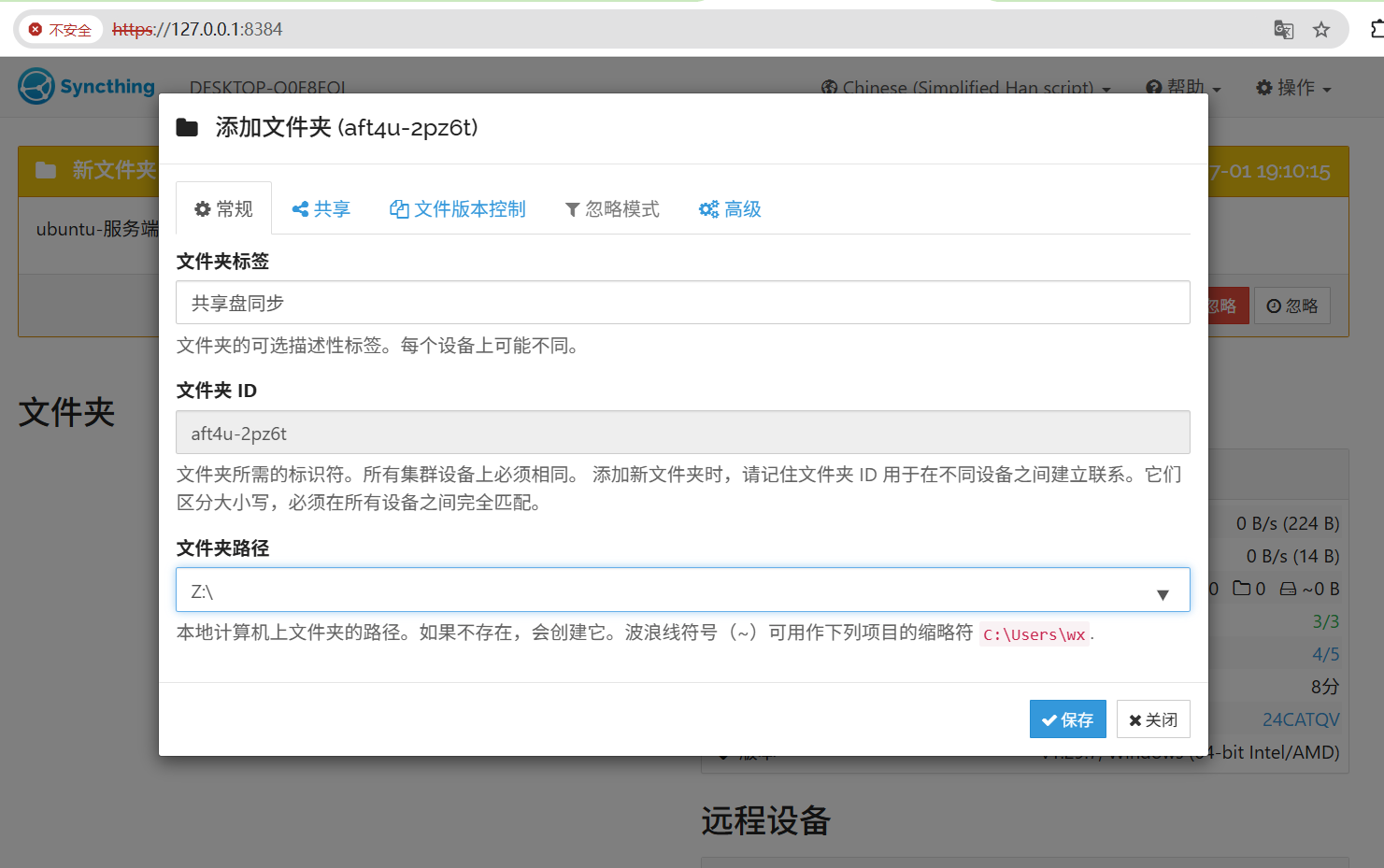
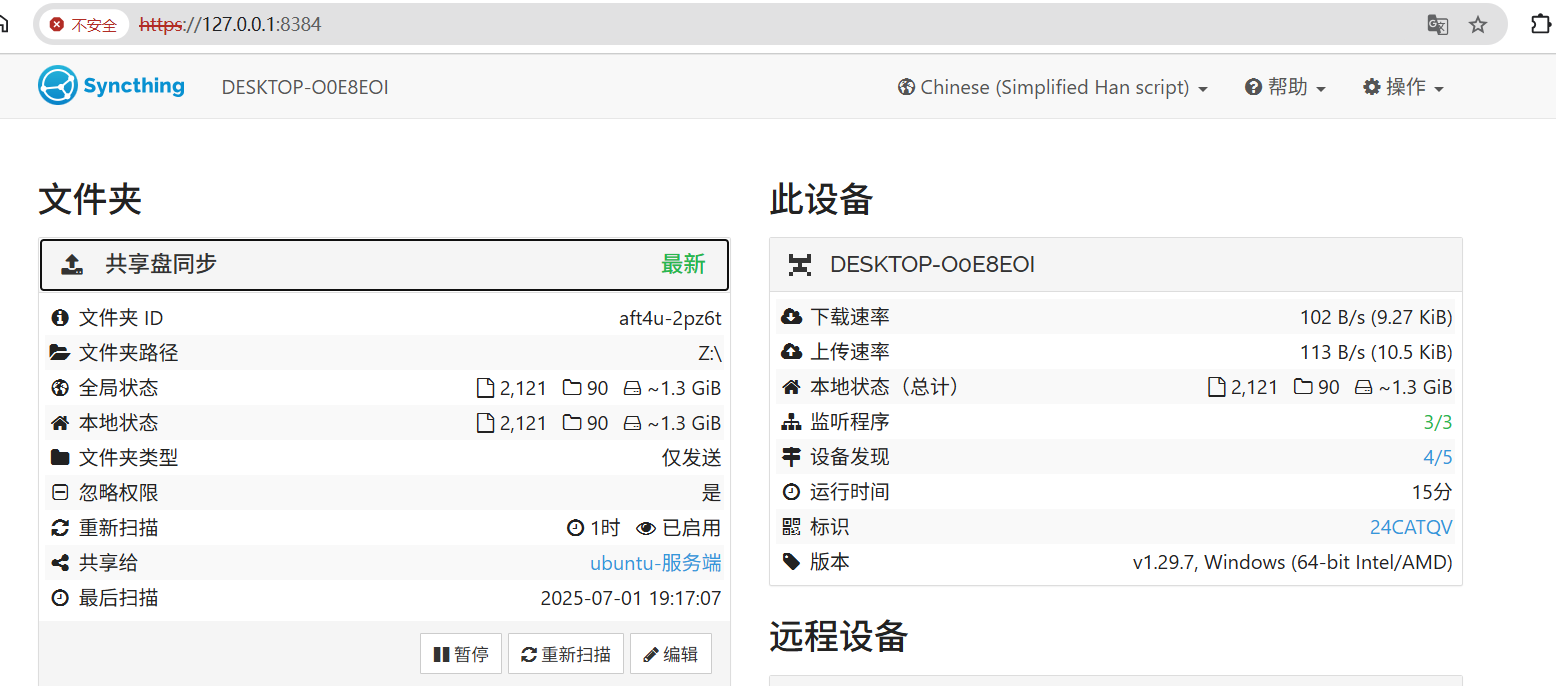
客户端设置为共享盘的路径本地Z:\
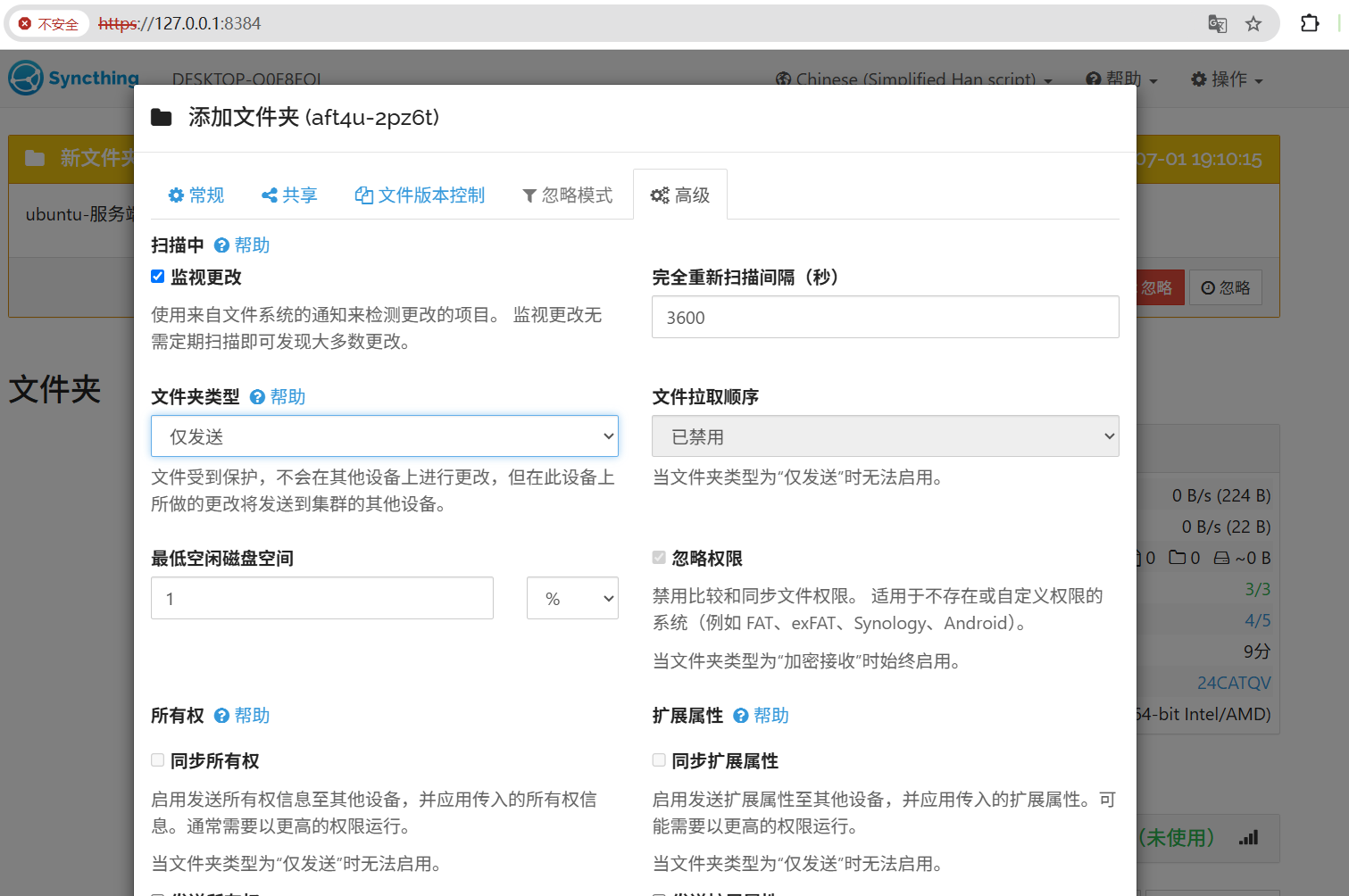
设置为仅发送
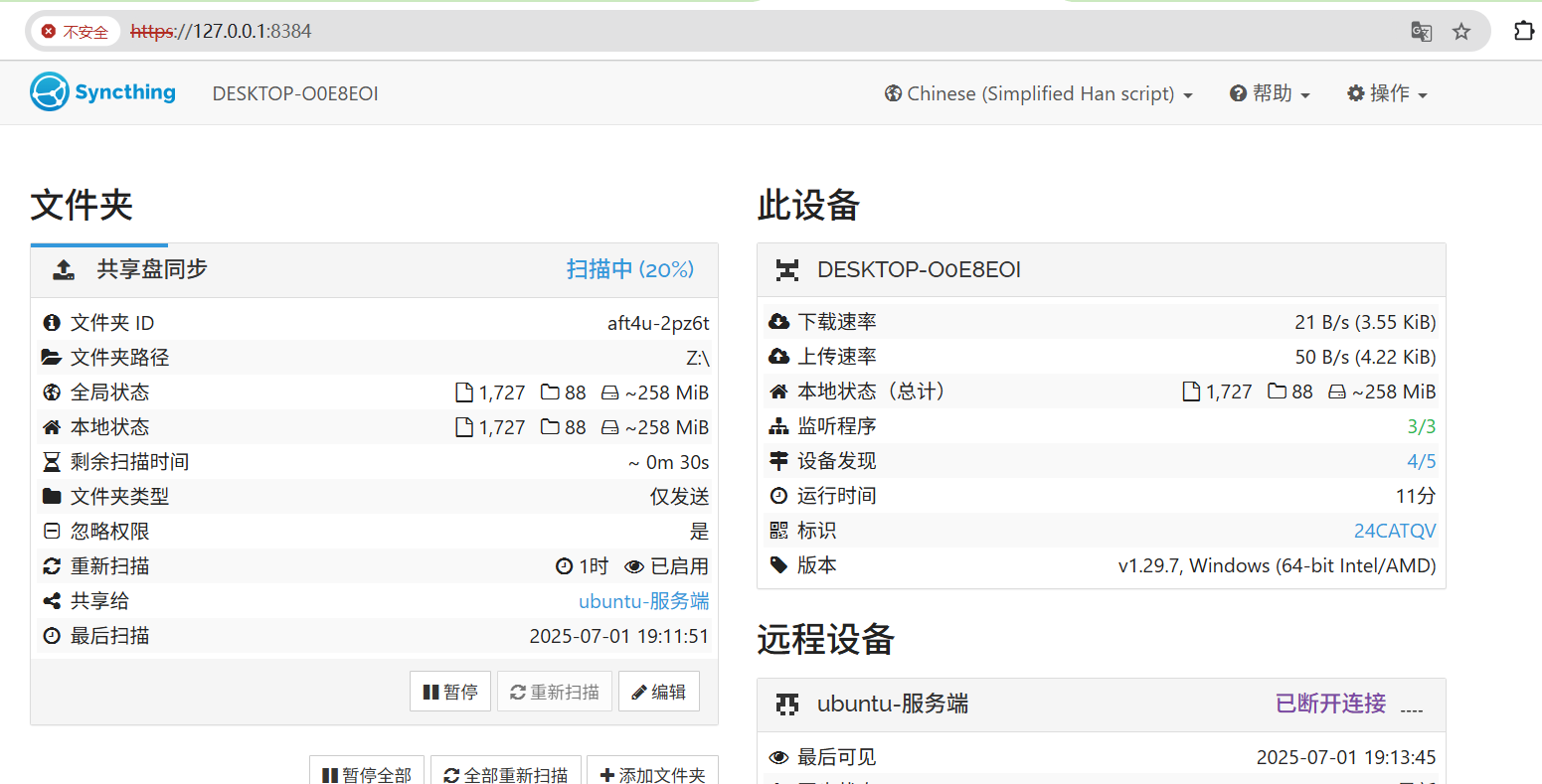
界面显示扫描中
服务器文件查看
淘宝小店,欢迎你的光临,可定制你的需求

https://shop340822098.taobao.com/


 浙公网安备 33010602011771号