
U2U是对优联键盘很好的补充,QMK/TMK拥有的功能,基本上都可以在这里实现。
这里会介绍一下如何通过修改QMK的代码来添加宏,因为目前网上很少有具体介绍怎么添加宏的,基本上都是键值映射的基本功能。
以QMK为例,以下是步骤
- 设置QMK开发环境,建议直接看下面的链接。
https://docs.qmk.fm/#/newbs_getting_started
-
Windows
You will need to install MSYS2, Git, and the QMK CLI.
Follow the installation instructions on the MSYS2 homepage. Close any open MSYS terminals and open a new MinGW 64-bit terminal. NOTE: This is not the same as the MSYS terminal that opens when installation is completed.
Then, run the following:
pacman --needed --noconfirm --disable-download-timeout -S git mingw-w64-x86_64-toolchain mingw-w64-x86_64-python3-pip python3 -m pip install qmk -
Run QMK Setup
After installing QMK you can set it up with this command:
qmk setup -
qmk compile -kb converter/usb_usb -km default
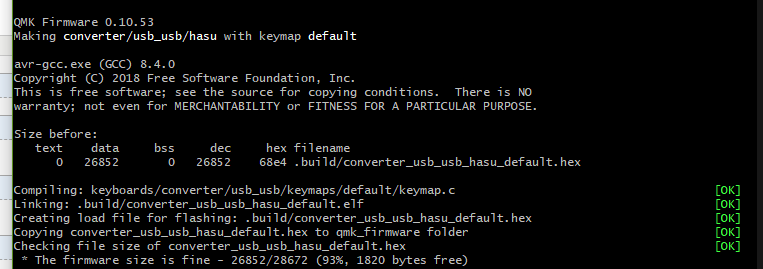
如果出现以上信息,恭喜你,已经通过了环境设置
2. 修改代码来增加宏,以下图为例,打开keymap.c, 我们需要把宏的代码,添加到这里
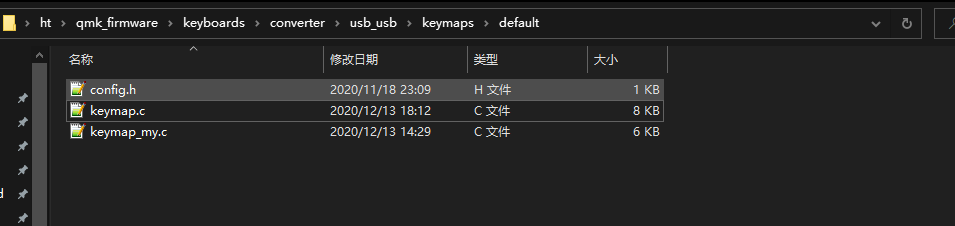
 1 enum custom_keycodes {
 2     QMKBEST = SAFE_RANGE,
 3     QMKURL,
 4 };
 5
 6 bool process_record_user(uint16_t keycode, keyrecord_t *record) {
 7     switch (keycode) {
 8     case QMKBEST:
 9         if (record->event.pressed) {
10             // when keycode QMKBEST is pressed
11             SEND_STRING("QMK is best for using U2U!!!!!");
12         } else {
13             // when keycode QMKBEST is released
14         }
15         break;
16
17     case QMKURL:
18         if (record->event.pressed) {
19             // when keycode QMKURL is pressed
20             SEND_STRING("https://qmk.fm/\n");
21         } else {
22             // when keycode QMKURL is released
23         }
24         break;
25
26
27     }
28     return true;
29 };
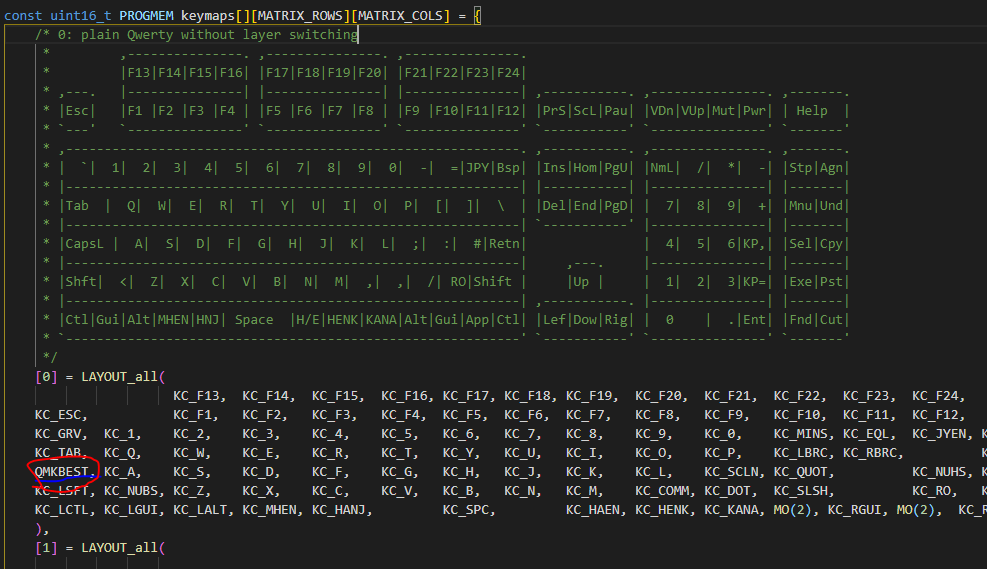
假设需要在CAPLOCK按钮添加宏, 那么就把我们要添加的宏QMKBEST enum 写到这里,这样默认0层,点击CAPLOCK就可以出发这个宏了,它会输出 QMK is best for using U2u!!!!!,这个是写到上面的switch里面的,自行修改成自己需要的。
好了以后我们需要编译生成固件,run 一下命令来生成,一下命令跑的qmk 上面设置好的环境下
qmk compile -kb converter/usb_usb -km default
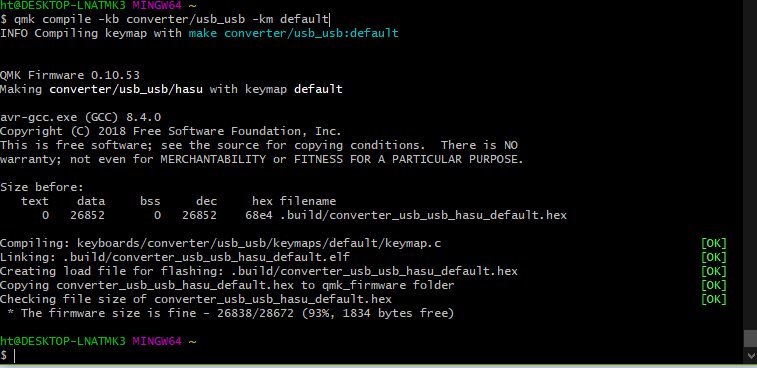
上面会生成.hex 固件文件,如果一切顺利,那么恭喜你可以刷机了。
3 请自行安装好一下qmk took box,选中刚才生成的.hex文件,选中auto-flash, 按一下u2u的按钮,刷机开始....
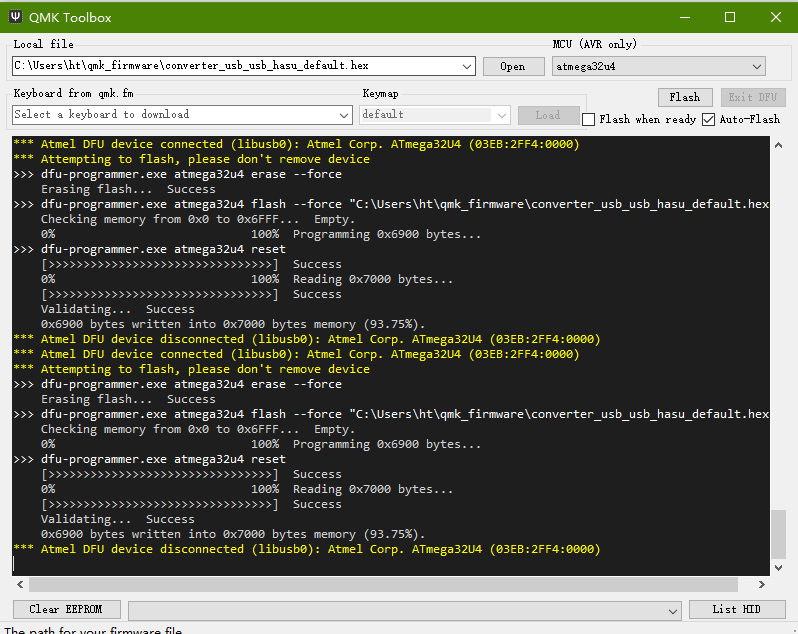
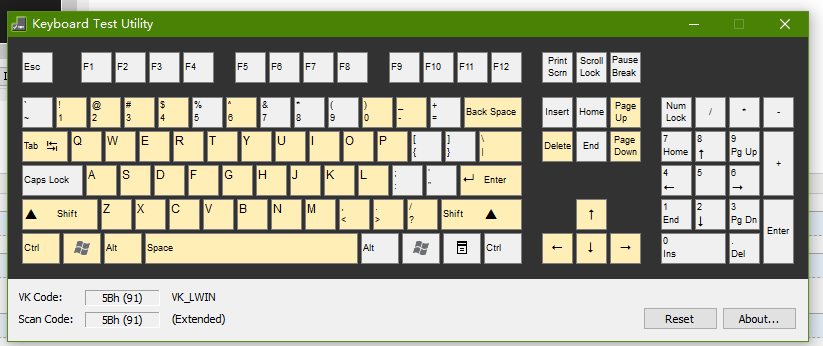
4. 然后用键盘测试软件测试吧。
5. 附件里面也有我的F区切层代码,进攻参考,有了u2u 小配列键盘简直要上天,^_^

 浙公网安备 33010602011771号