
github拉项目报Failed to connect to github.com port 443失败解决方法
参考:https://blog.csdn.net/lph159/article/details/143783520
操作流程
win11是:设置-网络和Internet-手动设置代理

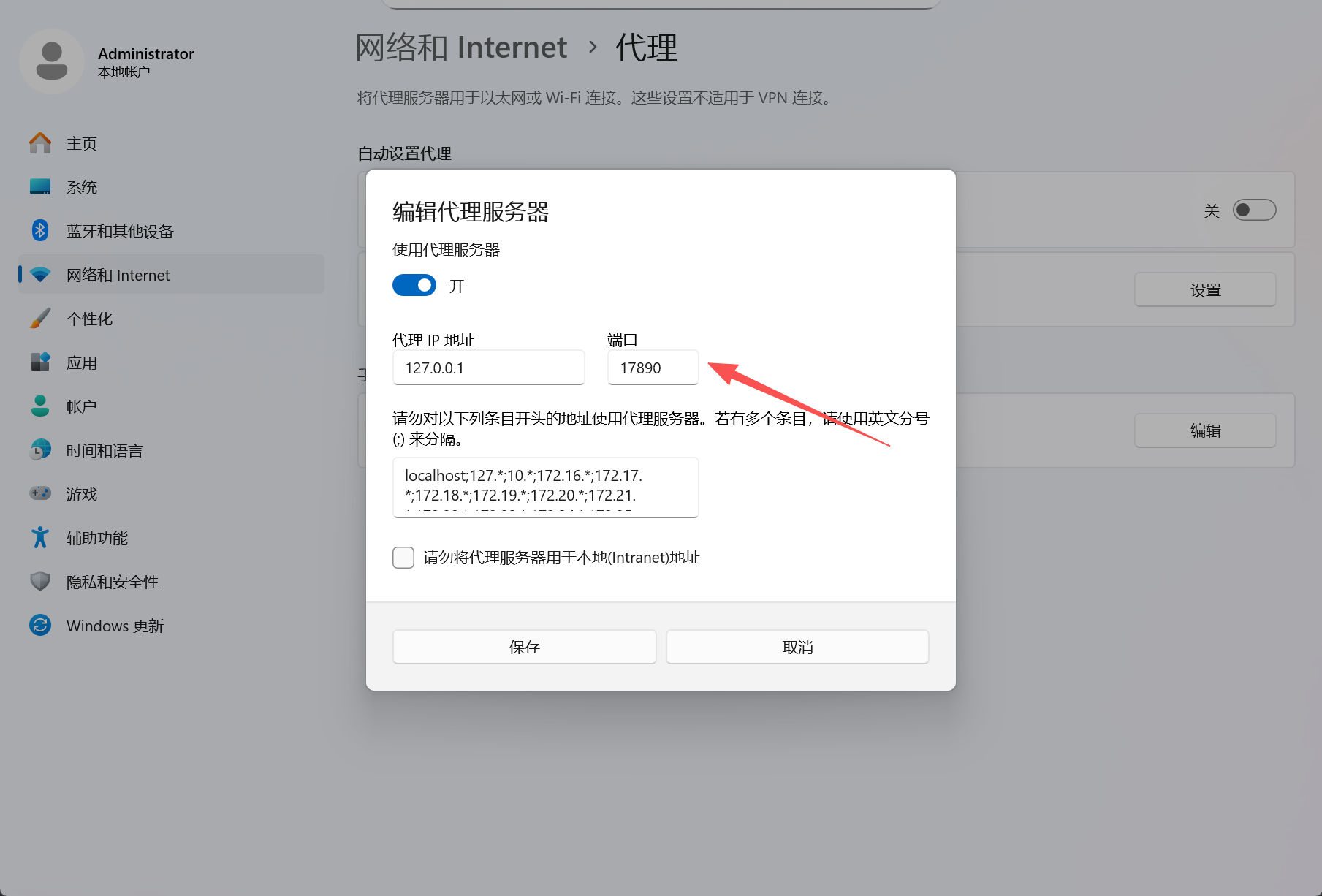
【全局设置】如果你的梯子打开了这边会显示已开启,然后复制这个端口号,我的是17890
接着取命令框里面替换输入
git config --global http.proxy http://127.0.0.1:17890
git config --global https.proxy http://127.0.0.1:17890
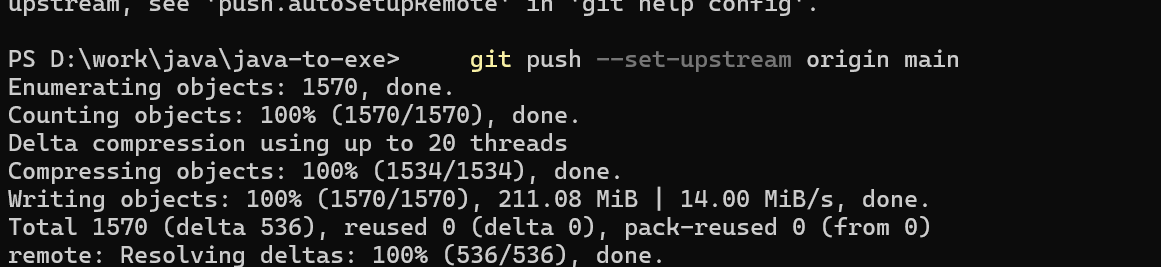
【局部项目设置】可以直接在.git/config下面加如下代码
[http]
	sslVerify = false
	proxy = http://127.0.0.1:17890
[https]
	proxy = http://127.0.0.1:17890
可以了

 浙公网安备 33010602011771号