四、pytest结合allure-pytest插件生成allure测试报告
一、下载,解压,配置path路径
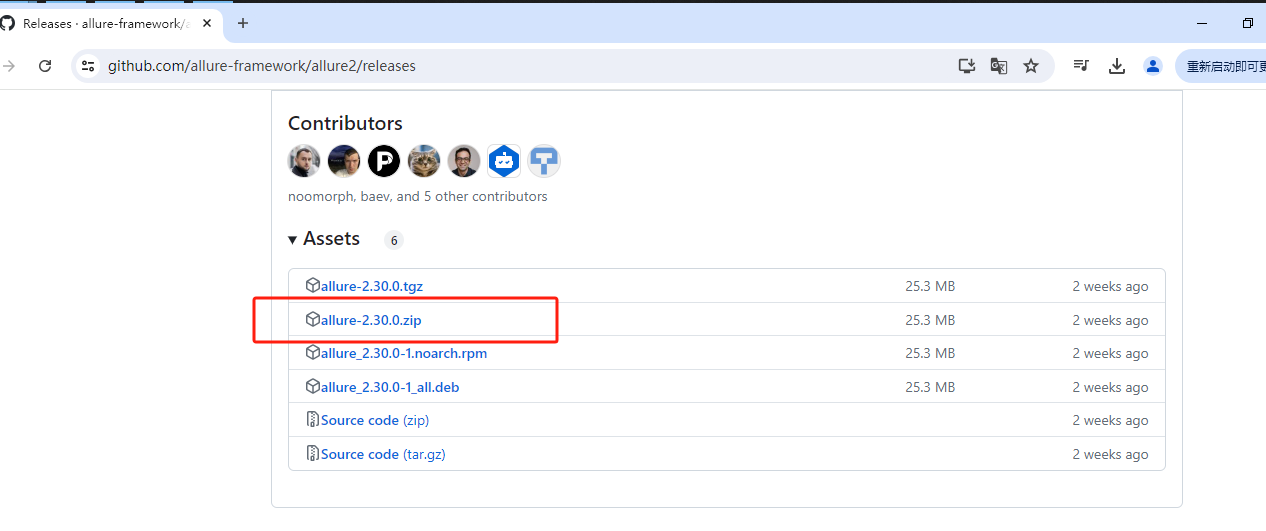
1.1 下载并解压
https://github.com/allure-framework/allure2/releases
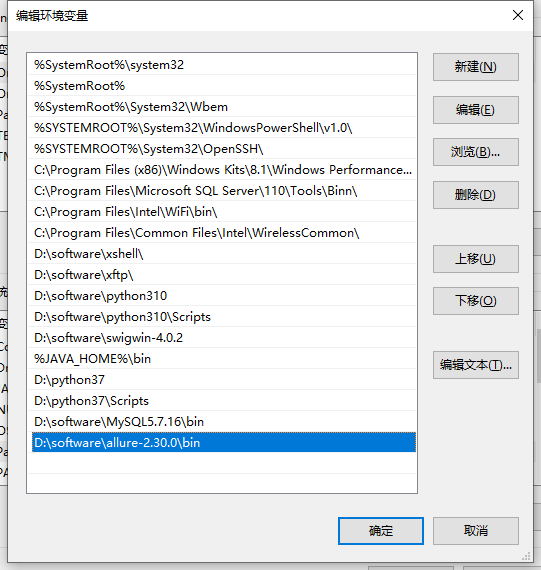
将 bin 目录加载到环境变量中
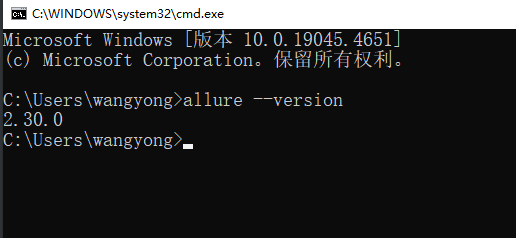
allure --version
如果 pycharm验证失败,那么重启 pycharm就可以了
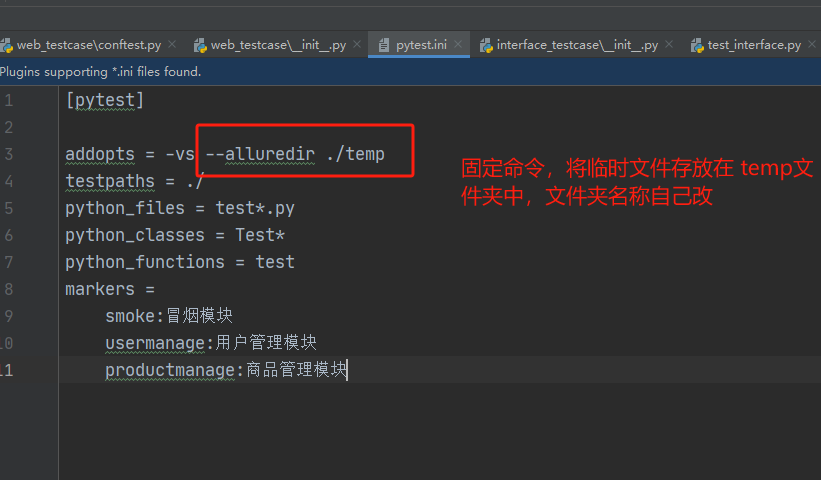
[pytest]

addopts = -vs --alluredir ./temp
testpaths = ./
python_files = test*.py
python_classes = Test*
python_functions = test
markers =
    smoke:冒烟模块
    usermanage:用户管理模块
    productmanage:商品管理模块
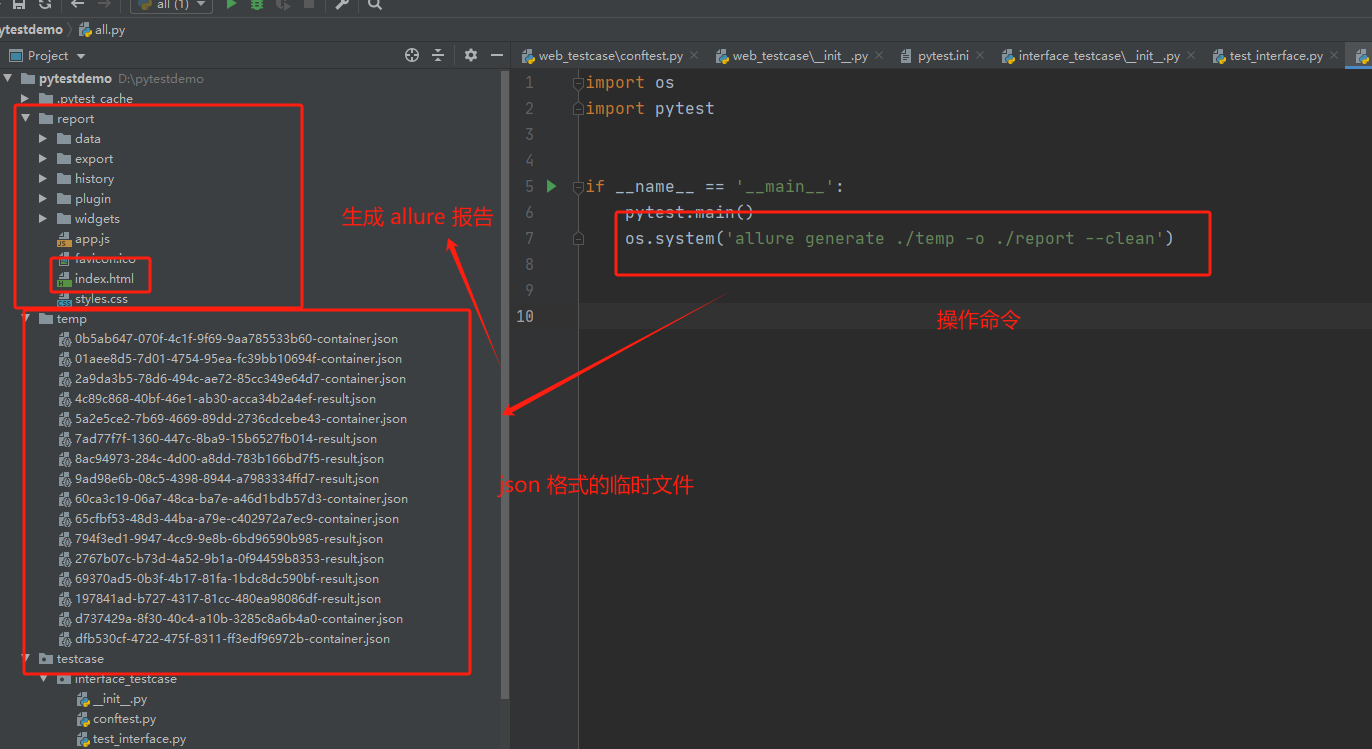
os.system('allure generate ./temp -o ./report --clean')
"""
allure generate 命令,固定的
./temp 临时的json格式报告的路径
-o 输出output
./report 生成的allure报告的路径
--clean 清空./report 路径原来的报告
"""
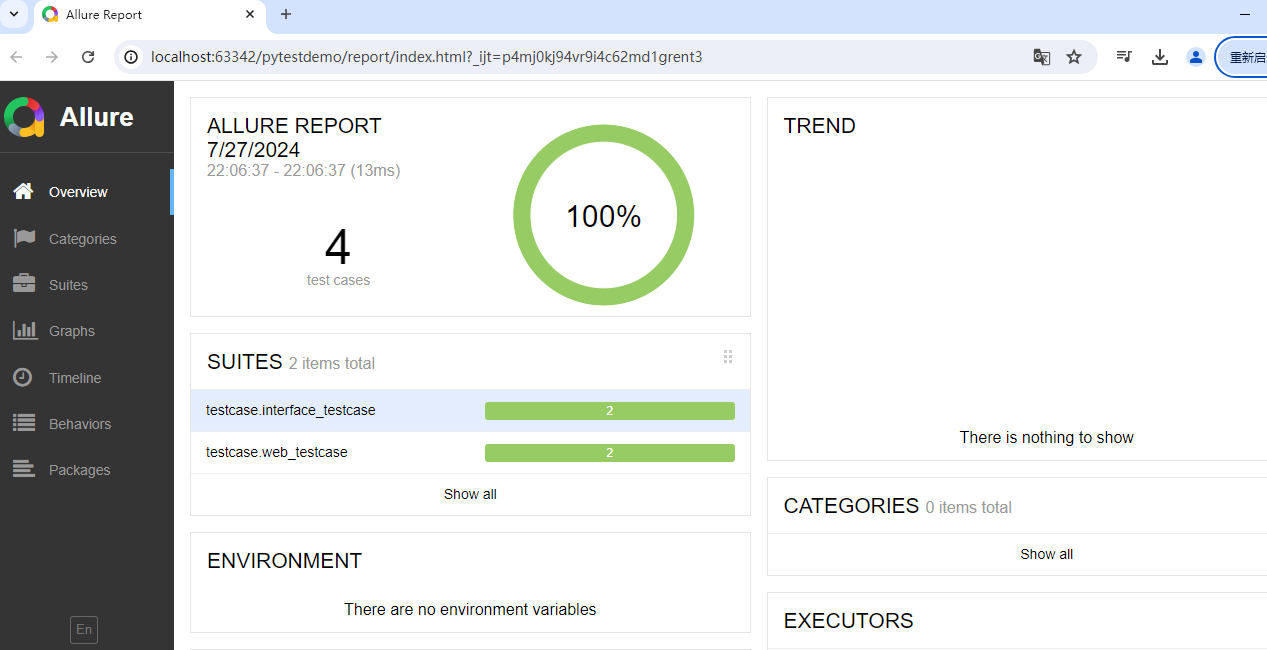
打开 index.html 就可以生成美观的报告


 浙公网安备 33010602011771号