
使用Selenium如何连接已经打开的chrome浏览器
背景
借助企业微信想做个Selenium的自动化测试,可是每次访问企业微信需要扫码登录,想通过selenium连接已经打开的Chrome浏览器,可以使用Chrome的debug模式搞定,具体配置实现如下
- 获取Chrome的路径地址,我是使用chrome://version/查找的
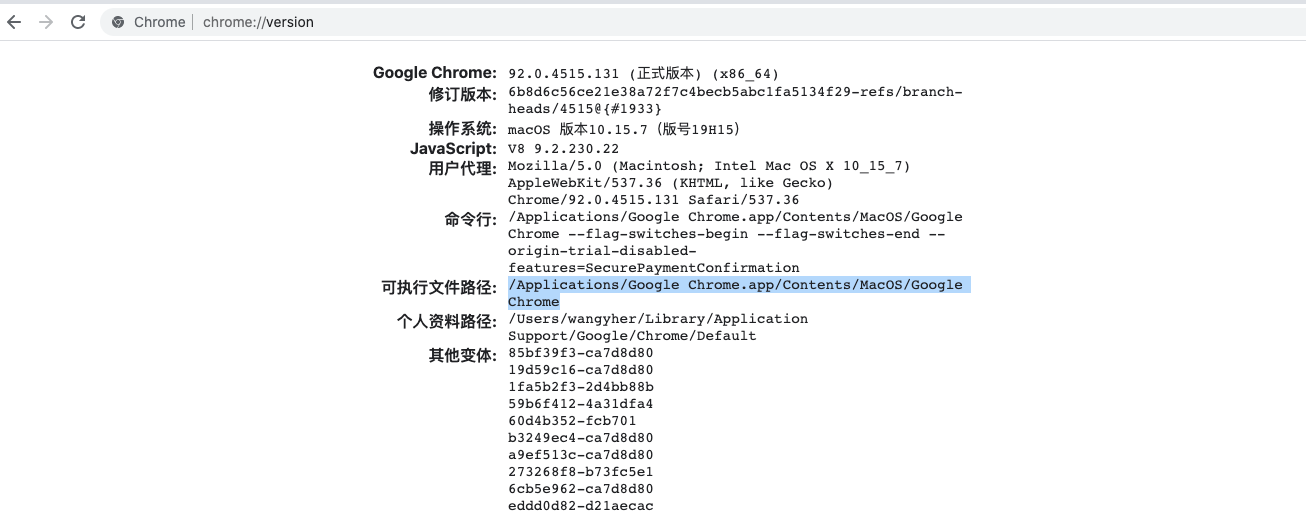
Chrome:/Applications/Google Chrome.app/Contents/MacOS/Google Chrome
- 配置环境变量
export PATH="/Applications/Google Chrome.app/Contents/MacOS:$PATH"
将上面的路径添加到zshrc文件中,然后激活环境:
source ~/.zshrc
在iTerm中打开Chrome:
Google\ Chrome --remote-debugging-port=9222 --user-data-dir="~/ChromeProfile"
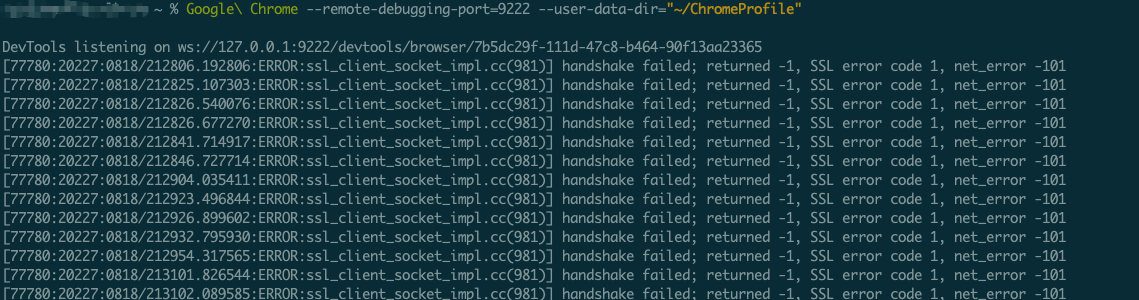
这个时候就能看到一个新的Chrome浏览器打开了,然后编写程序连接它:
options = webdriver.ChromeOptions()

options.add_experimental_option("debuggerAddress", "127.0.0.1:9222")
driver = webdriver.Chrome(executable_path=chromedriver_path, options=options)
driver.get('https://work.weixin.qq.com/wework_admin/frame#contacts')

 浙公网安备 33010602011771号