
C++20 import
代码
import <iostream>;

int main()
{
	std::cout << "Hello";
}
环境
Platform Toolset: Visual Studio 2019 (v142)
Windows 10 22H2 (OS Build 19045.5216)
项目配置
Release x64
Properties-->Genreal-->C++ Language Standard: ISO C++20 Standard (/std:c++20)
Properties-->C/C++-->Language-->Enable Experimental C++ Standard Library Module: Yes (/experimental:module)
Properties-->C/C++-->Advanced-->Compile As: Compile as C++ Module Internal Partition (/internalPartition )
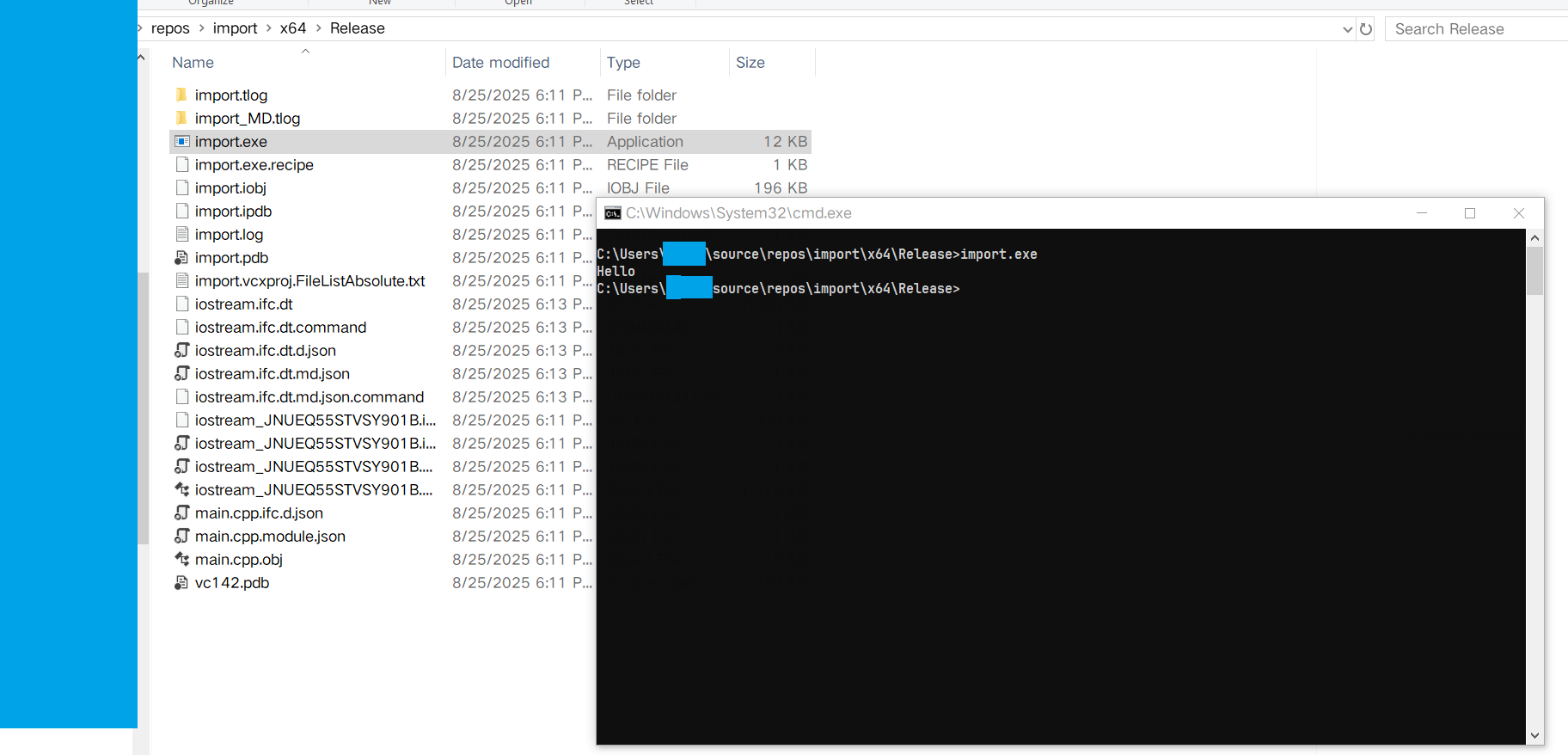
Execution Result
编译过程
过程中可能回报一个错误,但是能编译成功。
Severity Code Description Project File Line Suppression State
Error (active) E2996 There are too many errors for the IntelliSense engine to function properly, some of which may not be visible in the editor. import C:\Users\xxxx\source\repos\import\main.cpp 1
参考
https://stackoverflow.com/questions/64877559/cant-use-iostream-as-module-in-c20-visual-studio

 浙公网安备 33010602011771号