Pytorch 安装 -- 安装运行 D2L Notebook
可以使用 Miniconda安装使用
# 不指定源,会很慢
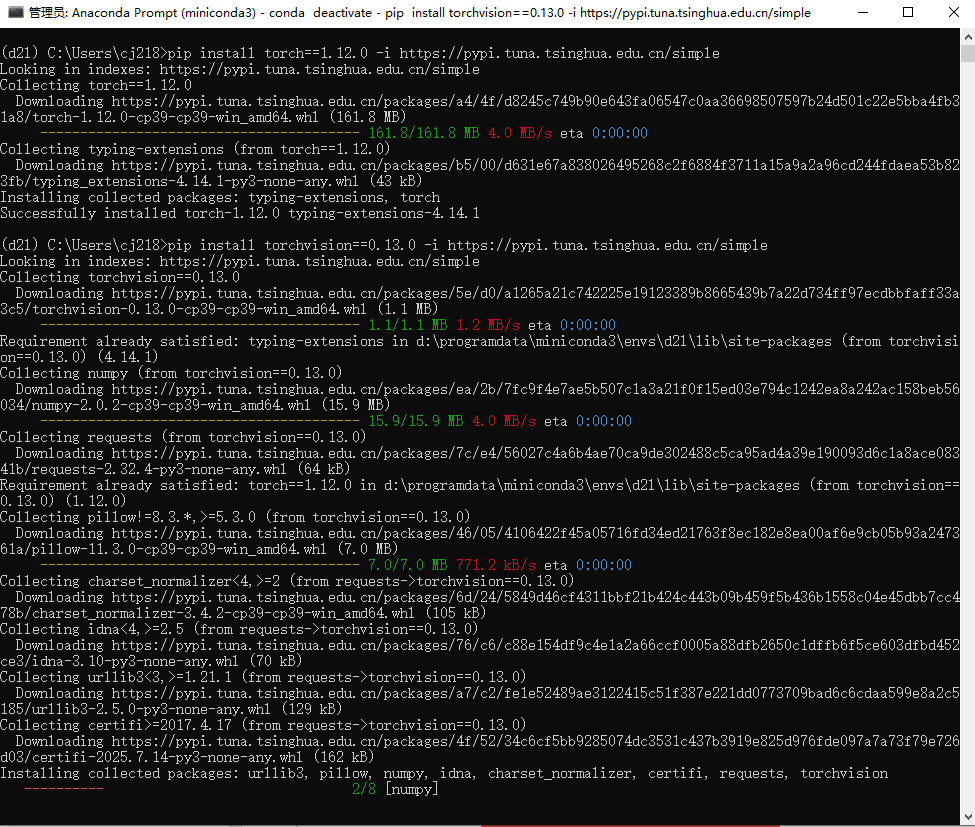
pip install torch==1.12.0 -i https://pypi.tuna.tsinghua.edu.cn/simple

pip install torchvision==0.13.0 -i https://pypi.tuna.tsinghua.edu.cn/simple

pip install d2l==0.17.6 -i https://pypi.tuna.tsinghua.edu.cn/simple
jupyter notebook
注意切换 d2l 环境
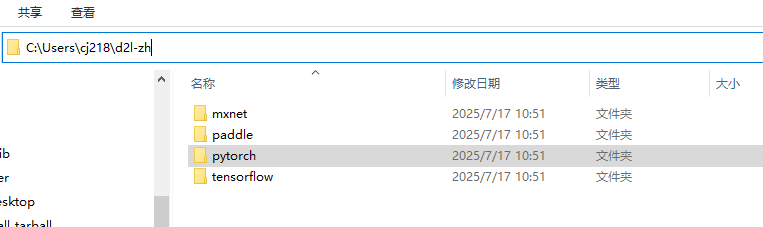
下载:https://zh-v2.d2l.ai/d2l-zh.zip
放到 解压致:C:\Users\cj218\d2l-zh
运行 D2L Notebook
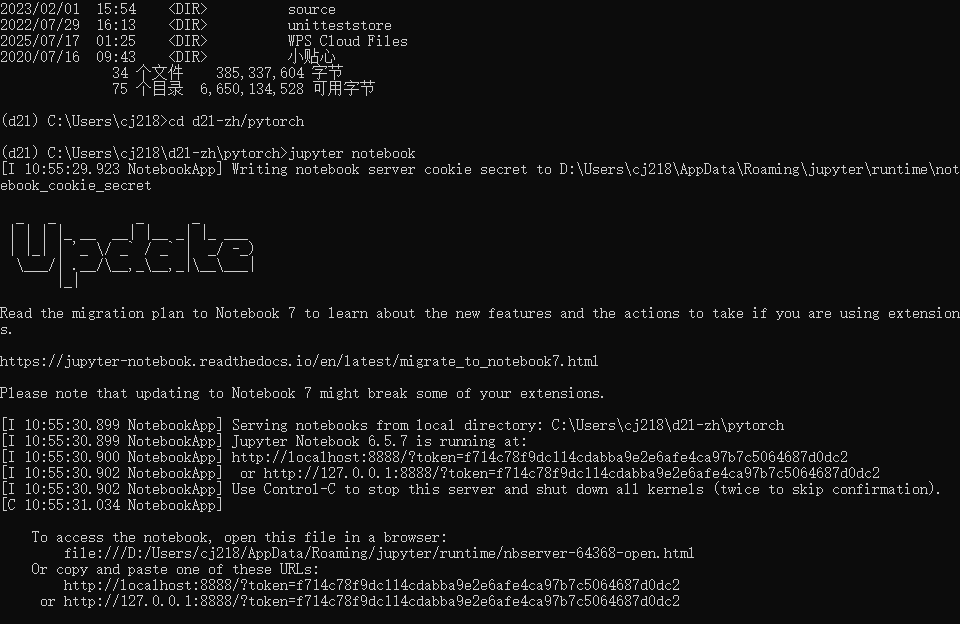
(d2l) C:\Users\cj218>cd d2l-zh/pytorch
# 运行 D2L Notebook 【注意切换 d2l 环境】
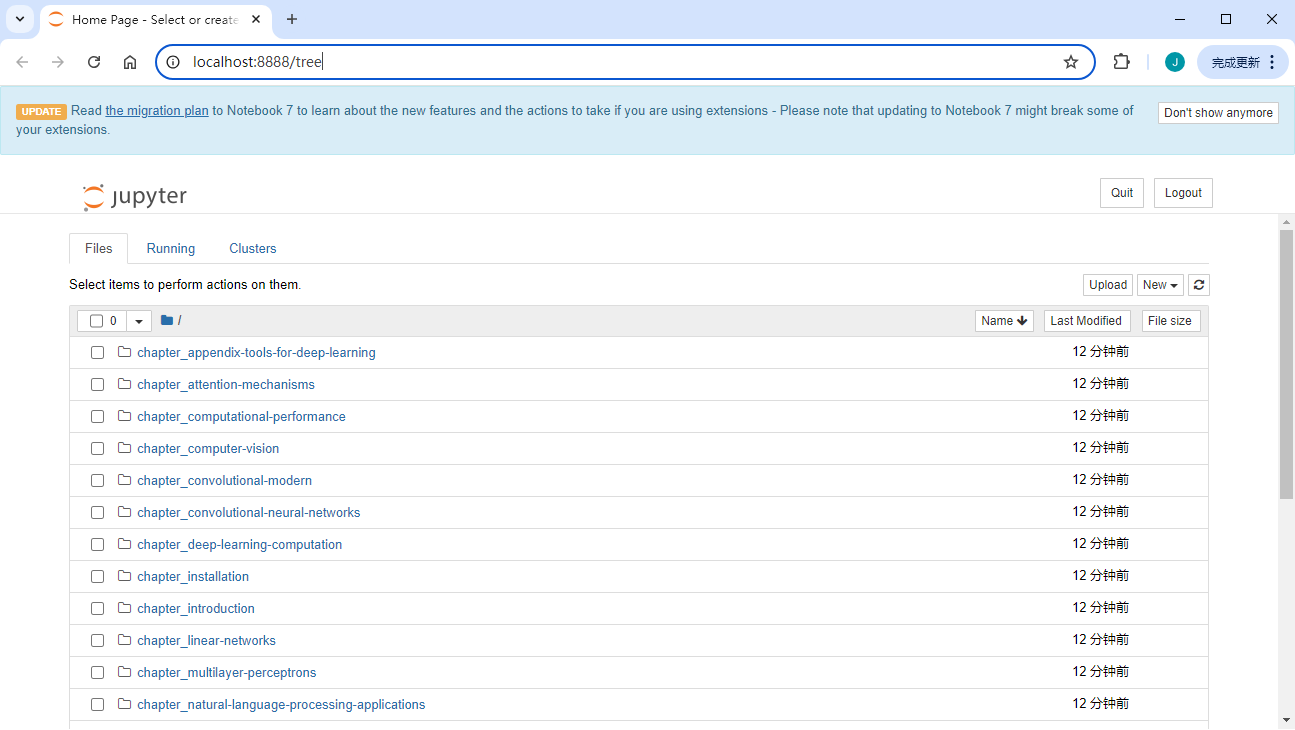
(d2l) C:\Users\cj218\d2l-zh\pytorch>jupyter notebook
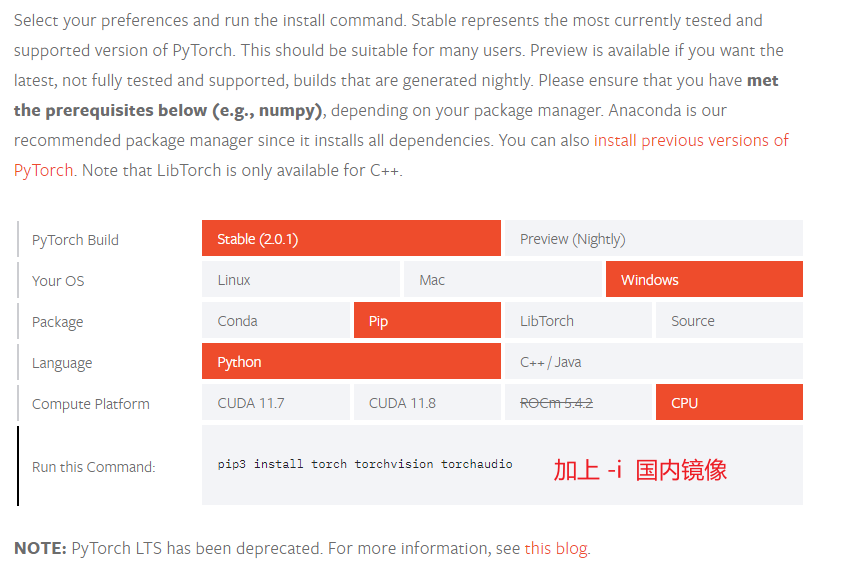
安装torch【此节可以不看】
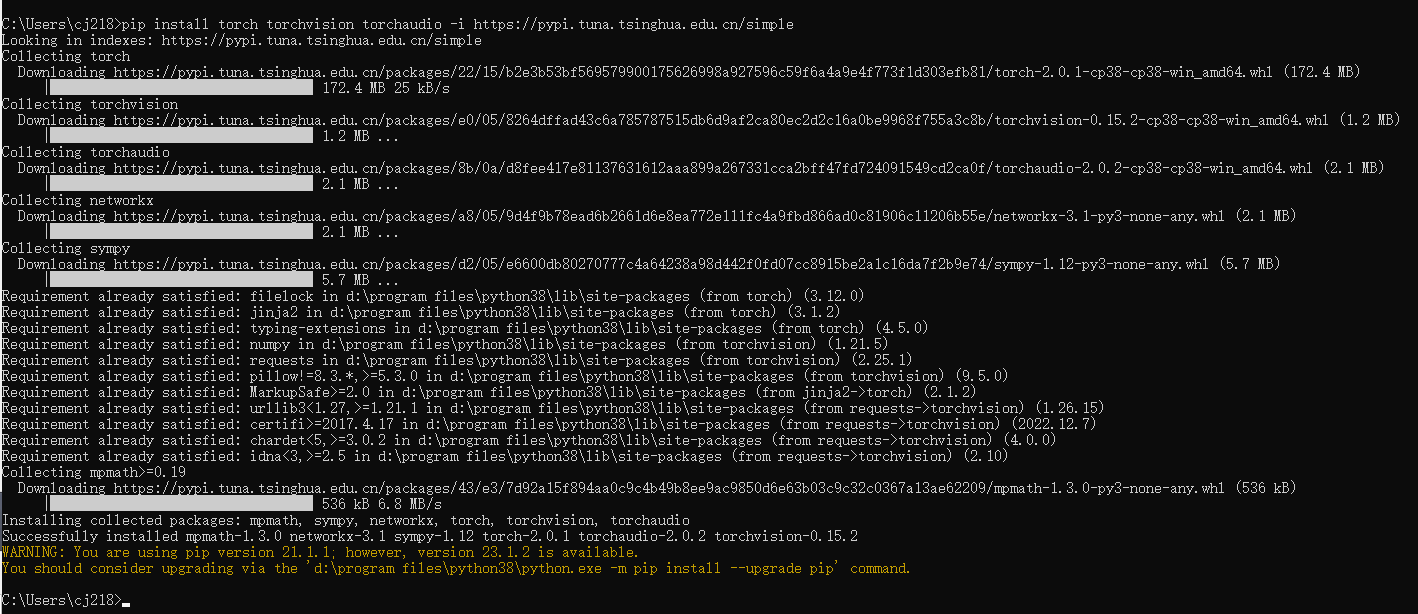
pip install torch torchvision torchaudio -i https://pypi.tuna.tsinghua.edu.cn/simple
https://pytorch.org/get-started/locally/
本文来自博客园,作者:VipSoft 转载请注明原文链接:https://www.cnblogs.com/vipsoft/p/17104136.html

 浙公网安备 33010602011771号