
工具:Idea Navicat
环境:jdk 1.8 mysql-5.7.27-winx64
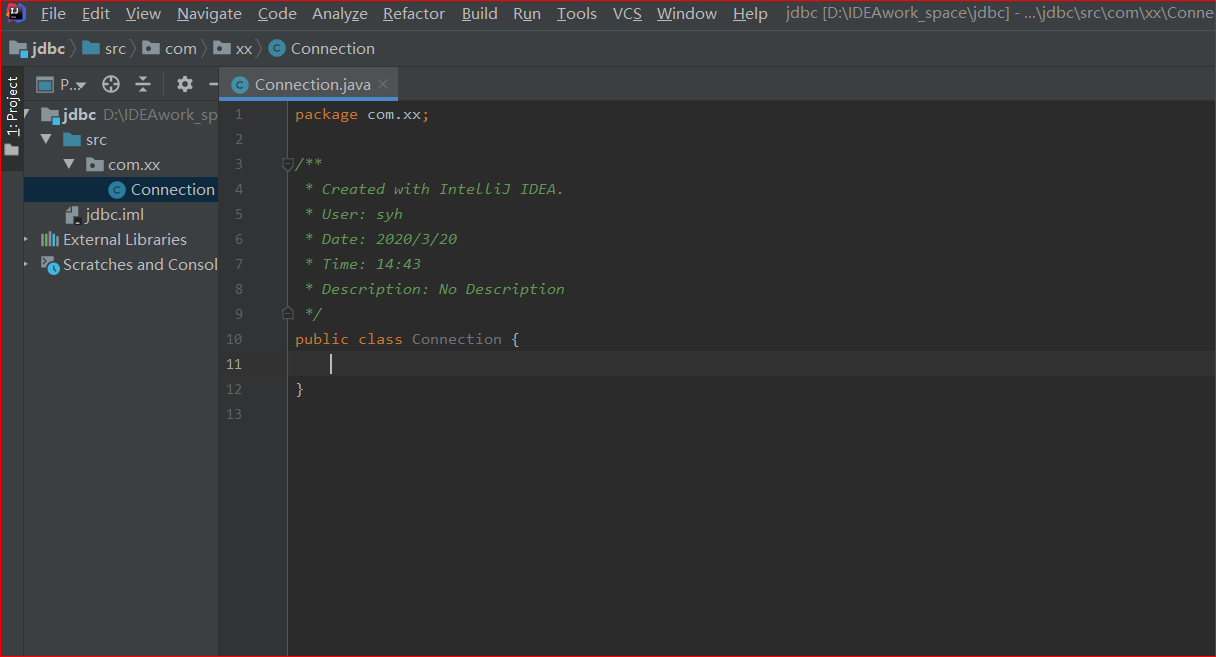
创建一个project
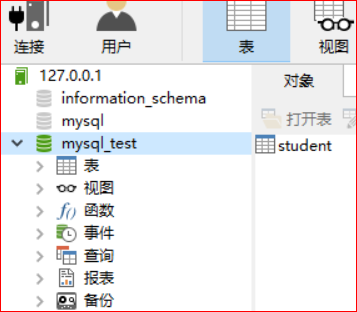
打开navicat开启连接。
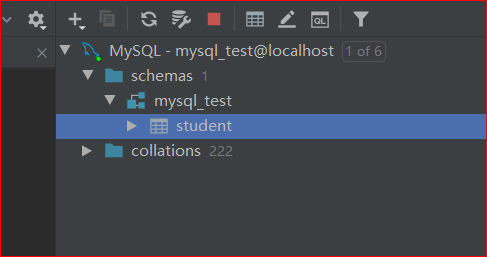
在idea中导入数据库。
导入好后可以开始连接了。
写jdbc的配置文件
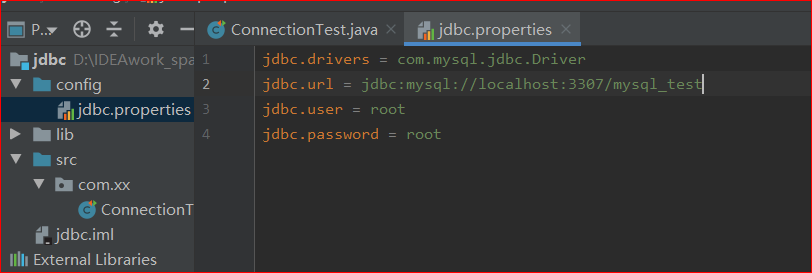
写好后记得作为资源文件保存。(配置文件里面不要加引号)
 public void connection() throws Exception {

        InputStream resourceAsStream = this.getClass().getClassLoader().getResourceAsStream("jdbc.properties");

        Properties properties = new Properties();

        properties.load(resourceAsStream);

        String driver = properties.getProperty("jdbc.drivers");
        String url = properties.getProperty("jdbc.url");
        String user = properties.getProperty("jdbc.user");
        String password = properties.getProperty("jdbc.password");

        Class.forName(driver);

        Connection connection = DriverManager.getConnection(url,user,password);
        System.out.println(connection);

    }
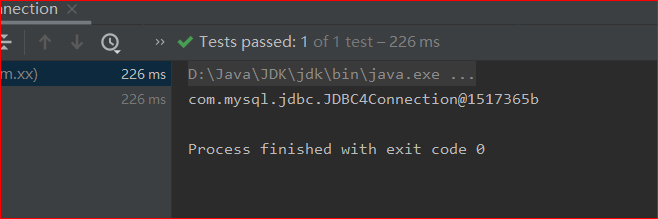
这样就连接好了。

 浙公网安备 33010602011771号