
摘要:  通过1Panel安装 通过1panel进入容器查看key 需要在客户端填入 ID服务器 192.168.1.1:2116 中继服务器 192.168.1.1:2117 API服务器 192.168.1.1:2118 key 上一步获取的 阅读全文
通过1Panel安装 通过1panel进入容器查看key 需要在客户端填入 ID服务器 192.168.1.1:2116 中继服务器 192.168.1.1:2117 API服务器 192.168.1.1:2118 key 上一步获取的 阅读全文
posted @ 2026-05-15 17:26
Dr丶云幕
阅读(7)
评论(0)
推荐(0)
 安装可视化页面openwebui 需要docker环境,参考搭建步骤 国内加速镜像参考网址:https://docker.aityp.com/r/ghcr.io/open-webui/open-webui 这里使用0.6.4版本 docker pull swr.cn-north-4.myhuawei
  开启环境支持 # 启用Hyper-V(执行后需重启) Enable-WindowsOptionalFeature -Online -FeatureName Microsoft-Hyper-V -All # 启用适用于Linux的Windows子系统(WSL) dism.exe /online /en
 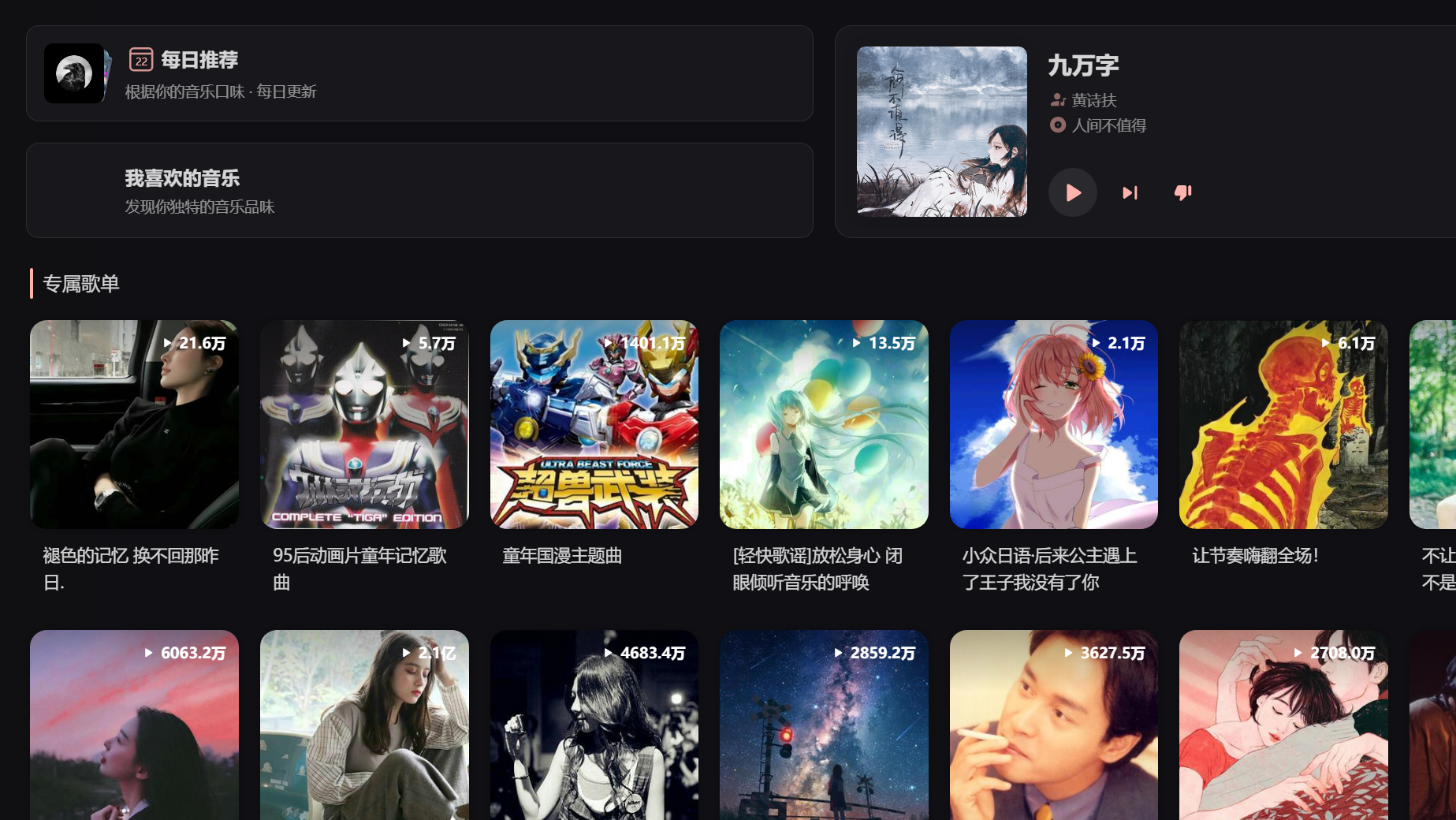 效果预览 实现效果 功能和网易云基本一样 只是简化了页面隐藏了多余的广告 支持扫码登陆 通过id匹配云盘中的歌曲 docker-compose部署 services: SPlayer: image: imsyy/splayer:latest container_name: SPlayer ports
 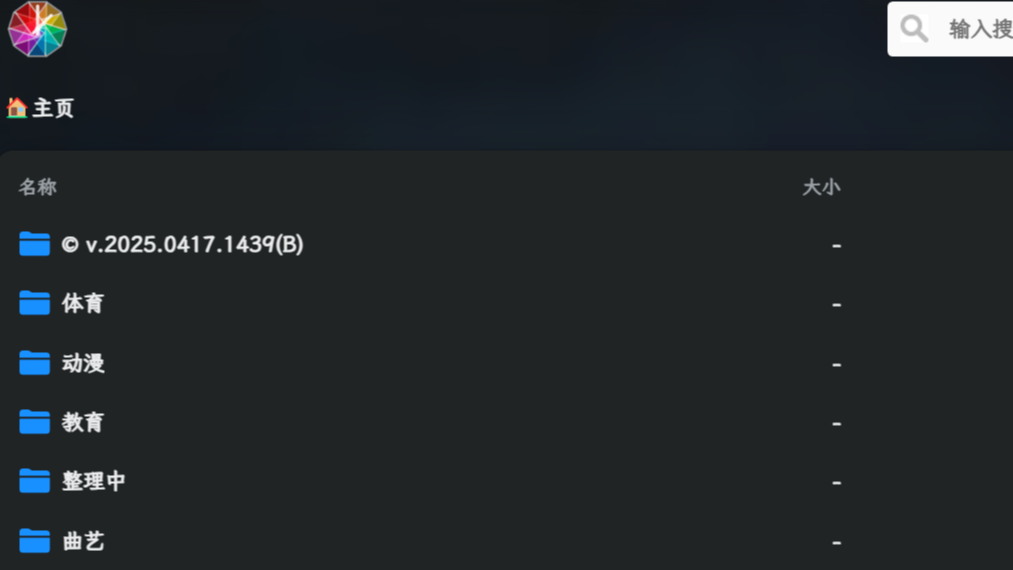 效果预览 一键安装命令 apt install docker.io -y#需要docker环境 bash -c "$(curl --insecure -fsSL https://ddsrem.com/xiaoya_install.sh)" 进入安装菜单 继续根据菜单提示继续下一步到提示:输入你的 阿
 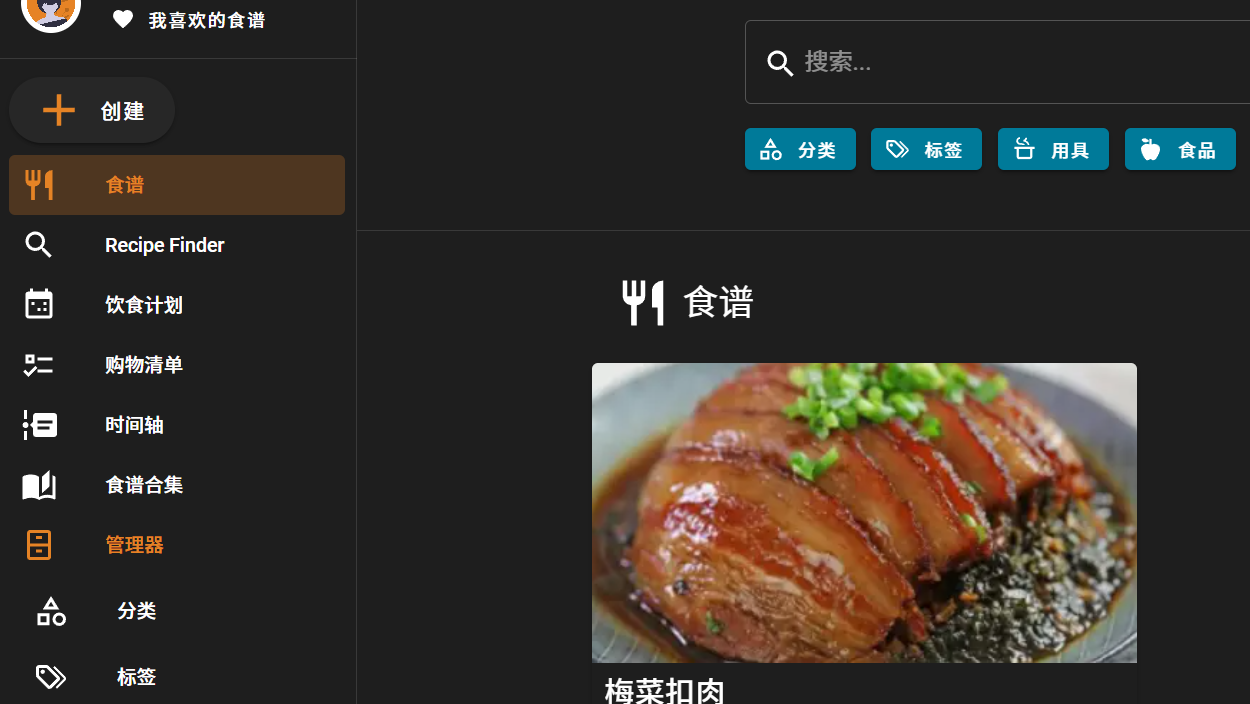 效果预览 添加预览 docker-compose部署 services: mealie: #image: ghcr.srebro.site/mealie-recipes/mealie:v1.10.2 image: docker.cnb.cool/srebro/pidin/mealie:v2.8.0
 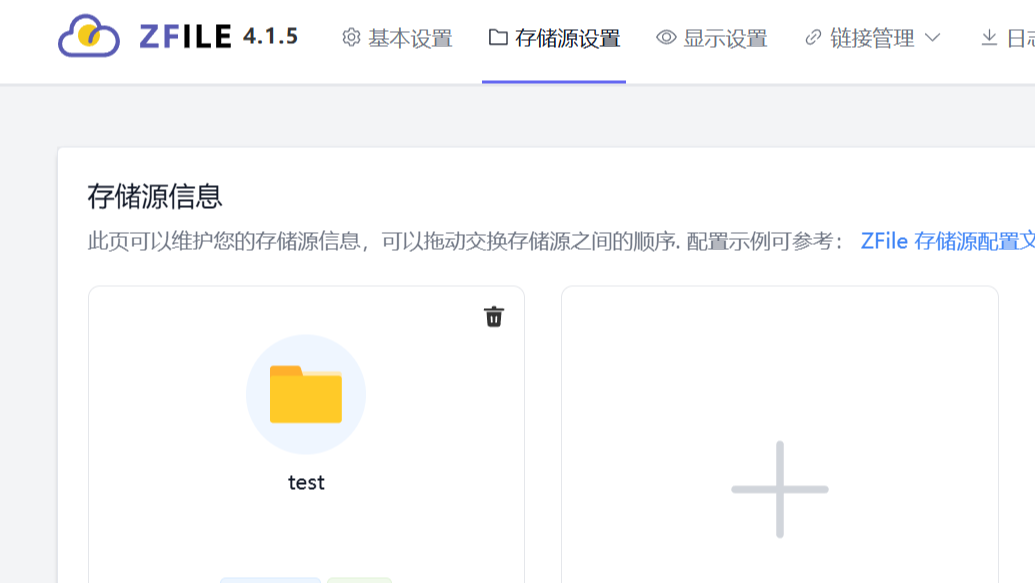 效果预览 拉取命令 # 创建所有必要的子目录(确保路径层级完整) mkdir -p /home/service/zfile/conf/db \ /home/service/zfile/conf/logs \ /home/service/zfile/data/file # 运行官方镜像并挂载自定义路径
 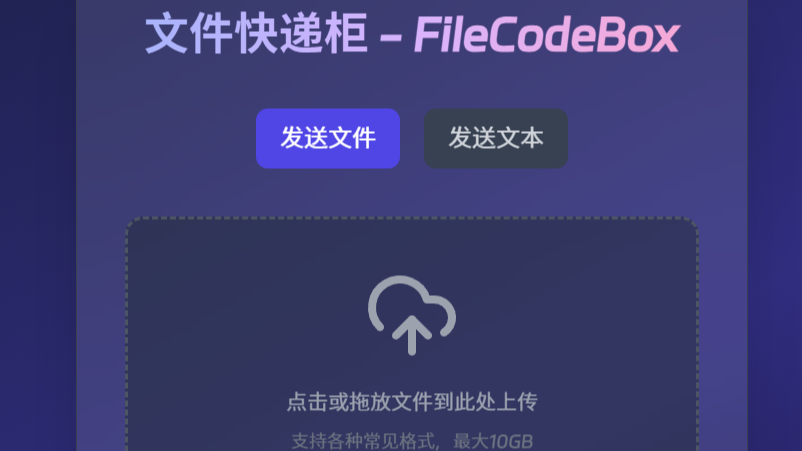 文件快递柜 通过“取件码”直接获取文件 部署命令: docker run -d --restart=always -p 12345:12345 -v /opt/FileCodeBox/:/app/data --name filecodebox lanol/filecodebox:latest 成功后
  浙公网安备 33010602011771号