


Windows 自建RustDesk服务
一、服务端
1.下载
GitHub:https://github.com/rustdesk/rustdesk-server/releases
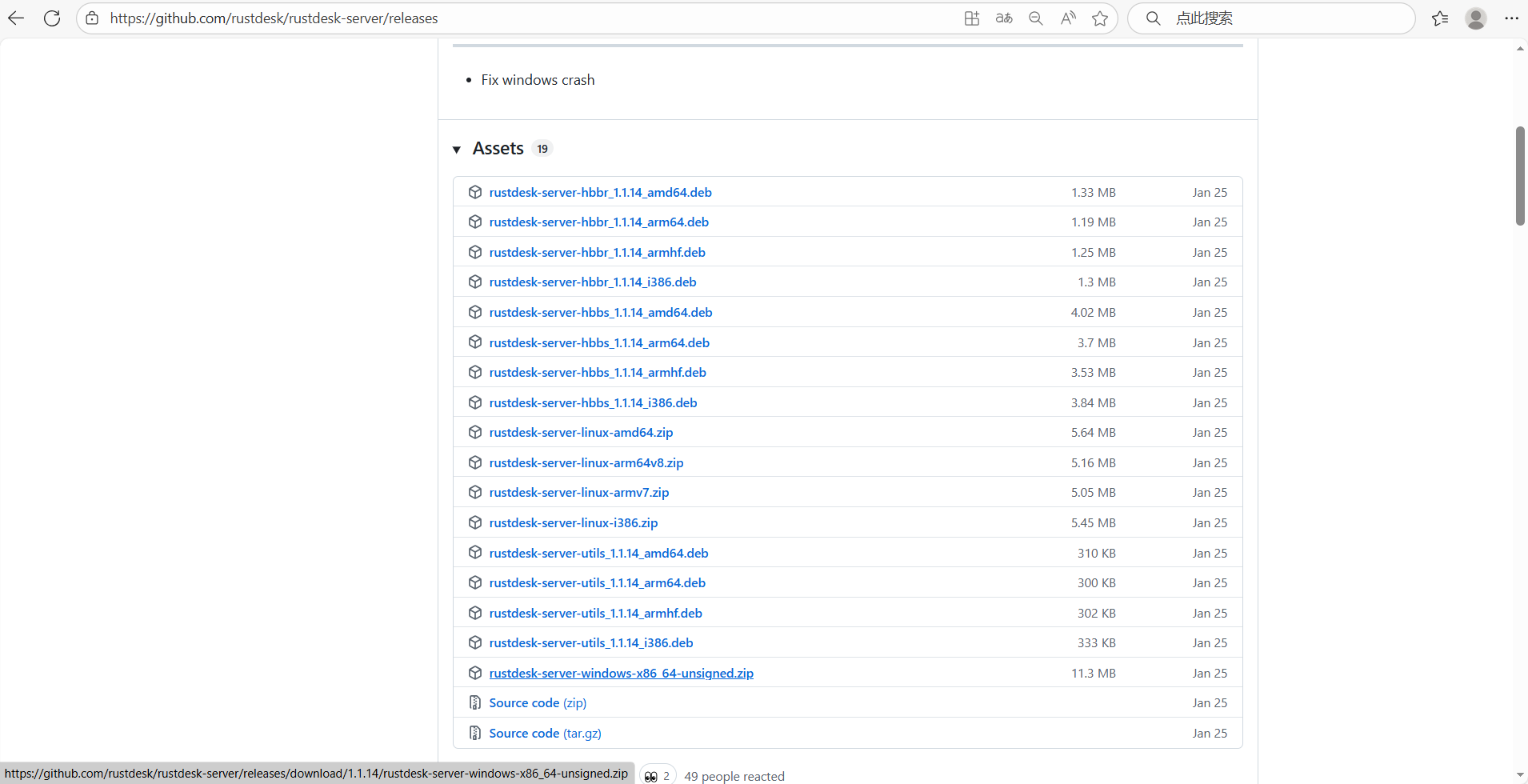
2.解压
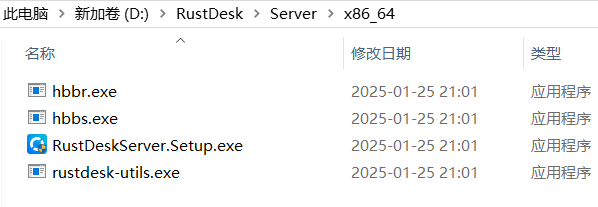
3.安装
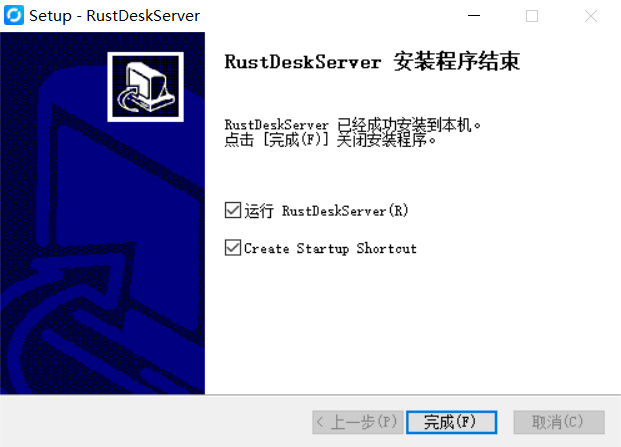
安装RustDeskServer.Setup.exe
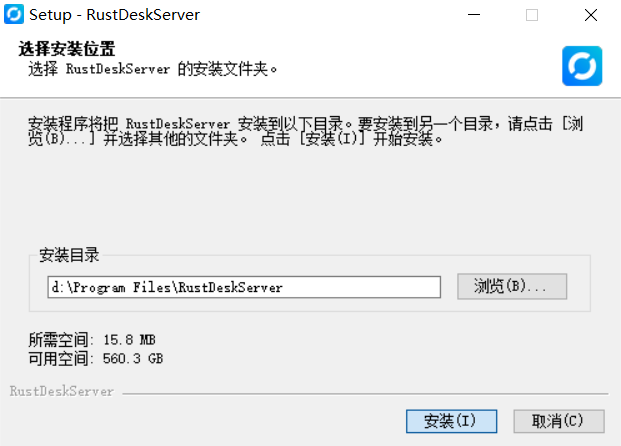
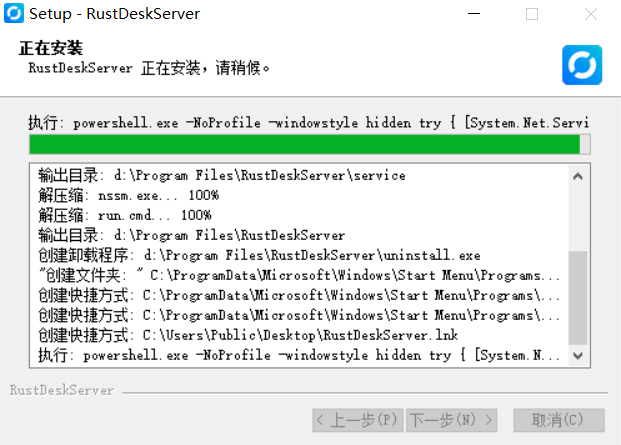
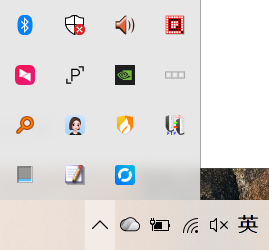
最小化到托盘
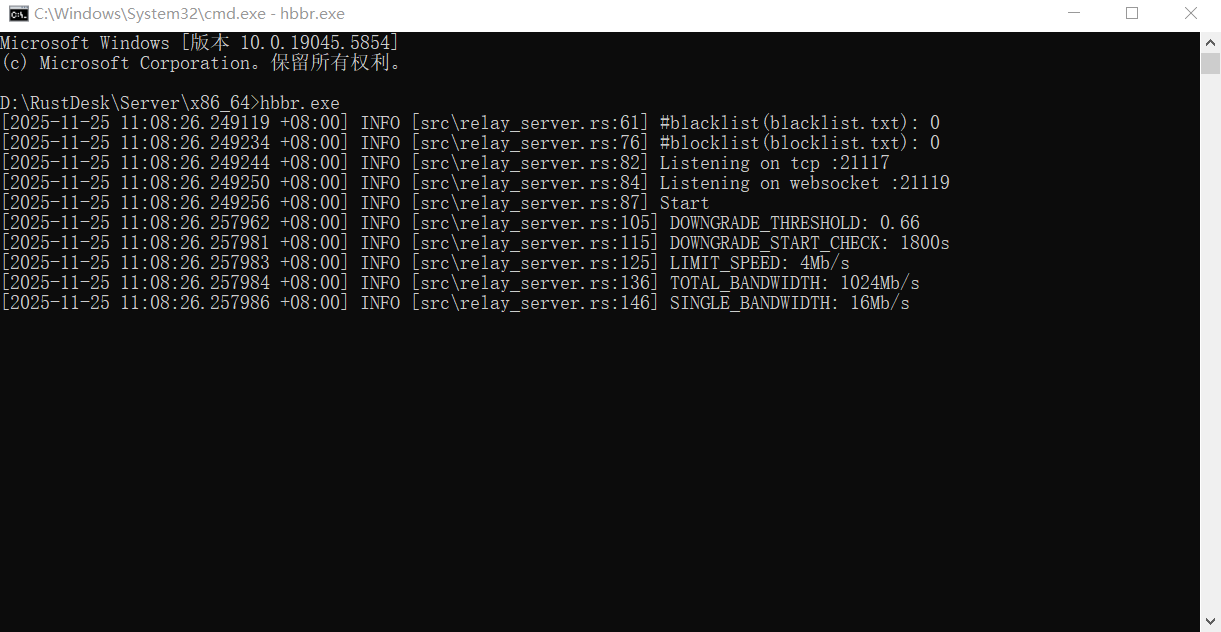
hbbr.exe
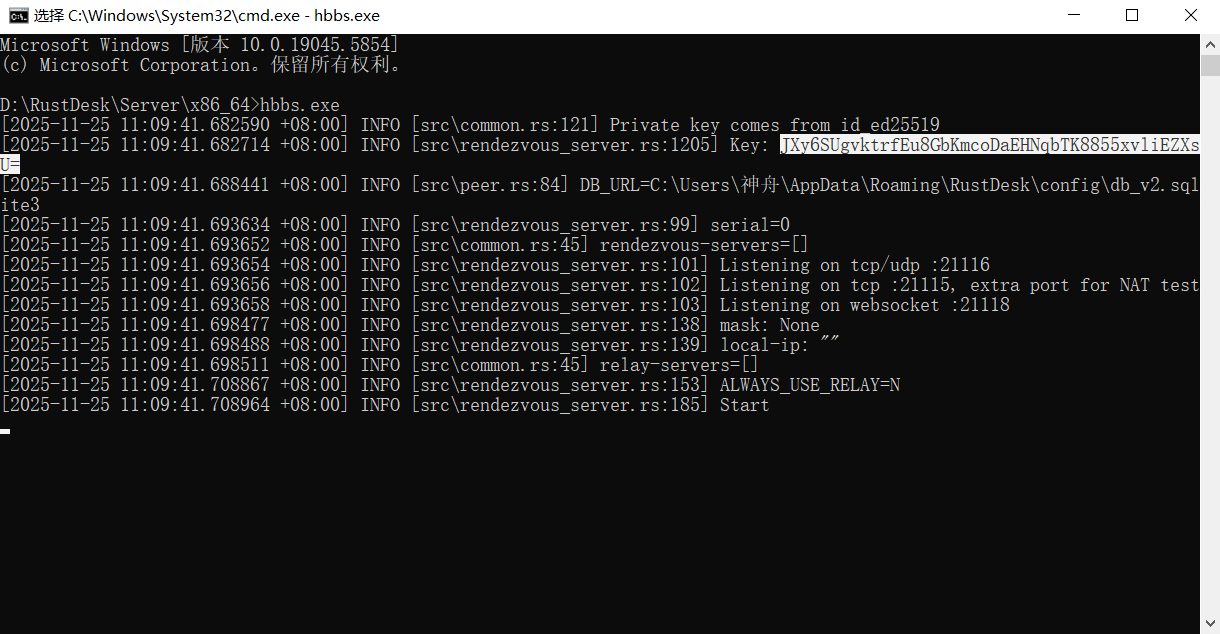
hbbs.exe
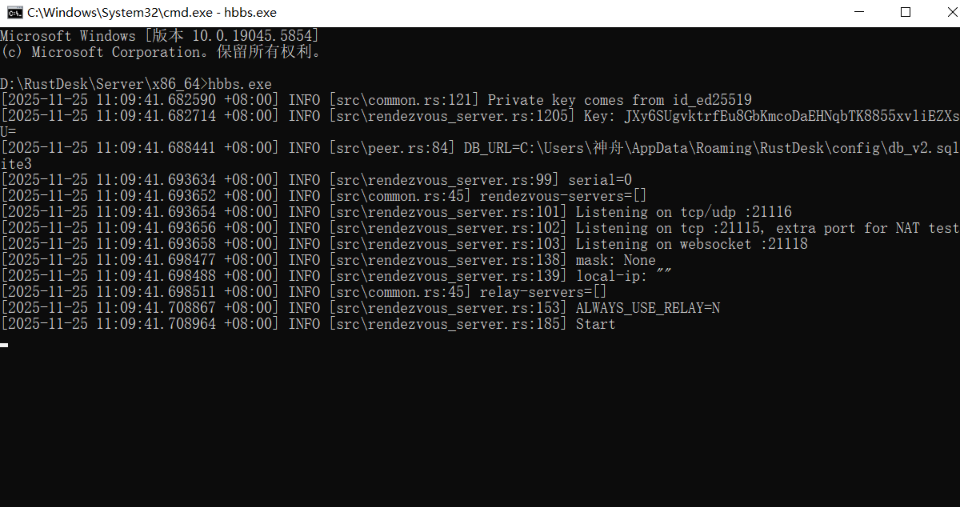
获取Key
二、客户端
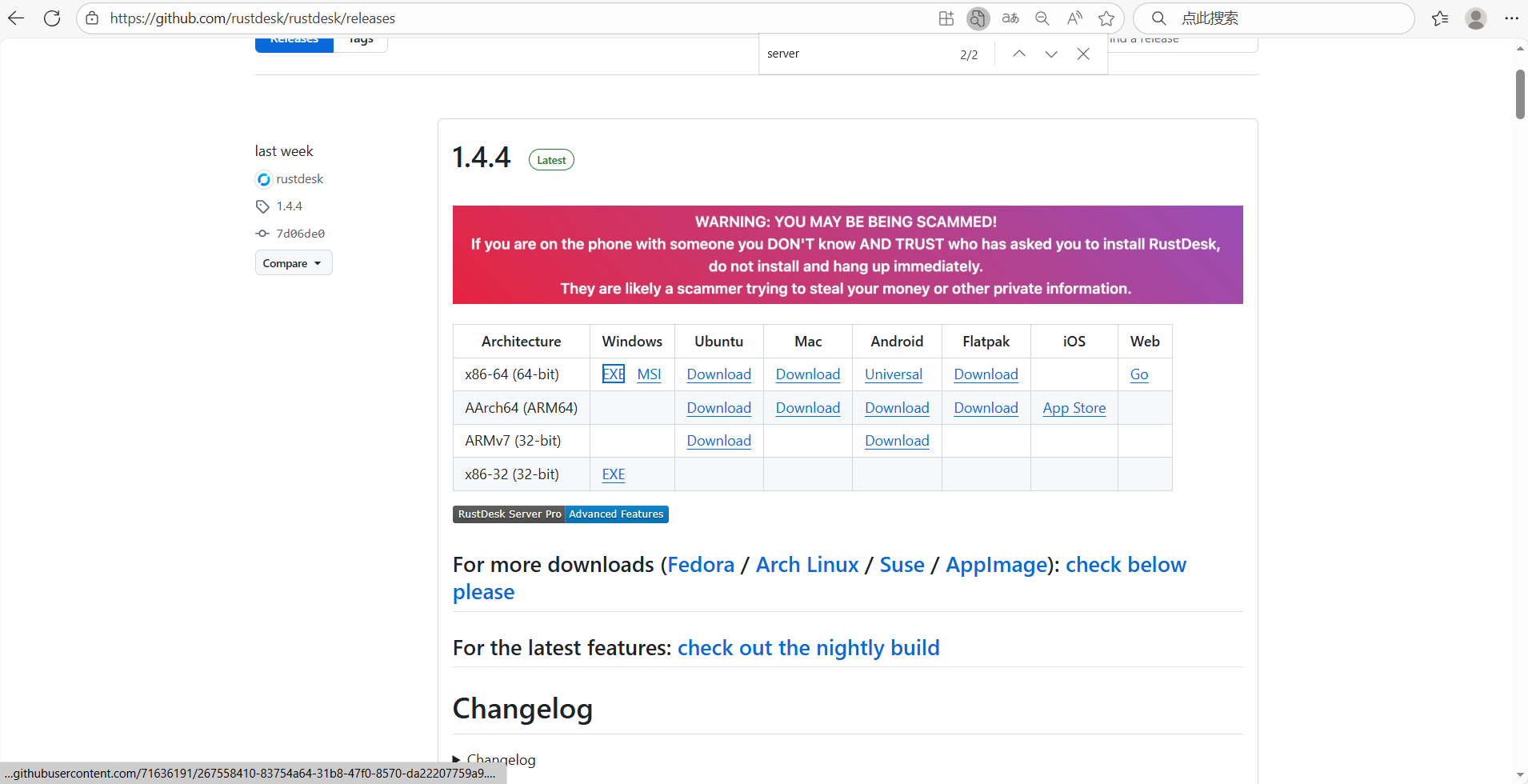
1.下载
GitHub:https://github.com/rustdesk/rustdesk/releases
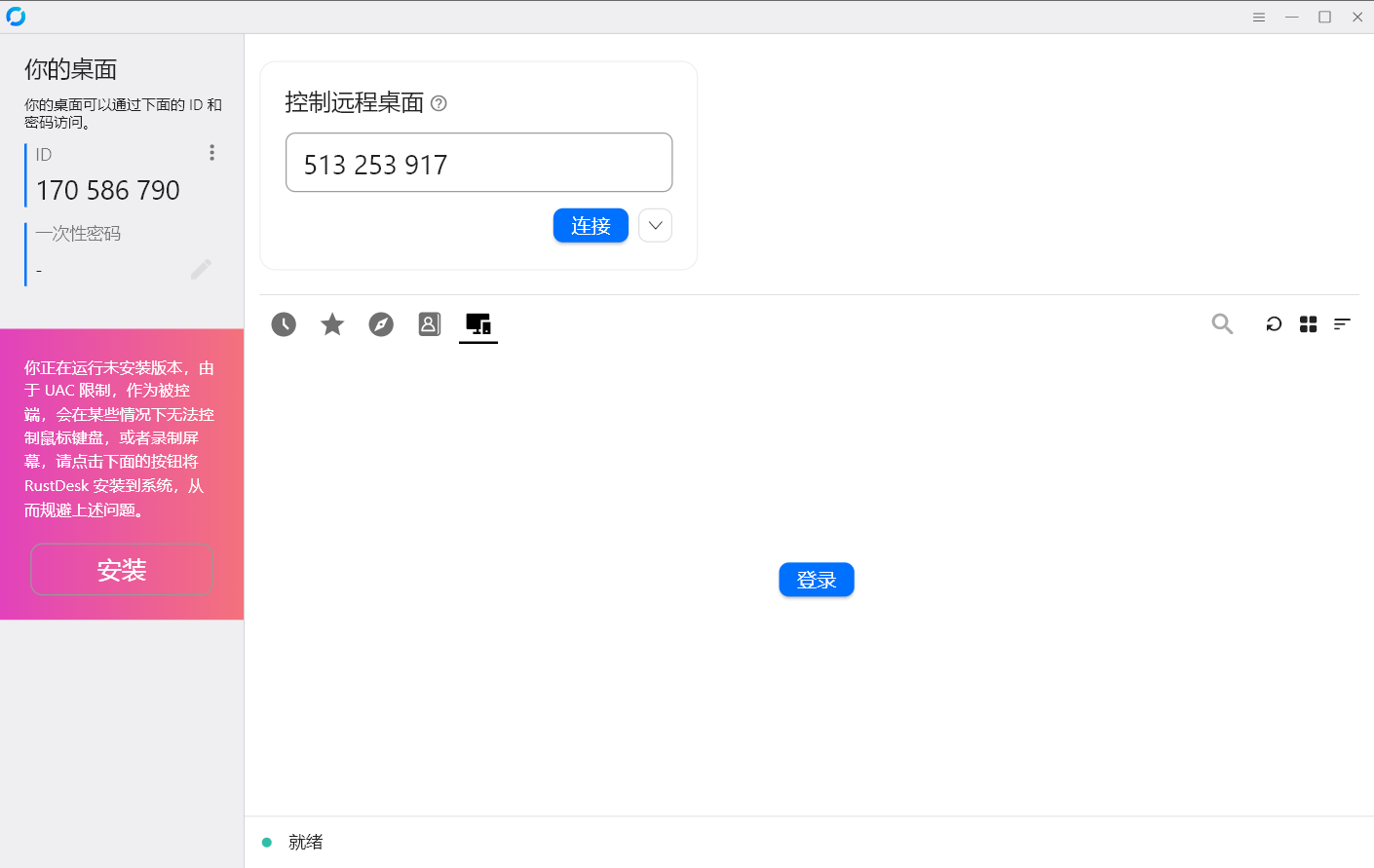
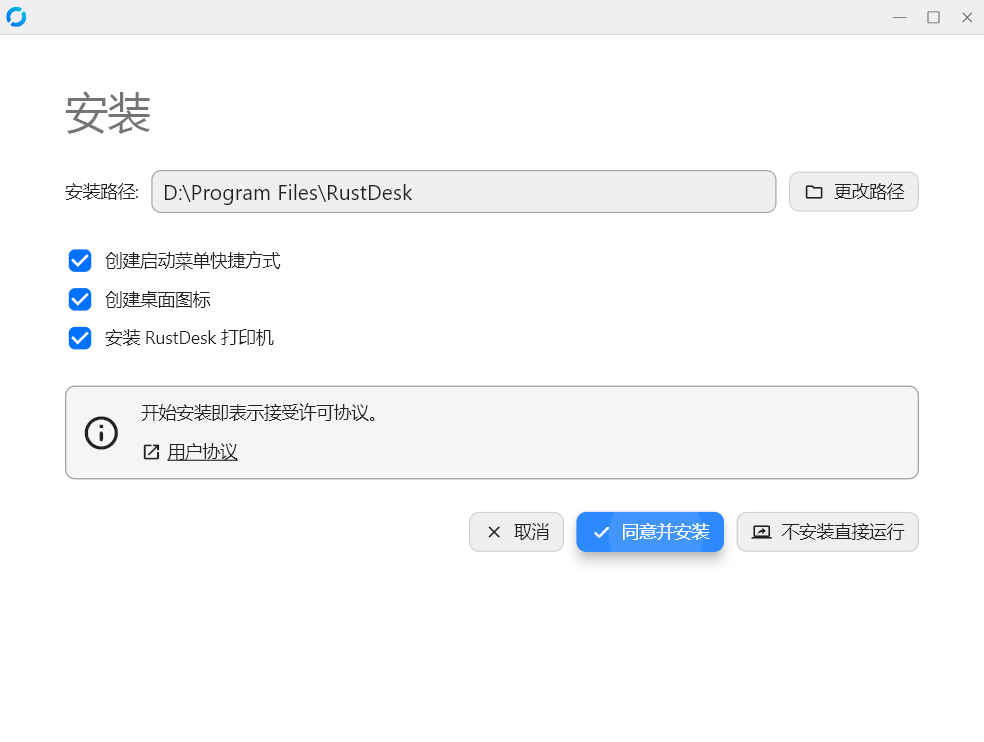
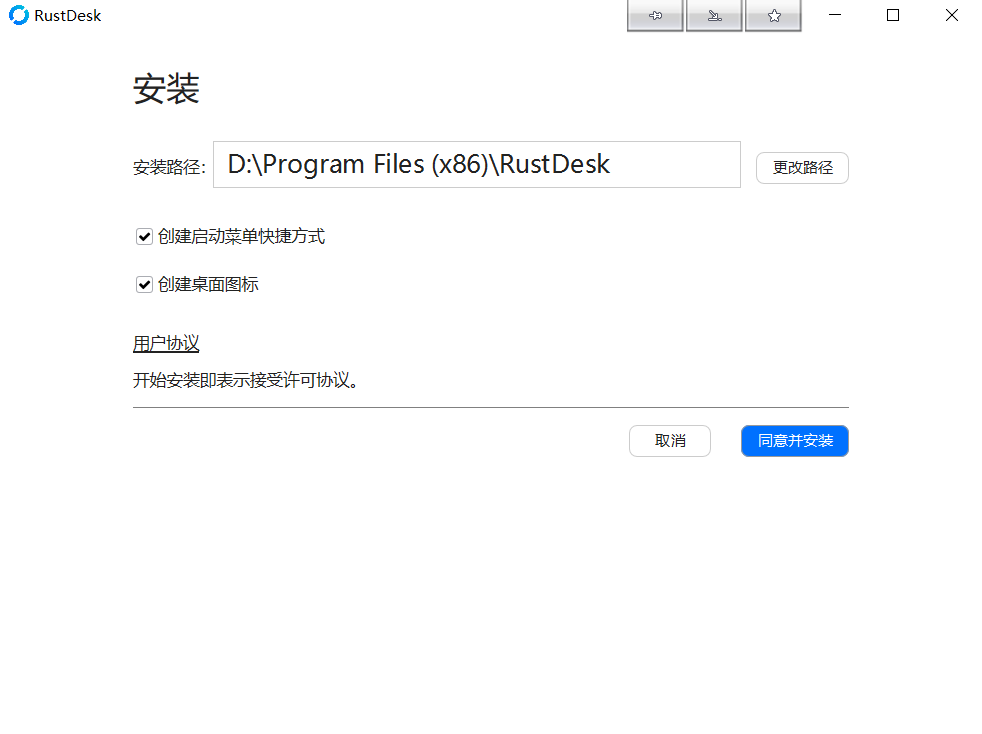
2.安装
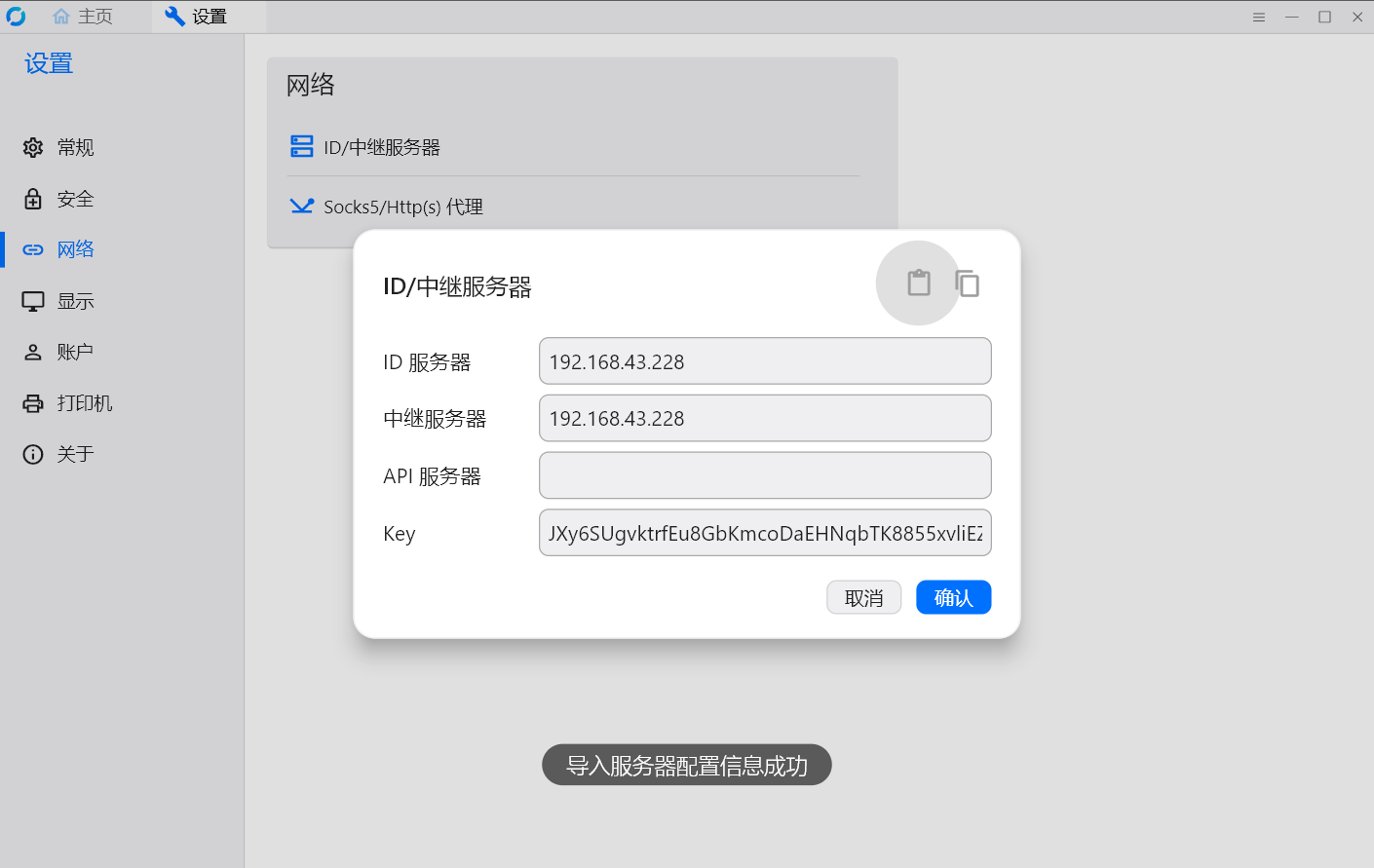
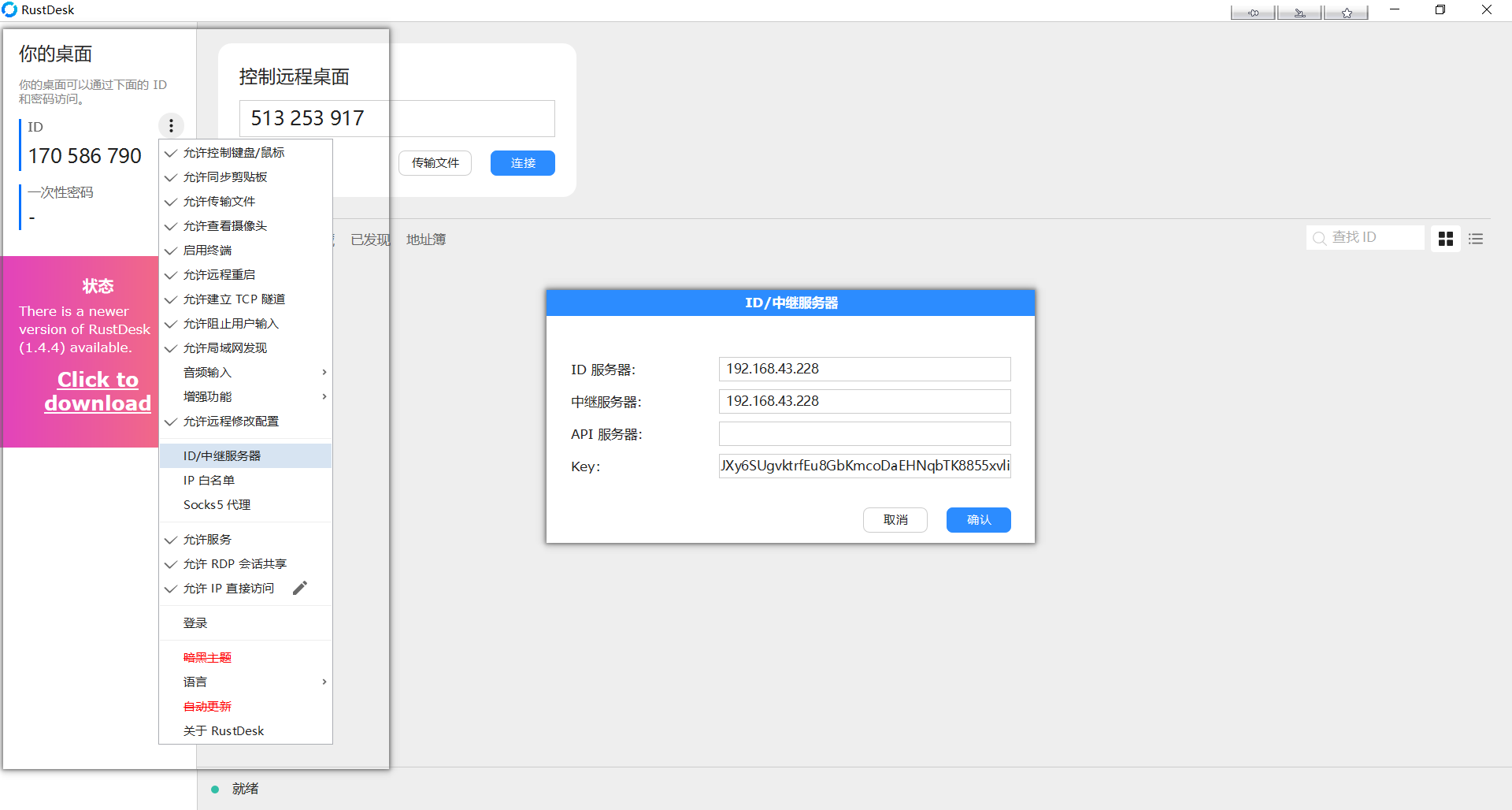
3.配置
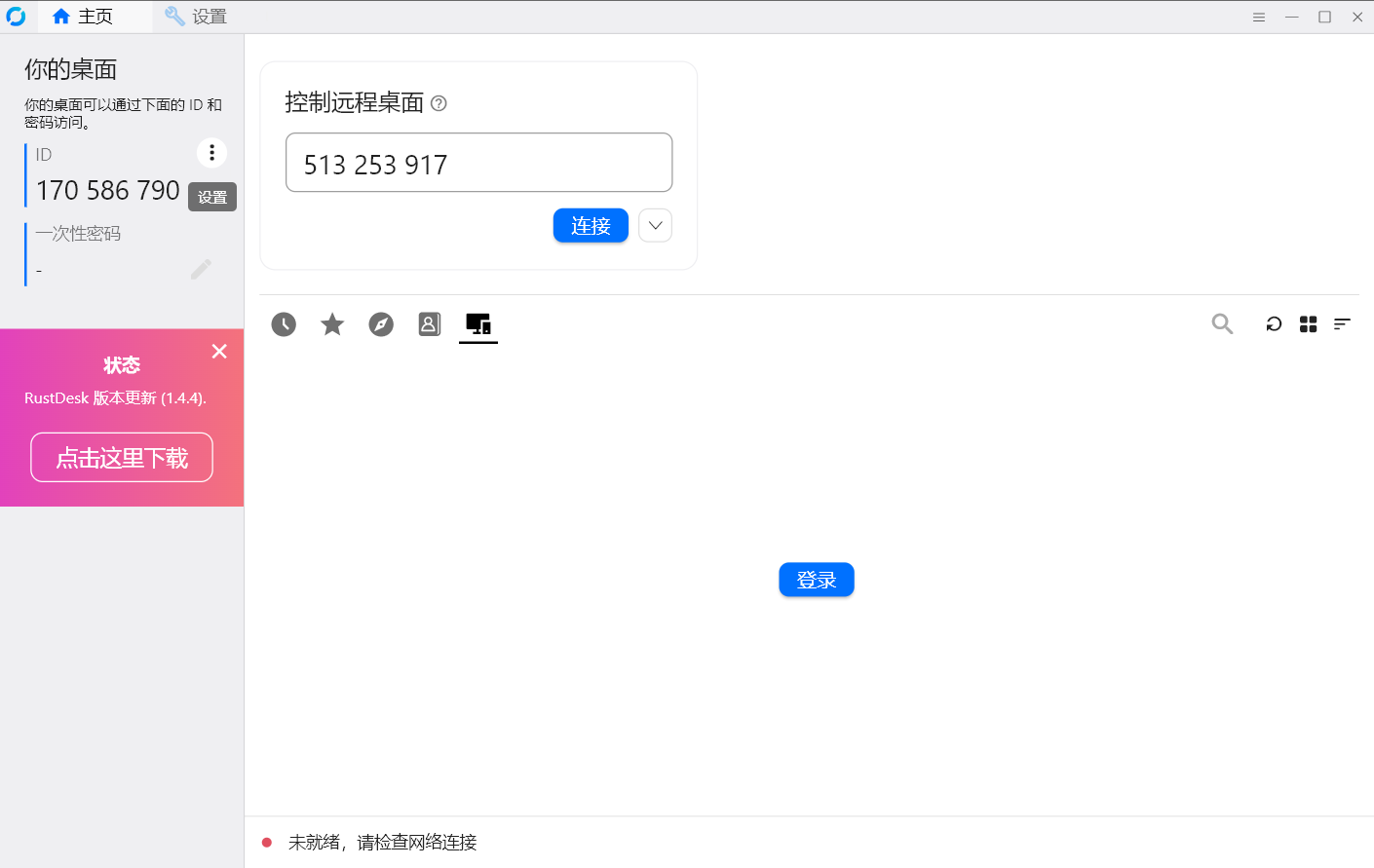
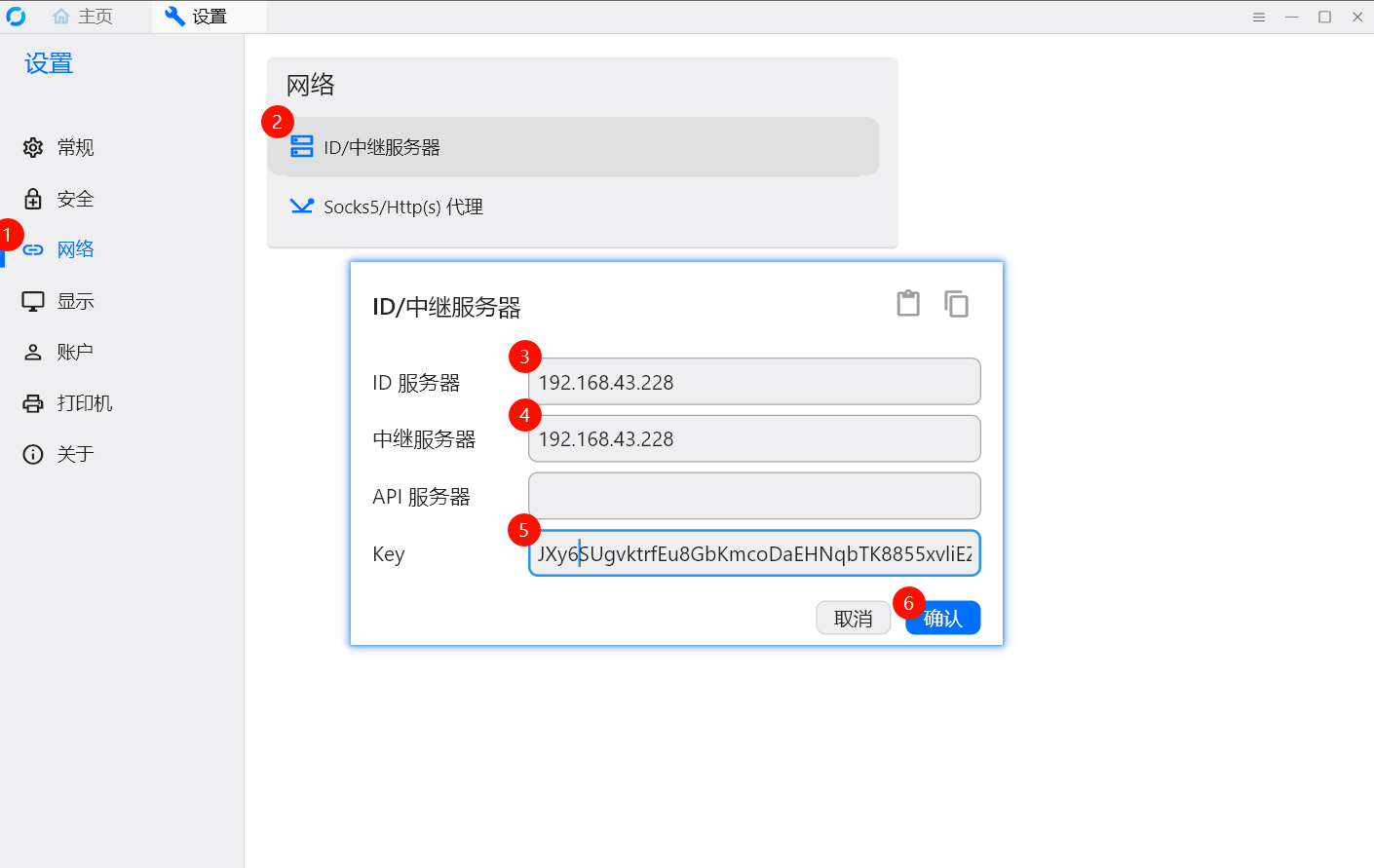
4.导入导出配置
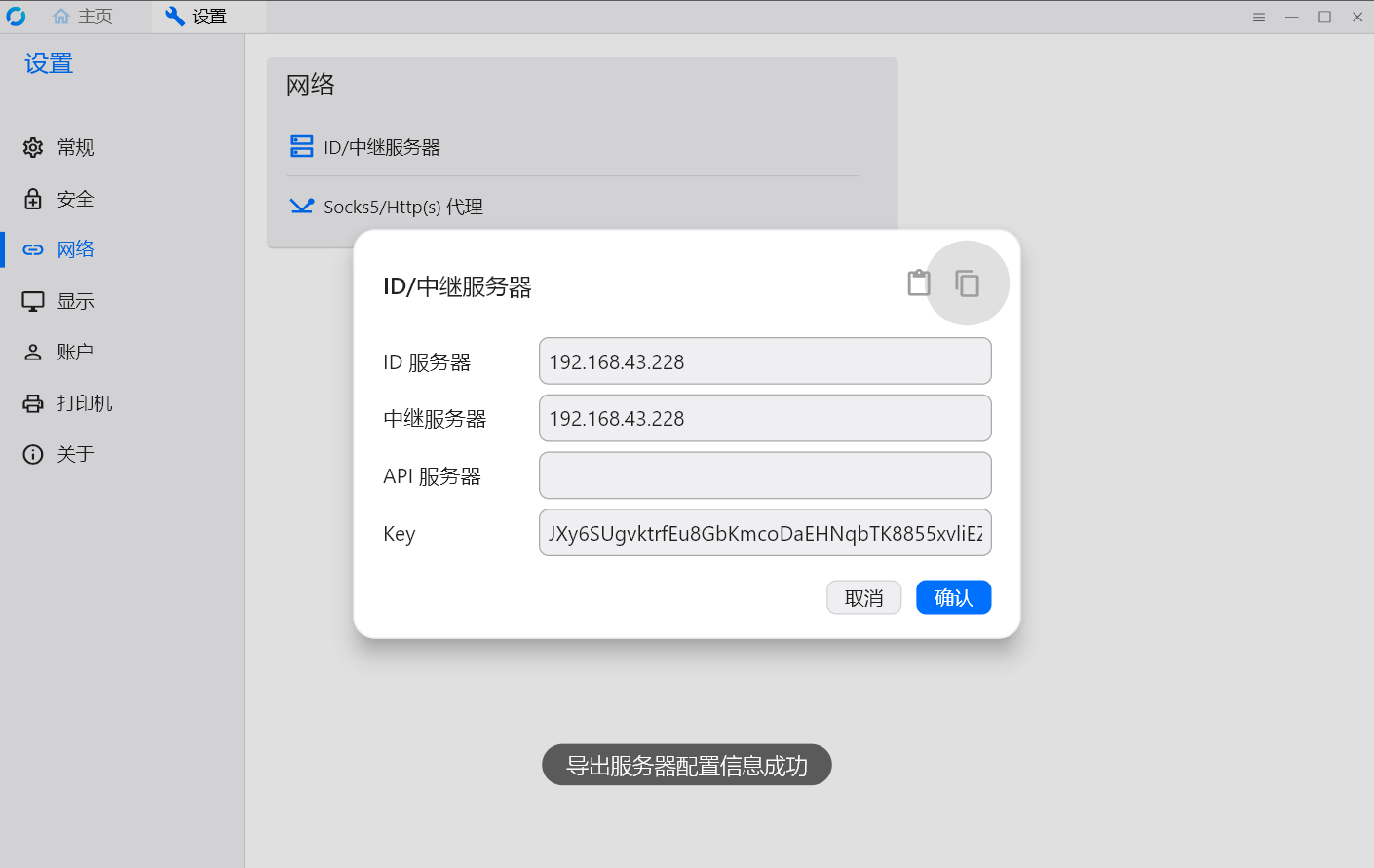
在安装客户端的电脑上复制字符串到剪贴板
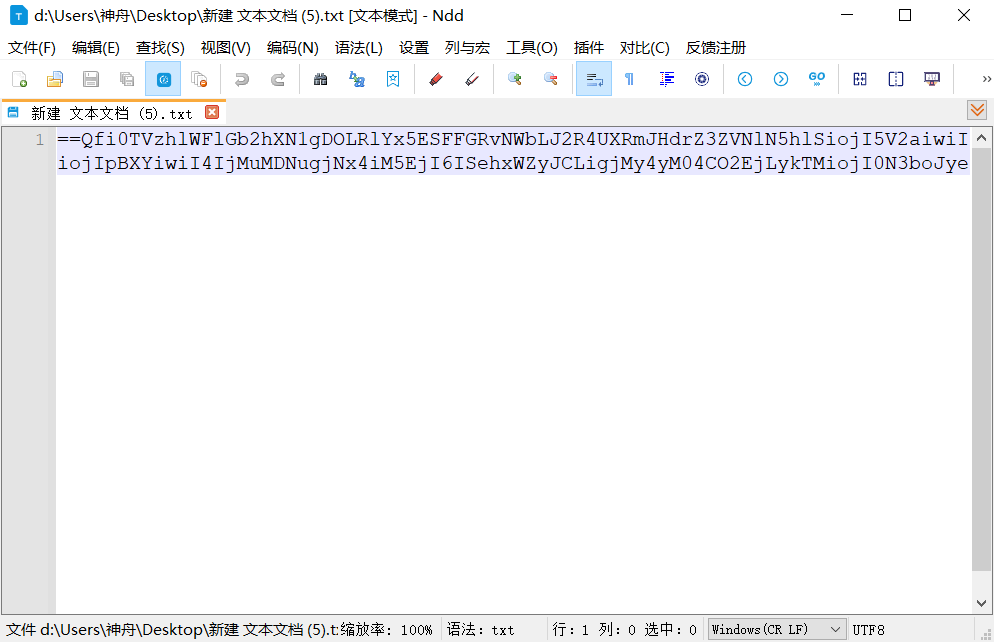
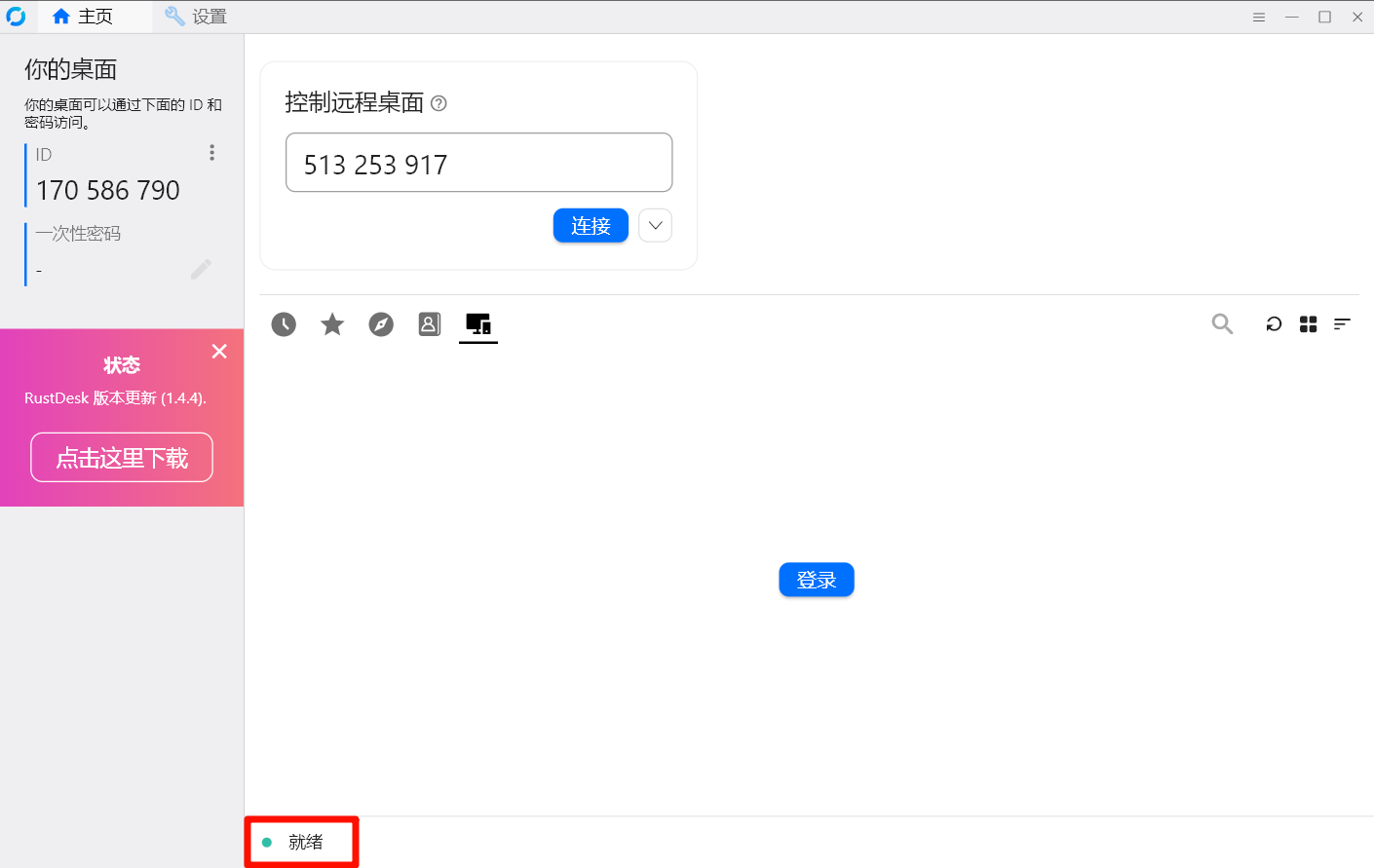
5.与服务端连接成功
x86
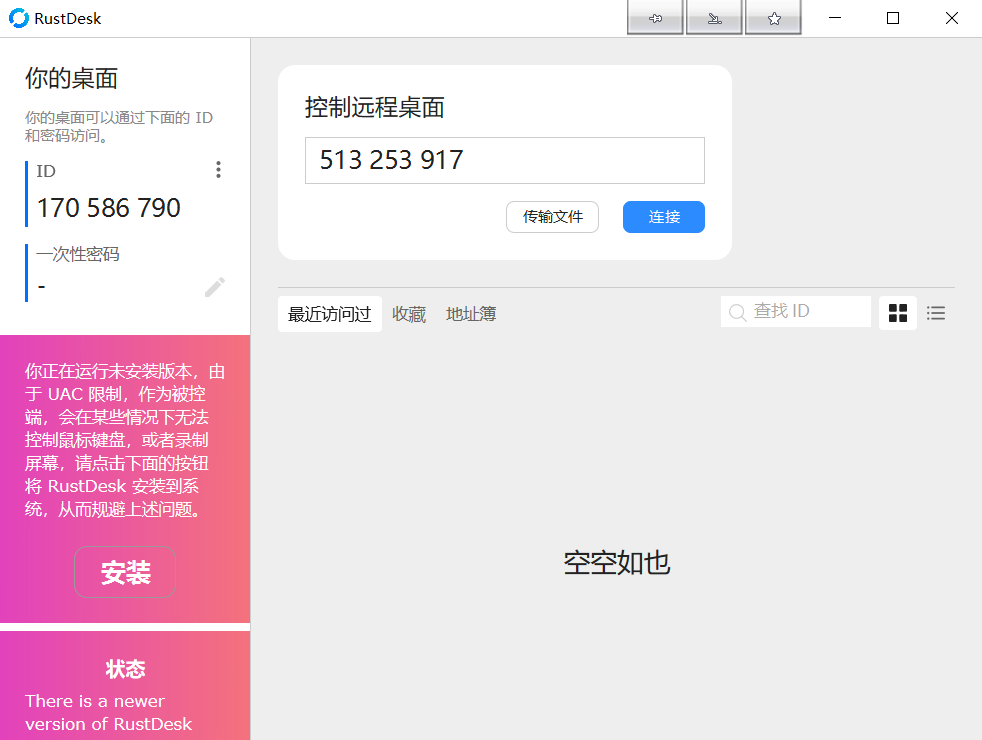
下载链接:
1.RustDesk(密码:3ir4)
ps:
1.
# 检查 21115/21116/21118 端口(hbbs 用到的)
netstat -ano | findstr "21115 21116 21118"

# 检查 21117/21119 端口(hbbr 用到的)
netstat -ano | findstr "21117 21119"

 浙公网安备 33010602011771号