

4_链接标签
<!DOCTYPE html>
<html lang="en">
<head>
    <meta charset="UTF-8">
    <title>链接标签学习</title>
</head>
<body>

<!--使用name作为一个标记-->
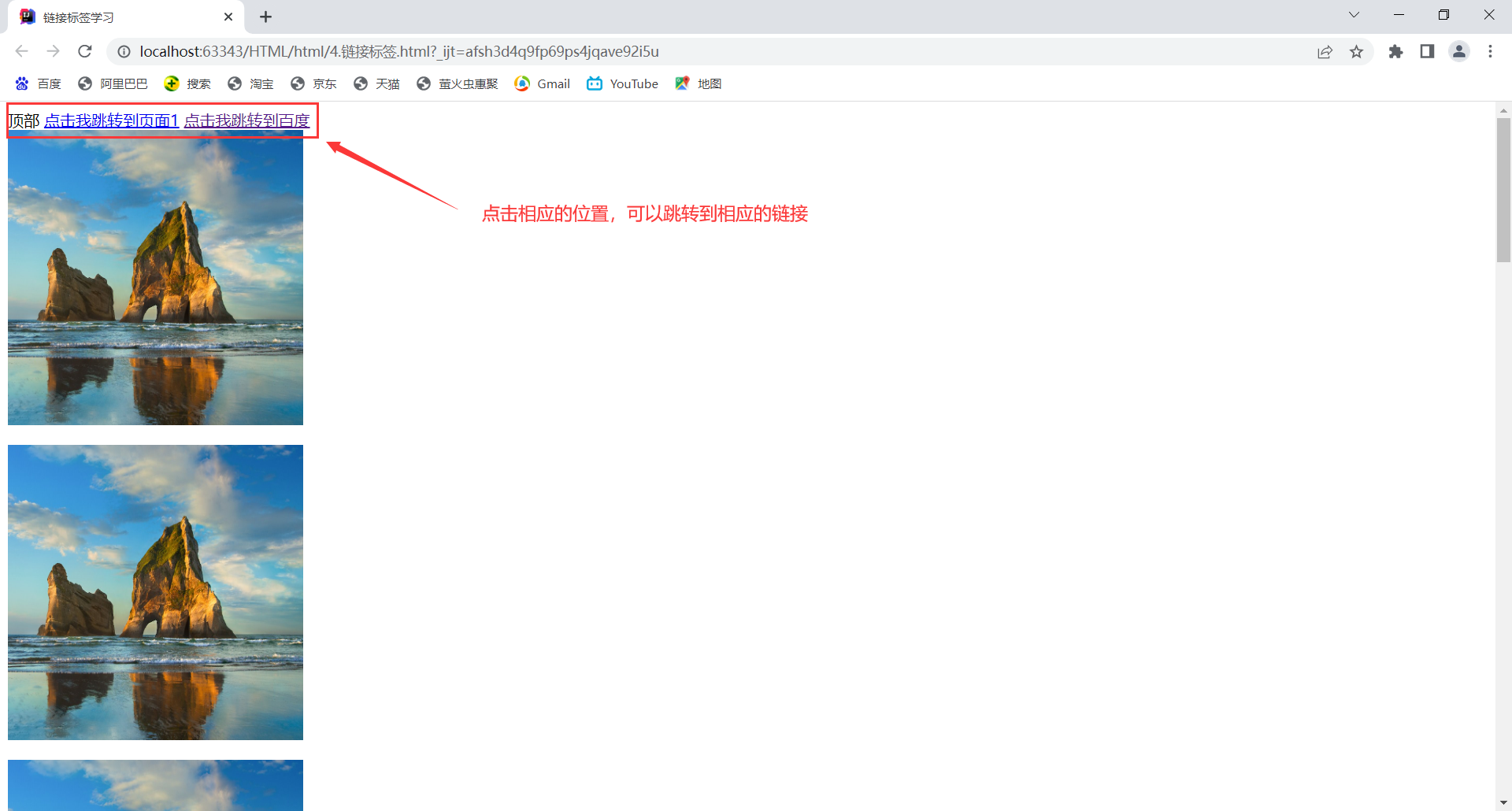
<a name="top">顶部</a>


<!--a标签
href:必填,表示要跳转到哪个页面
target:表示窗口在哪里打开
    _blank  在新标签中打开
    _self   在自己的网页中打开

-->
<a href="1.我的第一个网页.html"target="_blank">点击我跳转到页面1</a>
<a href="https://www.baidu.com"target="_self">点击我跳转到百度</a>
<br>
<a href="1.我的第一个网页.html"><img src="../resource/image/1.png" alt="桌面图像"title="悬停文字"width="300"height="300">
</a>
<p>
    <a href="1.我的第一个网页.html"><img src="../resource/image/1.png" alt="桌面图像"title="悬停文字"width="300"height="300">
    </a>
</p>
<p>
    <a href="1.我的第一个网页.html"><img src="../resource/image/1.png" alt="桌面图像"title="悬停文字"width="300"height="300">
    </a>
</p>
<p>
    <a href="1.我的第一个网页.html"><img src="../resource/image/1.png" alt="桌面图像"title="悬停文字"width="300"height="300">
    </a>
</p>
<p>
    <a href="1.我的第一个网页.html"><img src="../resource/image/1.png" alt="桌面图像"title="悬停文字"width="300"height="300">
    </a>
</p>
<p>
    <a href="1.我的第一个网页.html"><img src="../resource/image/1.png" alt="桌面图像"title="悬停文字"width="300"height="300">
    </a>
</p>
<p>
    <a href="1.我的第一个网页.html"><img src="../resource/image/1.png" alt="桌面图像"title="悬停文字"width="300"height="300">
    </a>
</p>
<p>
    <a href="1.我的第一个网页.html"><img src="../resource/image/1.png" alt="桌面图像"title="悬停文字"width="300"height="300">
    </a>
</p>
<p>
    <a href="1.我的第一个网页.html"><img src="../resource/image/1.png" alt="桌面图像"title="悬停文字"width="300"height="300">
    </a>
</p>
<p>
    <a href="1.我的第一个网页.html"><img src="../resource/image/1.png" alt="桌面图像"title="悬停文字"width="300"height="300">
    </a>
</p>

<!--锚链接
1.需要一个锚标记
2.跳转到标记
#
-->
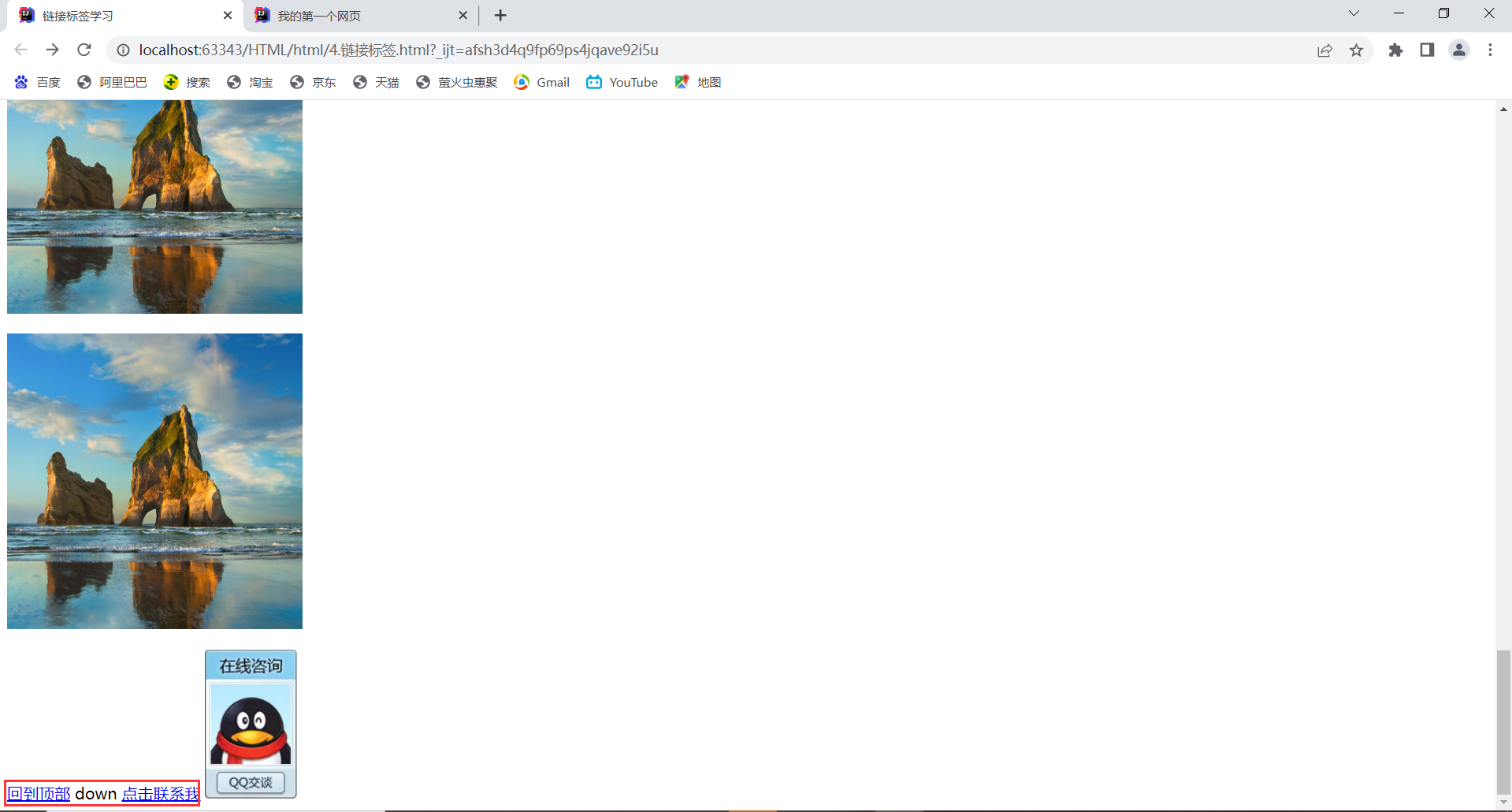
<a href="#top">回到顶部</a>


<a name="down">down</a>

<!--功能性链接

邮件链接:mailto:
QQ链接
-->

<a href="mailto:2743116586@qq.com">点击联系我</a>


<a target="_blank" href="http://wpa.qq.com/msgrd?v=3&uin=&site=qq&menu=yes">
    <img border="0" src="http://wpa.qq.com/pa?p=2:2743116586:53" alt="你好,加我爱你" title="你好,加我爱你"/></a>

</body>
</html>
结果展示

 浙公网安备 33010602011771号