

08_图像缩放
# 图像缩放

# 1. 倍数缩放
import cv2 #opencv的缩写为cv2
import matplotlib.pyplot as plt # matplotlib库用于绘图展示
import numpy as np   # numpy数值计算工具包

# 魔法指令,直接展示图,Jupyter notebook特有
# %matplotlib inline

img = cv2.imread('D:/pycharm/pycharm-cope/opencv/resource/photo/01_cat.jpg')
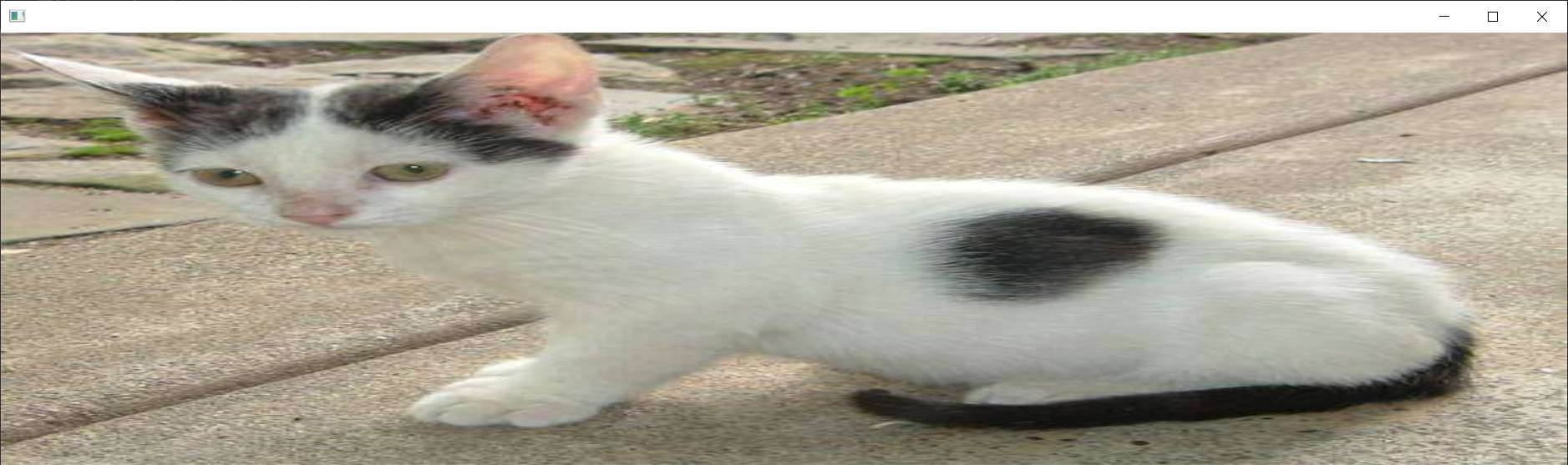
res = cv2.resize(img,(0,0),fx=3,fy=1) # (0,0)表示不确定具体值,fx=3 相当于行像素 x 乘 3,fy=1 相当于 y 乘 1
# plt.imshow(res)
cv2.imshow(' ', res)
cv2.waitKey(0)
cv2.destroyAllWindows()

# 2. 等比例缩放

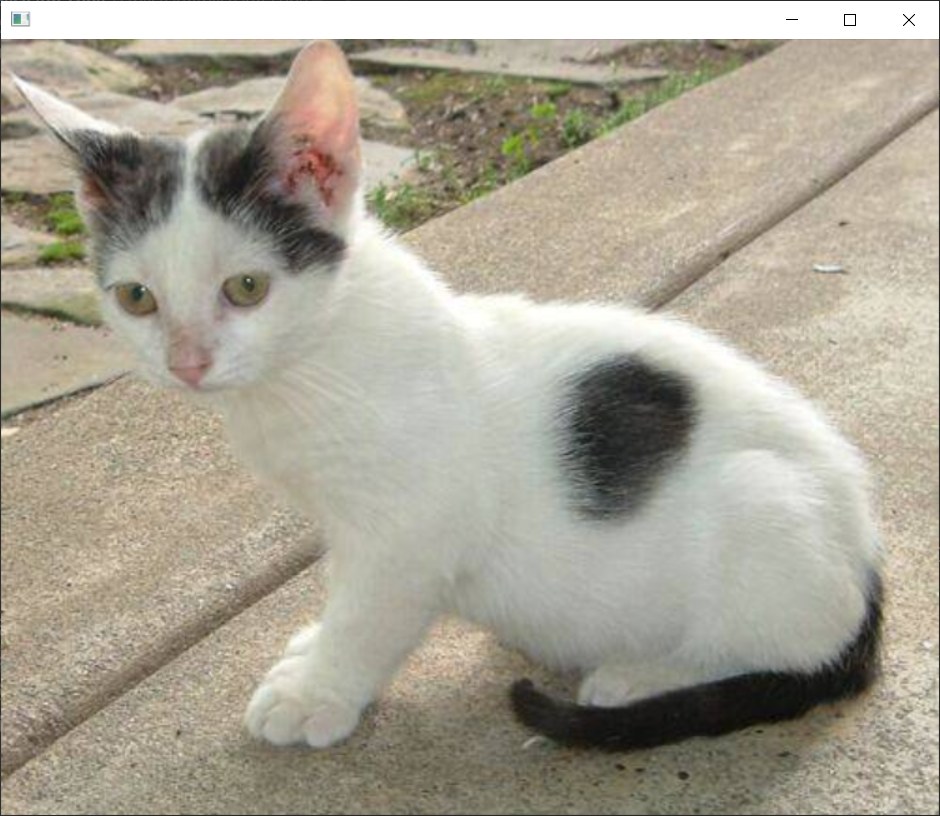
res = cv2.resize(img,(0,0),fx=1.5,fy=1.5) # 同比例放缩
plt.imshow(res)
cv2.imshow(' ', res)
cv2.waitKey(0)
cv2.destroyAllWindows()
结果展示:
倍数缩放
等比例缩放

 浙公网安备 33010602011771号