D365 F&O -The permission 'KILL DATABASE CONNECTION' is not supported in this version of SQL Server.
D365 F&O -The permission 'KILL DATABASE CONNECTION' is not supported in this version of SQL Server. Alternatively, use the server level 'ALTER ANY CONNECTION' permission. Error SQL72045: Script execution error. The executed s...
Error message : Receive the following error while importing a bacpac to a Dev environment
Error SQL72014: Framework Microsoft SqlClient Data Provider: Msg 4630, Level 16, State 1, Line 1 The permission 'KILL DATABASE CONNECTION' is not supported in this version of SQL Server. Alternatively, use the server level 'ALTER ANY CONNECTION' permission.
Error SQL72045: Script execution error. The executed script:
GRANT KILL DATABASE CONNECTION TO [ms_db_configreader];
Steps to resolve the issue:
Step 1:
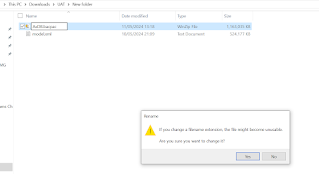
Rename the BACPAC file to .zip
Go to the folder where you have saved your BACPAC file and rename the BACPAC file with a .zip extension

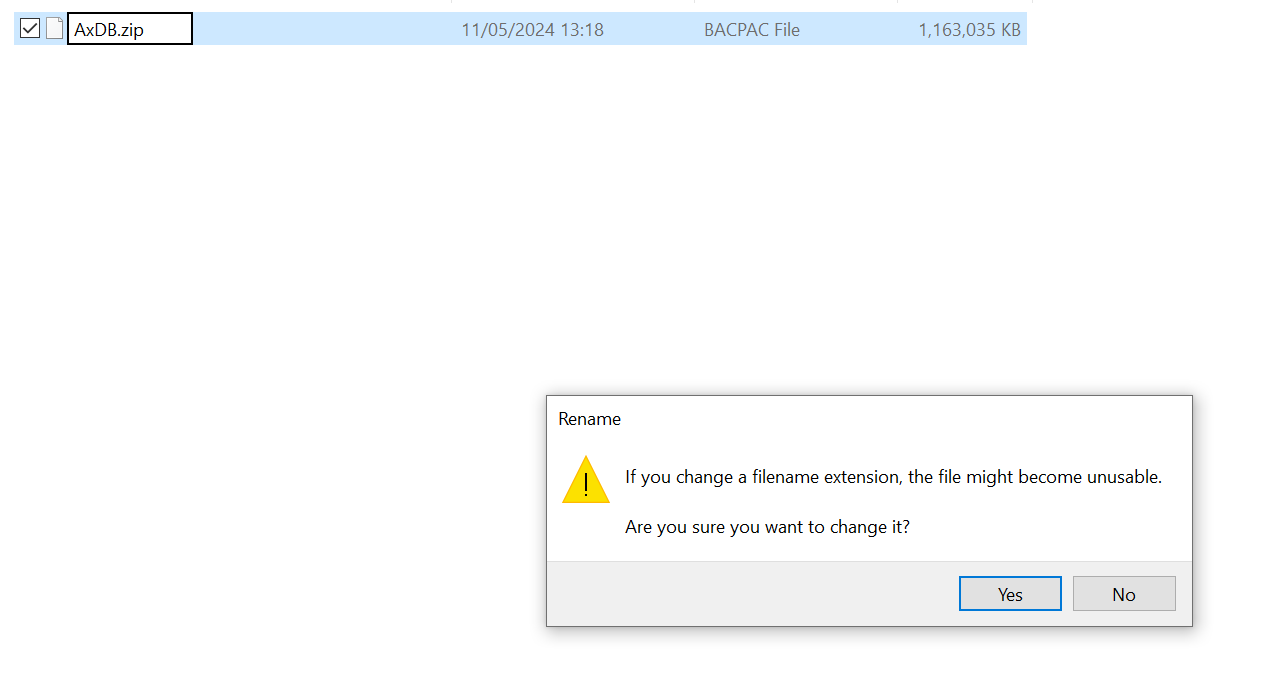
Press "Yes" to convert the .bacpac file to zip file.

Step 2 : Open zip file ,
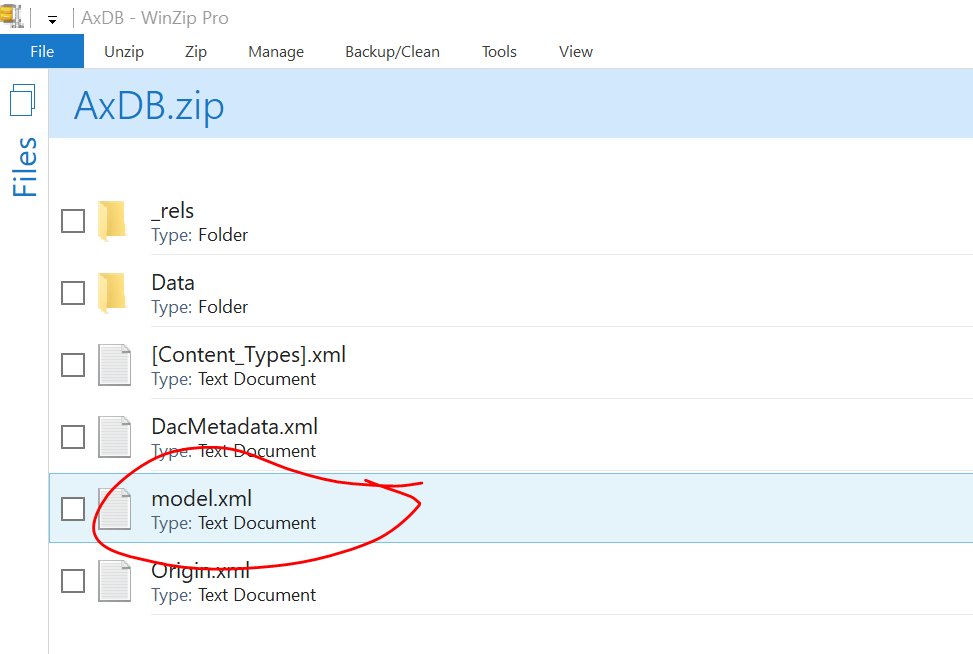
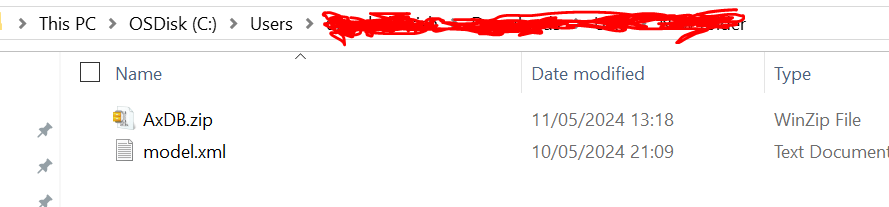
Step 4: Open it in notepad editor.
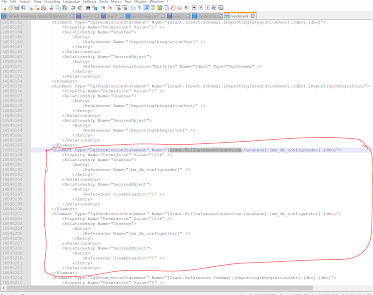
Step 5. Delete the entire Element tag which contains " Grant.KillDatabaseConnection "
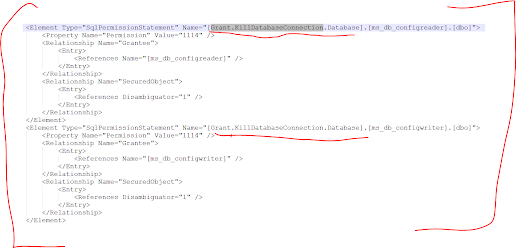
Step 6. After deletion of the element type mentioned in Step 5. it look like below.
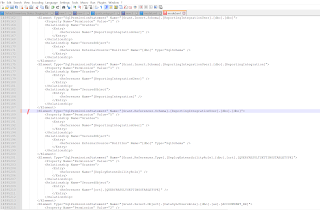
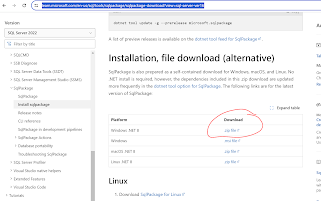
Step 8: Download the latest SqlPackage file from the below link:
https://learn.microsoft.com/en-us/sql/tools/sqlpackage/sqlpackage-download?view=sql-server-ver16
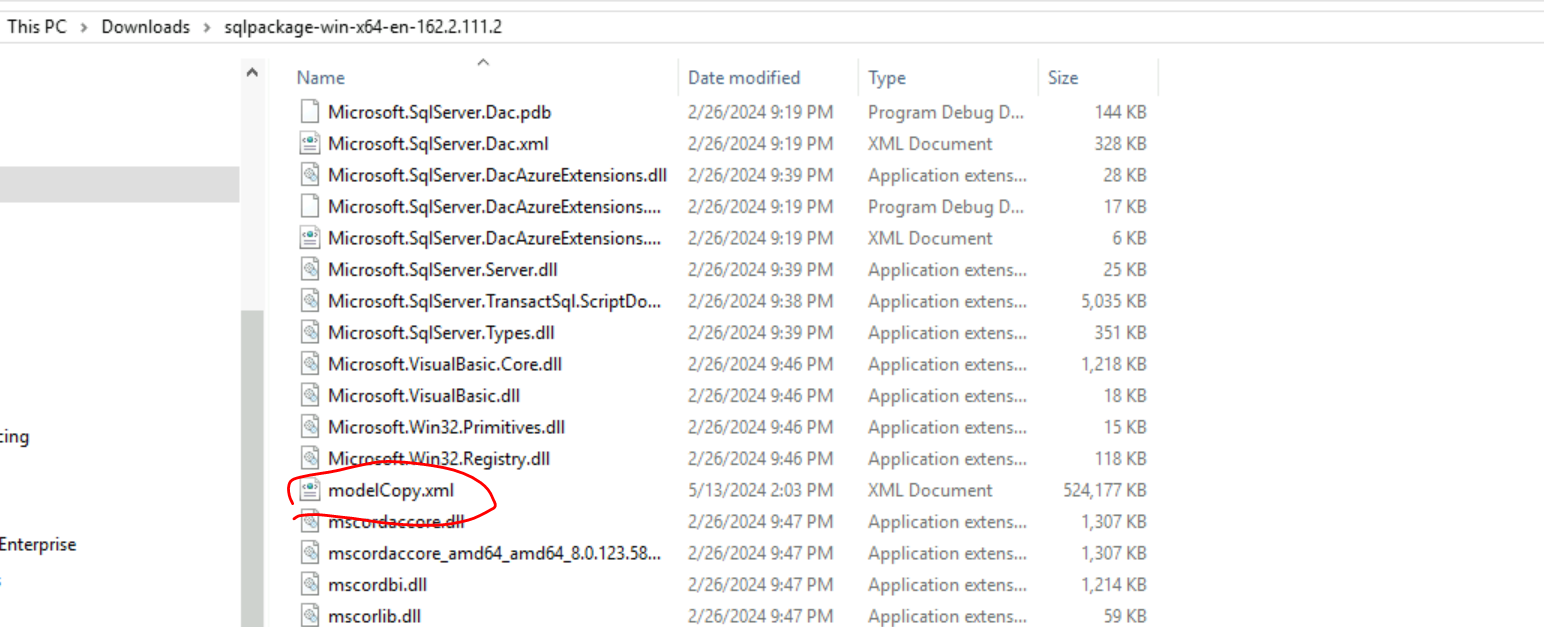
Step 9: Rename the the file modelCopy.xml and paste it in the SqlPackage folder.
Step 10: Rename the zipfile to bacpac file (reverting back the changes from step 1)
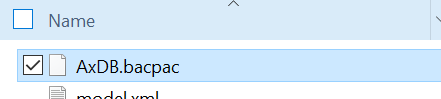
Step 11: Login to command prompt as administrator.
Step 12: Navigate to the downloaded SQLPackage folder and run the below command.
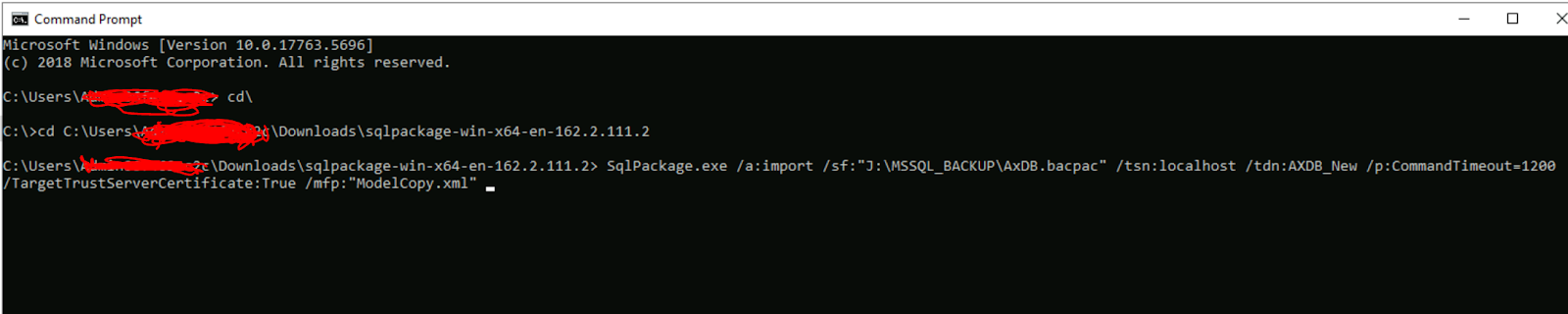
SqlPackage.exe /a:import /sf:"J:\MSSQL_BACKUP\AxDB.bacpac" /tsn:localhost /tdn:AXDB_New /p:CommandTimeout=1200 /TargetTrustServerCertificate:True /mfp:"ModelCopy.xml"
This will resolve your issue of Importing the Bacpac file into D365 F&O Tier 1 environments
This was originally posted here.

 浙公网安备 33010602011771号