

prometheus
源码地址
https://github.com/prometheus/prometheus/blob/main/cmd/prometheus/main.go
storage.tsdb.min-block-duration 一个数据块持久化最短时间默认情况下是两个小时
storage.tsdb.retention.time=2y(年) 保存多长时间
storage.tsdb.min-block-duration 数据块在持久化之前的最短持续时间默认值(“2h”)内存利用率越低,这个时间可以设置的时间越大
storage.tsdb.max-block-duration 每个多长时间进行压缩 保存到磁盘的块 默认值是持久化参数的百分之10
storage.tsdb.max-block-chunk-segment-size 设置chunk的大小,数据保存到磁盘以后chunk里面的block的大小 一旦用到了远端存储没用了(不往本地存储放)
内存数据多久往磁盘上持久化 block多大 就没用了
storage.tsdb.retention.size 块(block)可以存储的最大字节数。需要一个单位,支持的单位:B,KB,MB,GB,TB,PB,EB 默认512MB
root@awen:~# tar xf prometheus-2.40.5.linux-amd64.tar.gz -C /app/
root@awen:/app# ln -sv /app/prometheus-2.40.5.linux-amd64/ /app/prometheus
root@awen:/app# cat /etc/systemd/system/prometheus.service
[Unit]
Description=Prometheus Server
Documentation=https://prometheus.io/docs/introduction/overview/
After=network.target
[Service]
Restart=on-failure
WorkingDirectory=/app/prometheus/
ExecStart=/app/prometheus/prometheus --config.file=/app/prometheus/prometheus.yml --web.enable-lifecycle --storage.tsdb.min-block-duration=30m --storage.tsdb.retention.time=2y --storage.tsdb.max-block-duration=20m --storage.tsdb.max-block-chunk-segment-size=1GB
[Install]
WantedBy=multi-user.target
监听在9090端口
检查配置文件
root@k8s-maste1:/app/prometheus# ./promtool check config prometheus.yml
Checking prometheus.yml
SUCCESS: prometheus.yml is valid prometheus config file syntax
root@k8s-maste1:/app/prometheus# systemctl start prometheus.service
root@k8s-maste1:/app/prometheus# systemctl enable prometheus.service

root@awen:~# tar xvf node_exporter-1.5.0.linux-amd64.tar.gz -C /app
root@awen:/app# ln -sv /app/node_exporter-1.5.0.linux-amd64 /app/node_exporter
root@awen:/app# vim /etc/systemd/system/node-exporter.service
[Unit]
Description=Prometheus Node Exporter
After=network.target
[Service]
ExecStart=/app/node_exporter/node_exporter
[Install]
WantedBy=multi-user.target
root@awen:/app# systemctl start node-exporter.service
root@awen:/app# systemctl status node-exporter.service
scrape_interval 抓取间隔时间
evaluation_interval 扫描规则变更的间隔时间
scrape_configs 数据抓取配置
static_configs 静态配置
targets 目标主机
./promtool check config prometheus.yml 检查配置文件
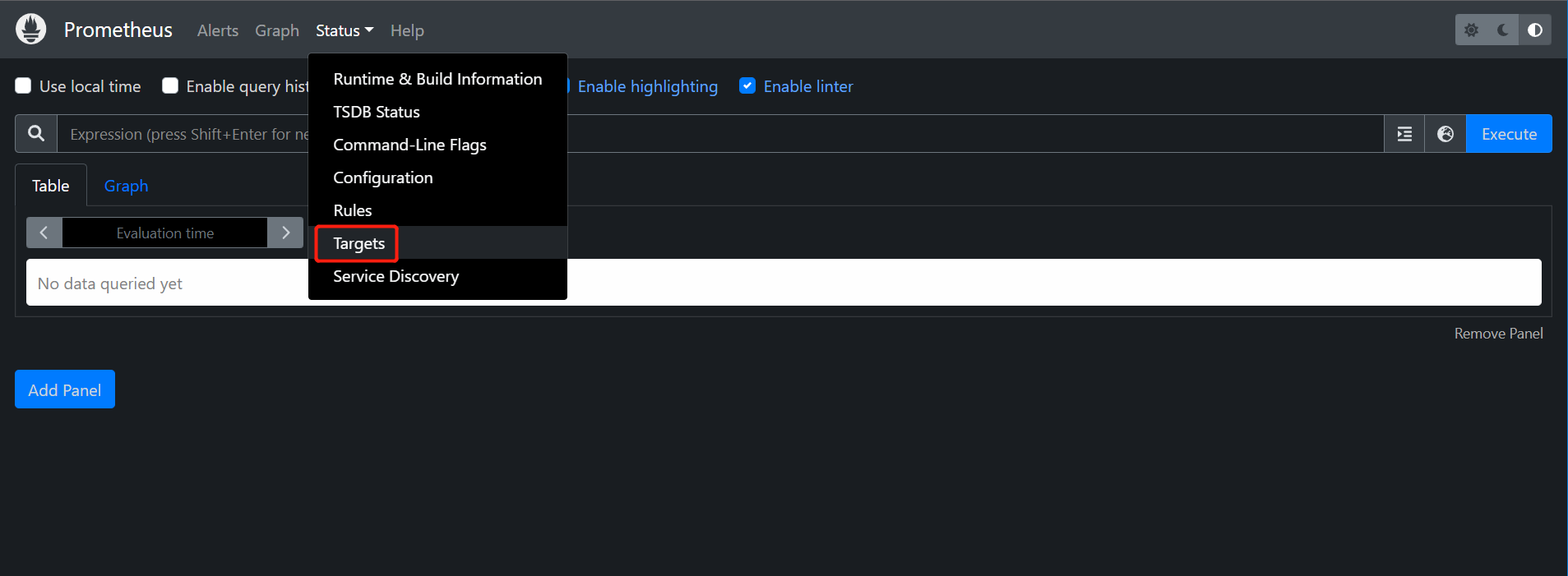
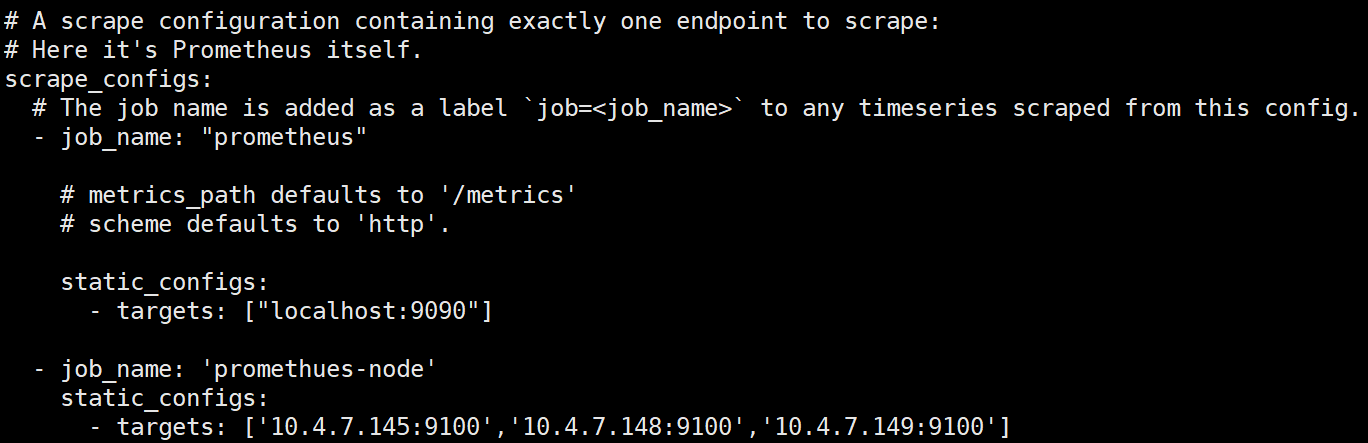
root@k8s-maste1:/app/prometheus# cat prometheus.yml
- job_name: 'promethues-node'
static_configs:
- targets: ['10.4.7.145:9100','10.4.7.148:9100','10.4.7.149:9100']
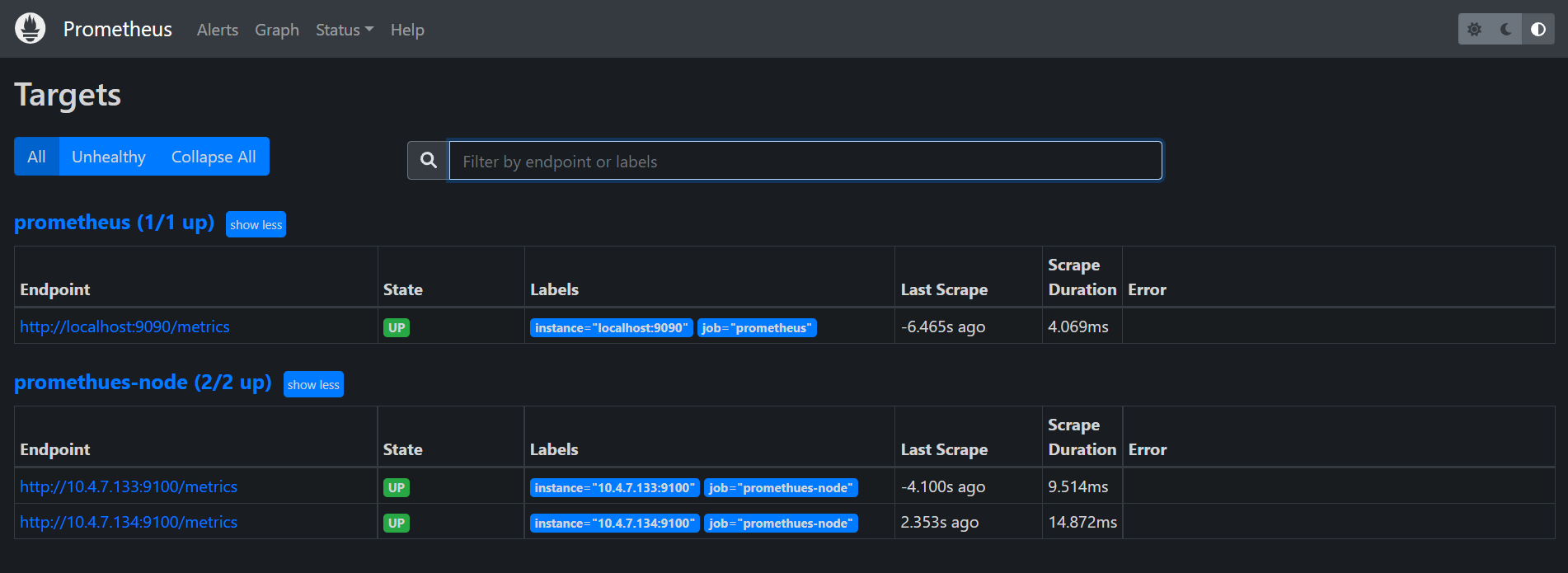
wget https://dl.grafana.com/enterprise/release/grafana-enterprise_9.3.1_amd64.deb
dpkg -i grafana-enterprise_9.3.1_amd64.deb
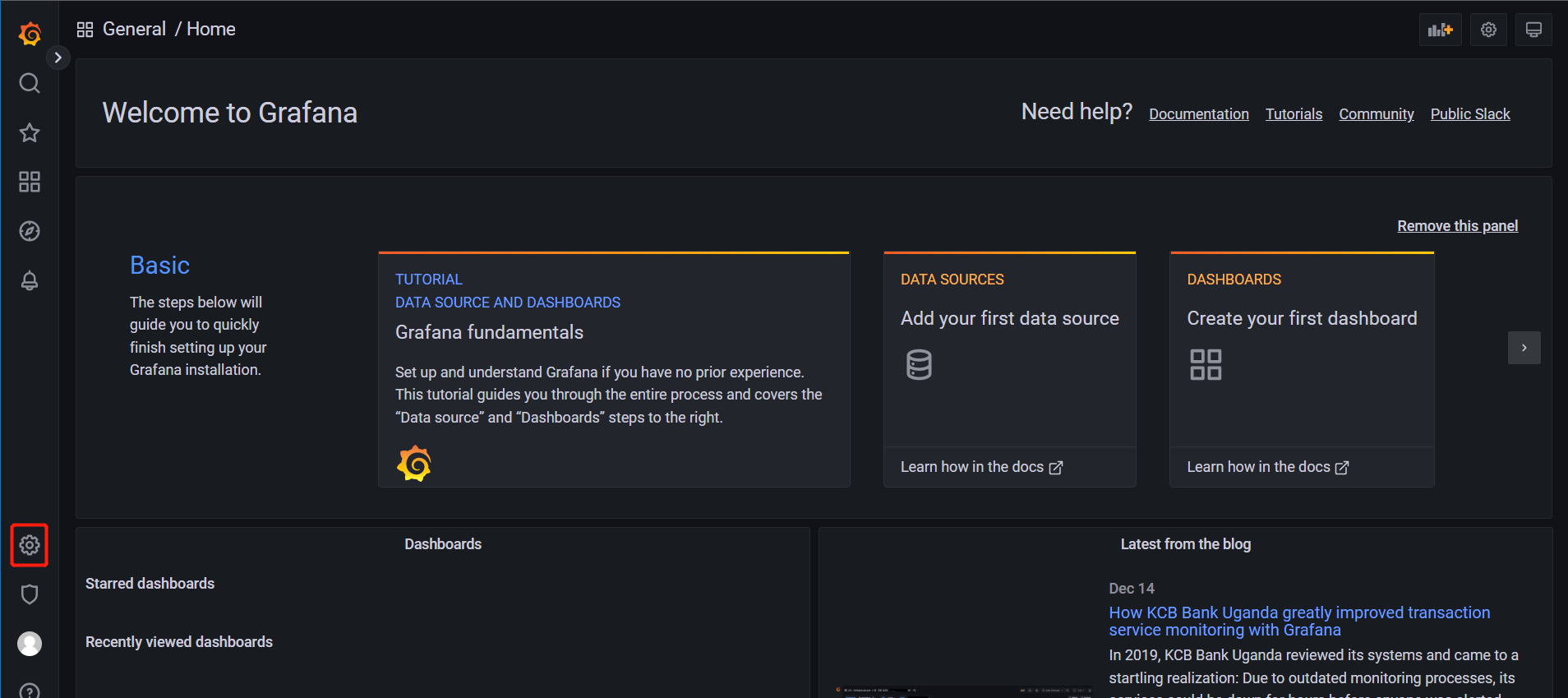
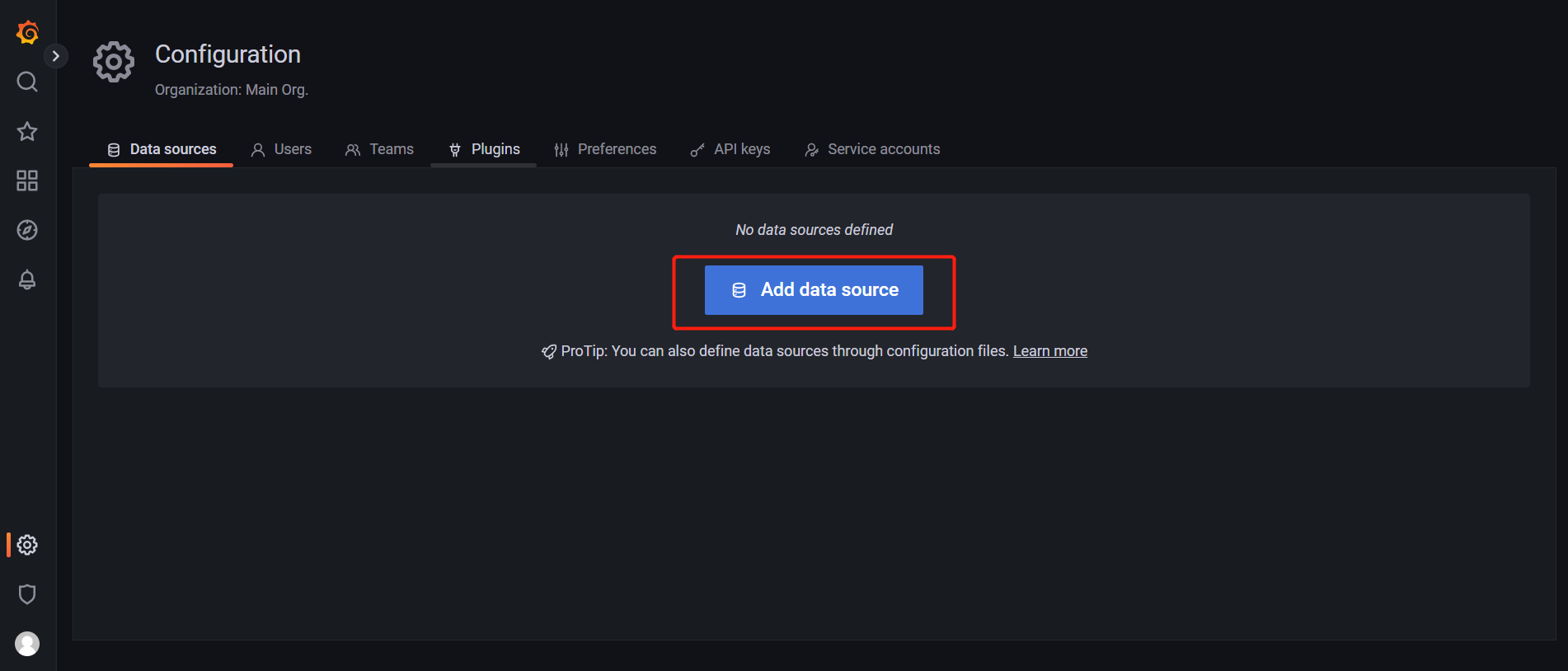
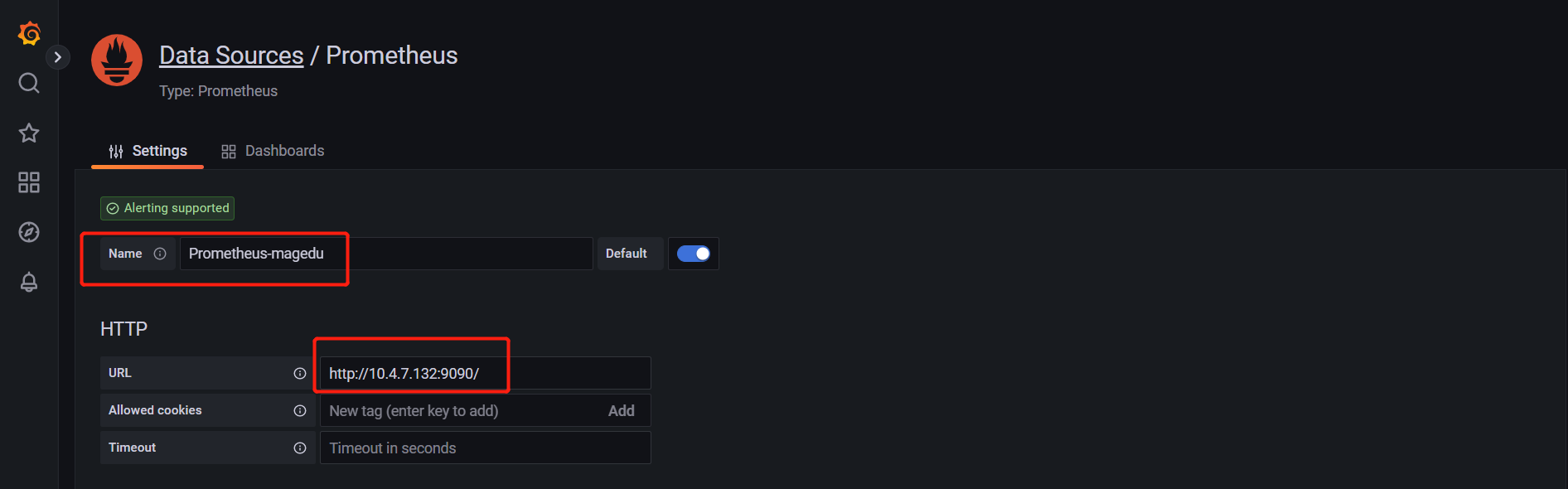
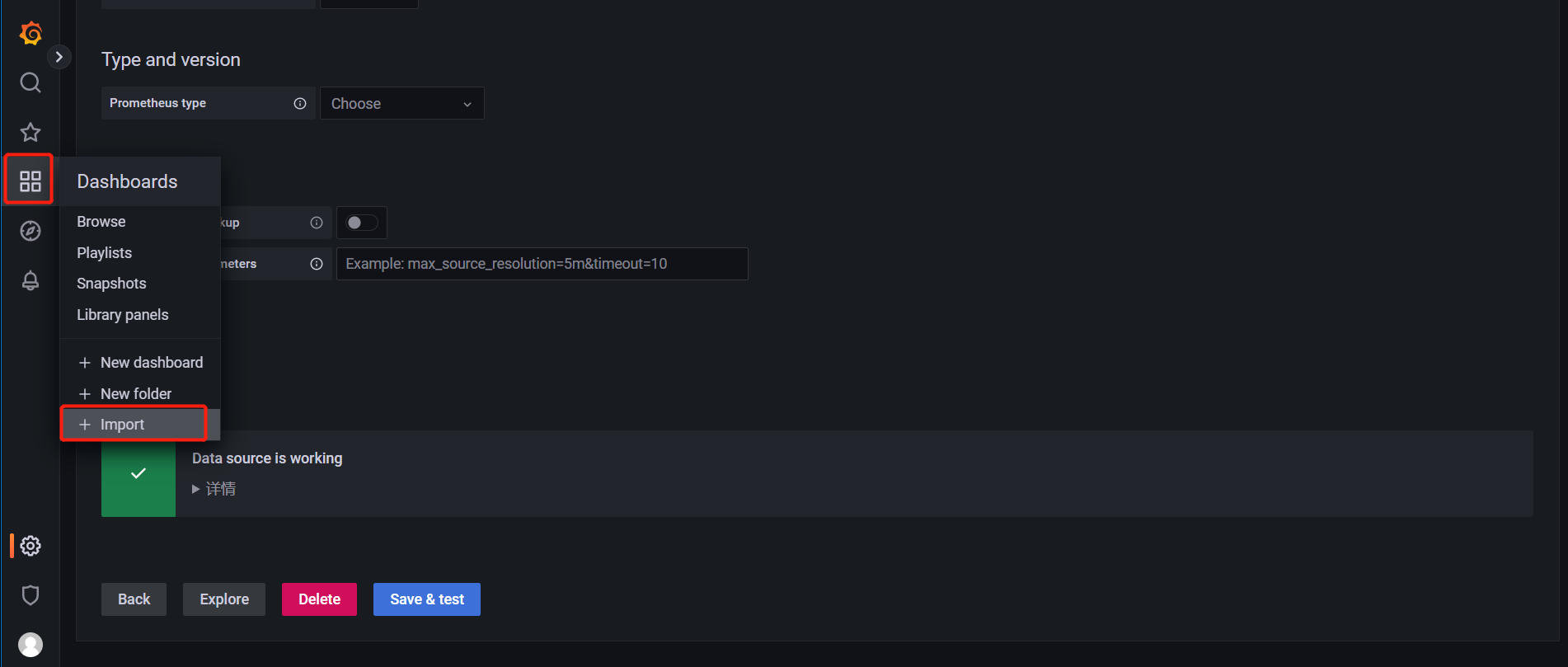
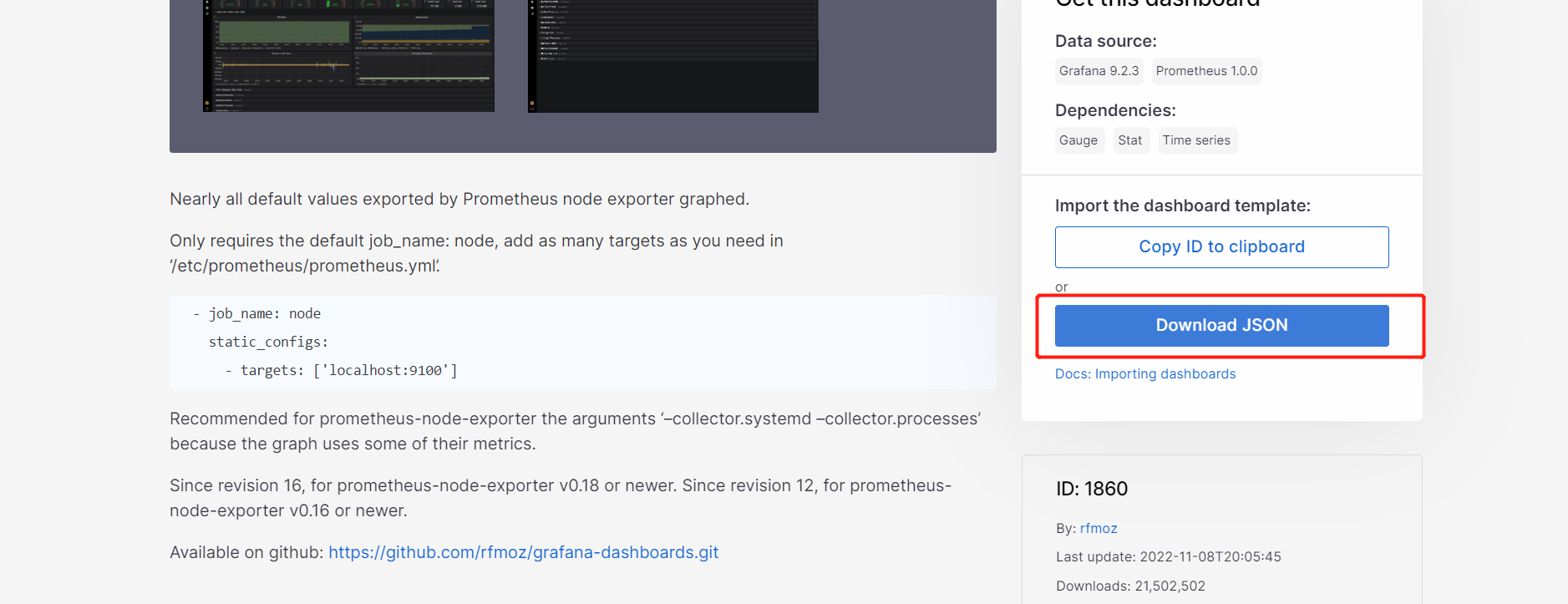
grafana模板
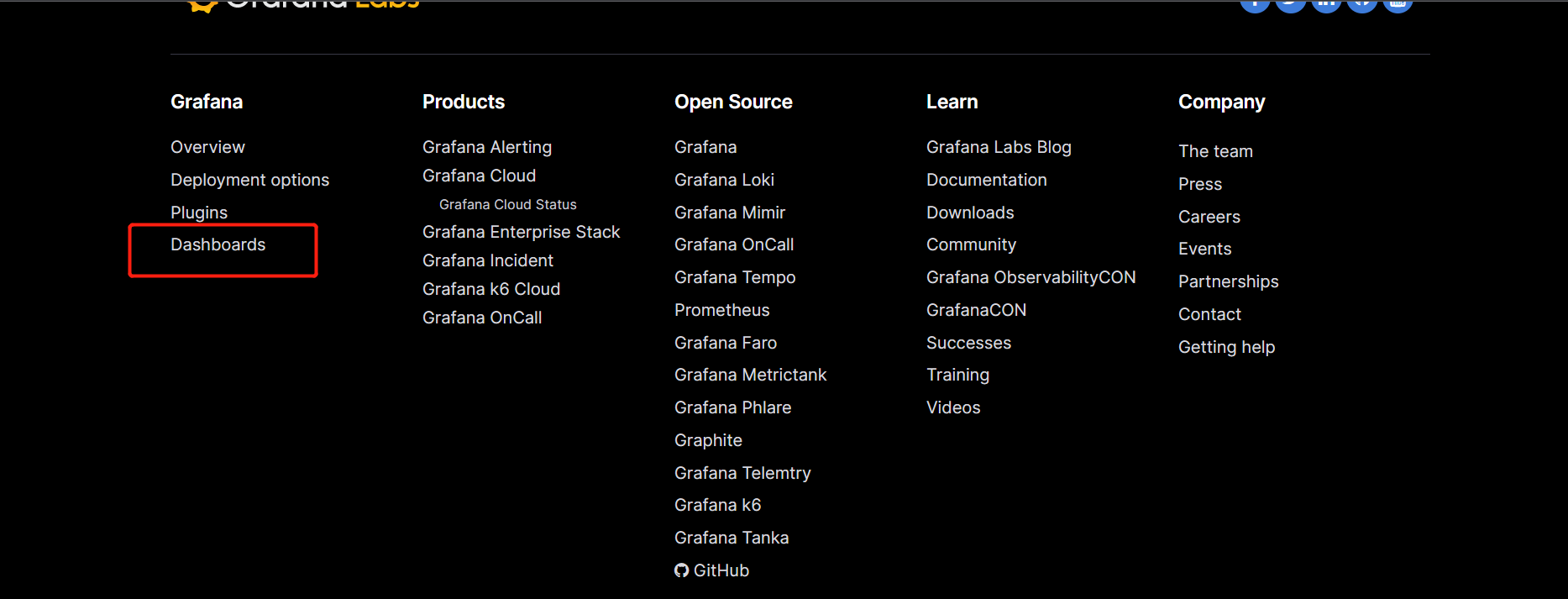
选择下载最多的 默认是按下载量排序的 
下载json文件
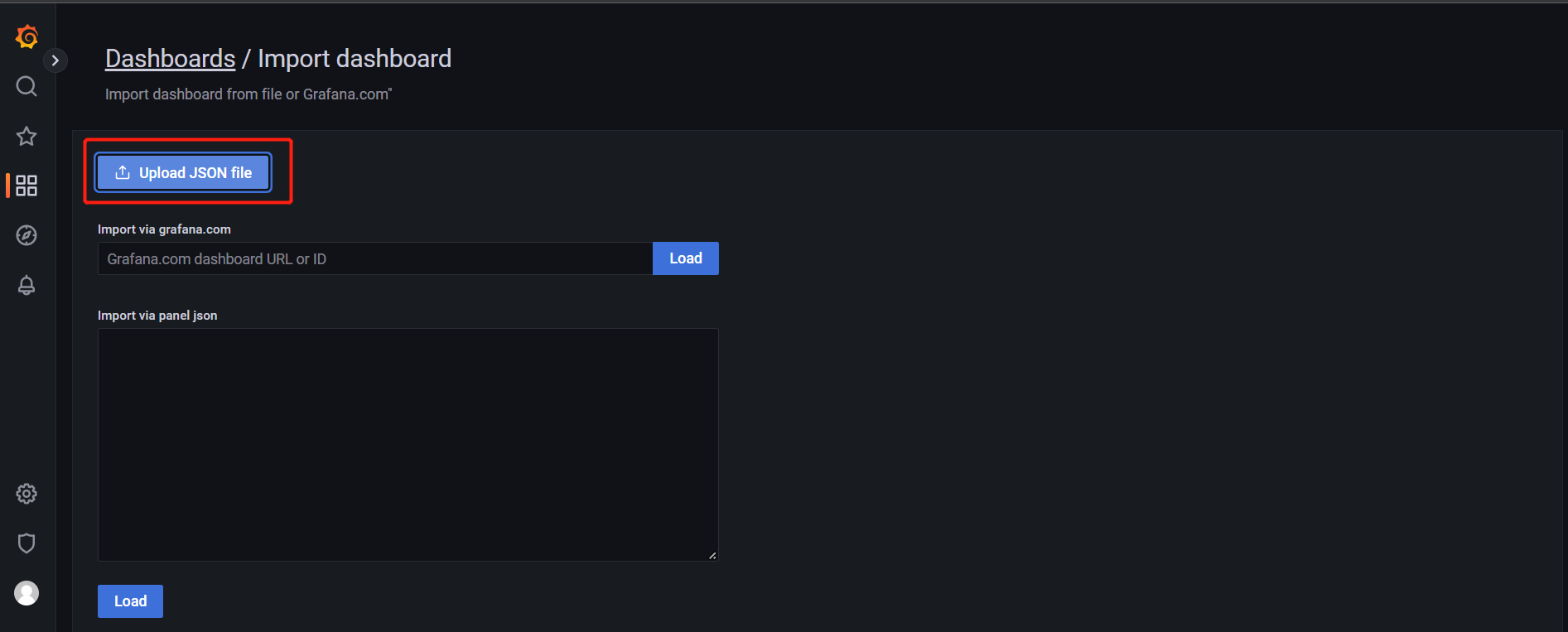
上传模板
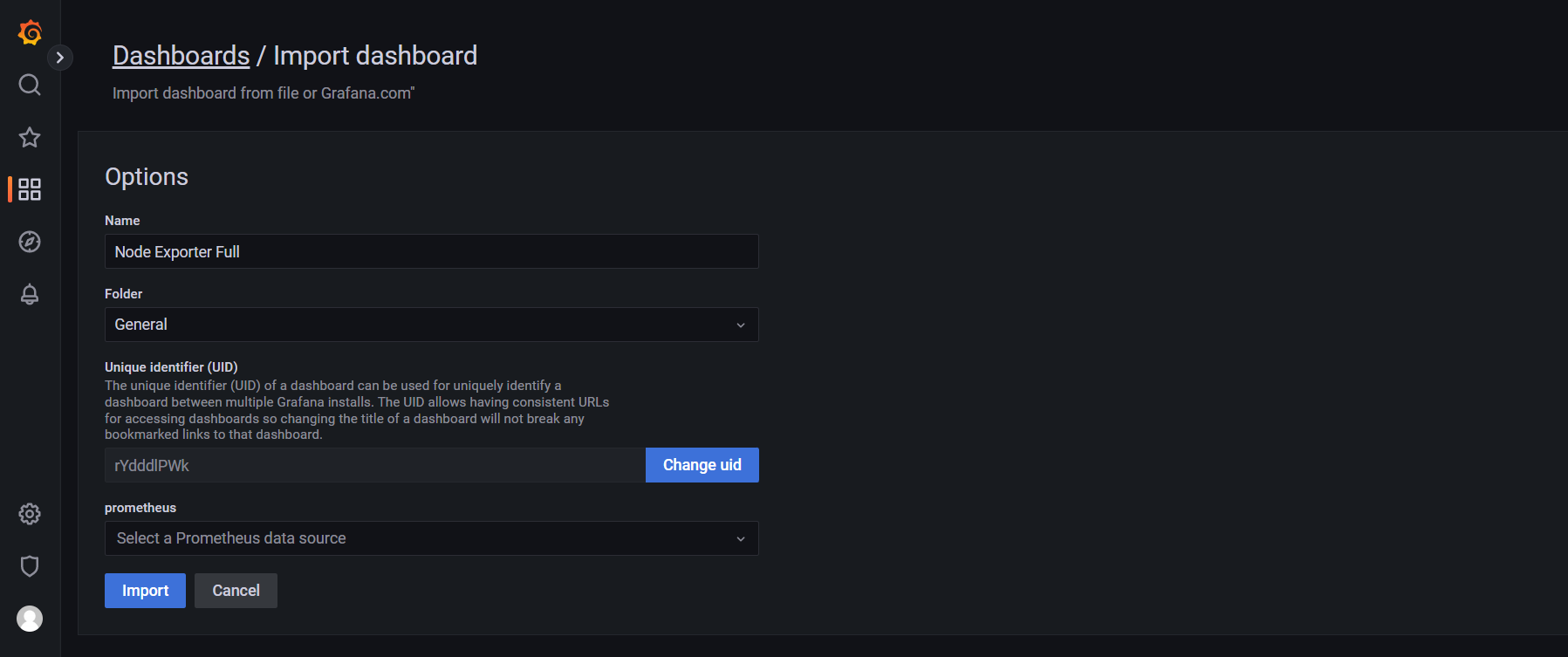
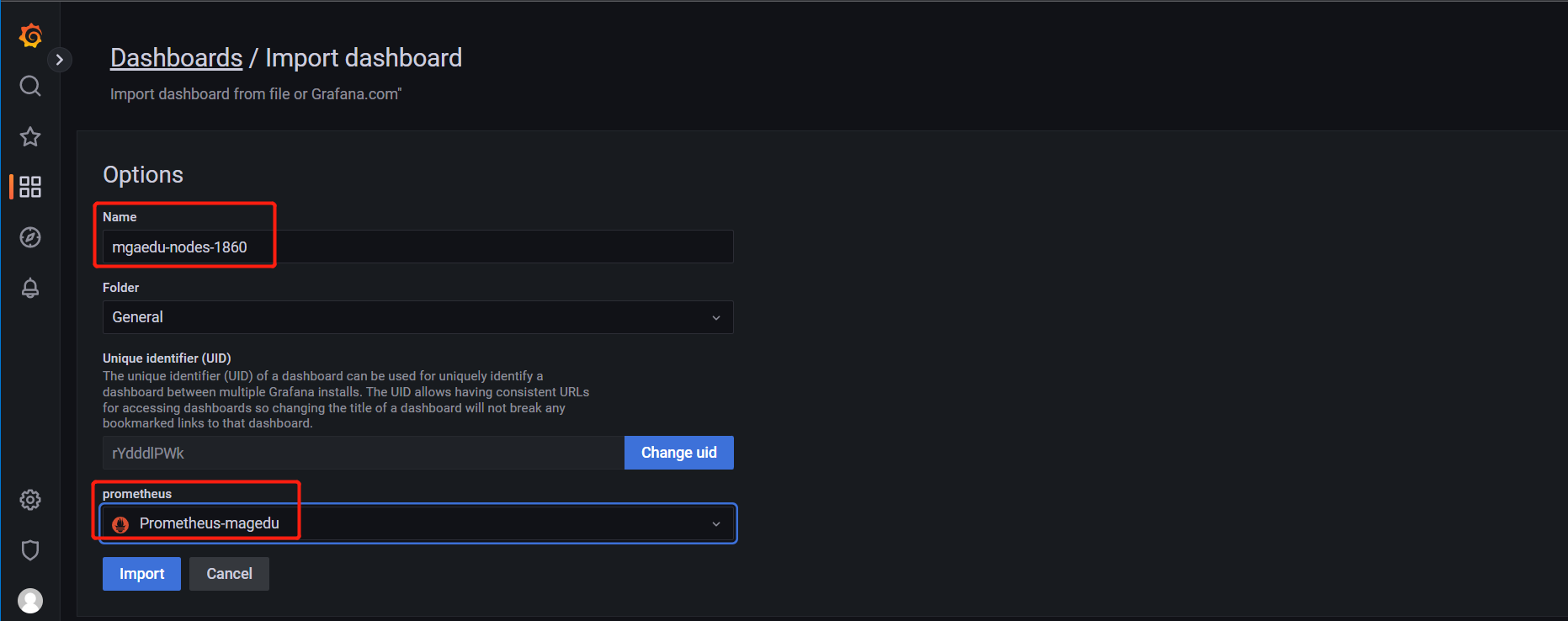
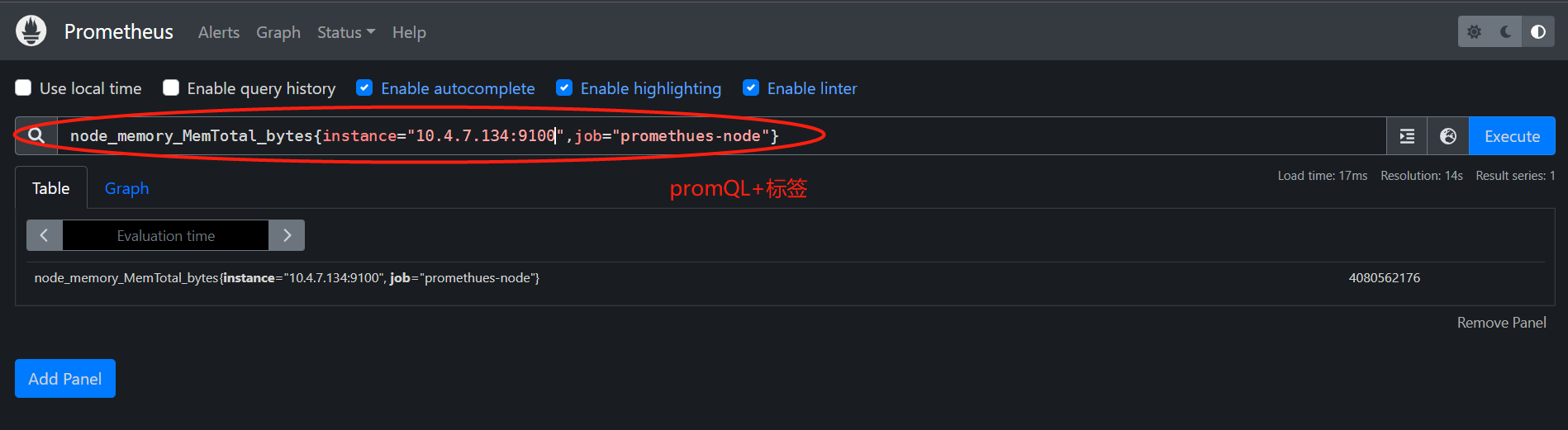
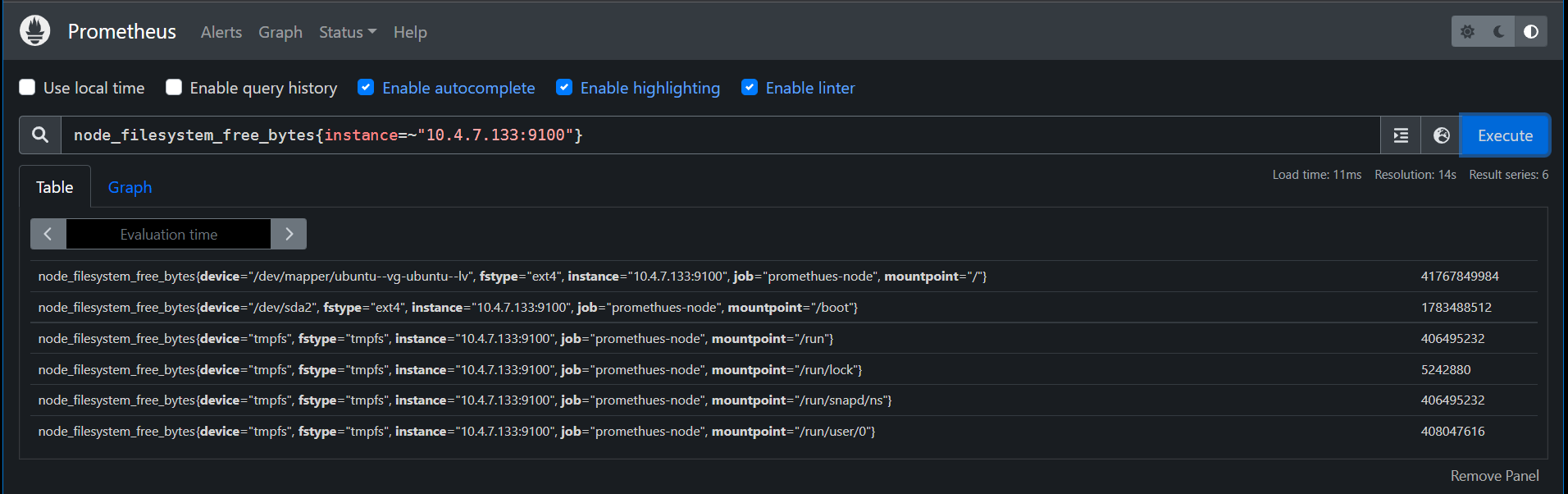
已用内存
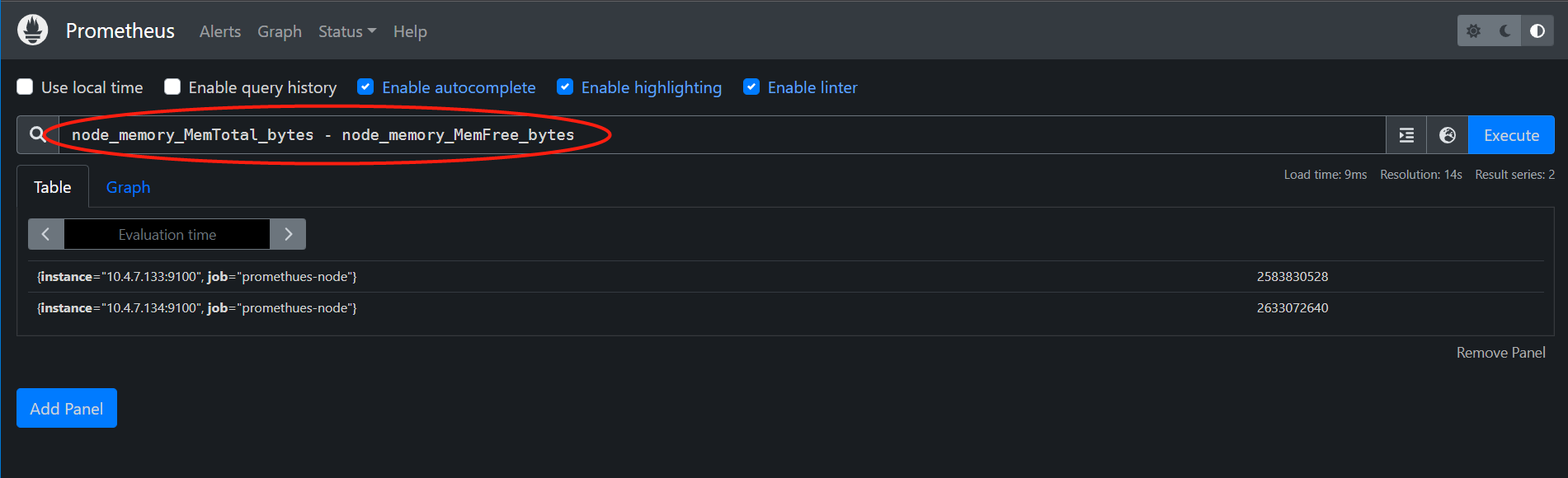
总共内存--已用内存
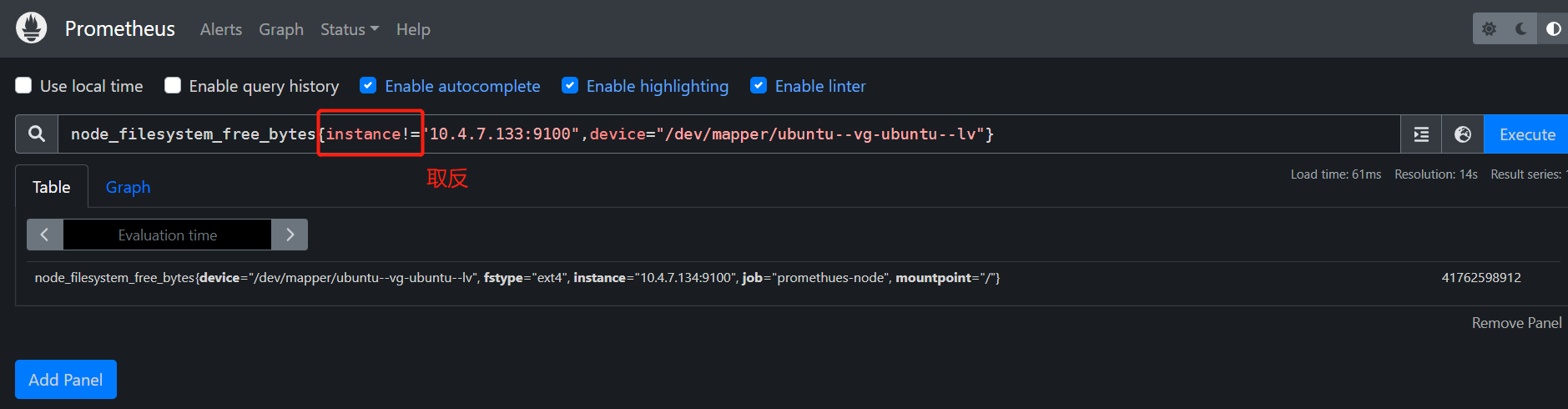
指定时间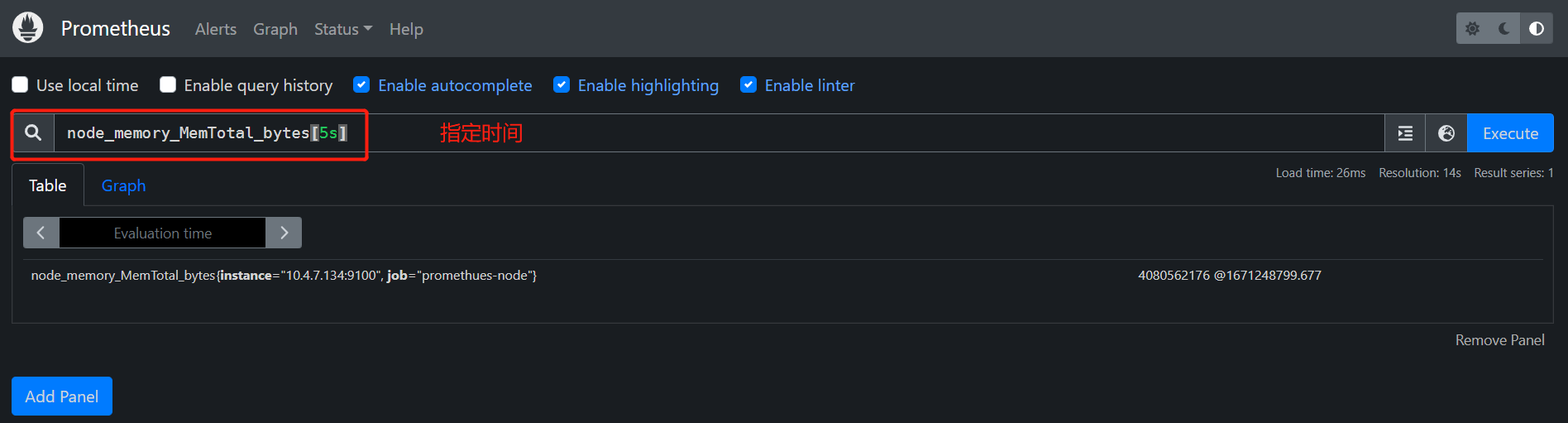
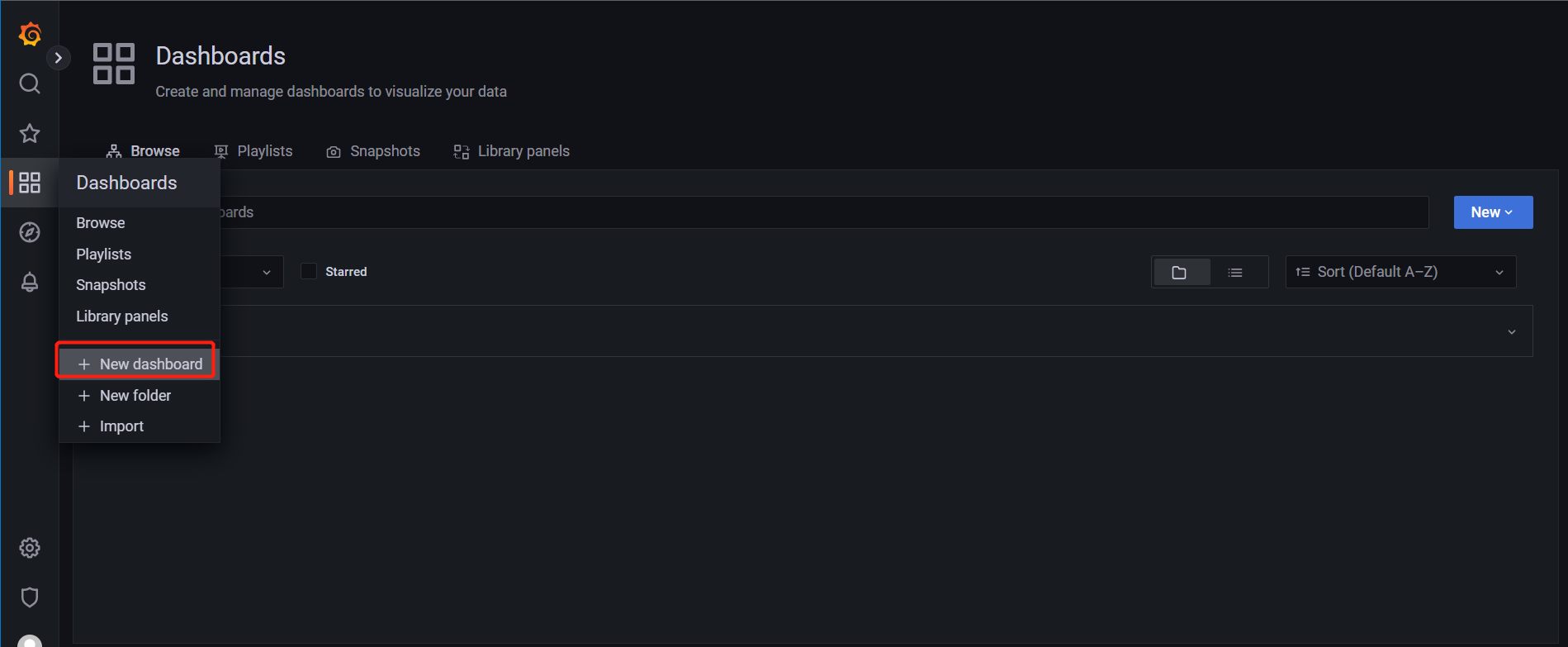
grafana创建Dashboard
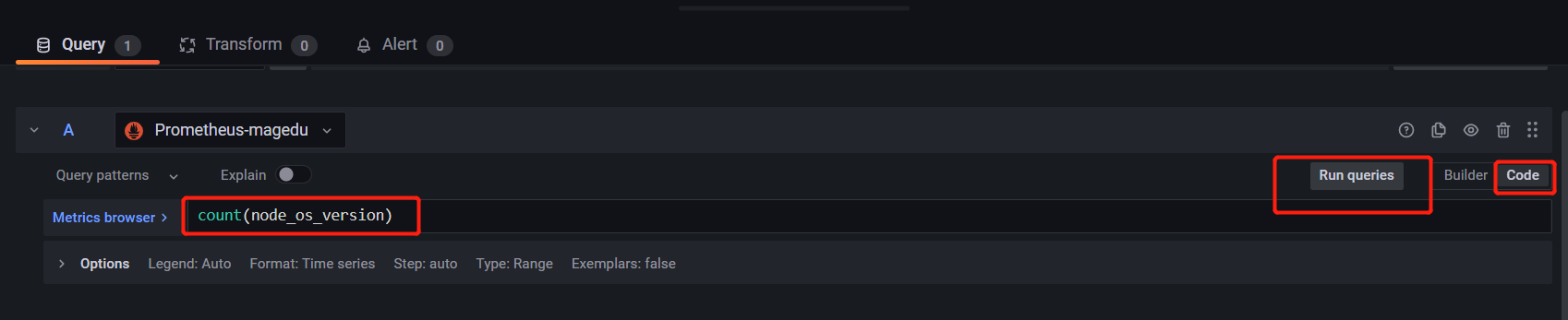
保存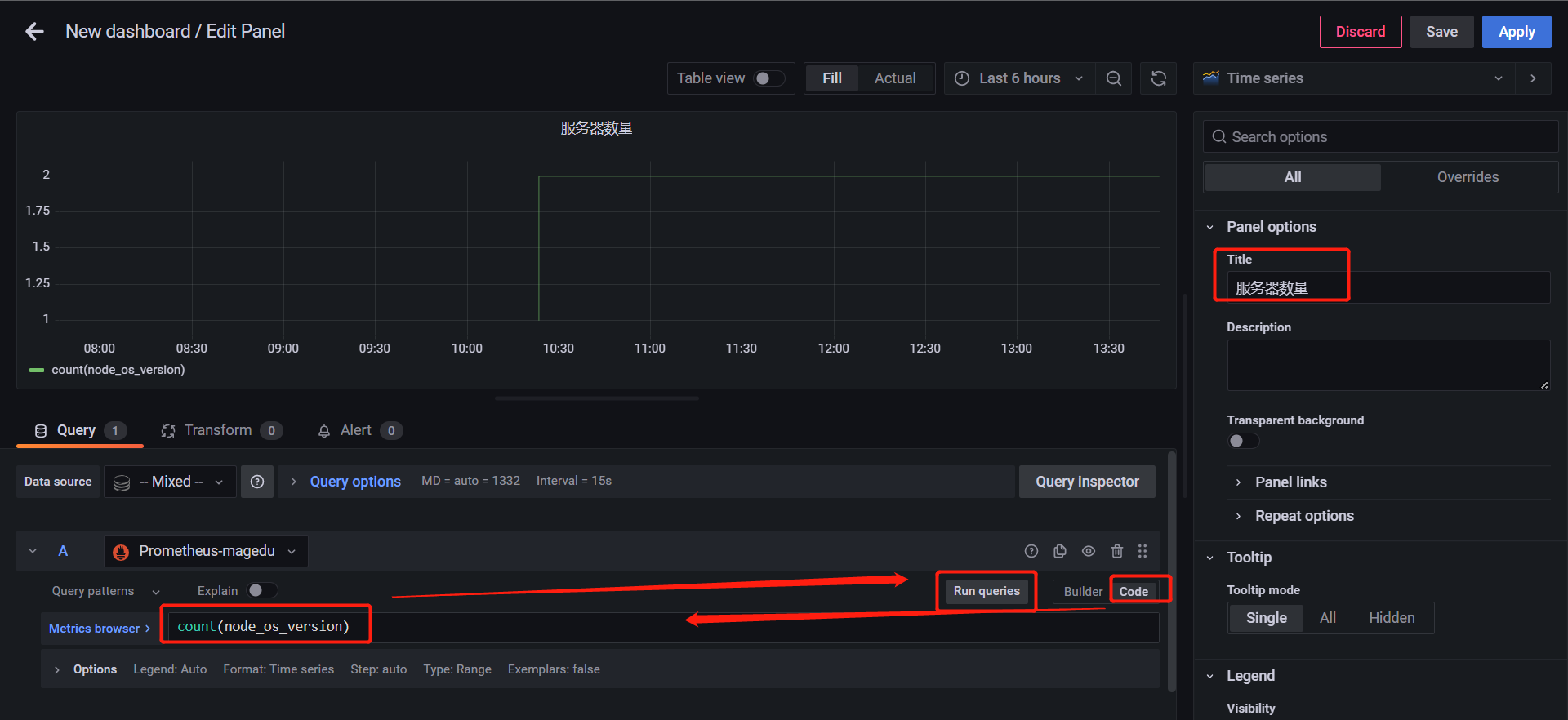
pushgetway
root@awen:~# wget https://github.com/prometheus/pushgateway/releases/download/v1.5.1/pushgateway-1.5.1.linux-amd64.tar.gz
root@awen:~# tar xf pushgateway-1.5.1.linux-amd64.tar.gz -C /app/ppushgateway
root@awen:/app# ln -sv pushgateway-1.5.1.linux-amd64 pushgateway
root@awen:/app# cat /etc/systemd/system/pushgateway.service
[Unit]
Description=Prometheus pushgateway
After=network.target
[Service]
ExecStart=/app/pushgateway/pushgateway
[Install]
WantedBy=multi-user.target
root@awen:/app# systemctl daemon-reload
root@awen:/app# systemctl start pushgateway.service
root@awen:/app/pushgateway# ./pushgateway --help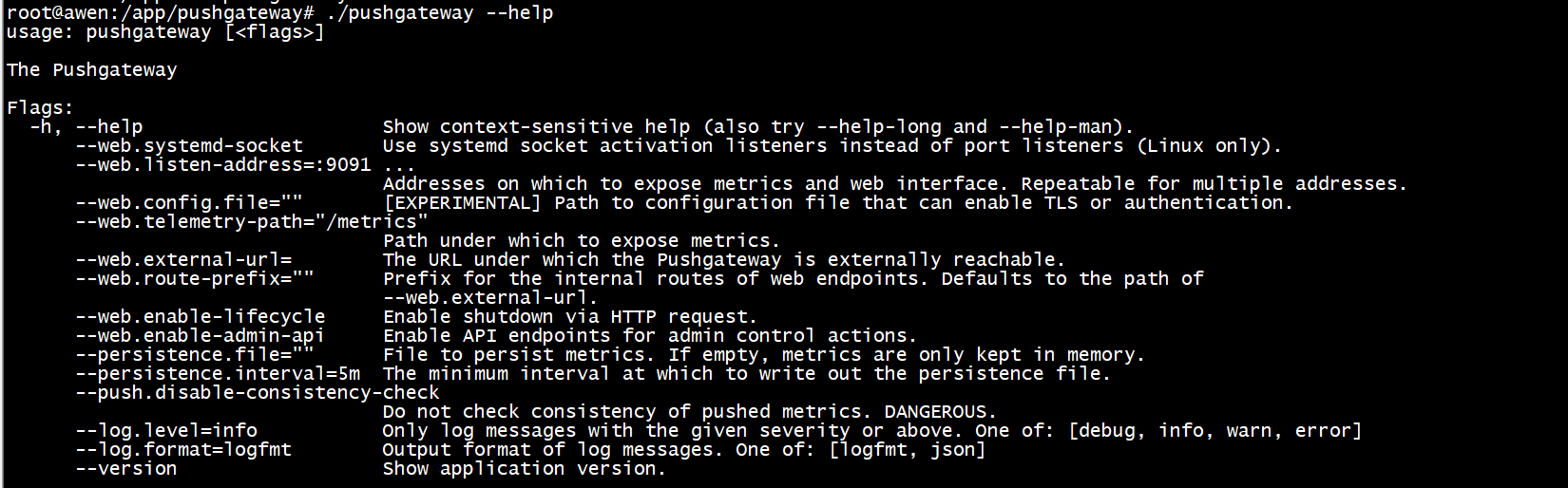
--persistence.interval=5m 持久化周期 每个多长时间持久化到文件中
--persistence.file="" 持久化文件 默认在内存中
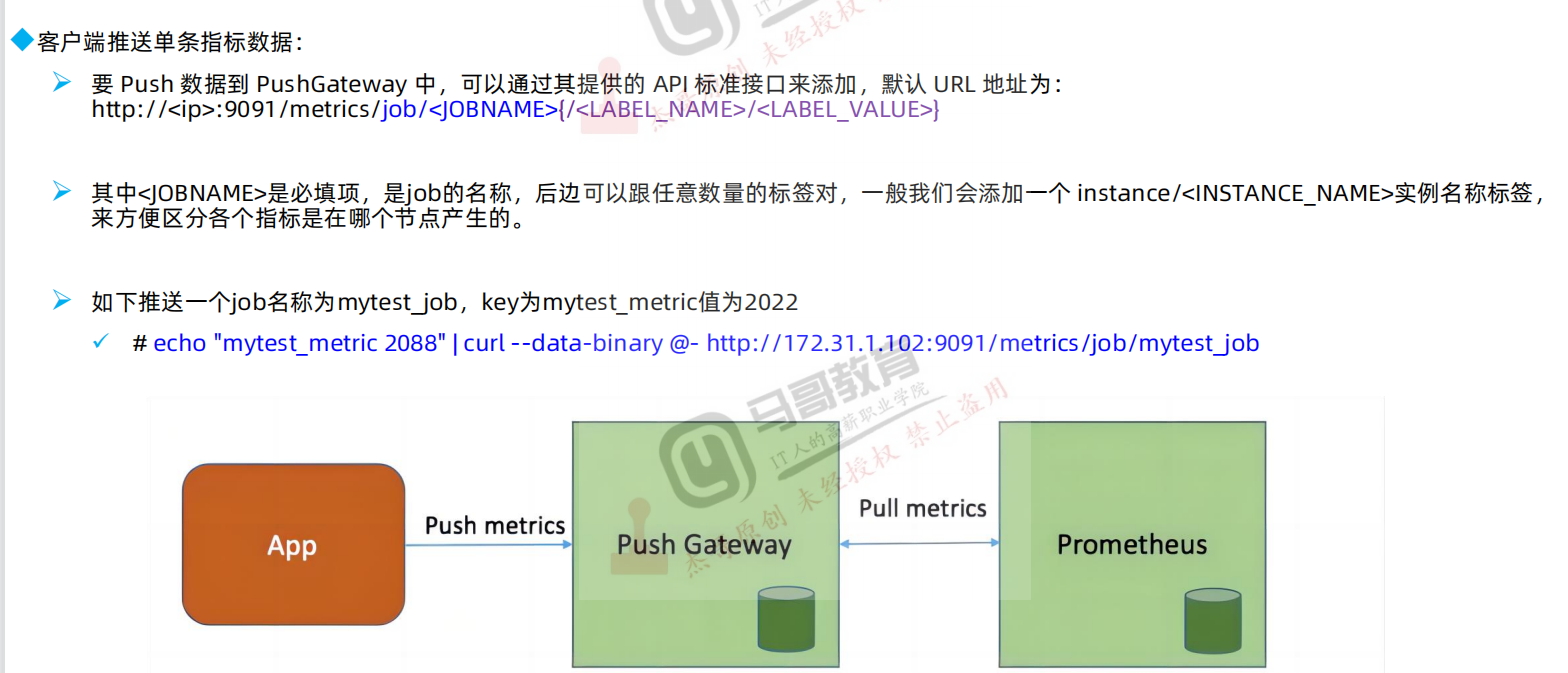
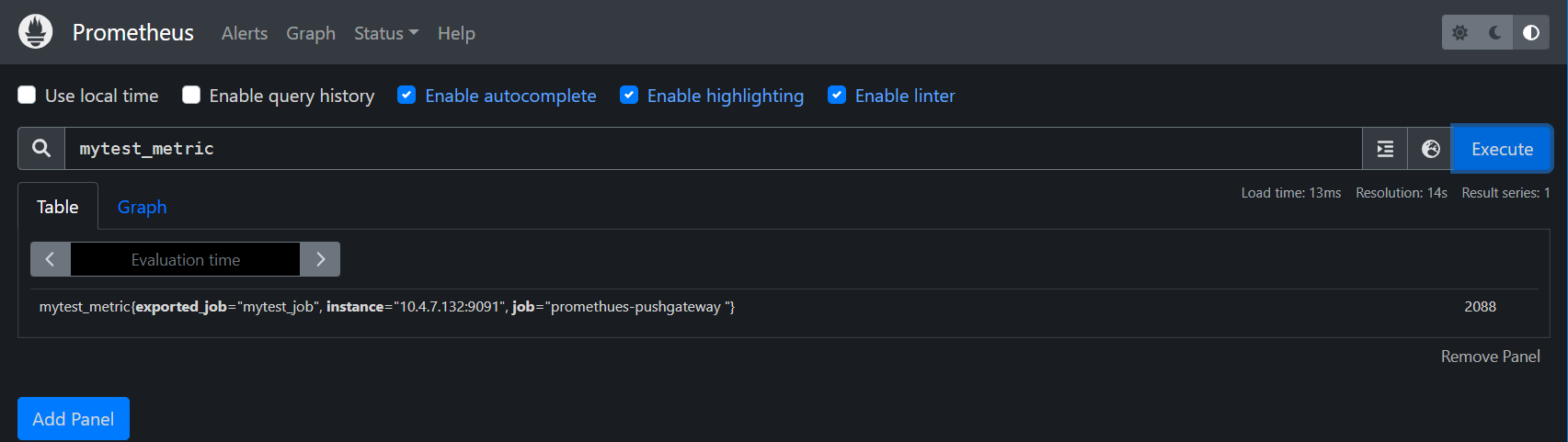
echo 指标名称和值 通过curl 去传 --data-binary 格式是二进制 @- 拿到前echo的值 发给pushgetwey
root@awen:~# echo "mytest_metric 2088" | curl --data-binary @- http://10.4.7.132:9091/metrics/job/mytest_job
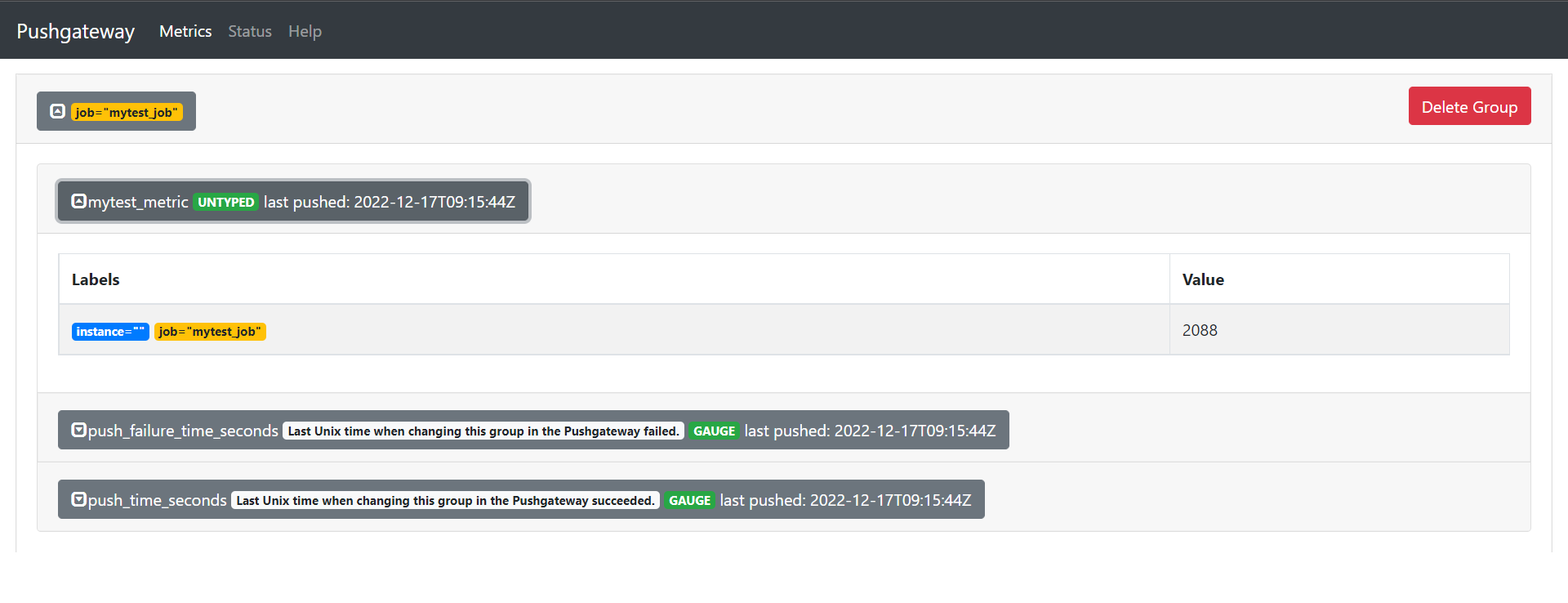
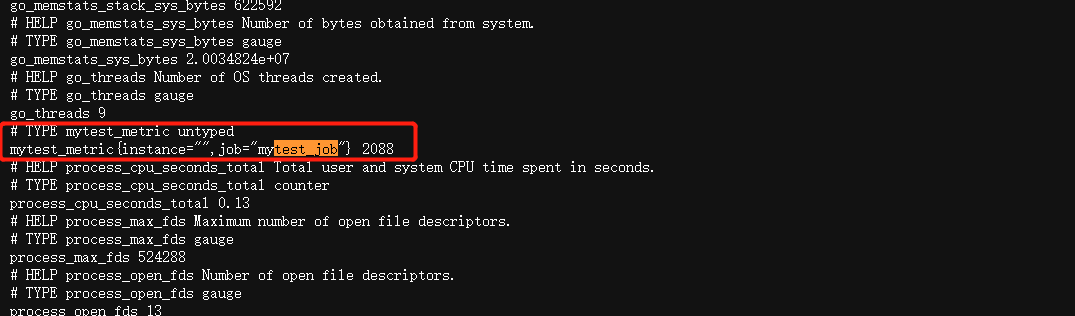
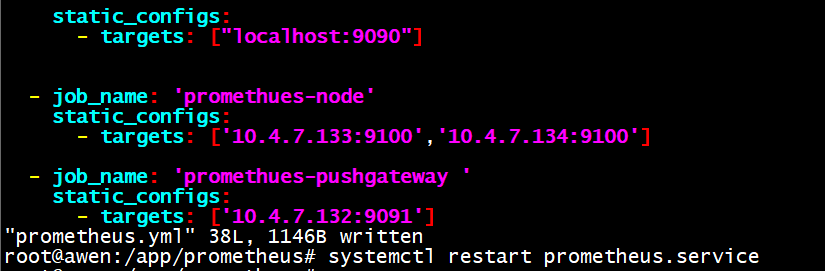
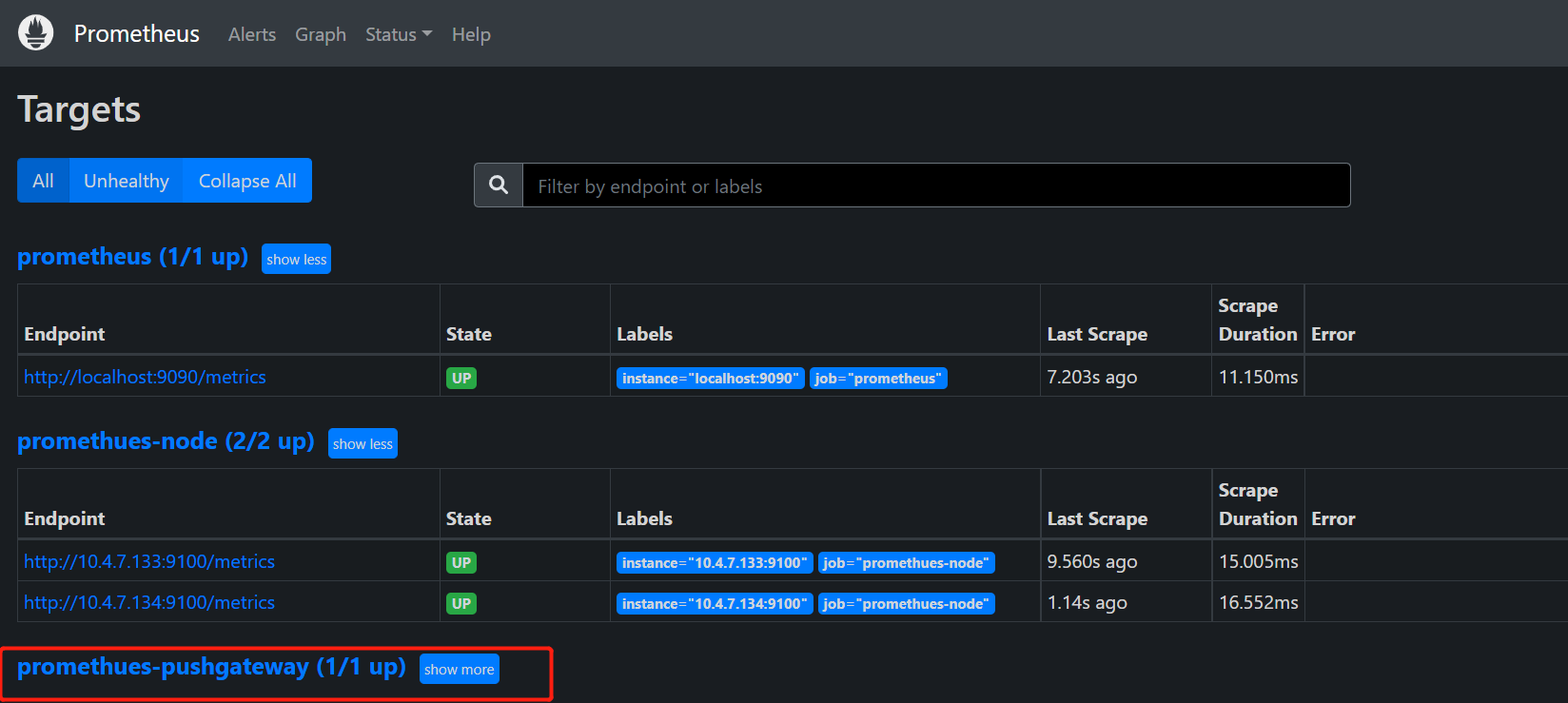
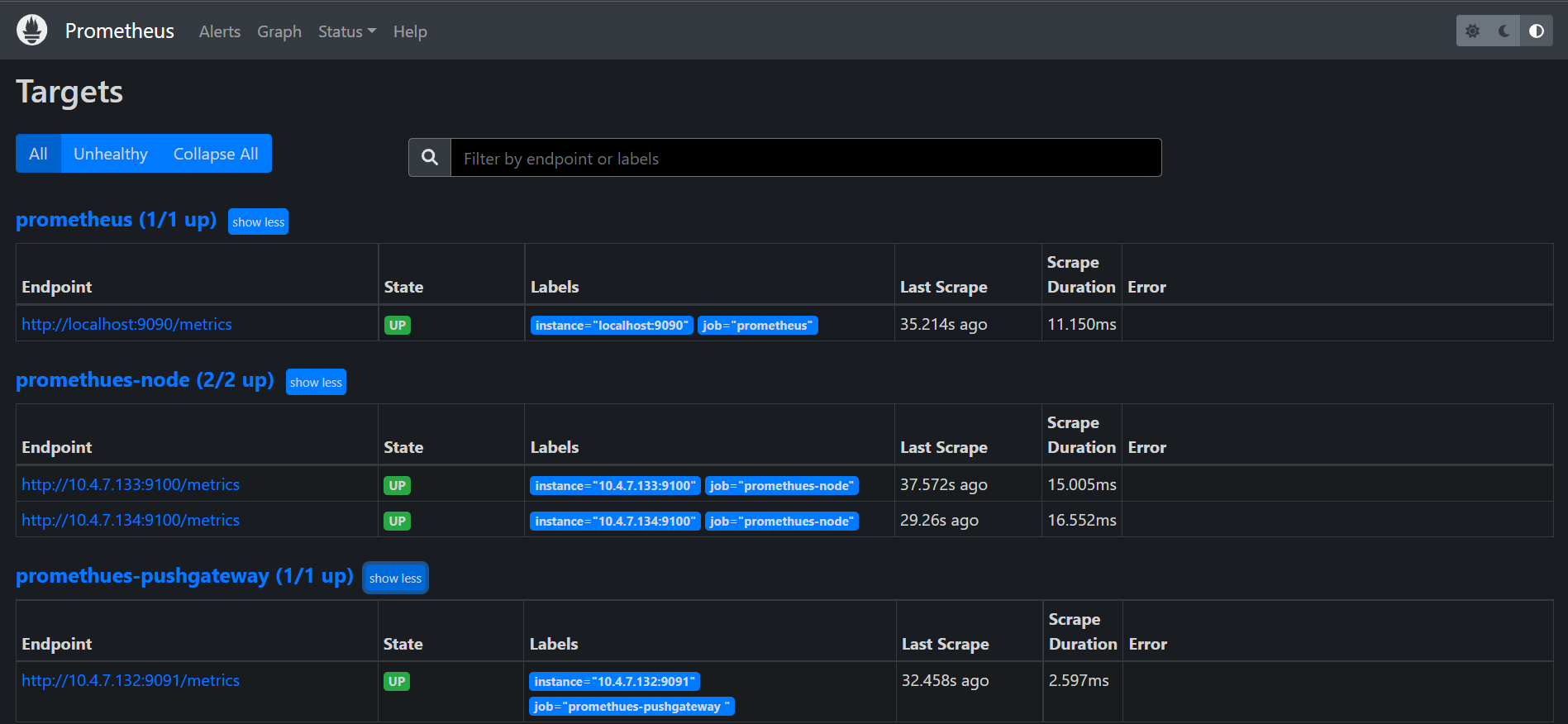
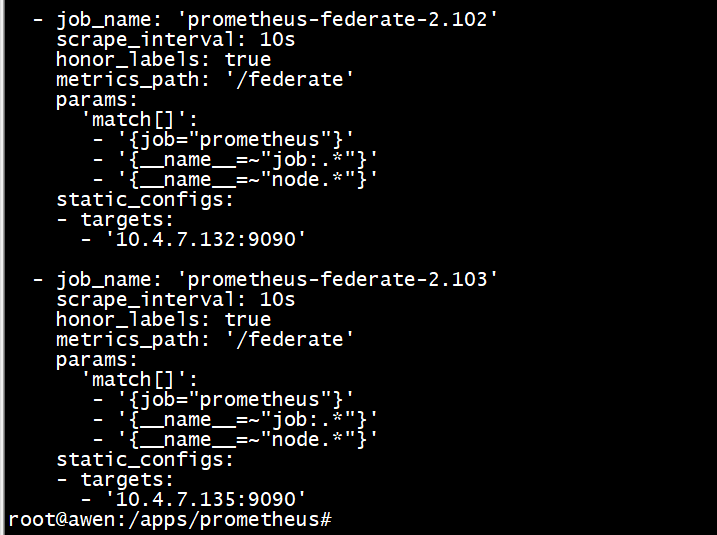
root@awen:/app/prometheus# vi prometheus.yml 添加
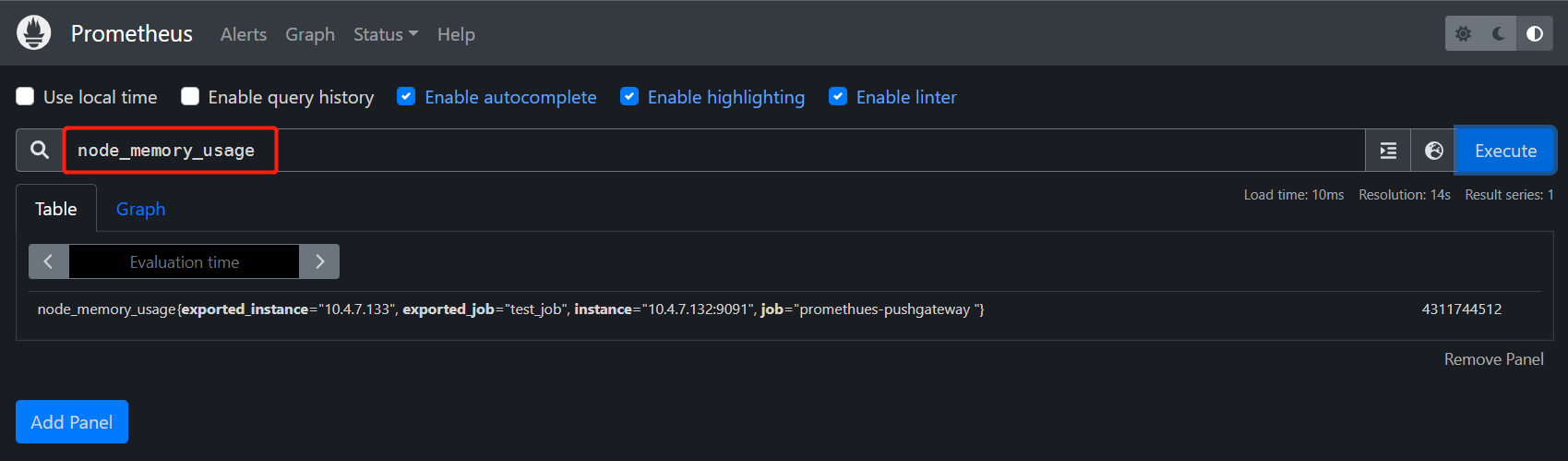
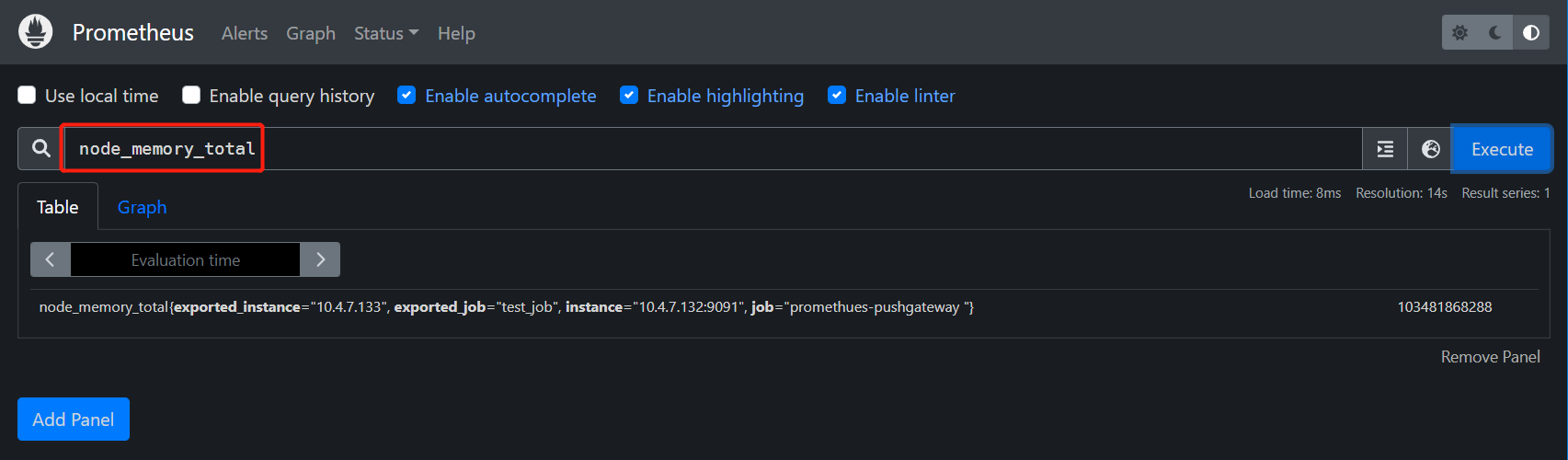
root@awen:~# cat <<EOF | curl --data-binary @- http://10.4.7.132:9091/metrics/job/test_job/instance/10.4.7.133
#TYPE node_memory_usage gauge
node_memory_usage 4311744512
# TYPE memory_total gauge
node_memory_total 103481868288
EOF
root@awen:~# vi memory_monitor.sh
#!/bin/bash
total_memory=$(free |awk '/Mem/{print $2}')
used_memory=$(free |awk '/Mem/{print $3}')
job_name="custom_memory_monitor"
instance_name=`ifconfig ens32 | grep -w inet | awk '{print $2}'` pushgateway_server="http://10.4.7.132:9091/metrics/job"
cat <<EOF | curl --data-binary @- ${pushgateway_server}/${job_name}/instance/${instance_name}
#TYPE custom_memory_total gauge
custom_memory_total $total_memory
#TYPE custom_memory_used gauge
custom_memory_used $used_memory
EOF
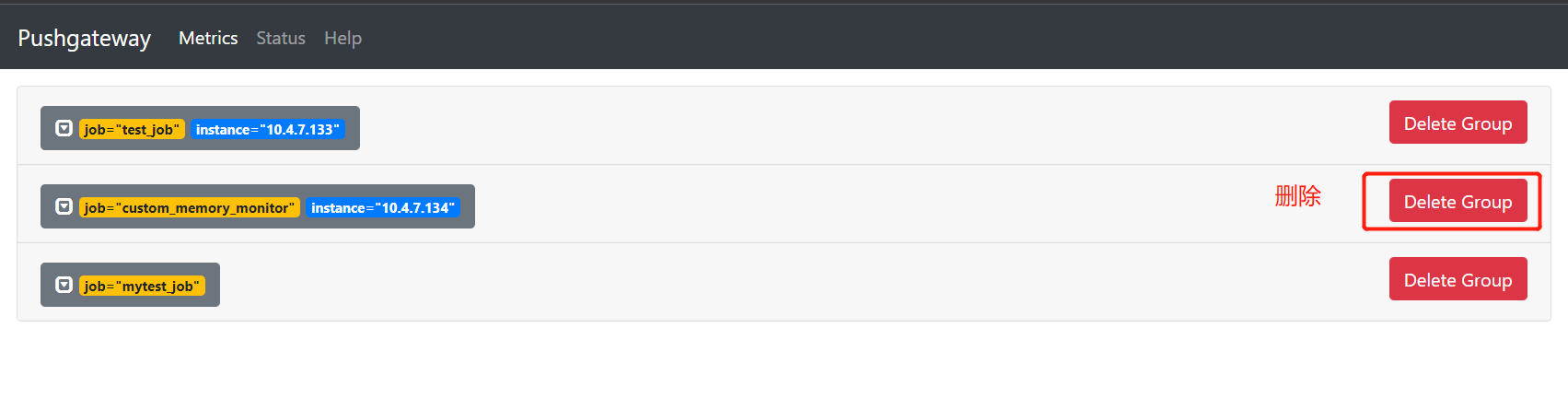
root@awen:~# curl -X DELETE http://10.4.7.132:9091/metrics/job/custom_memory_monitor/instance/10.4.7.134


 浙公网安备 33010602011771号