
VirtualBox下Ubuntu中安装Grafana
Grafana下载:
https://grafana.com/grafana/download?pg=oss-graf&platform=linux&plcmt=hero-btn-1
https://grafana.com/zh-cn/grafana/?tech=target&plcmt=footer-banner&aud=china#grafana-versions
Ubuntu and Debian(64 Bit)SHA256: 5c7cb349007bbb7154c3921b91e43513c9f3544854491a3338d30c57cfbb257f
sudo apt-get install -y adduser libfontconfig1 musl
wget https://dl.grafana.com/enterprise/release/grafana-enterprise_11.5.2_amd64.deb
sudo dpkg -i grafana-enterprise_11.5.2_amd64.deb
安装过程,可参考:https://grafana.com/docs/grafana/latest/setup-grafana/installation/debian/
先建立虚拟环境:
root@myUbuntu:~# python3 -m venv Grafana
root@myUbuntu:~# bash
root@myUbuntu:~# source Grafana/bin/activate

(Grafana) root@myUbuntu:~# cd Grafana
(Grafana) root@myUbuntu:~/Grafana# ls
bin  include  lib  lib64  pyvenv.cfg
(Grafana) root@myUbuntu:~/Grafana# wget https://dl.grafana.com/enterprise/release/grafana-enterprise_11.5.2_amd64.deb
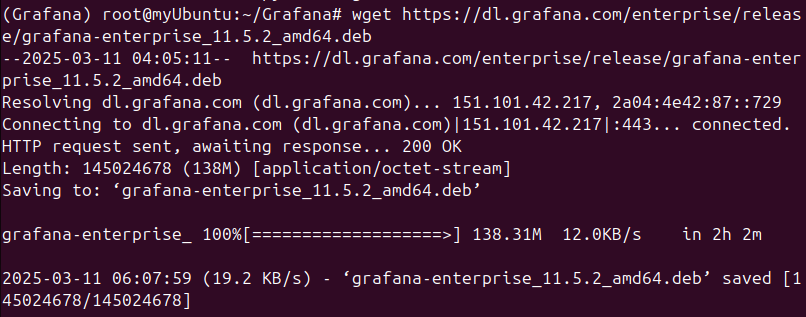
下载完成,运行安装命令:
sudo dpkg -i grafana-enterprise_11.5.2_amd64.deb
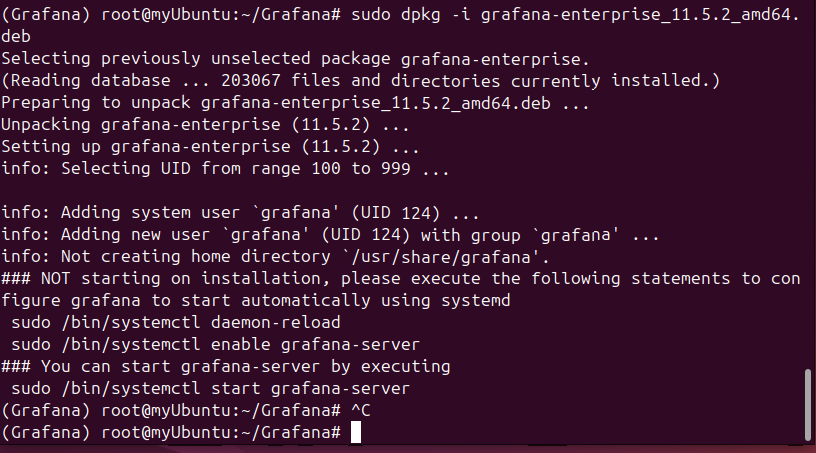
再依次执行三个命令:
 sudo /bin/systemctl daemon-reload
 sudo /bin/systemctl enable grafana-server
 sudo /bin/systemctl start grafana-server
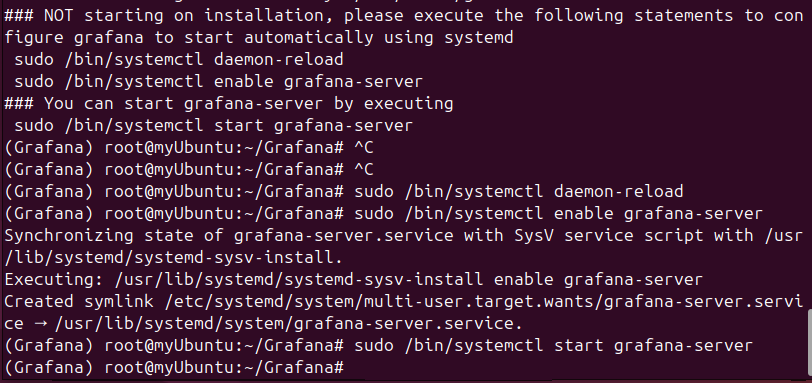
查看Grafana Server的运行状态,使用命令:
sudo systemctl status grafana-server
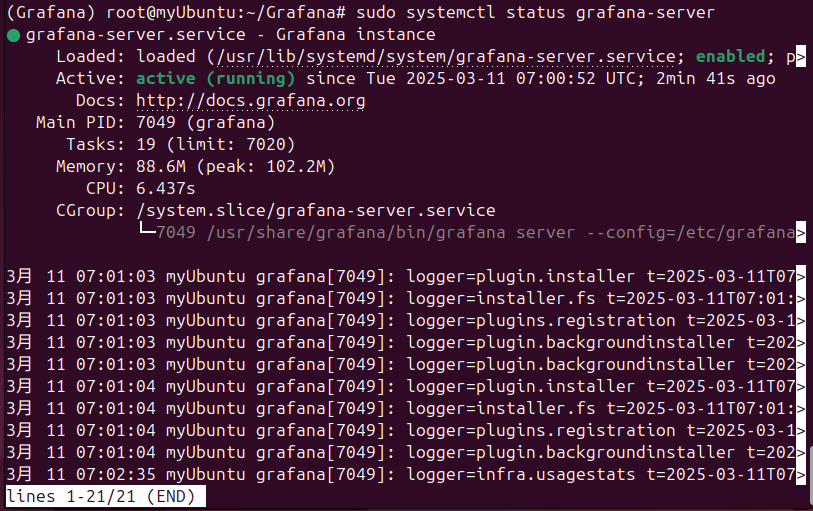
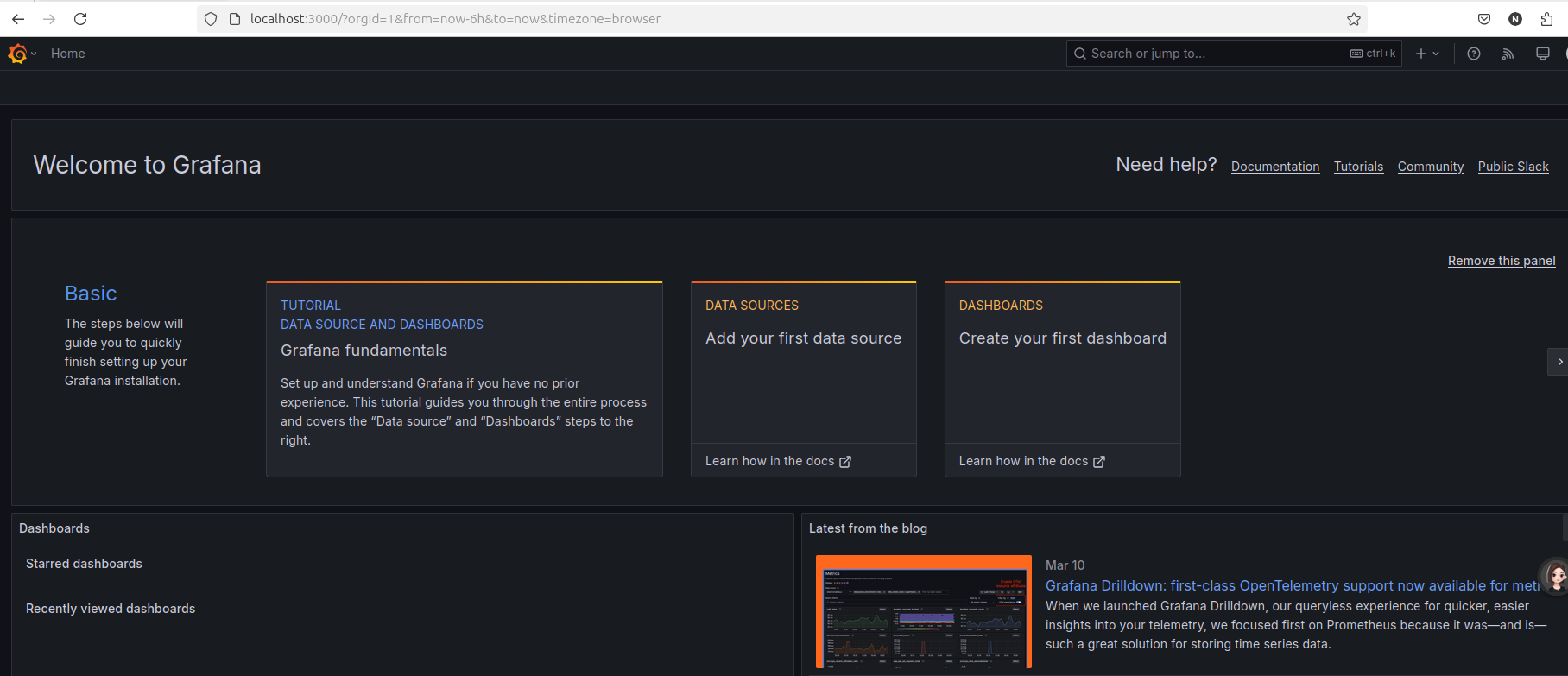
然后登录 http://localhost:3000 , u:admin, p:admin,更新密码,就登录到如下页面:

 浙公网安备 33010602011771号