
ckeditor编辑器插件 点击提交 获取编辑器的内容 定义ckeditor编辑器的默认内容
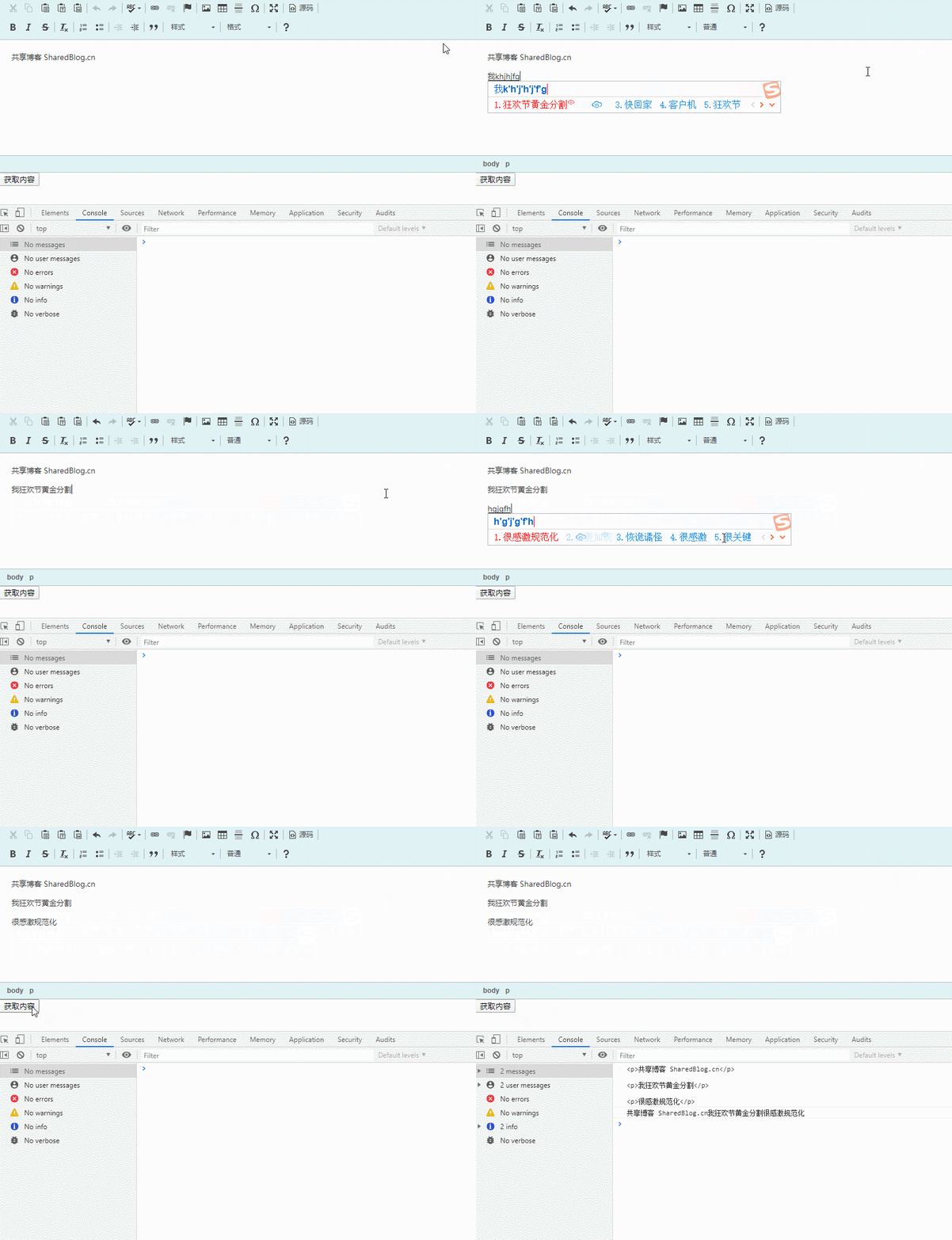
大家自行下载引入 ckeditor.js,下面给大家分享一下 ckeditor 获取编辑器的内容,和定义编辑器的默认内容。
<body>
    <textarea name="editor1" id="editor1" rows="10" cols="80"></textarea>
    <button id="GetBtn">获取内容</button>
</body>
<script>
CKEDITOR.replace('editor1', {
uiColor: '#CCEAEE'
});
// 编辑器默认的内容
CKEDITOR.instances.editor1.setData("共享博客 SharedBlog.cn");
var GetBtn = document.getElementById("GetBtn");
// 点击时获取编辑器的内容
GetBtn.onclick = function(){
// 获取带html的内容
console.log(CKEDITOR.instances.editor1.getData())
// 获取纯文本内容
console.log(CKEDITOR.instances.editor1.document.getBody().getText())
}
</script>注意:js中,editor1 是编辑器的id或者name,需自行对应修改。
这句是获取带有html的内容(一般提交保存这个带有html的)
CKEDITOR.instances.editor1.getData()这句是纯文本的内容(你可以截取部分内容,作为文章摘要)
CKEDITOR.instances.editor1.document.getBody().getText()这句是默认的内容(常用于修改内容时,打开编辑器显示的内容)
CKEDITOR.instances.editor1.setData("共享博客 SharedBlog.cn");这句是修改编辑器的颜色(我感觉不给力)
uiColor: '#CCEAEE'前端共享博客 http://sharedblog.cn
网站建设教程 http://iqzhan.com

 浙公网安备 33010602011771号