


今天我们组对web版本的地铁查询系统进行了界面UI装修
这是之前注重测试功能用的界面,侧重点在于后端的实现,界面较为简陋
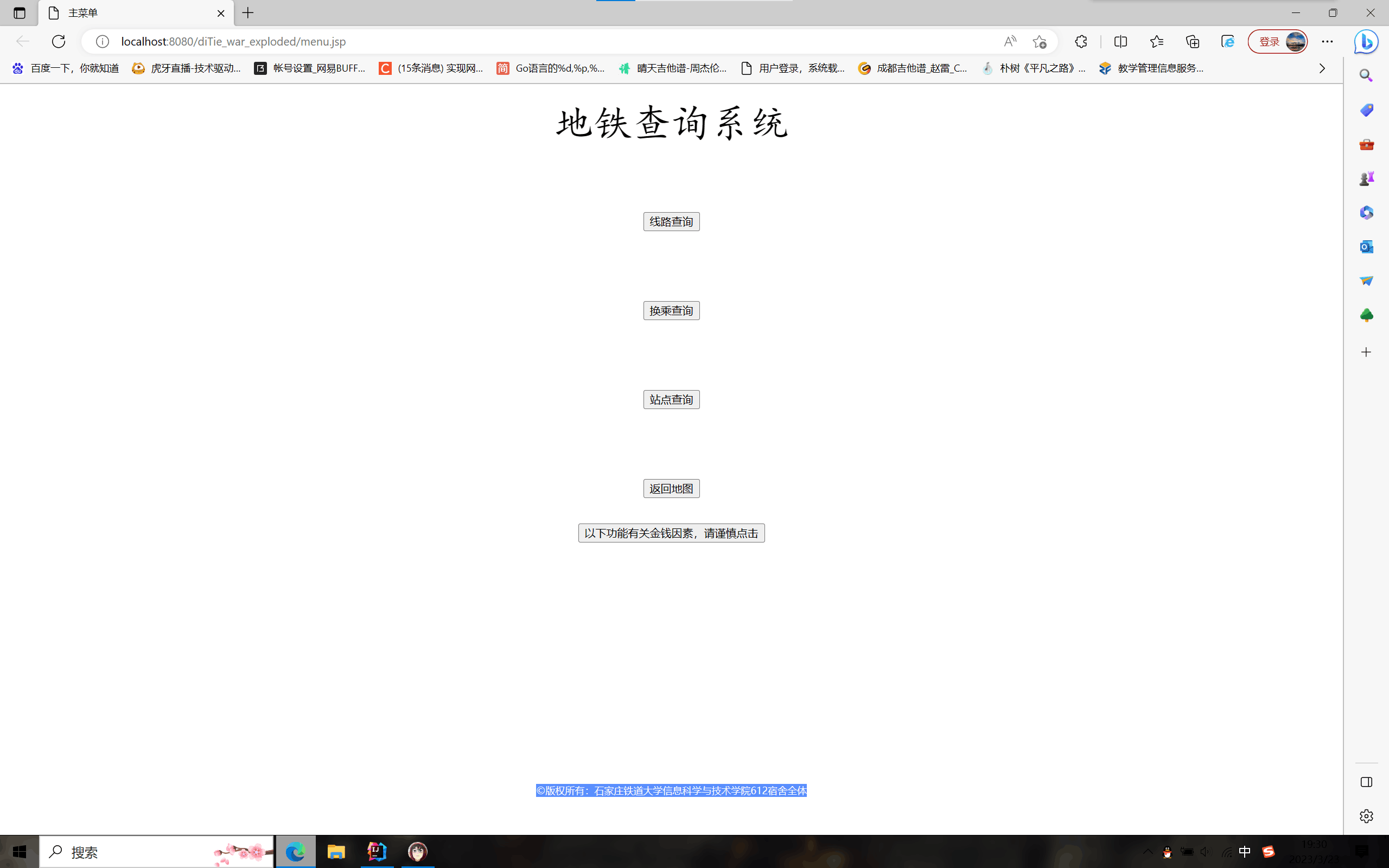
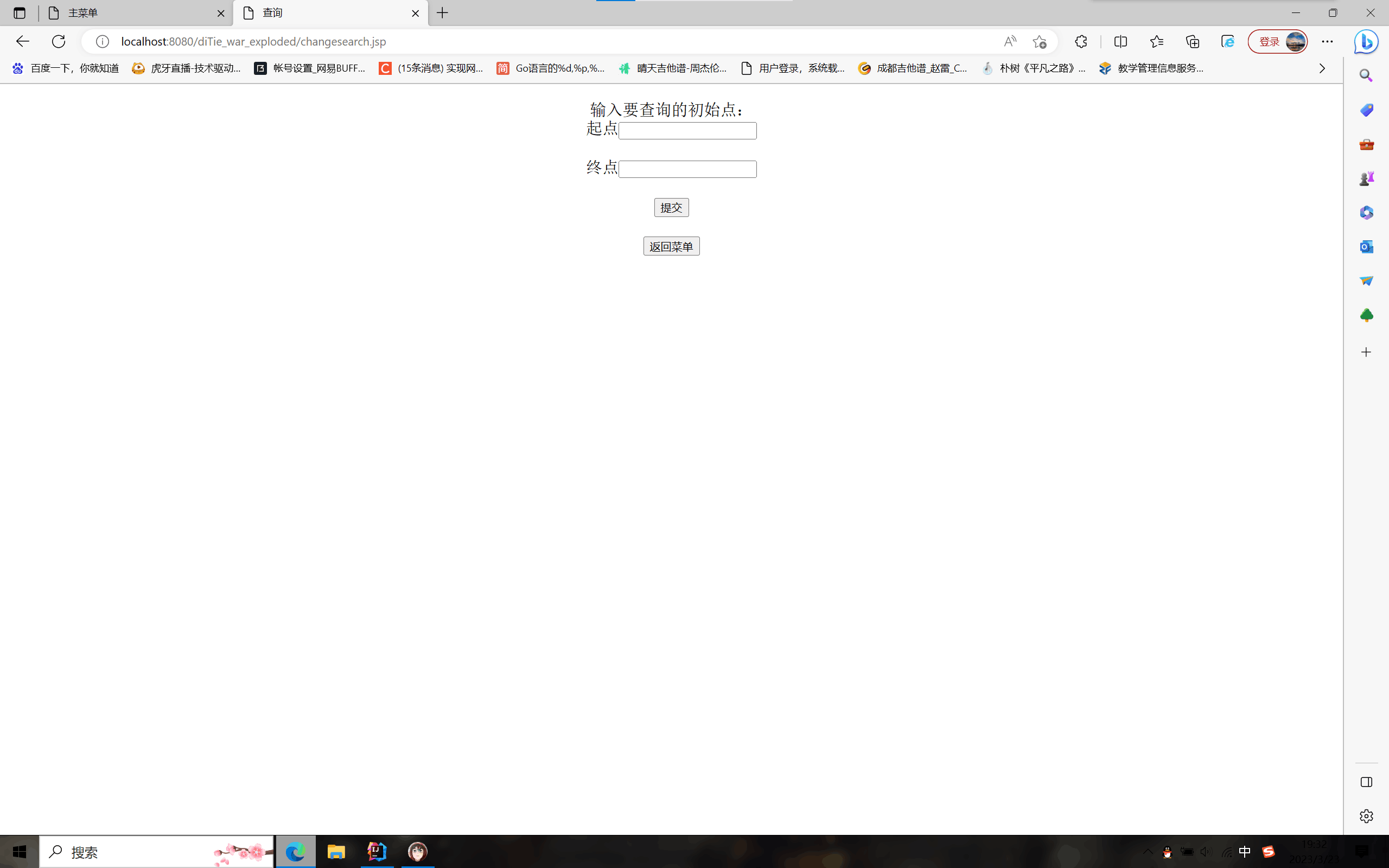
接下来是今天对界面UI的优化
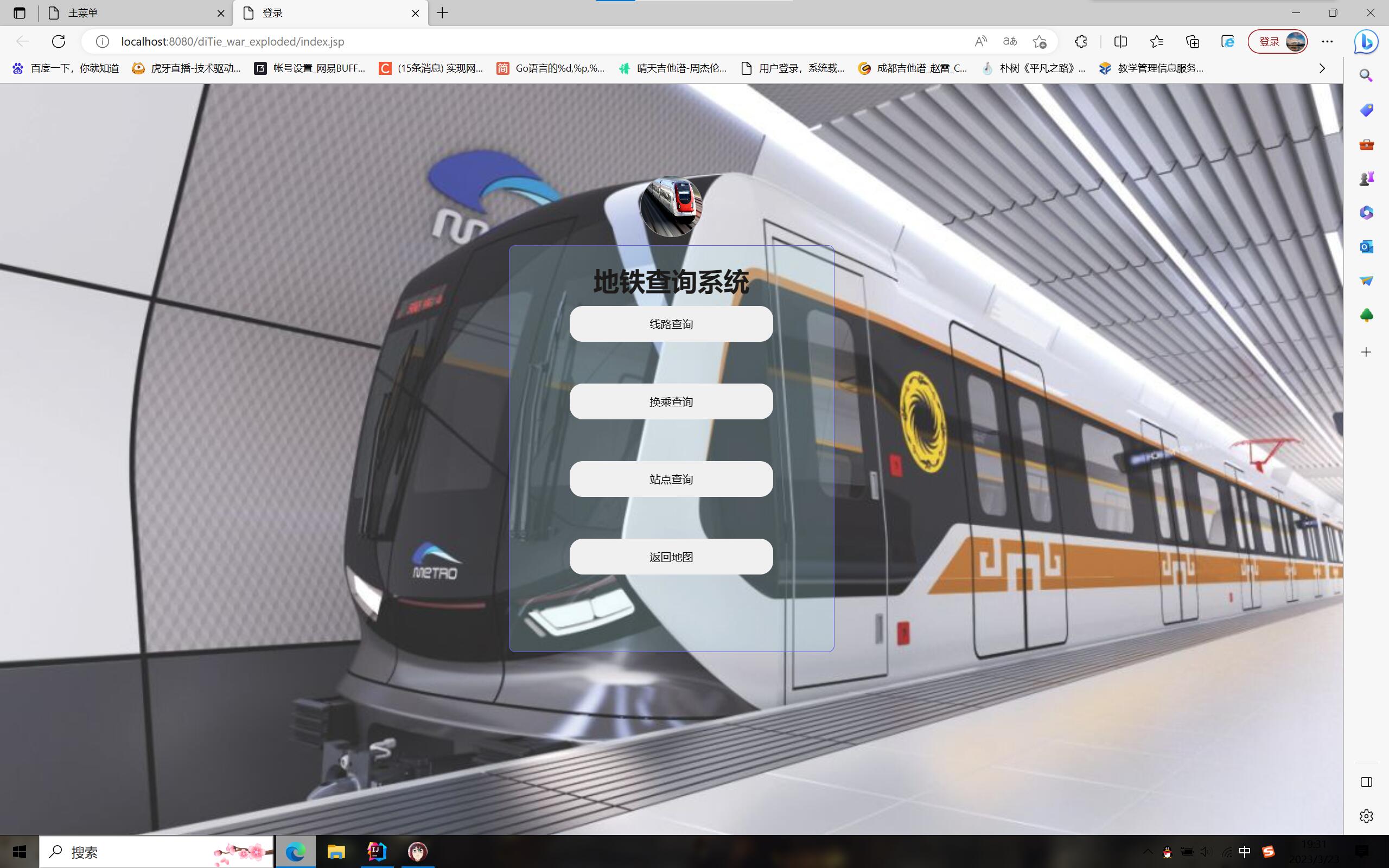
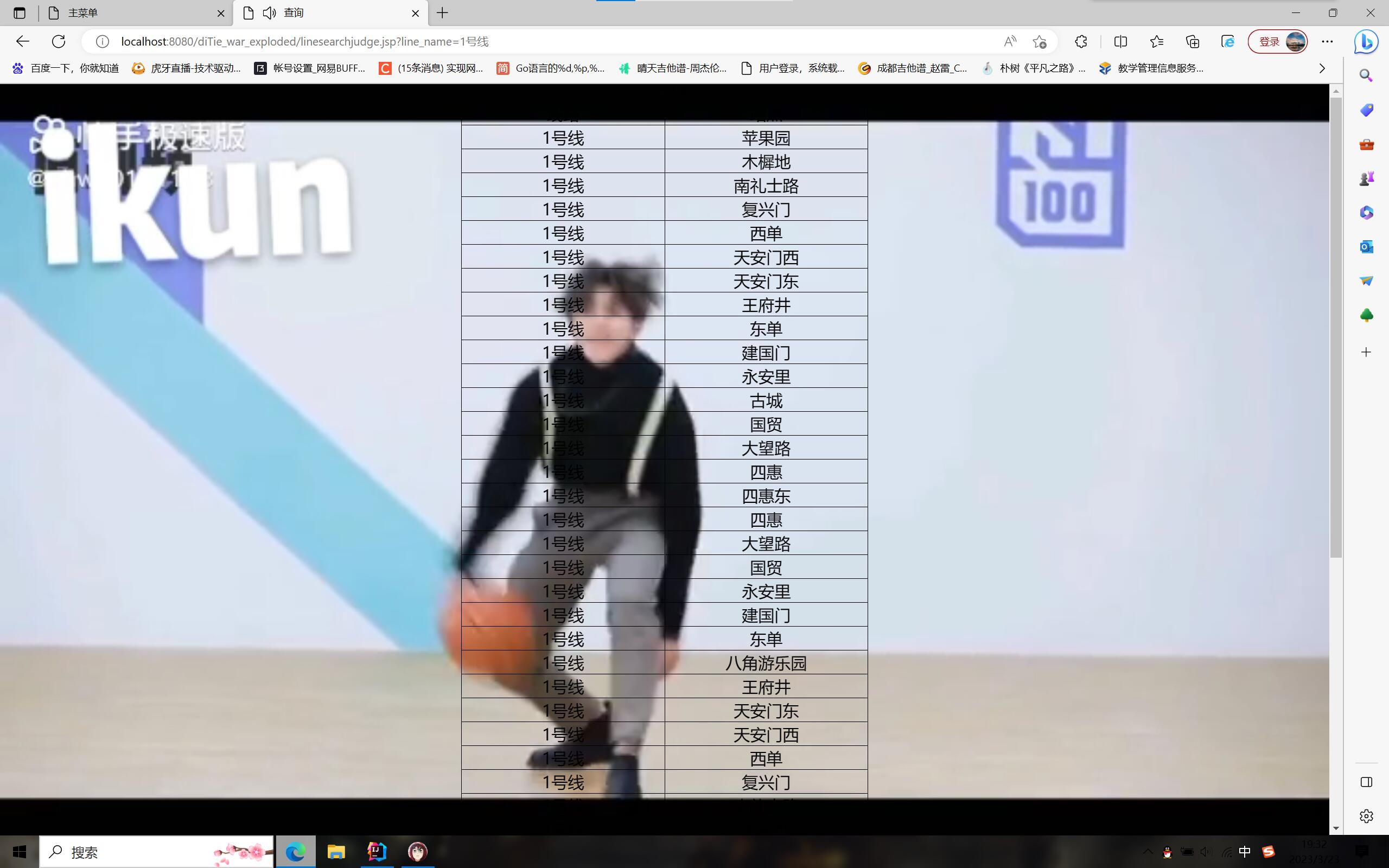
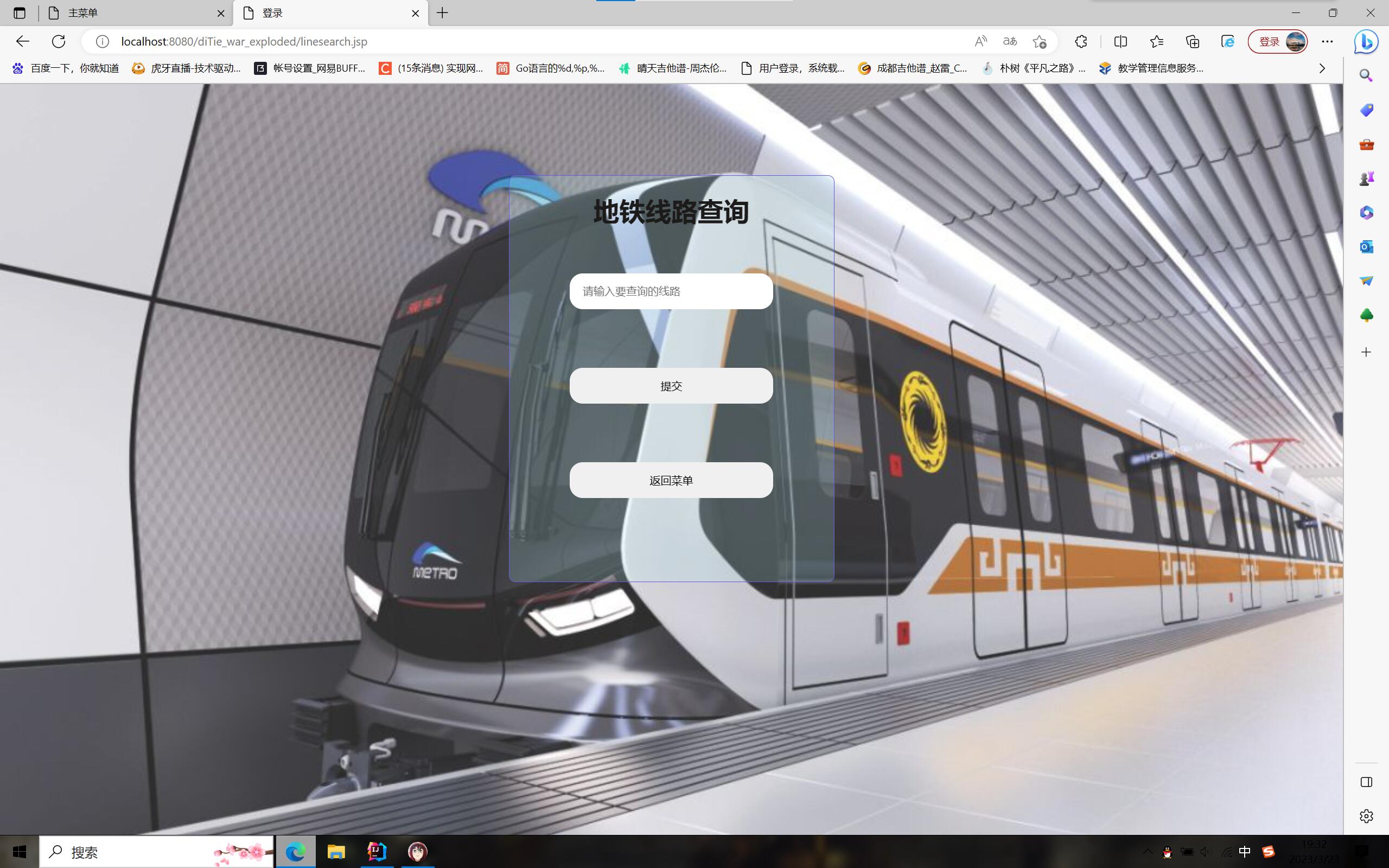
对应css修饰代码如下:
<%--
  Created by IntelliJ IDEA.
  User: adnim
  Date: 2023/3/22
  Time: 20:16
  To change this template use File | Settings | File Templates.
--%>
<%@ page contentType="text/html;charset=UTF-8" language="java" %>
<!DOCTYPE html>
<html lang="en">

<head>
    <meta charset="UTF-8">
    <meta name="viewport" content="width=device-width, initial-scale=1.0">
    <title>登录</title>
    <style>
        body {
            margin:0px;
            background: url(images/2.png) no-repeat;
            background-size:100% 100%;
            background-attachment:fixed;
        }


        .div {
            width: 400px;
            height: 700px;
            /* 实现整个框居中效果 */
            position: absolute;
            top: 50%;
            left: 50%;
            transform: translate(-50%, -50%);
            overflow: hidden;
        }

        .head-div {
            width: 75px;
            height: 75px;
            border: 1px solid #999;
            border-radius: 50%;
            margin: 0 auto 10px auto;
            background: url(images/3.png) no-repeat;
            background-size: 100px 100px;
        }

        .sign-div {
            width: 400px;
            height: 500px;
            text-align: center;
            outline: none;
            border: 1px solid rgb(94, 92, 233);
            border-radius: 8px;
            background-color: rgba(172, 235, 243, .2);
            box-sizing: border-box;
        }

        .sign-div h1 {
            margin-bottom: 10px;
            color: rgb(29, 26, 26);
        }

        input {
            width: 250px;
            height: 44px;
            border: none;
            /* 元素周围的轮廓无效 */
            outline: none;
            /* 为元素指定的任何内边距和边框都将在已设定的宽度和高度内进行绘制 */
            box-sizing: border-box;
            display: block;
            padding: 0 16px;
        }

        .input-text {
            margin: 5px auto;
            border-radius: 16px;
        }

        .input-text:hover {
            border: 0.5px solid rgb(76, 76, 233);
            transition: 0.5s;
            border-radius: 4px;
        }

        .input-btn {
            margin: 30px auto 20px;
            border-radius: 44px;
            cursor: pointer;
            background-color: rgba(84, 175, 249, 0.8);
        }

        .input-btn:hover {
            color: #fff;
            font-size: 3px;
            border-radius: 4px;
            transition: 0.5s;
            background-color: rgba(10, 138, 243, 0.8);
        }

        .sign-div a {
            text-decoration: none;
            color: rgb(92, 61, 112);
            font-size: 14px;
            padding: 10px;
            transition: 0.8s;
            display: block;
        }

        a:hover {
            color: #FFF;
            background: rgba(0, 0, 0, .3);
            border-radius: 8px;
        }
    </style>
</head>

<body>
<div class="div">
    <div class="head-div"></div>
    <div class="sign-div">
        <form class="" action="#" method="POST">
            <h1>地铁查询系统</h1>
            <input class="input-text" type="button" value="线路查询" onclick="location.href='linesearch.jsp'" />
            <br>
            <br>
            <input class="input-text" type="button" value="换乘查询" onclick="location.href='changesearch.jsp'" />
            <br>
            <br>
            <input class="input-text" type="button" value="站点查询" onclick="location.href='stationsearch.jsp'" />
            <br>
            <br>
            <input class="input-text" type="button" value="返回地图" onclick="location.href='http://www.amap.com'" />
            <br>

        </form>
    </div>
</div>
</body>

</html>
然后我们对王老师说的新增内容“能够查看全国地铁信息图”进行了实现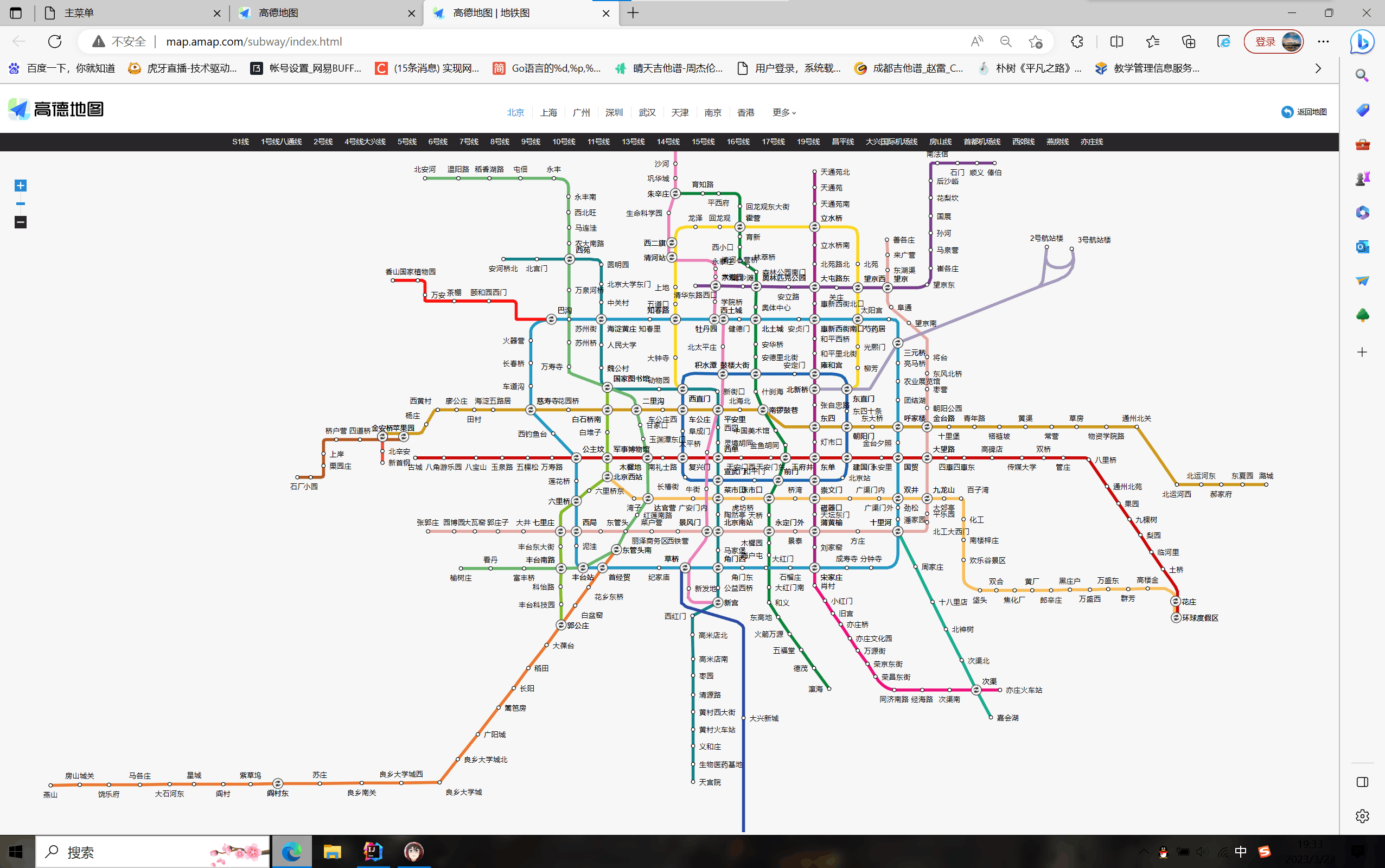
在这个功能中,我们是设置了一个超链接直接跳转到高德地图自带的地铁查询信息进行实现


 浙公网安备 33010602011771号