
Httprunner安装结合fillder抓包使用
1.安装HttpRunner:
在电脑终端输入 pip3 install httprunner
验证安装: hrun -V
接着安装 pip3 install har2case
验证: har2case -V
2.创建HttpRunner项目:
终端输入 HTTPrunner startproject 项目名
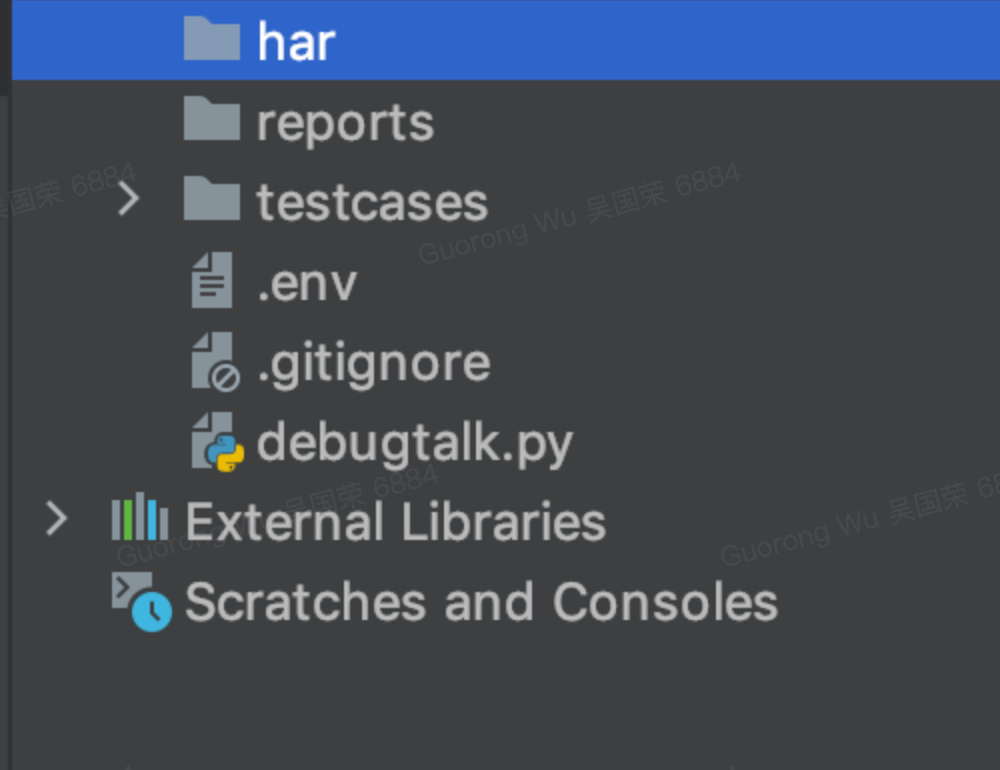
3.打开创建的项目
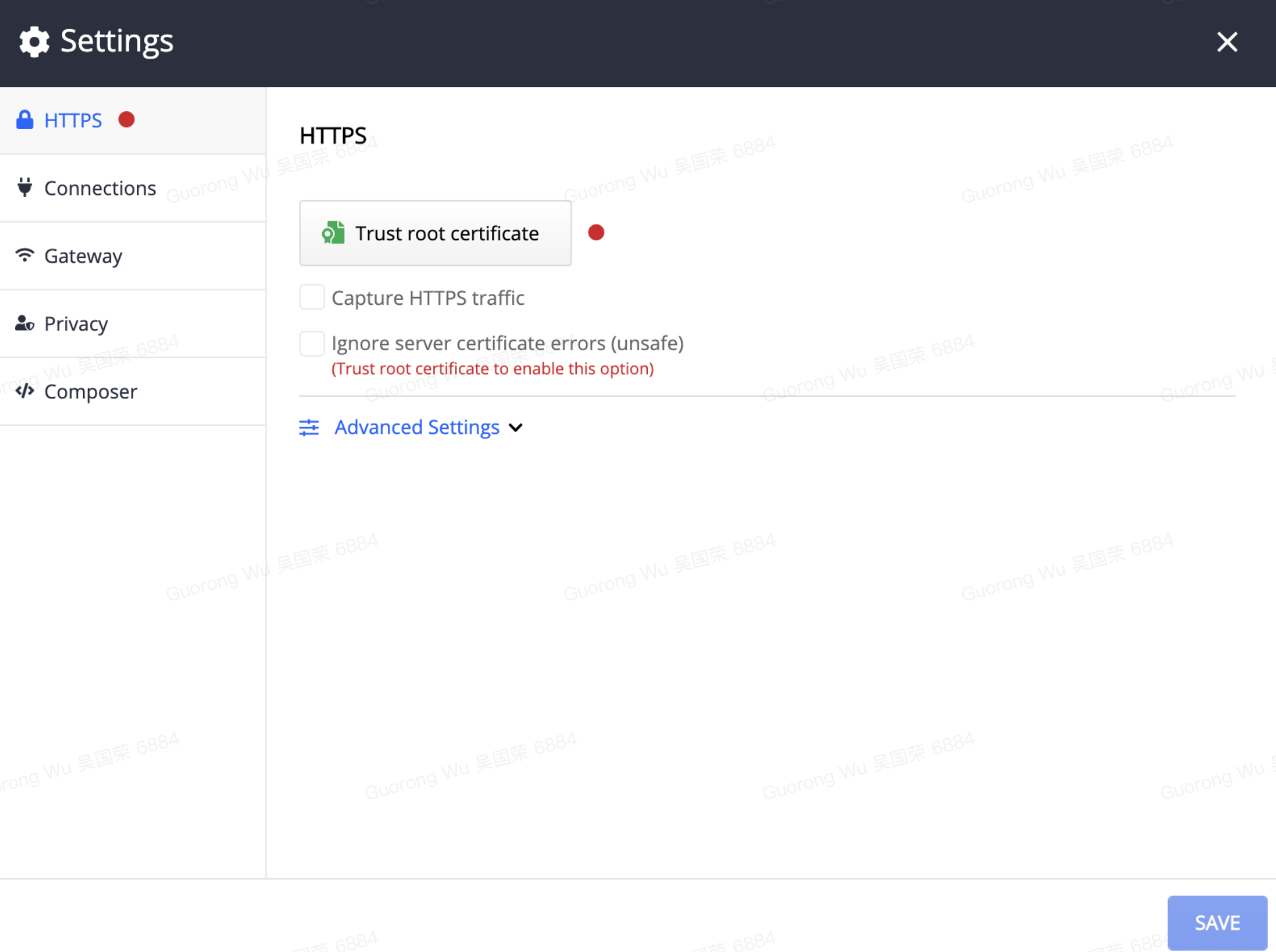
4.在fiddler中设置中信任证书,同意抓取https请求
 5.用fiddler进行抓包,右击选中的请求然后 export-selected sessions-HTTParchiveV.1.1 导出后缀为har的文件
6.把har文件导入到HttpRunner项目中的testcases文件下
7.右击pycharm中testcases文件夹,选择 open in terminal
8.在终端中输入har2case xx.har -2y (加-2y是转为yml文件,没有-2y就是转为json文件)
9.testcases下会生成一个xx.yml 的文件,在终端输入hrun xx.yml,在testcases下会生成一个xx_test.py(自动生成的pytest所需文件哦)和一个 logs
Look, if you had one shot, one opportunity To seize everything you ever wanted,one moment ,Would you capture it or just let it slip?

 浙公网安备 33010602011771号