
egret游戏中的陀螺仪怎么使用
最新用到egret中的陀螺仪功能去实现一个需求,找到了api文档:https://docs.egret.com/engine/docs/api/engine/egret.Motion
文档中提供了如下代码:
 1 class MotionExample extends egret.DisplayObjectContainer {
 2   label: egret.TextField;
 3   constructor() {
 4       super();
 5       this.label = new egret.TextField();
 6       this.label.y = 50;
 7       this.label.x = 50;
 8       this.addChild(this.label);
 9       var motion = new egret.Motion();
10       motion.addEventListener(egret.Event.CHANGE,this.onMotion,this);
11       motion.start();
12   }
13   onMotion(e:egret.MotionEvent){
14       this.label.text =
15           "加速度: \nx:"+e.accelerationIncludingGravity.x
16           +",\ny:"+e.accelerationIncludingGravity.y
17           +",\nz:"+e.accelerationIncludingGravity.z;
18   }
19 }
按照代码片段先测试下这个陀螺仪的功能。创建项目

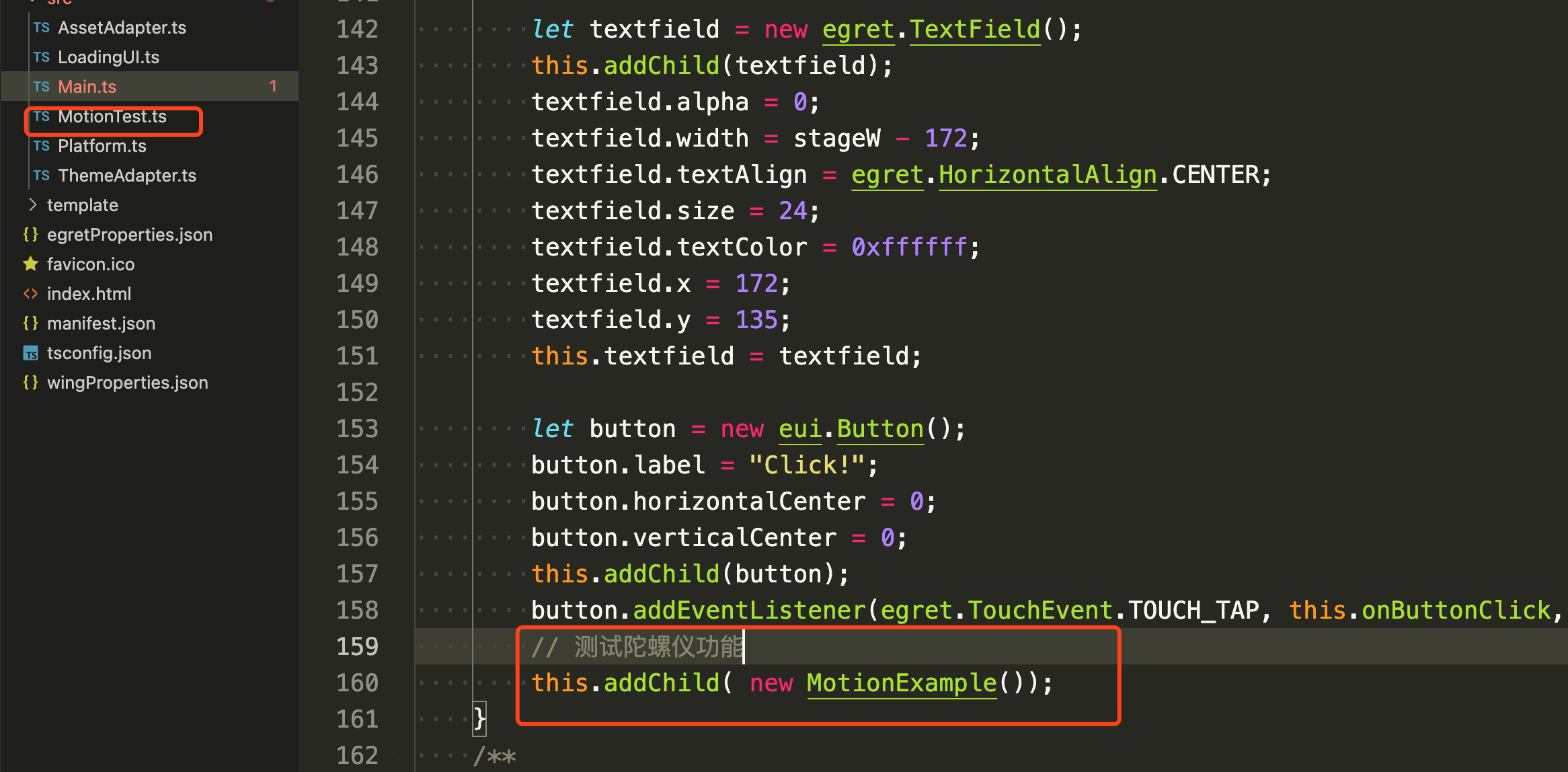
但是,我测试了安卓手机自带的浏览器,以及firefox浏览器,发现,自带的浏览器没有监听到陀螺仪的事件。同时,也测试了iphone6s的safari以及uc也是一样,没有监听到事件!


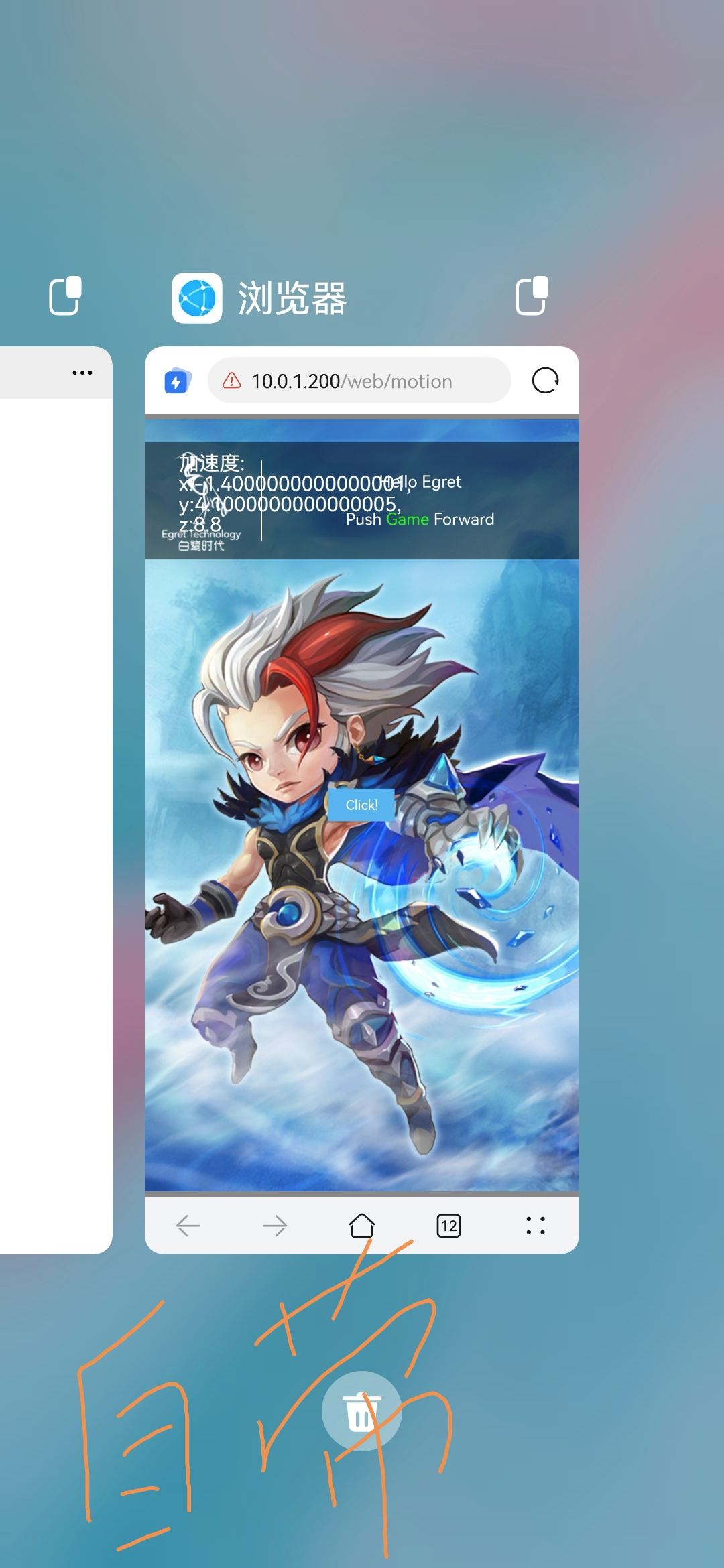
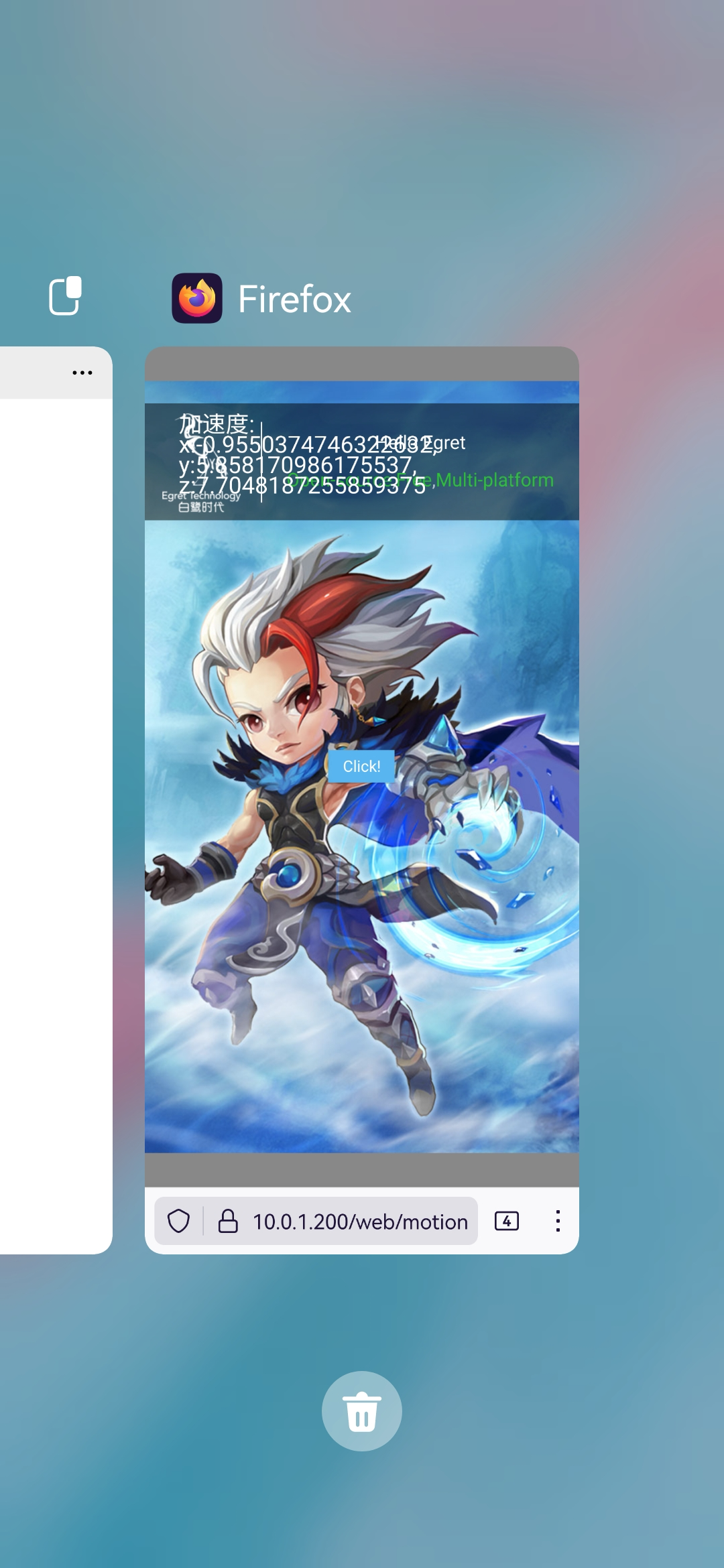
后来通过官方技术支持,得知,手机浏览器想要开启陀螺仪的功能,需要通过https协议访问网站。所以我将这个项目publish之后放在我的本地服务器apache上。
关于apache如何支持https协议访问。参考链接:https://www.cnblogs.com/thankspipi/p/15236969.html
放到https服务器上之后的,测试结果见下图

end。

 浙公网安备 33010602011771号