

My ASP.NET MVC3 Notes(1)
01 - Controllers in ASP.NET MVC 3
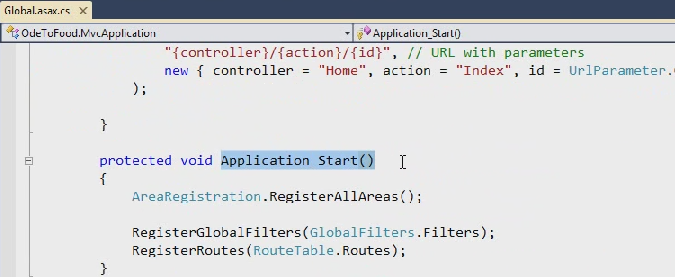
Application_Start() method in Global.asax.cs is the startup entry of the application
Using RouteData object to get information of routing data

In the route collection, the first route that matches the URL will Win, so we should put our particular route before the very greedy Default route

If there’s a parameter in the action method, the MVC framework will do everything it can to populate that parameter from routing data, query string and post form value
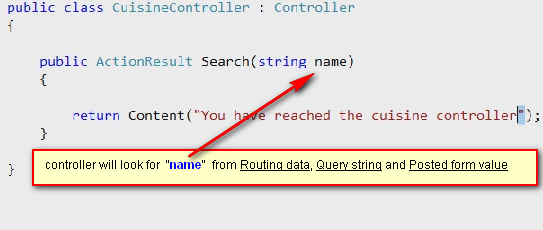
Actions typically return an ActionResult

Examples of different ActionResult:
return Json(new { cuisinName = name}, JsonRequestBehavior.AllowGet;


Action selectors: [HttpPost] , [HttpGet]
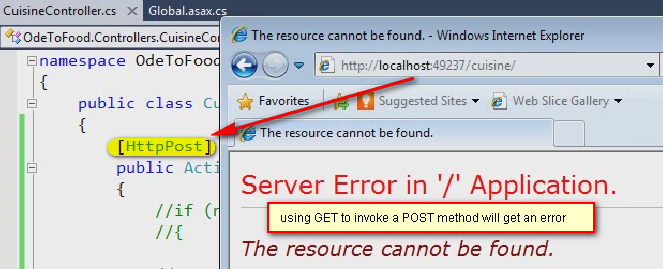
Action Filters:
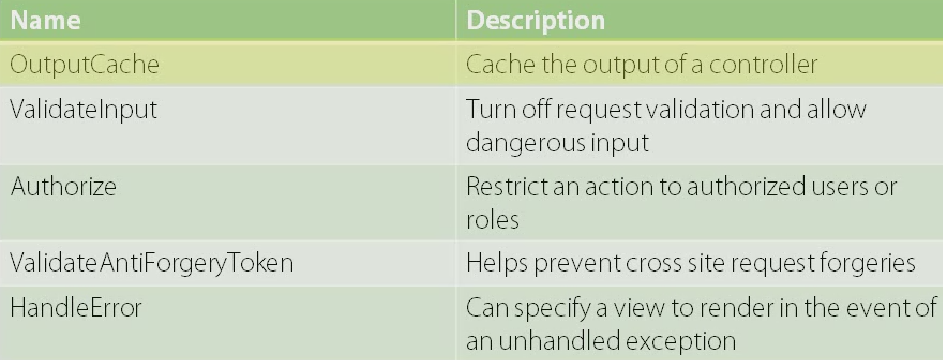
[Authorize] filter will redirect to the log on page if the user access this particular method before logging in:

[OutputCache] filter
Before MVC3, [OutputCache] can only cache everything inside the view or cache nothing, but now in MVC3 it can cache individual Child ViewResult, such as PatialView.

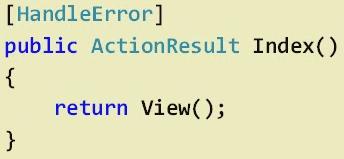
[HandleError] filter
In previouse version, HandlError filter can be only applied to Action mothods
While in MVC3, we can put it to Global.asax.cs as an global filter:
and then we need to turn on the customErrors mode in web.config file
and of course we need to put some friendly error message to the \Shared\Error.cshtml file


We can also provide our own filter attribut, which inherits the ActionFilterAttute base class

ViewBag & ViewData
In previous versions of MVC, controler uses ViewData dictionary to provide data to View, while in MVC3, we can use ViewBag, which uses Property instead of key name


Request Validation
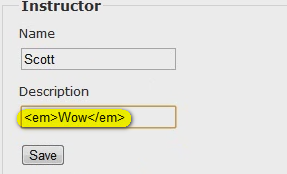
Generally ASP.NET Framework will reject embedded html values posted from a form:
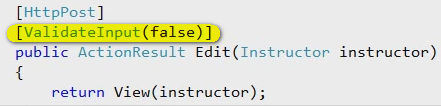
In MVC2, we can apply [ValidateInput(false)] to turn off the validation for this action:
But this will afftect all the fields in the view modle, in this example if we want to only disable the validation for Description field and reject embedded HTML value for Name field, in MVC3, we only need to apply [AllowHtml] attribute to Description property in Instructor model class:



 浙公网安备 33010602011771号