


vue-点击数组arr中的数据跳转到不同的组件
一、
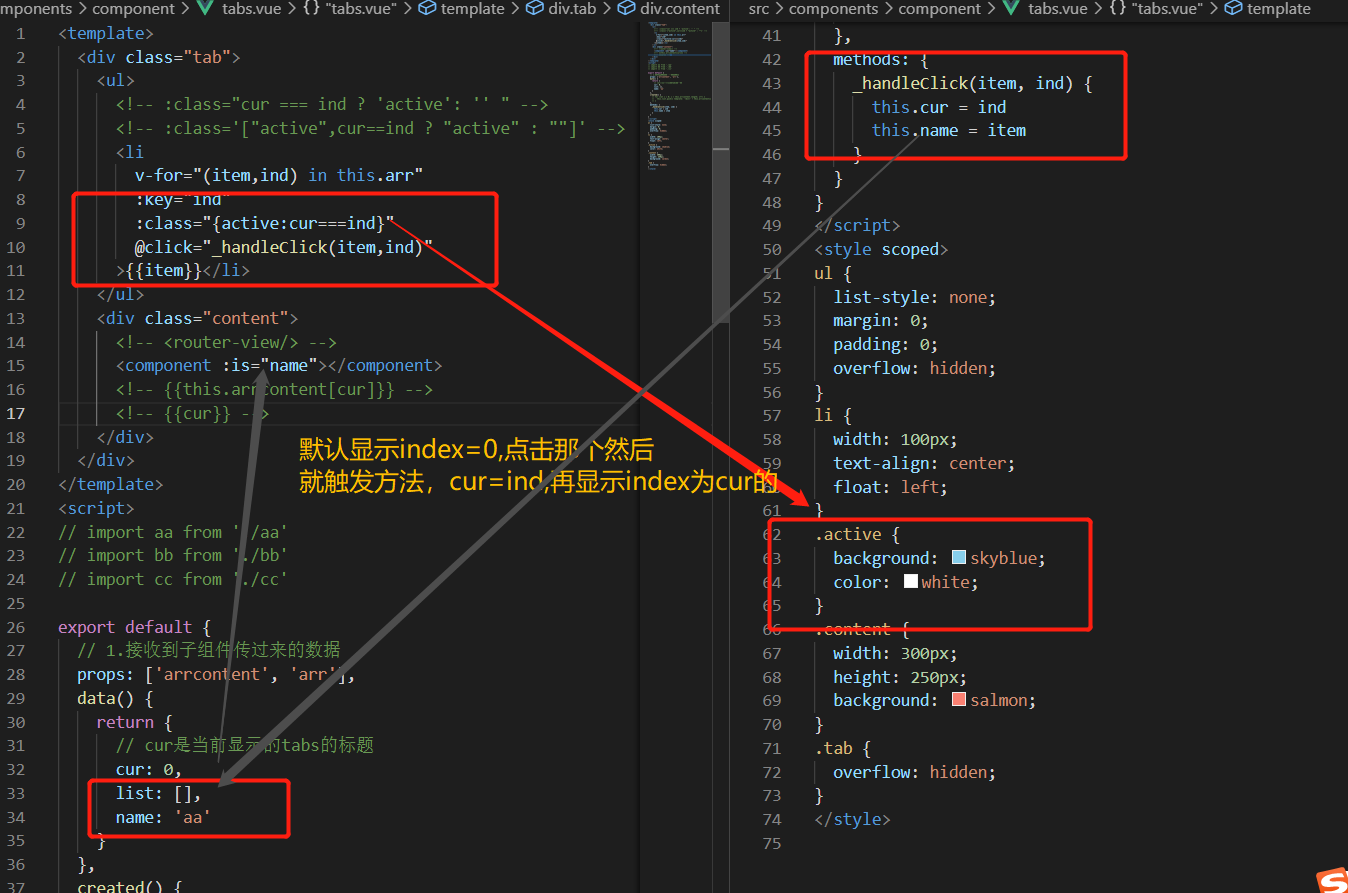
<template>
  <div class="tab">
    <ul>
      <!-- :class="cur === ind ? 'active': '' " -->
      <!-- :class='["active",cur==ind ? "active" : ""]' -->
      <li
        v-for="(item,ind) in this.arr"
        :key="ind"
        :class="{active:cur===ind}"
        @click="_handleClick(item,ind)"
      >{{item}}</li>
    </ul>
    <div class="content">
      <!-- <router-view/> -->
      <component :is="name"></component>
      <!-- {{this.arrcontent[cur]}} -->
      <!-- {{cur}} -->
    </div>
  </div>
</template>
<script>
// import aa from './aa'
// import bb from './bb'
// import cc from './cc'

export default {
  // 1.接收到子组件传过来的数据
  props: ['arrcontent', 'arr'],
  data() {
    return {
      // cur是当前显示的tabs的标题
      cur: 0,
      list: [],
      name: 'aa'
    }
  },
  created() {
    // for (let i = 0; i < this.arrcontent.length; i++) {
    //   this.list.push({ template: '<div>' + this.arrcontent[i] + '</div>' })
    // }
  },
  methods: {
    _handleClick(item, ind) {
      this.cur = ind
      this.name = item
    }
  }
}
</script>
<style scoped>
ul {
  list-style: none;
  margin: 0;
  padding: 0;
  overflow: hidden;
}
li {
  width: 100px;
  text-align: center;
  float: left;
}
.active {
  background: skyblue;
  color: white;
}
.content {
  width: 300px;
  height: 250px;
  background: salmon;
}
.tab {
  overflow: hidden;
}
</style>
以上是主要代码,需要在main.js中进行注册组件。
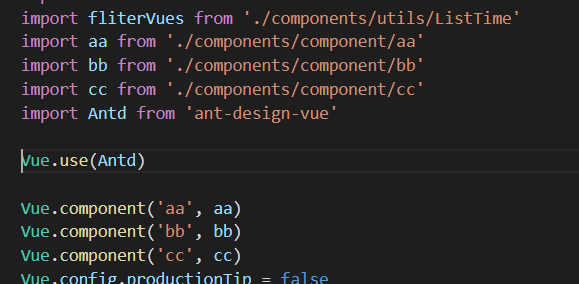
以下是实现的简单的一版
<template>
  <div>
    <ul>
      <li
        v-for="(item, index) in arr"
        :key="index"
        :class="activeIndex === index ? 'active':''"
        @click="handleClick(index)"
      >{{item}}</li>
    </ul>
    <br />
    <div>{{contentArr[activeIndex]}}</div>
  </div>
</template>
<script>
export default {
  data() {
    return {
      arr: ['小明', '小胡', '小红'],
      activeIndex: 0,
      contentArr: [23, 34, 46]
    }
  },
  methods: {
    handleClick(ind) {
      this.activeIndex = ind
    }
  }
}
</script>
<style lang="less" scoped>
ul {
  margin: 0;
  padding: 0;
}
li {
  list-style: none;
  float: left;
}
.active {
  background-color: pink;
}
</style>

 浙公网安备 33010602011771号