本地部署Grok2.0
Grok-beta2.0(通过ChatBox实现)
个人使用:
1、注册登录
官方地址https://x.ai/
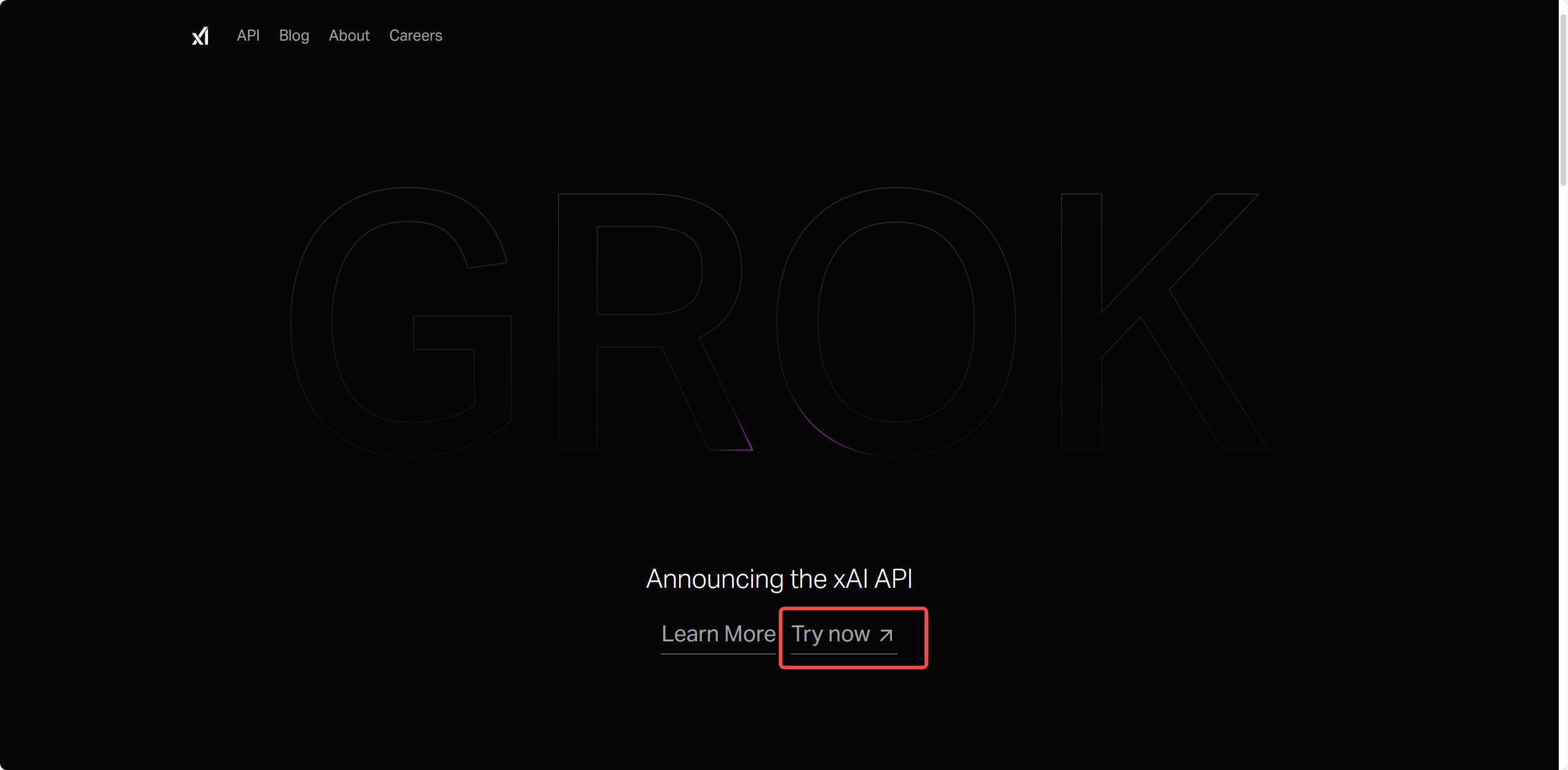
2、创建API密钥
地址https://console.x.ai/

3、登录github
地址https://github.com/
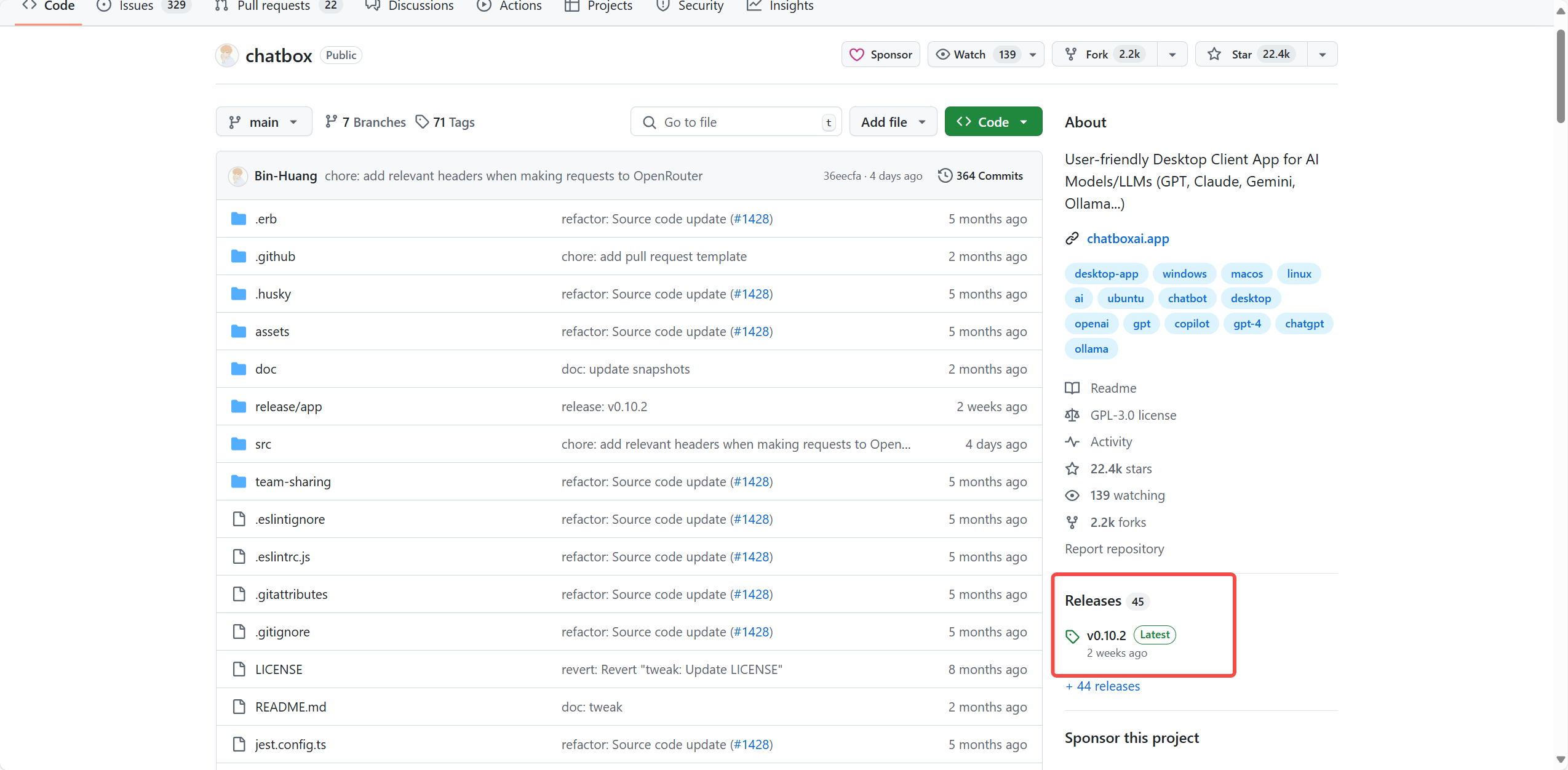
4、搜索ChatBox

5、找到发布
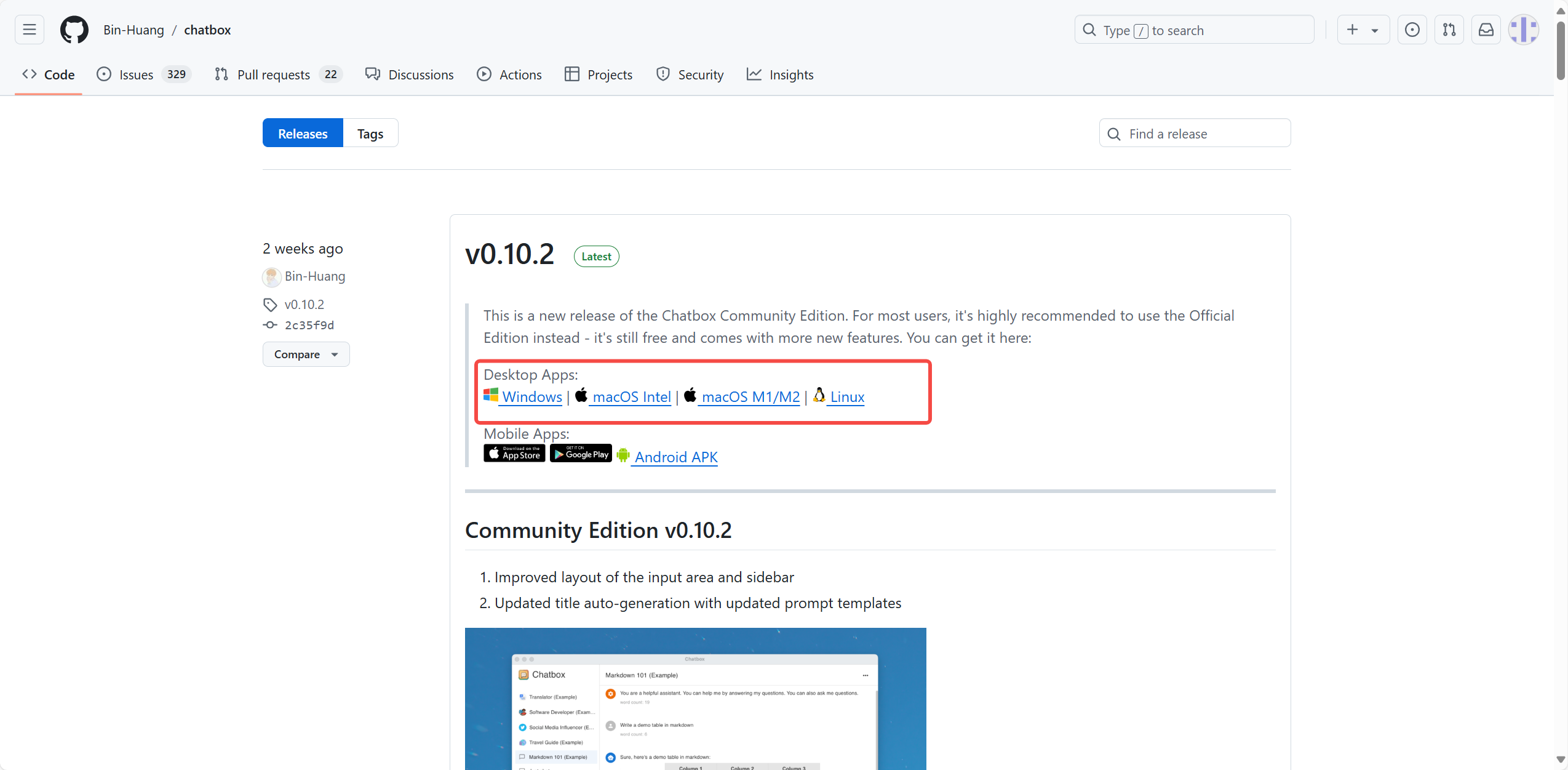
6、下载
7、打开ChatBox
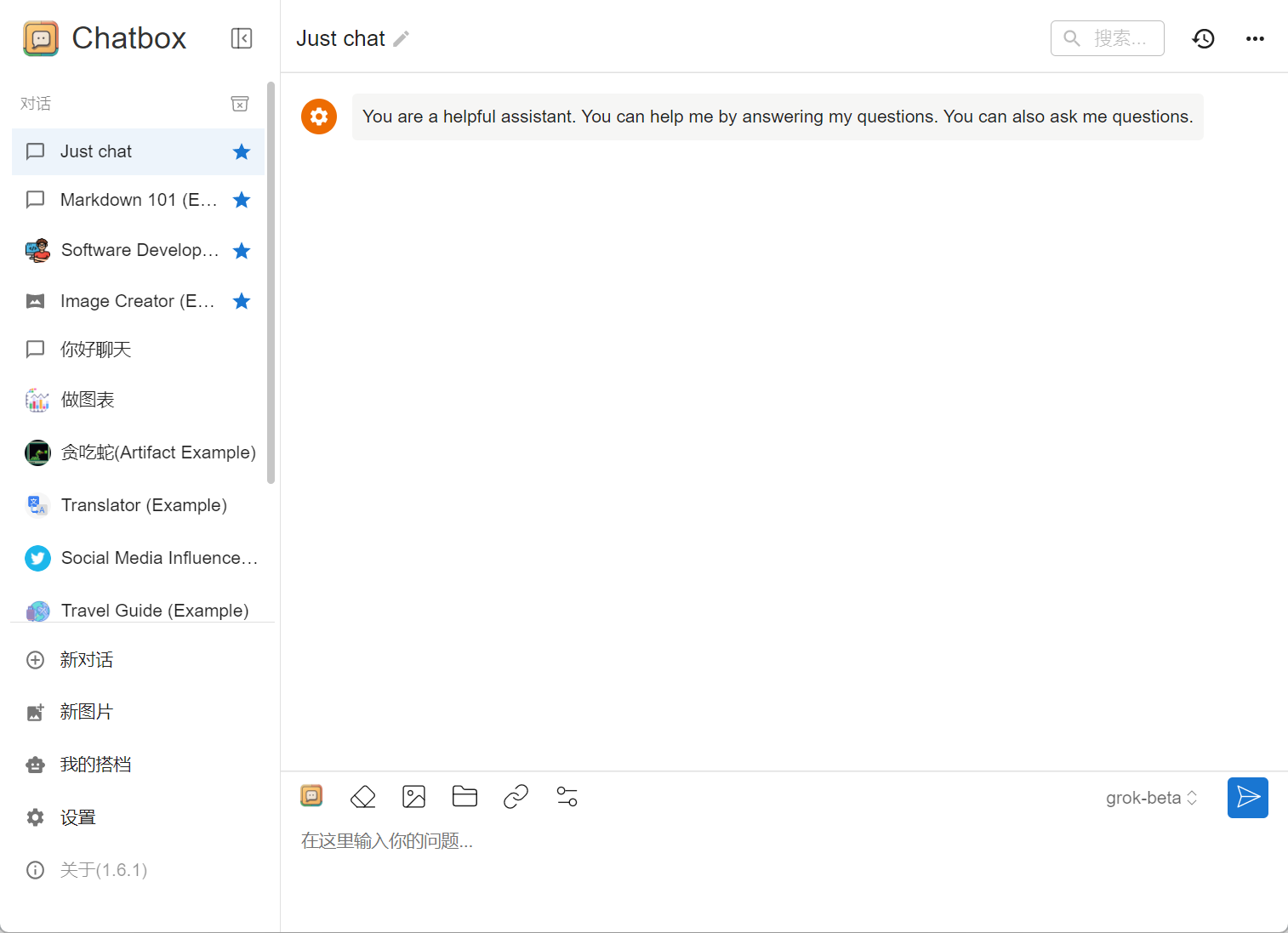
8、打开设置 模型->模型提供方->自定义提供模型
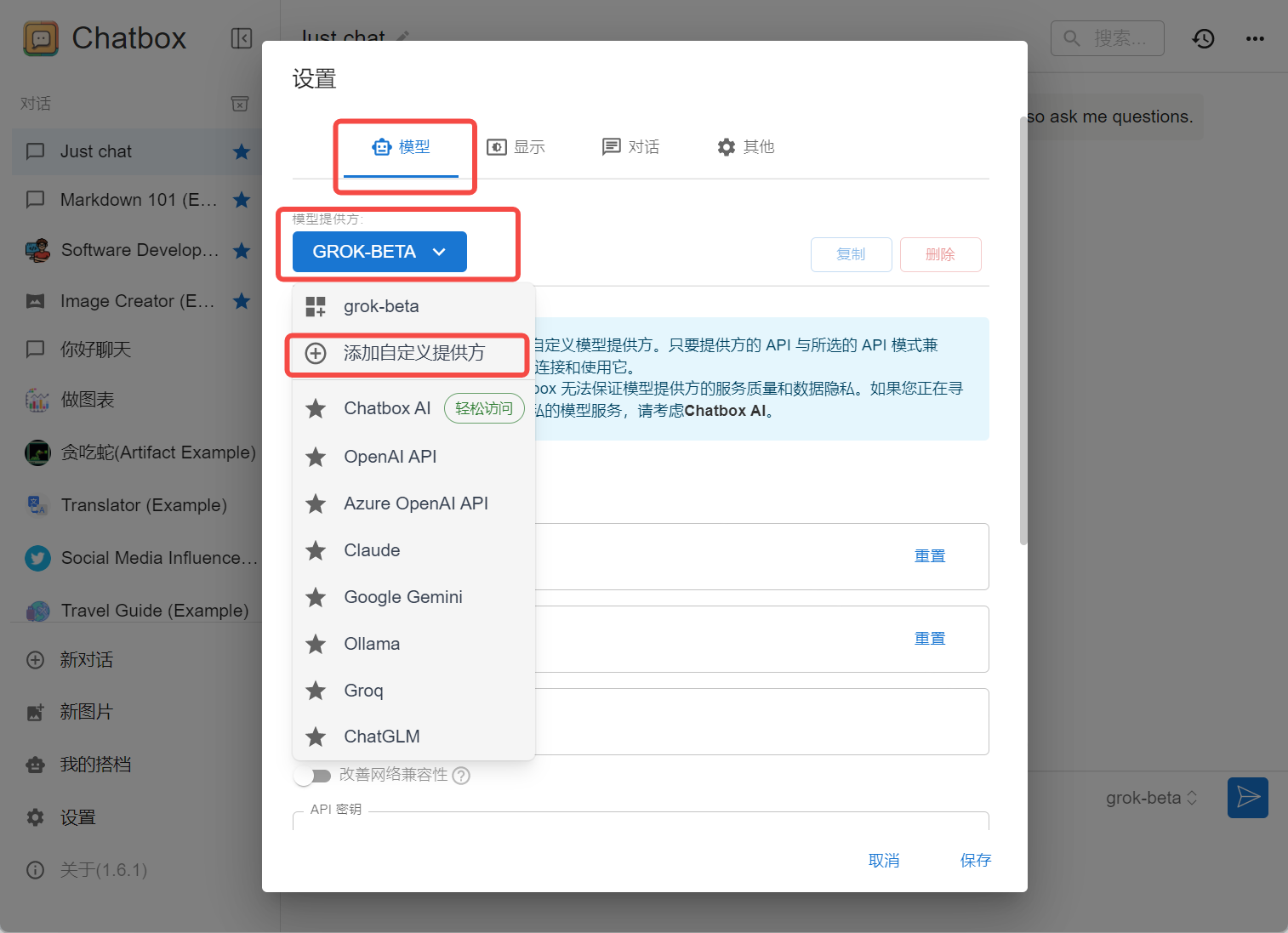
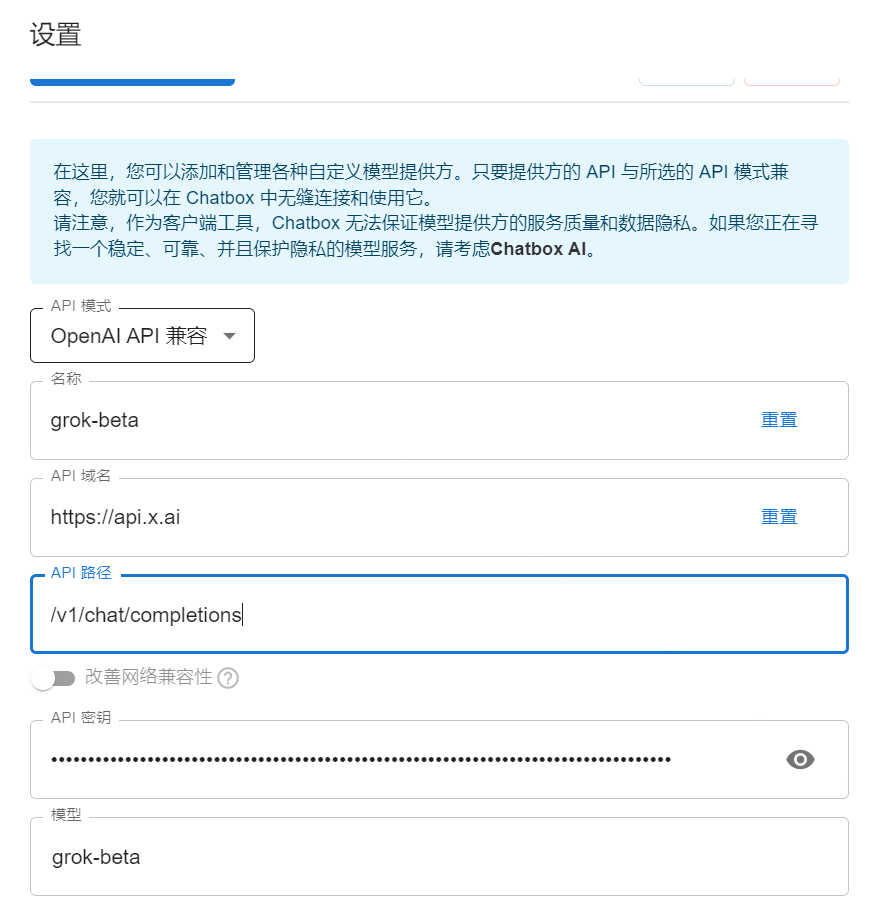
配置:
模型提供方: grok-beta
API模式: OpenAI API兼容
名称: grok-beta (必须和模型提供方一致)
API域名: https://api.x.ai
API路径: /v1/chat/completions
API密钥: 第2步的密钥复制过来即可
模型: grok-beta
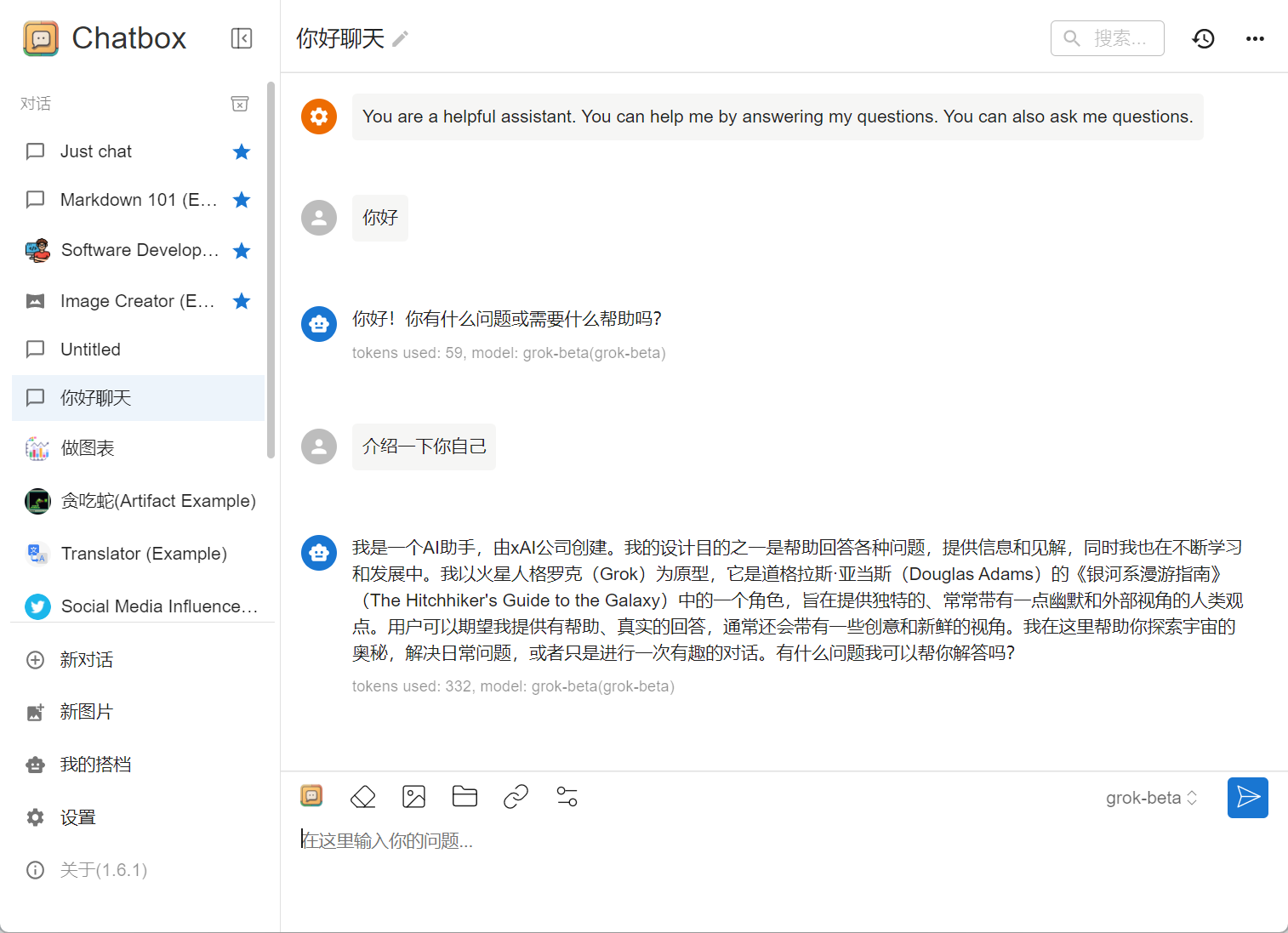
9、使用
创建新对话即可默认使用grok-beta模型

 浙公网安备 33010602011771号