
uniapp vite 小程序混淆
- 解析wxapkg使用的工具,--注意必须是线上版本
https://github.com/wux1an/wxapkg
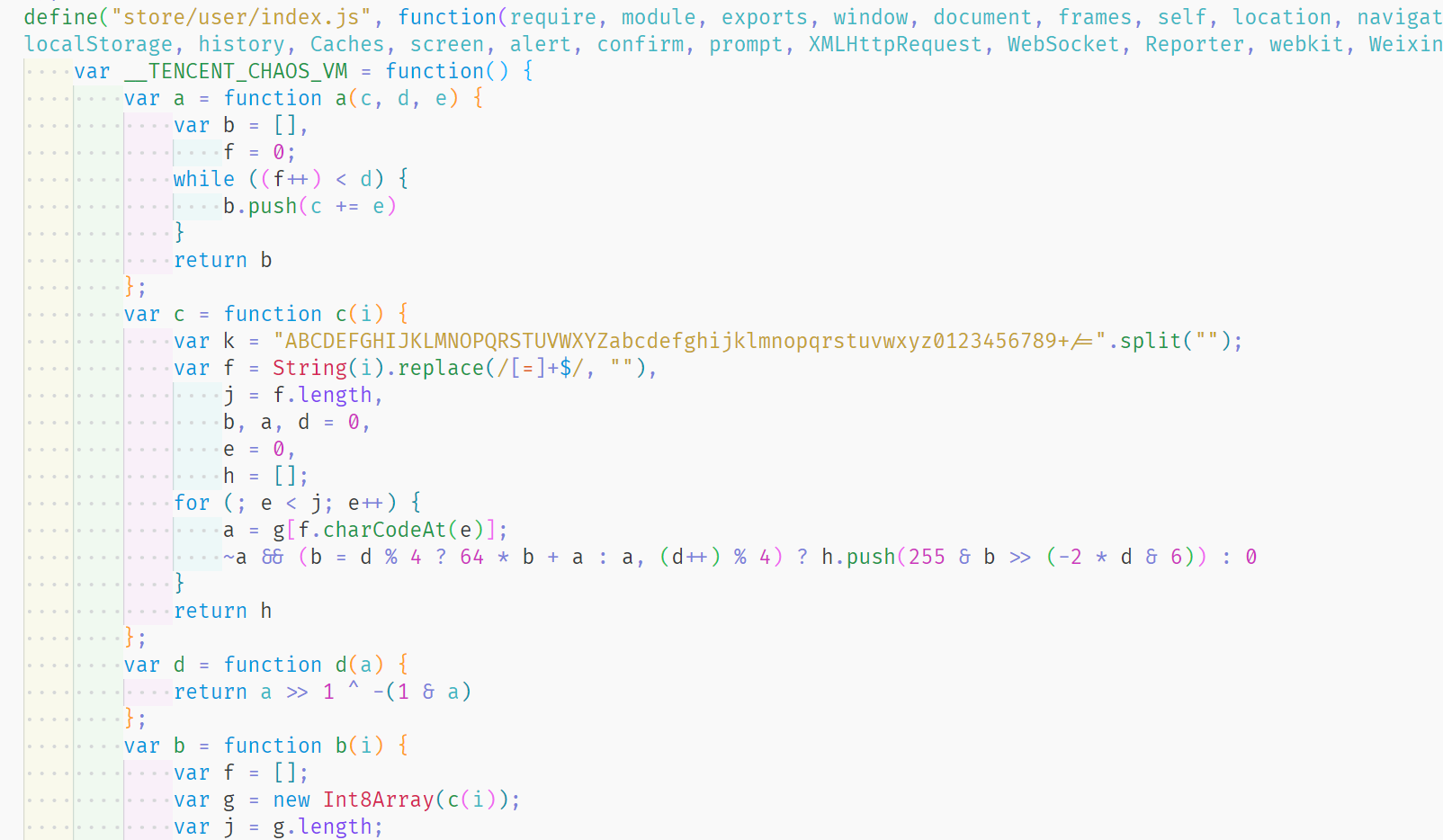
使用该工具解析出来的时混淆之后的代码
![image]()
- 要在小程序开发者工具中开启代码加固,文档
https://developers.weixin.qq.com/miniprogram/dev/devtools/code_obfuscation.html - hubuilder重新生成dist不会生成code_obfuscation_config.json文件,下面方法可以保存代码时,拷贝文件到小程序目录里
 plugins: [
    {
      name: 'copy-code-obfuscation-config',
      apply: 'build', // 仅在构建阶段生效
      buildEnd() {
        const sourcePath = path.resolve(__dirname, 'src/code_obfuscation_config.json');
        const targetPath = path.resolve(__dirname, 'dist/dev/mp-weixin/code_obfuscation_config.json');

        // 检查文件是否存在并拷贝到根目录
        if (fs.existsSync(sourcePath)) {
          fs.copyFileSync(sourcePath, targetPath);
          console.log('code_obfuscation_config.json 已拷贝到根目录');
        } else {
          console.warn('code_obfuscation_config.json 文件不存在,无法拷贝');
        }
      },
    },
vite.config.js, 下面是压缩的代码,根据自己的需要随意使用
build: {
 minify: 'terser',
 terserOptions: {
 compress: {
  drop_console: true, //去掉console
 },
 output: {
  comments: true, //去掉注释
 },
 toplevel: true,
},
}

 浙公网安备 33010602011771号