
ABP演示 - 实现选项 OPtion
1. Options 类定义 (PublisherOptions.cs)
-
包含出版社相关的配置参数
-
使用数据注解进行验证
-
提供默认值
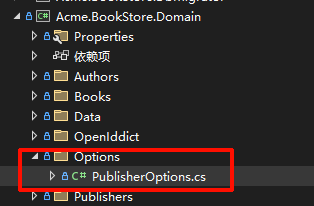
using System.ComponentModel.DataAnnotations;

namespace Acme.BookStore.Options
{
    public class PublisherOptions
    {
        [Required]
        [Range(1, 100)]
        public int DefaultPageSize { get; set; } = 10;

        [Required]
        [Range(1, 1000)]
        public int MaxPageSize { get; set; } = 100;

        [Required]
        [StringLength(100)]
        public string DefaultSorting { get; set; } = "Name";

        public bool EnableCaching { get; set; } = true;

        [Range(1, 1440)]
        public int CacheDurationMinutes { get; set; } = 30;

        [Url]
        public string? DefaultWebsiteUrl { get; set; }

        [EmailAddress]
        public string? SupportEmail { get; set; }
    }
}
2. 配置注册 (BookStoreDomainModule.cs)
-
在依赖注入容器中注册 Options
-
从
appsettings.json的Publisher节点读取配置
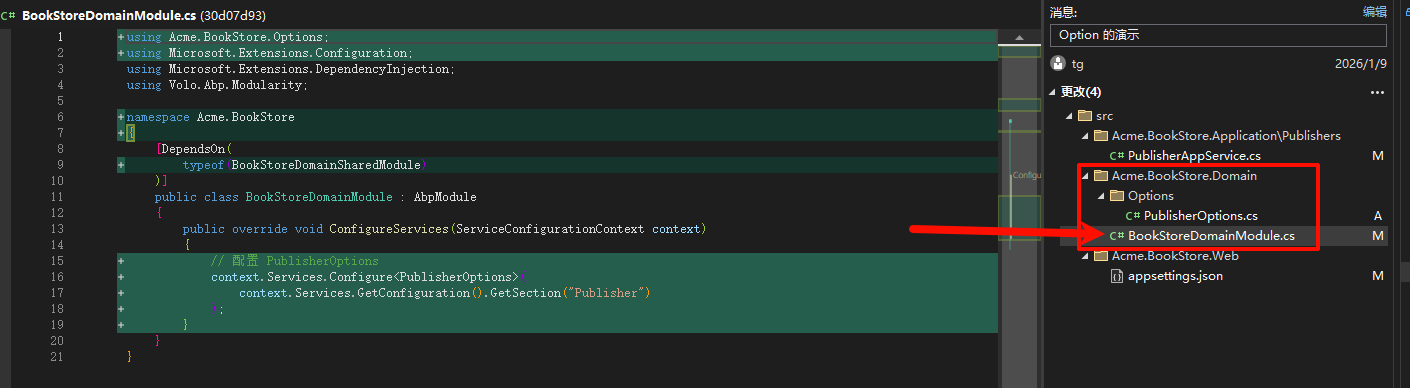
public override void ConfigureServices(ServiceConfigurationContext context)
{
    // 配置 PublisherOptions
    context.Services.Configure<PublisherOptions>(
        context.Services.GetConfiguration().GetSection("Publisher")
    );
}
3. 配置示例 (appsettings.json)

{
  "App": {
    "SelfUrl": "https://localhost:44333"
  },
  "ConnectionStrings": {
    "Default": "Server=SU;Database=BookStore;User Id=sa;Password=123456;Trusted_Connection=True;TrustServerCertificate=True"
  },
  "StringEncryption": {
    "DefaultPassPhrase": "k0uGenCTlEUMJraa"
  },
  "Publisher": {
    "DefaultPageSize": 20,
    "MaxPageSize": 100,
    "DefaultSorting": "Name",
    "EnableCaching": true,
    "CacheDurationMinutes": 30,
    "DefaultWebsiteUrl": "https://publisher.example.com",
    "SupportEmail": "support@publisher.example.com"
  }
}
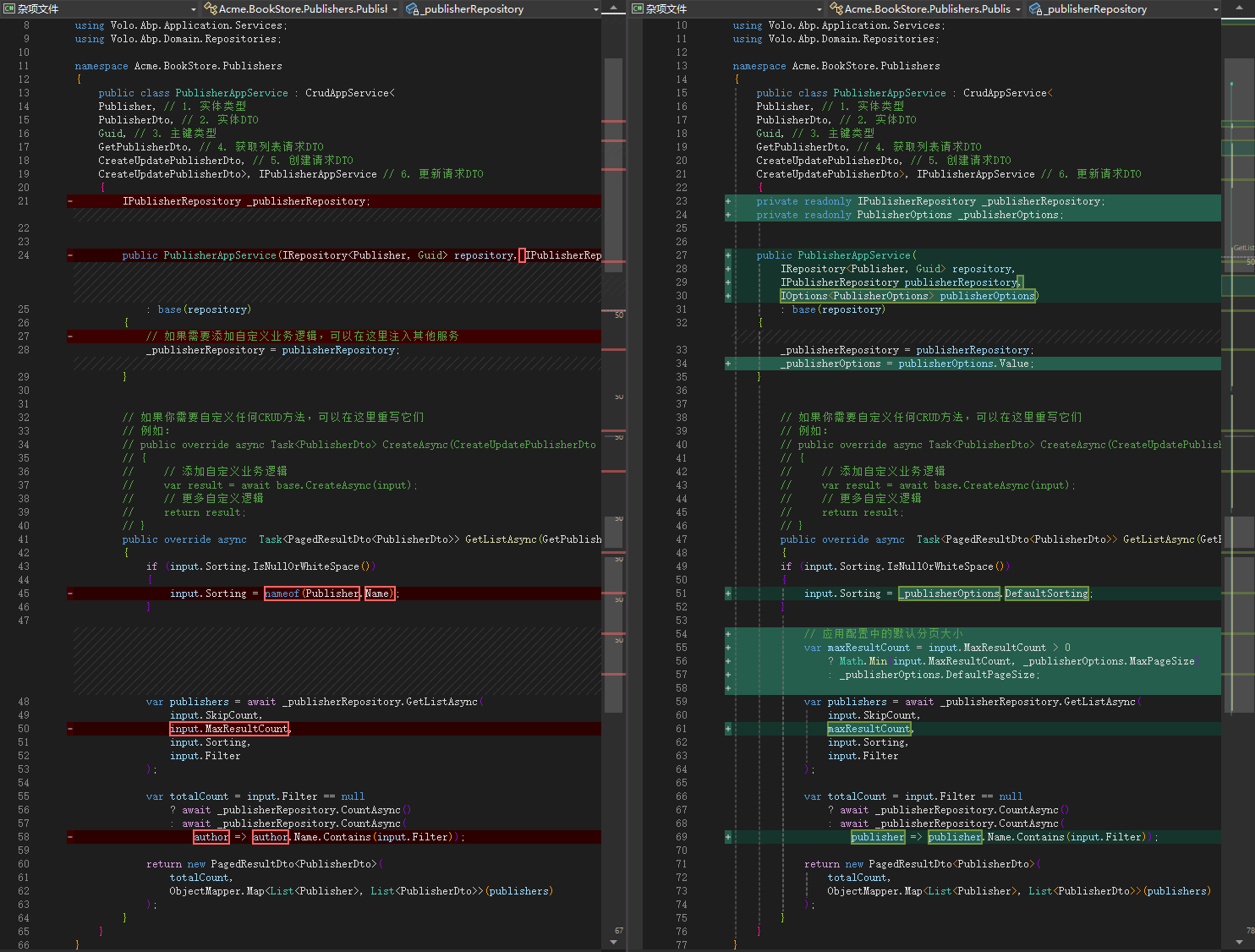
4. 使用示例 (PublisherAppService.cs)
- 通过
IOptions<PublisherOptions>注入配置 - 在业务逻辑中使用配置值:
- 默认排序字段从配置读取
- 分页大小受配置的最大值限制
- 统一的配置管理
🎯 核心特性
- 强类型配置 - 编译时类型检查
- 验证支持 - 数据注解自动验证
- 默认值 - 提供合理的默认配置
- 热重载 - 运行时配置更新(如果启用)
- 依赖注入 - 轻松注入到任何服务
📋 如何使用
- 修改配置:直接在
appsettings.json中修改 Publisher 节点 - 添加新配置:在
PublisherOptions类中添加属性,然后更新配置文件 - 在其他服务中使用:注入
IOptions<PublisherOptions>即可

 浙公网安备 33010602011771号