


fiddler保存请求头,url 到本地txt文件
打开fiddler ---> Rooles ---> Customize Rules
如果提示没有下载Fiddler ScriptEditor则按提示下载后进入下一步操作
安装好Fiddler ScriptEditor后,就能打开Customize Rules.js文件
打开Customize Rules.js文件后,在 OnBeforeRequest 函数里添加如下方法:
// 首先判断请求域名是否是自己感兴趣的,以及URL中是否含有自己感兴趣的特征字符串。如果是,则将该请求的URL和QueryString记录到日志文件
//"c:/fiddler-token.log"
//中。
if (oSession.HostnameIs("app.ymatou.com") && oSession.uriContains("attentionrec?pageIndex=")
){
var filename = "D:/YUAN_SHI/smallvideo_20190905/smallvideo/crawl/yangmatou_app_sign.txt";
var curDate = new Date();
var logContent = 'liu123liu456' + "[" + curDate.toLocaleString() + "]";
// var wap_s = oSession.oRequest.headers
// var wap_sid2 = re.compile(r"wap_sid2=(.*?)Q-UA").findall(wap_s)
var sw: System.IO.StreamWriter;
if (System.IO.File.Exists(filename)){
sw = System.IO.File.AppendText(filename);
sw.Write(logContent + 'oSession.oRequest.headers-->' + oSession.oRequest.headers + '-->' + oSession.url + 'liu123liu456');
// sw.Write("Request header:" + "\n" + oSession.oRequest.headers);
// sw.Write(wap_s + '\n\n')
}
else{
sw = System.IO.File.CreateText(filename);
sw.Write(logContent + 'oSession.oRequest.headers-->' + oSession.oRequest.headers + '-->' + oSession.url);
// sw.Write("Request header:" + "\n" + oSession.oRequest.headers);
// sw.Write(wap_s + '\n\n')
}
sw.Close();
sw.Dispose();
}
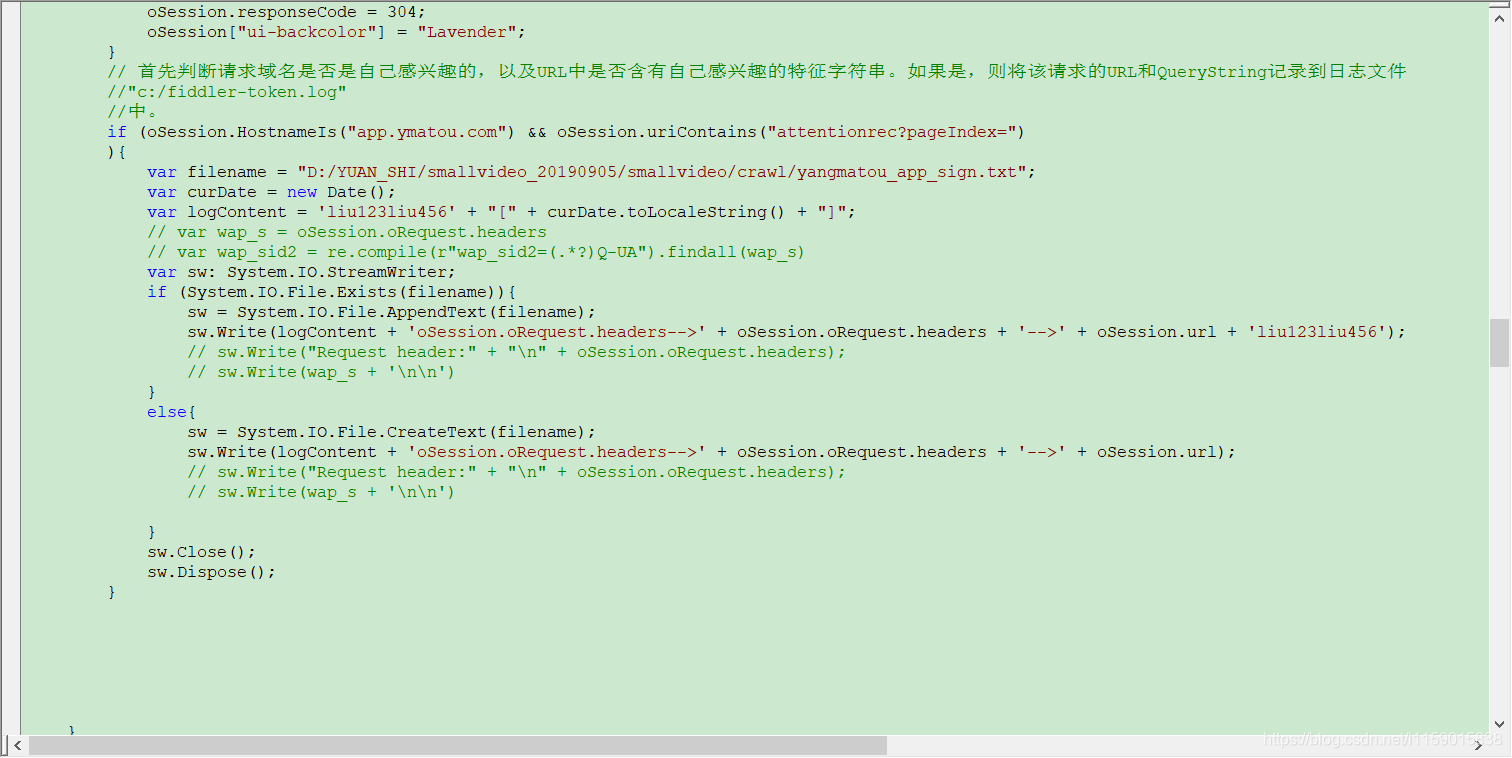
然后保存,保存时如果提示有错误,那就修改。最后重启fiddler,开始抓包,然后查看保存的txt文件,里边就会出现 请求头和url

 浙公网安备 33010602011771号