
nessus离线安装
Nessus 离线安装
只能免费试用30天
参考文档:https://docs.tenable.com/nessus/Content/InstallNessusOffline.htm
获取激活码
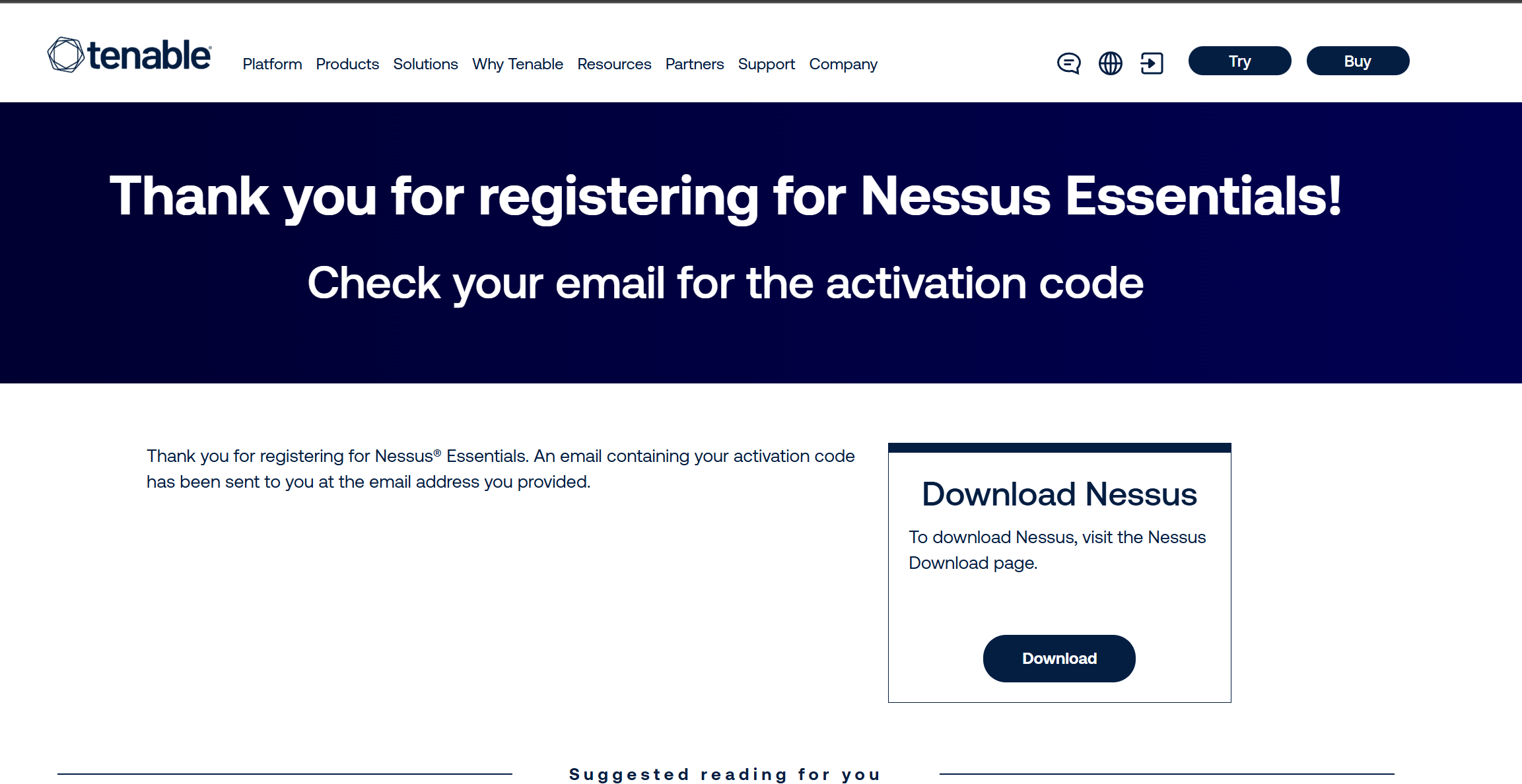
打开网址 https://www.tenable.com/products/nessus/nessus-essentials
填写邮箱,提交。
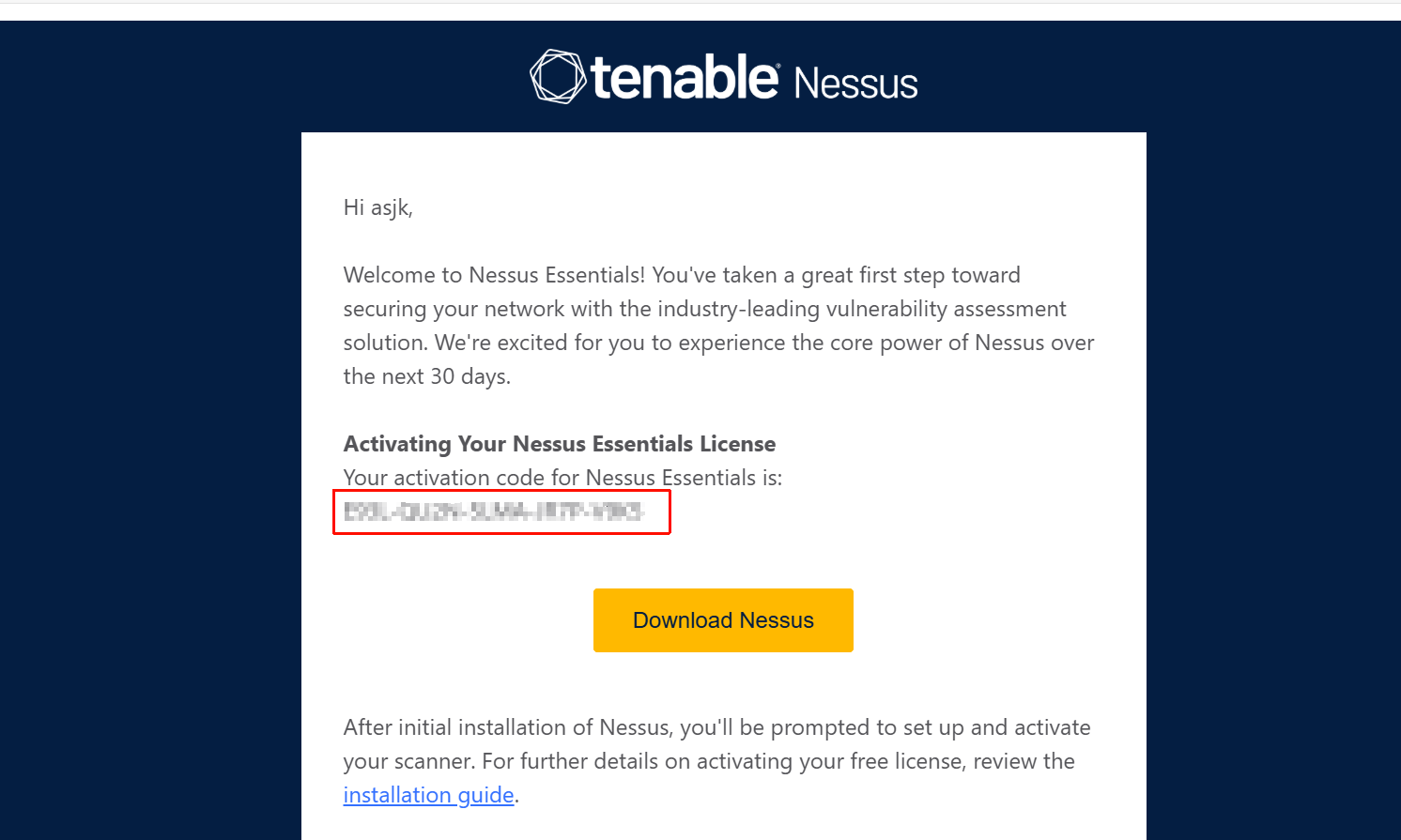
打开邮箱收到激活码
kali 中执行nessuscli 获取 Challenge code
sudo /opt/nessus/sbin/nessuscli fetch --challenge
[sudo] password for kali:

Challenge code: xxxxxxxxxxxxxxxx

You can copy the challenge code above and paste it alongside your
Activation Code at:
https://plugins.nessus.org/v2/offline.php
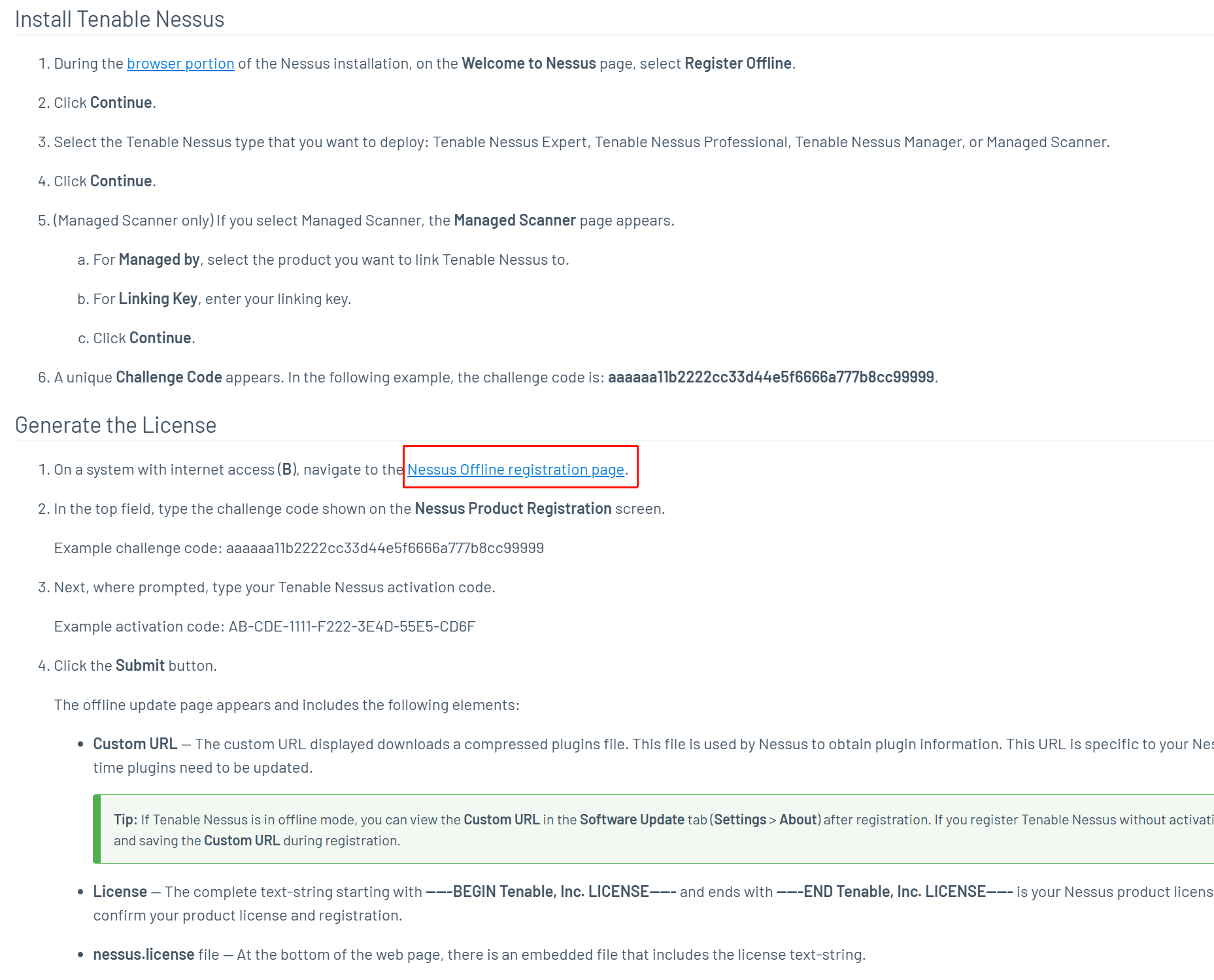
下载插件 和 license
https://docs.tenable.com/nessus/Content/InstallNessusOffline.htm#Generate-the-License
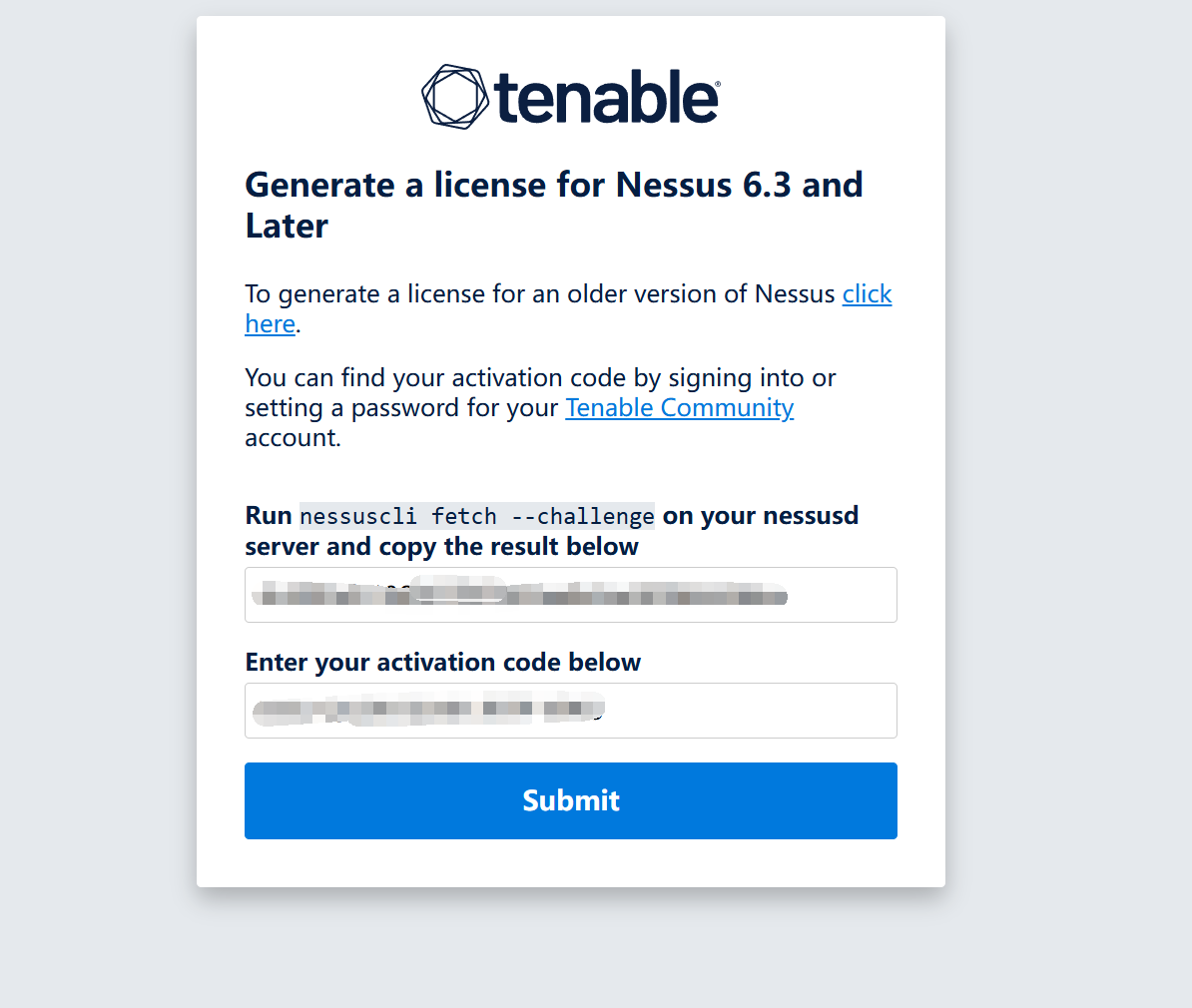
填入 Challenge code 和 邮件收到的激活码。
下载插件 all-2.0.tar.gz 和 nessus.license。
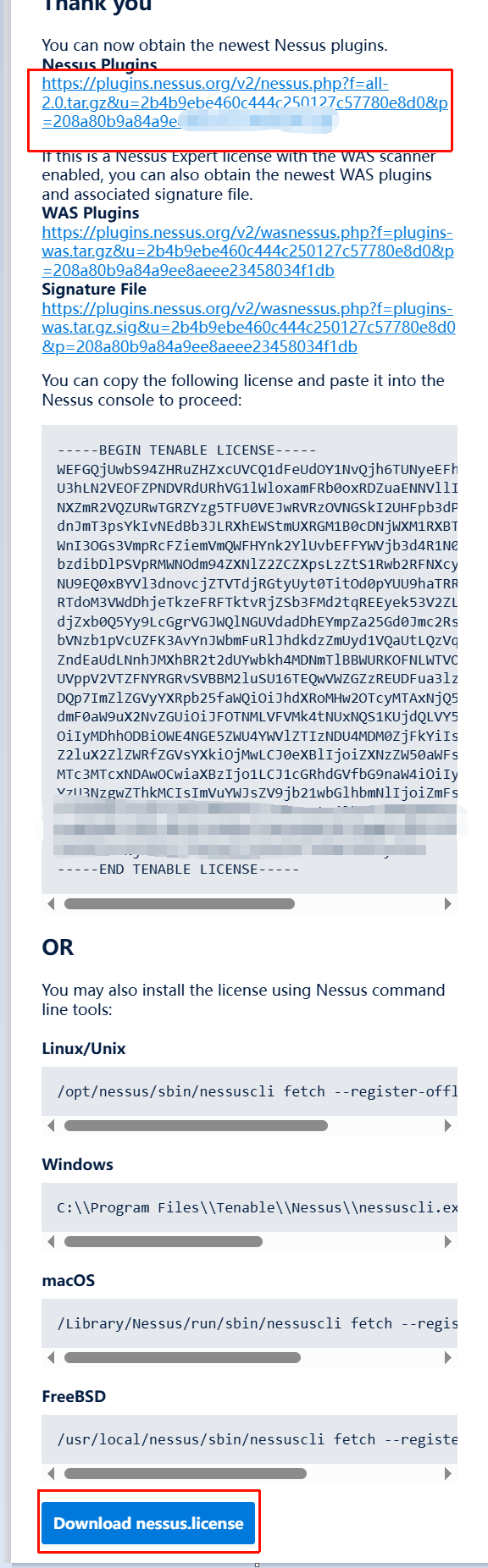
激活 Nessus 和 安装插件
将 all-2.0.tar.gz 和 nessus.license 复制到 kali 中。
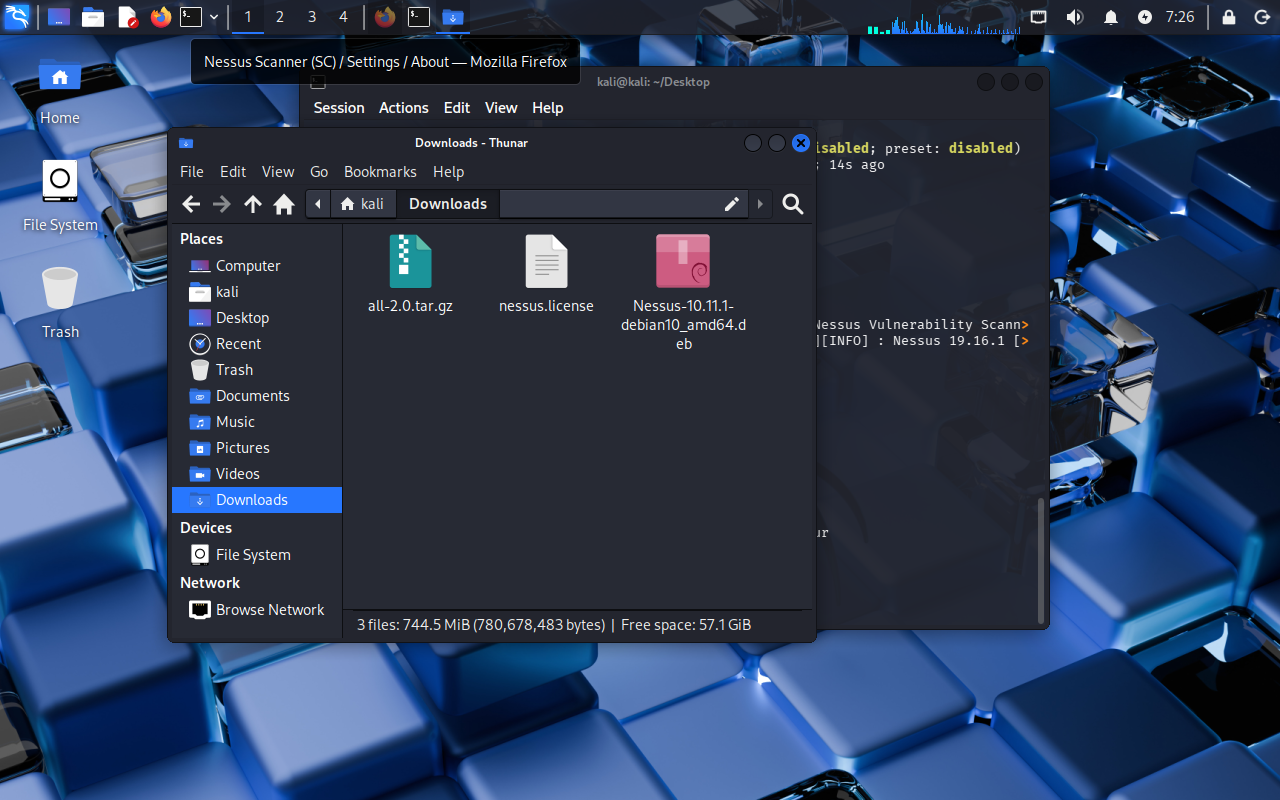
sudo cp ./nessus.license /opt/nessus/etc/nessus

sudo /opt/nessus/sbin/nessuscli fetch --register-offline /opt/nessus/etc/nessus/nessus.license
Warning! Performing this action will delete plugins. Do you want to continue? (y/n) [n]: y
Your Activation Code has been registered properly - thank you.
Nessus is offline and cannot do software updates via the feed.

# 更新插件,大约等待3分钟
sudo /opt/nessus/sbin/nessuscli update all-2.0.tar.gz
[sudo] password for kali:

[info] Copying templates version 202512111717 to /opt/nessus/var/nessus/templates/tmp
[info] Finished copying templates.
[info] Moved new templates with version 202512111717 from plugins dir.
[info] Moved new pendo client with version 2.302.3
 from plugins dir.
 * Update successful.  The changes will be automatically processed by Nessus.


# 重启 nessusd 服务
systemctl restart nessusd.service
浏览器打开 https://kali:8834/
Nessus
Initializing
Please wait while Nessus is initializing.

登录后提示
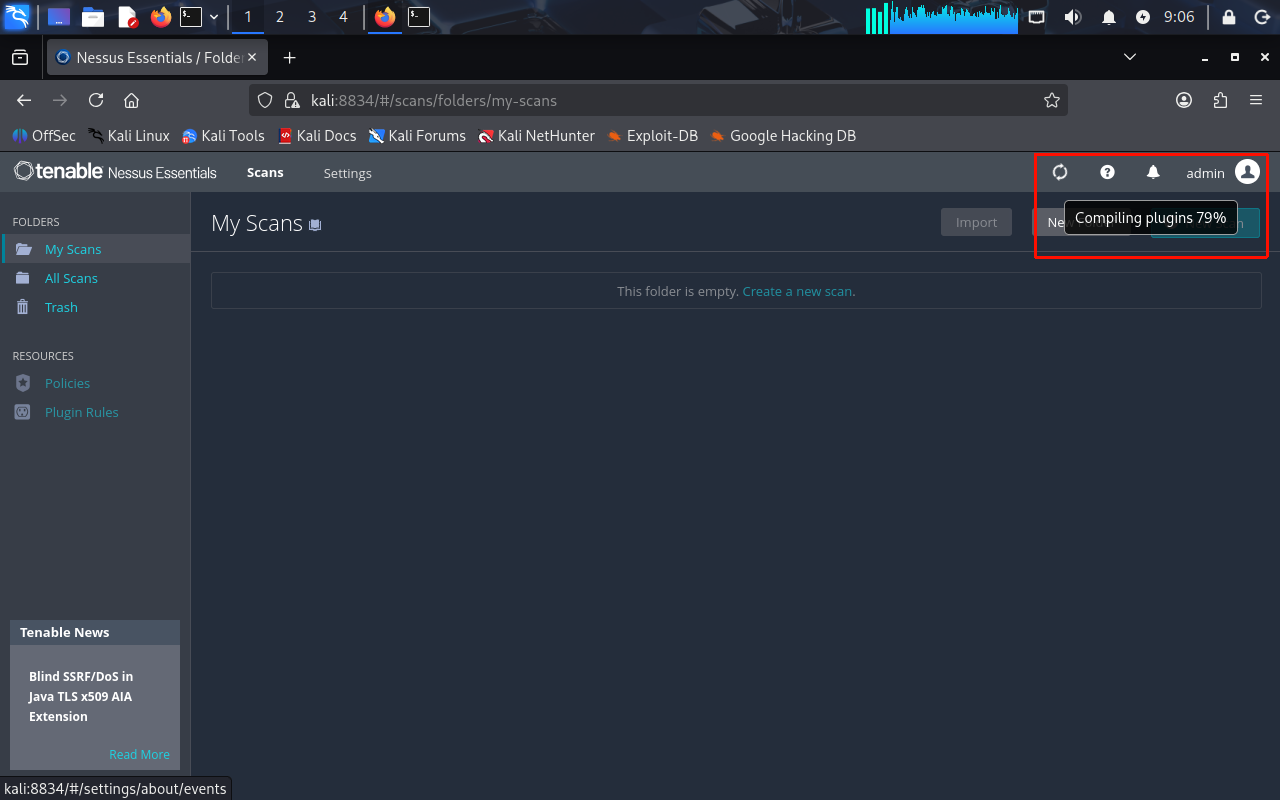
Plugins are compiling. Nessus functionality will be limited until compilation is complete.
还需等待编译插件,New Scan 功能是禁用状态
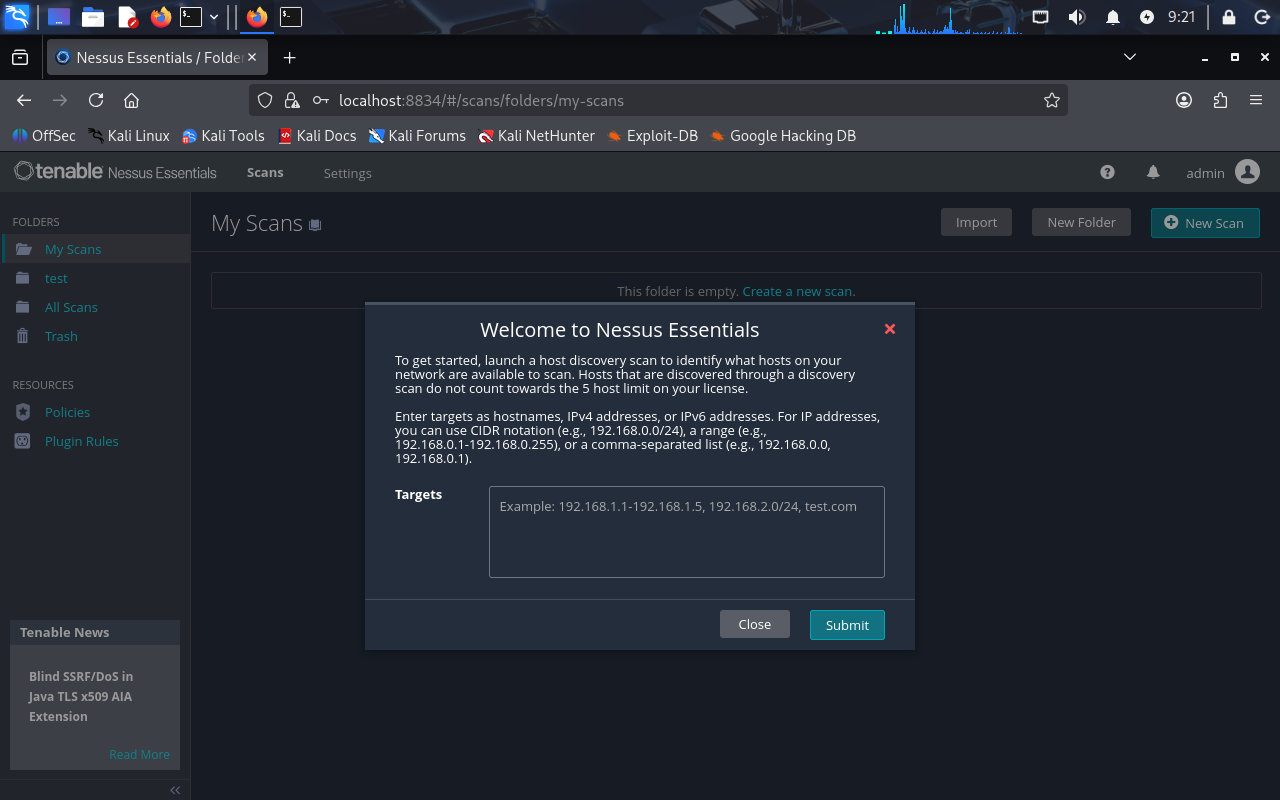
然后退出重新登录,提示如下信息,说明插件已经编译完成。

 浙公网安备 33010602011771号