
python 实践 day1
在使用pi安装django时,包如下错:
问题:pip install django socket.timeout: The read operation timed out
解决 pip --default-timeout=100 install django
使用pycharm创建完django后,在终端使用如下两条命令运行项目:
python manage.py migrate
python manage.py runserver
然后使用命令创建app:python manage.py startapp appName
在templates中新建html
<!DOCTYPE html>
<html lang="en">
<head>
    <meta charset="UTF-8">
    <title>Base demo django index.html</title>
</head>
<body>
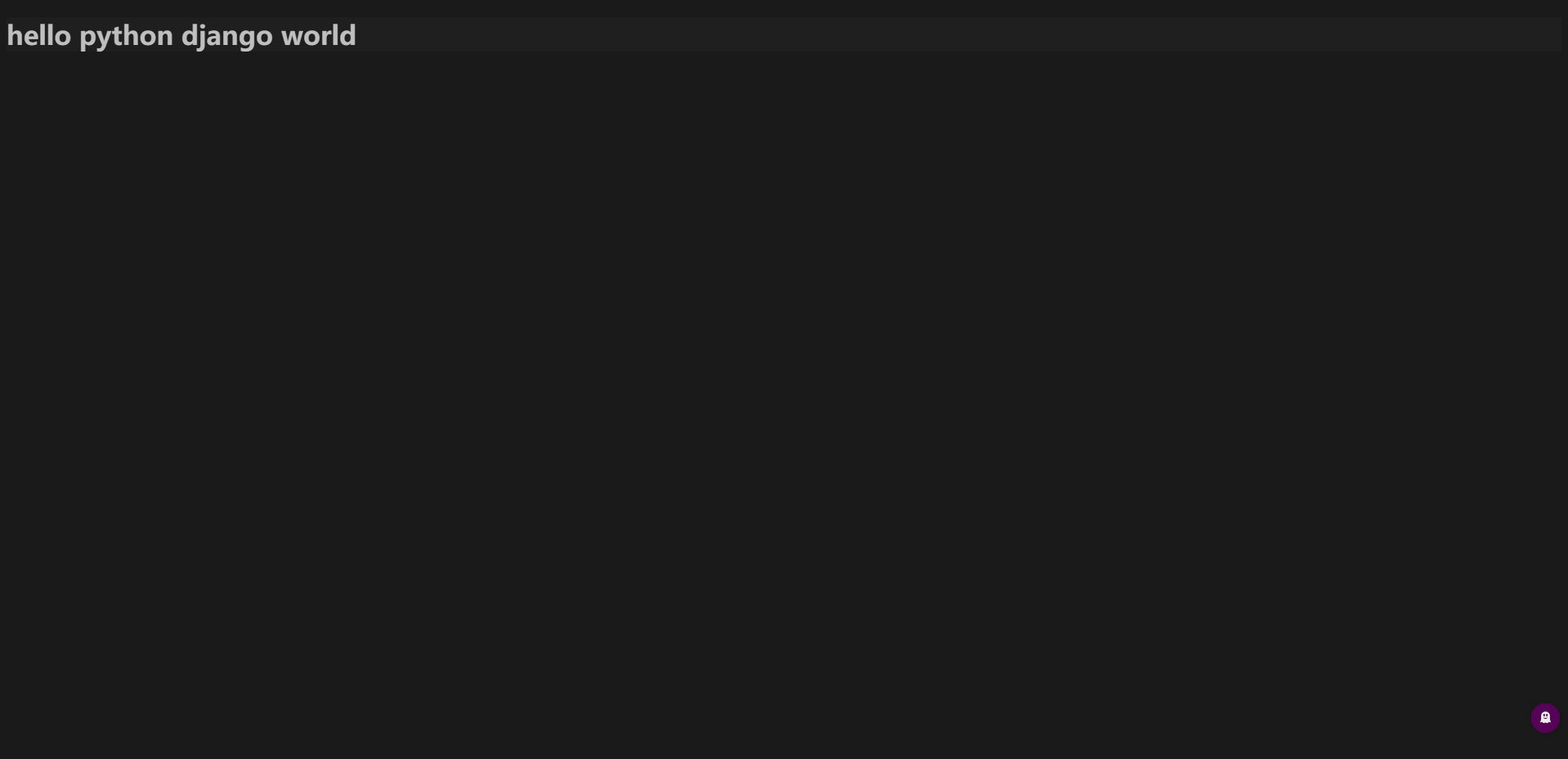
<p>hello python django world</p>
</body>
</html>
在views中加入对html页面的处理
from django.shortcuts import render

# Create your views here.
def index(request):
    return render(request, 'index.html')
在urls.py加入
from django.contrib import admin
from django.urls import path
from base_app import views
urlpatterns = [
    path('admin/', admin.site.urls),
    path('index/',views.index)
]
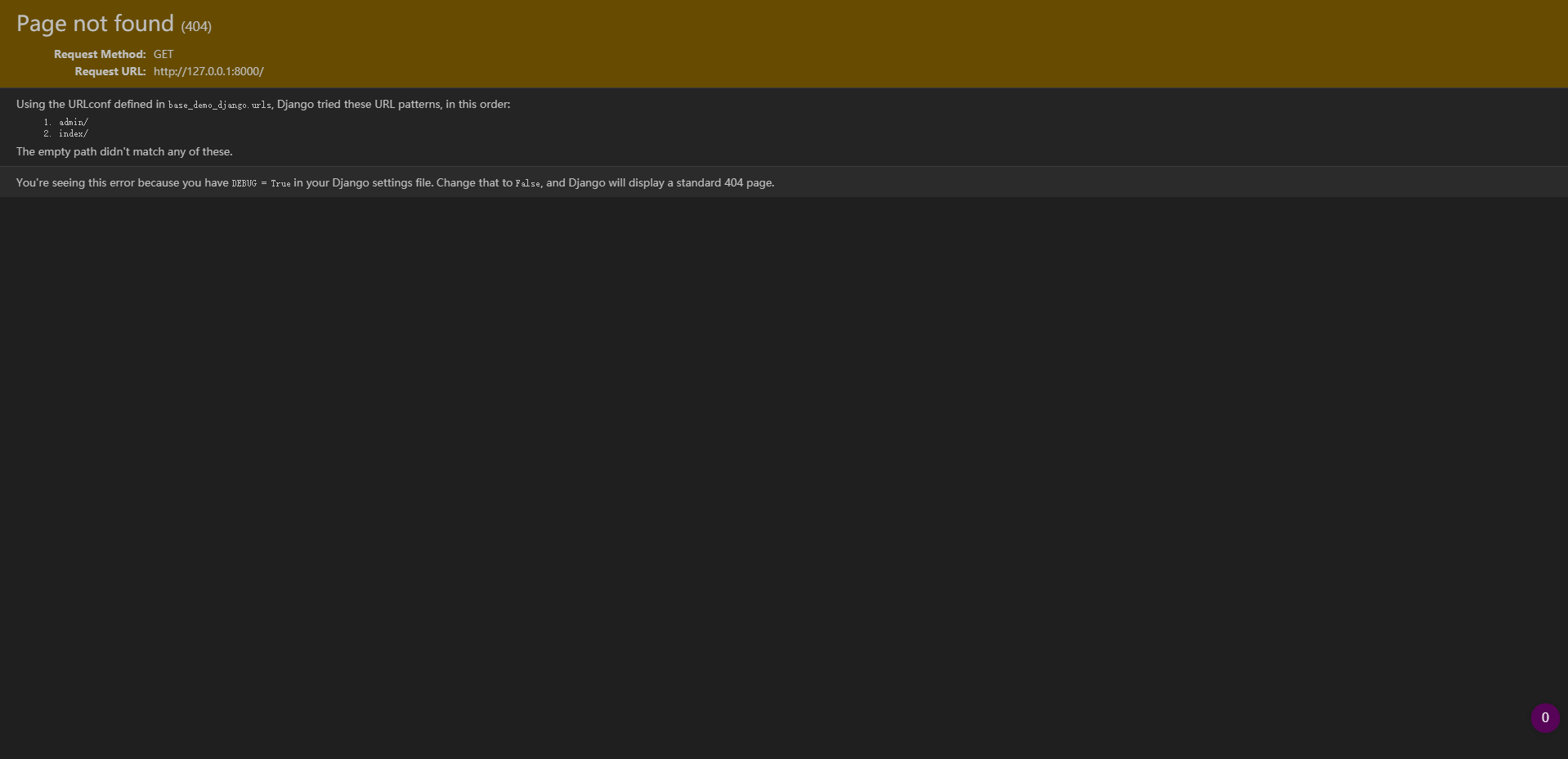
点击run运行
http://127.0.0.1:8000/
Django 常用命令:
Type 'manage.py help
Available subcommands:
[auth]
changepassword
createsuperuser
[contenttypes]
remove_stale_contenttypes
[django]
check
compilemessages
createcachetable
dbshell
diffsettings
dumpdata
flush
inspectdb
loaddata
makemessages
makemigrations
migrate
sendtestemail
shell
showmigrations
sqlflush
sqlmigrate
sqlsequencereset
squashmigrations
startapp
startproject
test
testserver
[sessions]
clearsessions
[staticfiles]
collectstatic
findstatic
runserver
大功告成

 浙公网安备 33010602011771号