

Redis操作篇
安装Redis
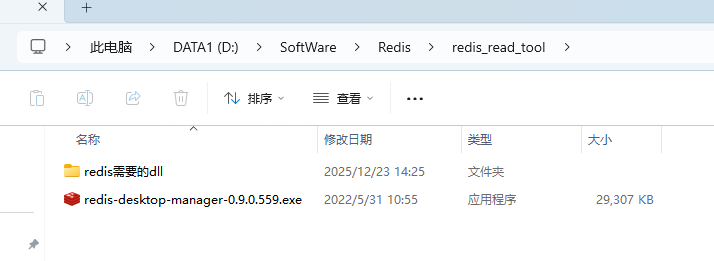
启动Redis服务端
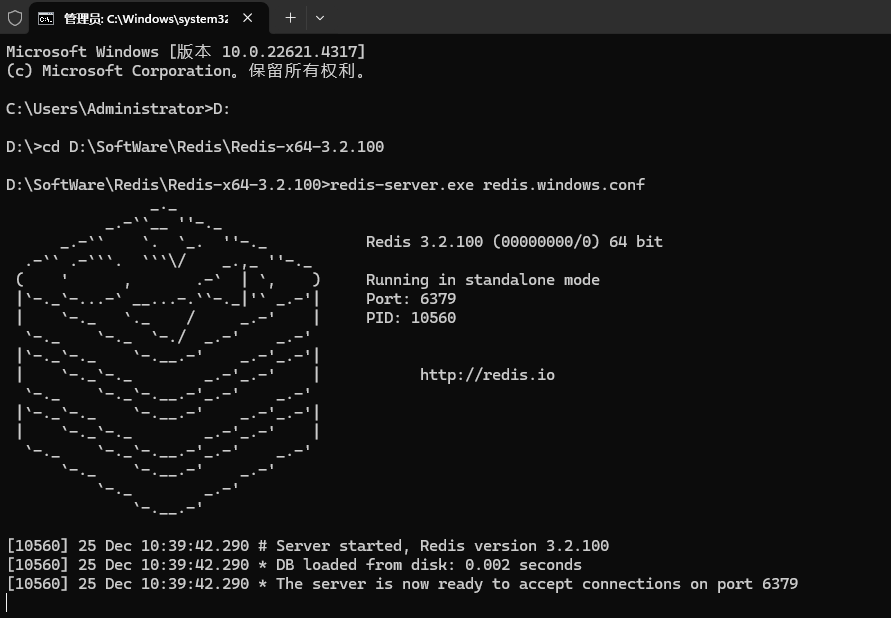
流程 cmd ->D:->cd 你的服务端配置地址和启动文件
--启动服务
redis-server.exe redis.windows.conf
--不行
redis-server.exe redis.windows-service.conf
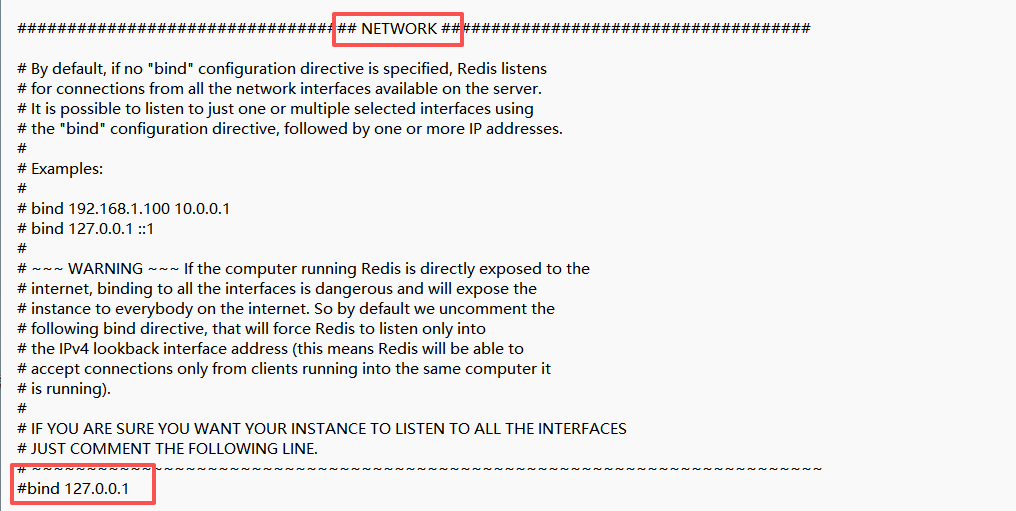
redis.windows.conf 文件设置
NETWORK注释#bind 127.0.0.1
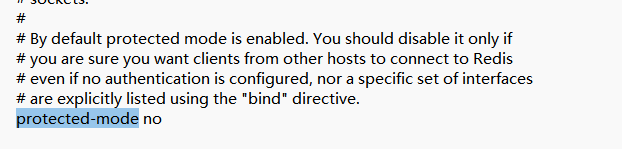
protected-mode no 关闭保护模式,默认是yes
注册windows服务
--注册服务
redis-server --service-install redis.windows.conf
--启动服务
redis-server --service-start
string constr = "192.168.13.173:6379,password=123456";

RedisHelper redis = new RedisHelper(constr);
redis.Set("DeviceLayout", jsonstr);

RedisConnectionString="192.168.13.173:6379,password=123456"

 浙公网安备 33010602011771号