
theia源码 web版本地打包构建运行
如果有没办法获取的内容,可以通过我分享的内容进行免费获取。 解压之后不用执行 install、download:plugins、配置下面node版本之后 可以直接start:browser 看效果
通过网盘分享的文件:whole_theia
链接: https://pan.baidu.com/s/1bYEEK9STPF9_7DwWXbwe_Q?pwd=tjdy 提取码: tjdy
- 1. 准备环境:
window11
1.1. python-3.11.9-embed-amd64 : https://www.python.org/ftp/python/3.11.9/python-3.11.9-embed-amd64.zip
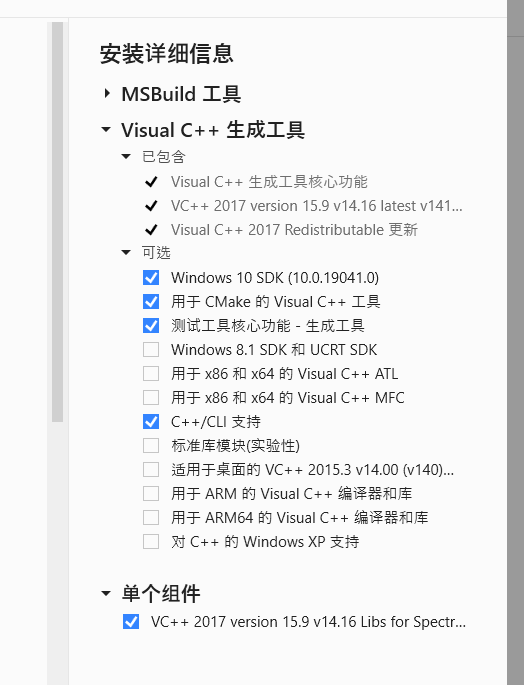
1.2. vs_BuildTools 2017 版本: https://download.visualstudio.microsoft.com/download/pr/1d268fee-04e5-4da9-be1e-b8c9d1896c17/ca11782db44225d313c9887b4254dfa57c5b72fef025bf620c81c43dff73c6ed/vs_BuildTools.exe
需要勾选以下内容进行安装:
1.3. theia 1.66.x https://codeload.github.com/eclipse-theia/theia/zip/refs/heads/release/1.66.x
1.4. node-v20.19.6-win-x64.zip https://nodejs.org/dist/latest-v20.x/node-v20.19.6-win-x64.zip
1.5. node-gyp 安装node 之后执行 npm install node-gyp

- 2 npm源配置:
2.1 配置国内源:
npm config set registry https://registry.npmmirror.com/
但是theia中使用了自编码的内容。 如果全部使用国内源,会发现有内容无法获取。
2.2. 在theia中创建.npmrc文件
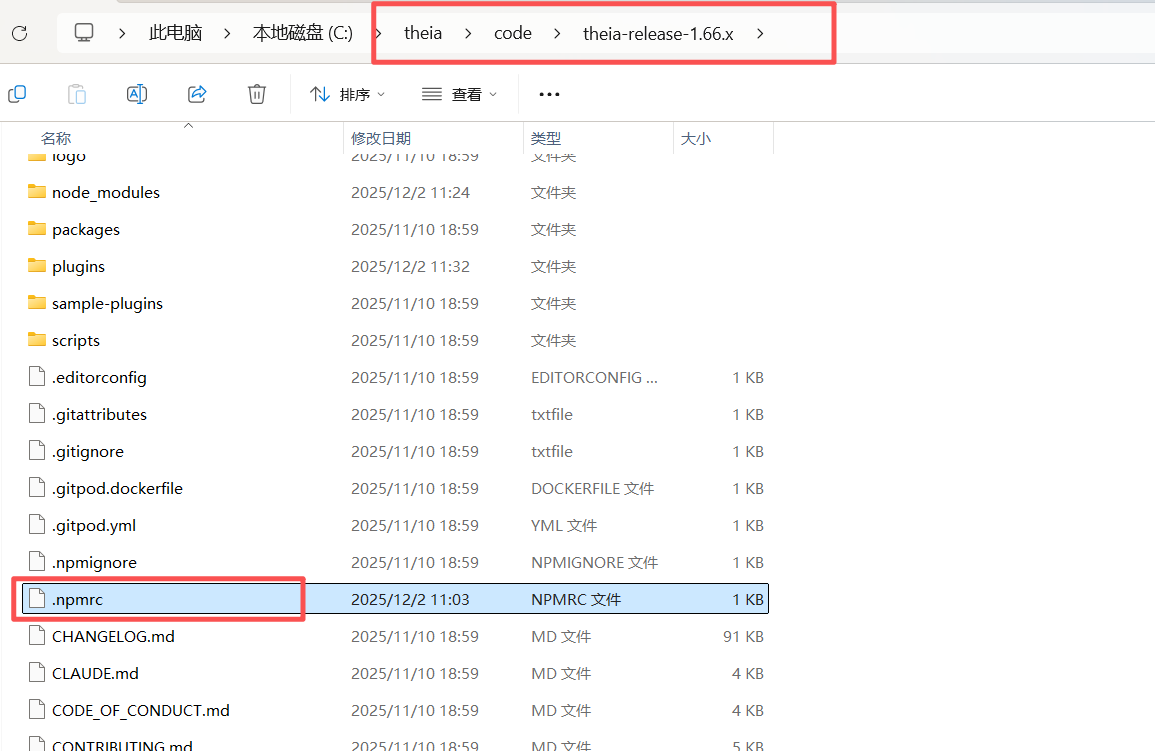
文件内容:
registry=https://registry.npmmirror.com
@theia:registry=https://registry.npmjs.org
2.3 不要急着 install 里面还有 ELECTRON 需要配置。 在命令窗口执行:
set ELECTRON_MIRROR=https://npmmirror.com/mirrors/electron/
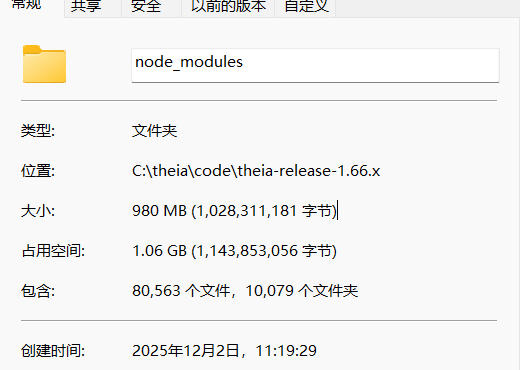
2.4. 执行npm install
- 3 编译:
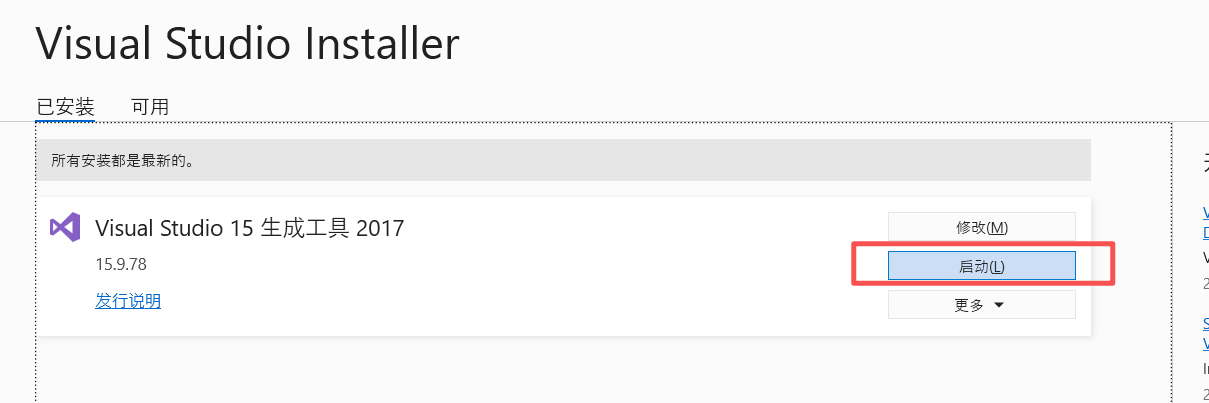
3.1 通过vs打开命令窗口
3.2 配置编译最大内存(默认的2gb不够): set NODE_OPTIONS=--max-old-space-size=8192
3.3 进行构建: npm run build:browser
- 4 下载插件:
4.1 执行下载: npm run download:plugins
- 5 运行:
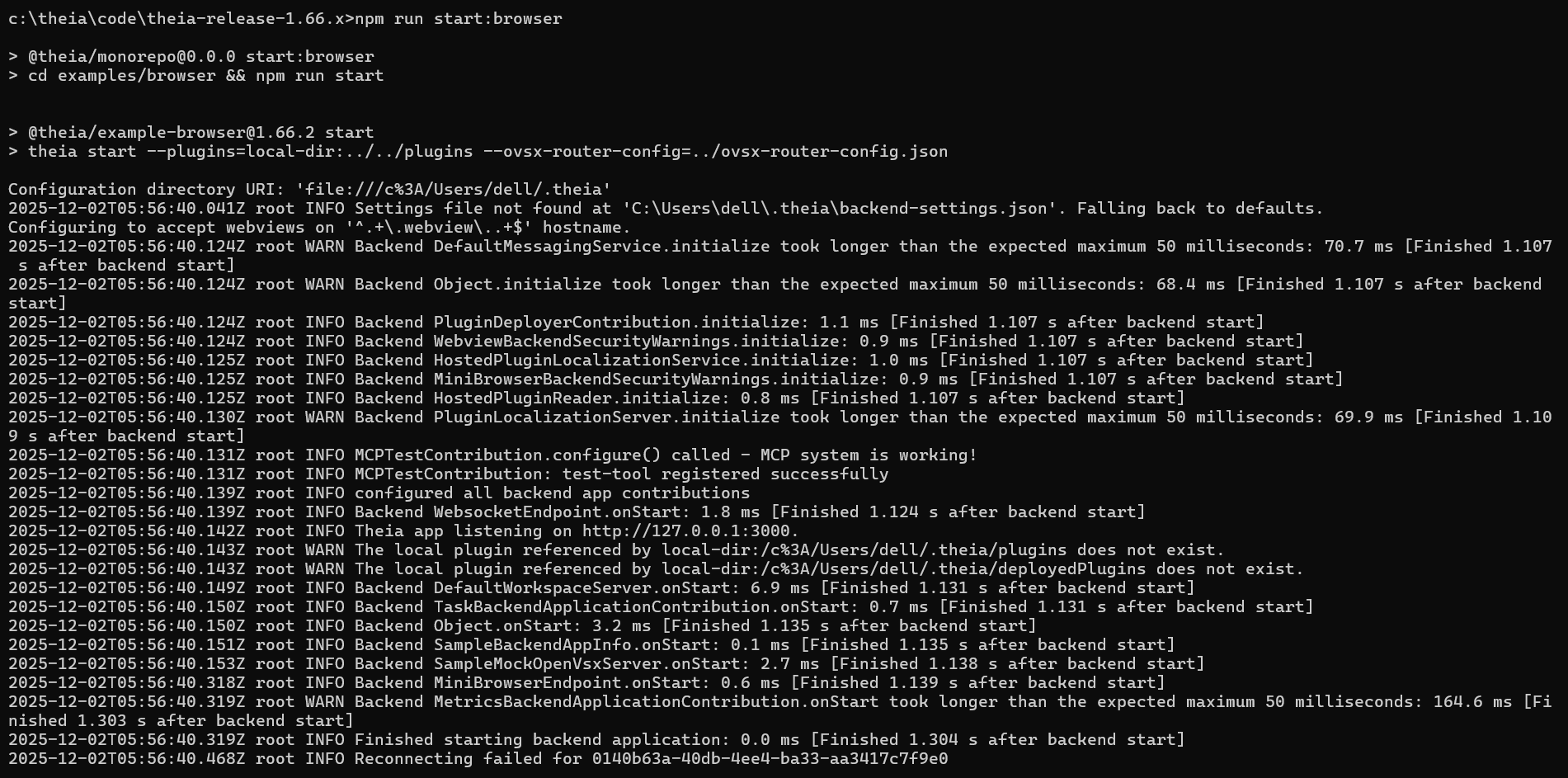
5.1 运行demo: npm run start:browser
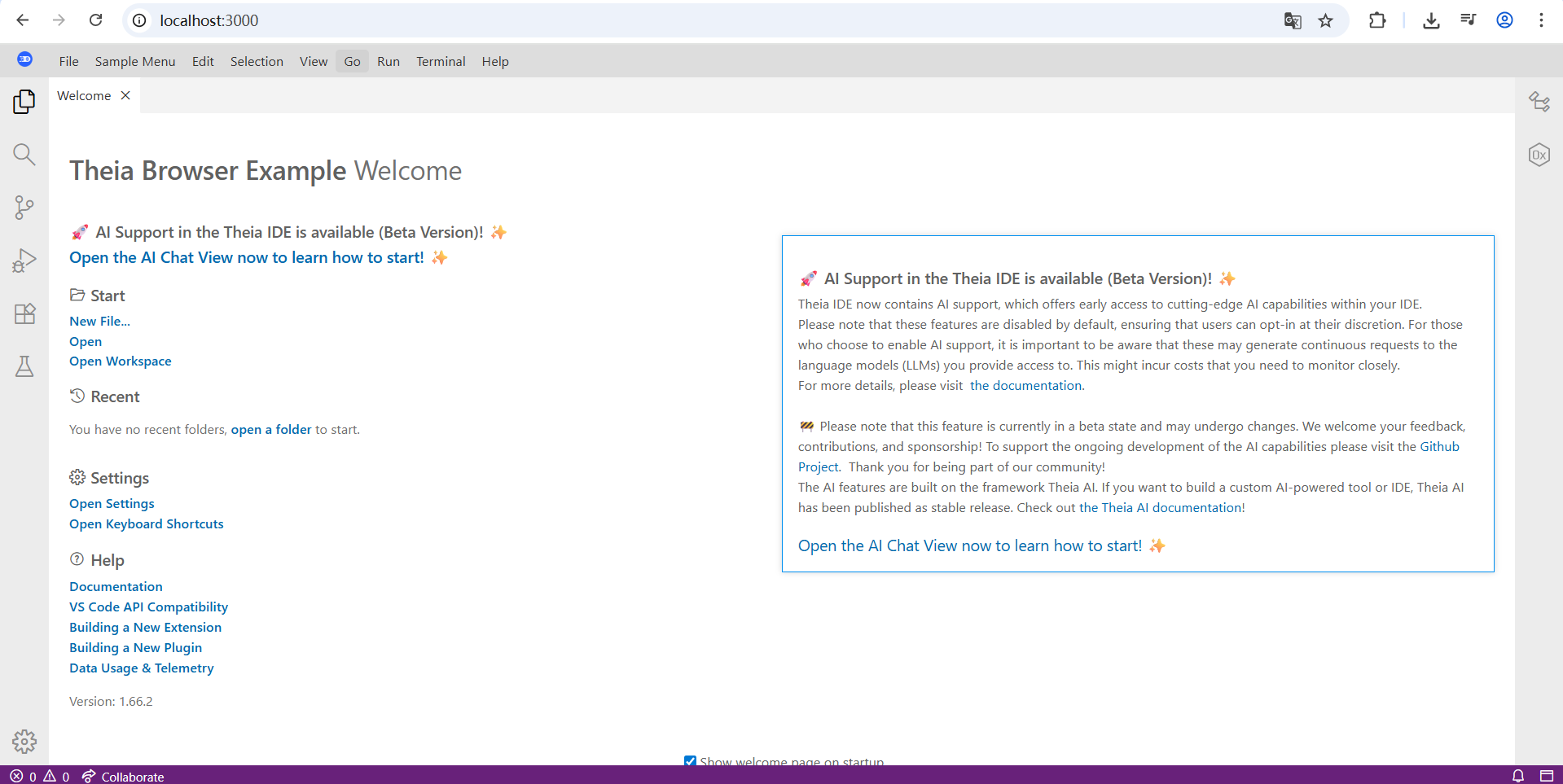
浏览器访问效果:
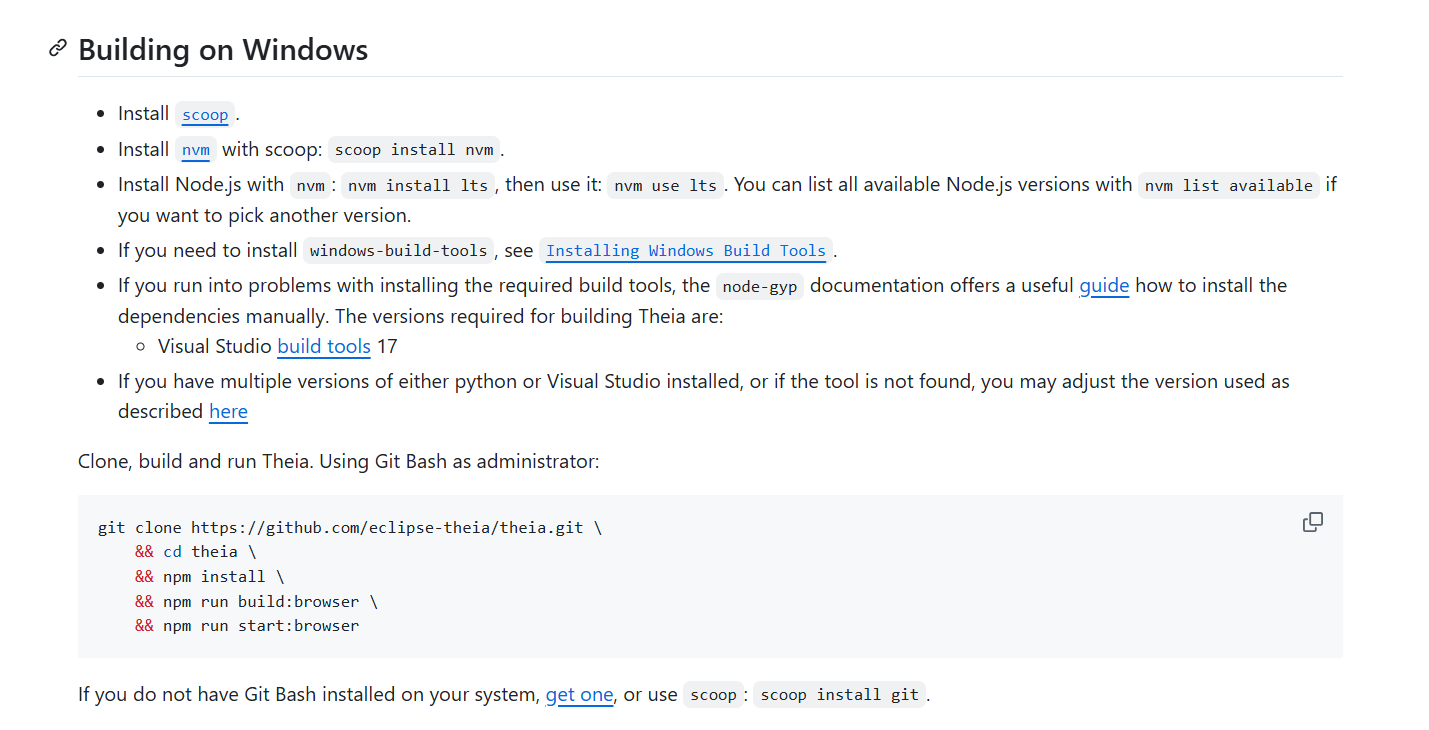
参考地址:
https://github.com/eclipse-theia/theia/blob/release/1.66.x/doc/Developing.md

 浙公网安备 33010602011771号