
DevEco Studio:在Windows电脑上启动模拟器,提示未开启Hyper-V
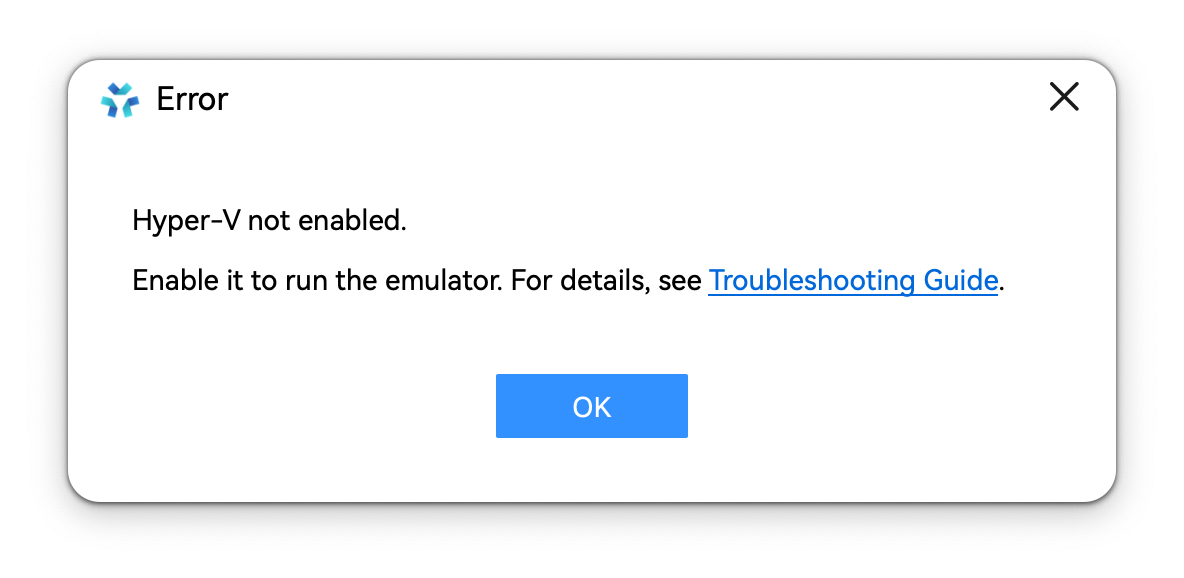
启动模拟器时,弹窗提示“未开启Hyper-V”或“Hyper-V not enabled”。
1、请先确认CPU型号是否支持虚拟化技术,如果不支持,则无法使用模拟器。
2、新建文本文件,输入以下内容并保存为 hyperv.bat:
pushd "%~dp0"
dir /b %SystemRoot%\servicing\Packages\*Hyper-V*.mum >hv.txt
for /f %%i in ('findstr /i . hv.txt 2^>nul') do dism /online /norestart /add-package:"%SystemRoot%\servicing\Packages\%%i"
del hv.txt
Dism /online /enable-feature /featurename:Microsoft-Hyper-V -All /LimitAccess /ALL
pause
右键以 【管理员身份运行 】该脚本,按提示选择【Y】,进行重启。
【控制面板】-【程序和功能】-【启用或关闭Windows功能】-勾选开启三项:【Hyper-V】、【Windows虚拟机监控程序平台】、【虚拟机平台】
若勾选后启动模拟器仍然提示该错误,需要以管理员权限打开命令行窗口并执行:
bcdedit /set hypervisorlaunchtype auto
并重启电脑。

 浙公网安备 33010602011771号