
VisualSVN Server安装与下载
1.下载地址 https://www.visualsvn.com/server/
2.安装步骤
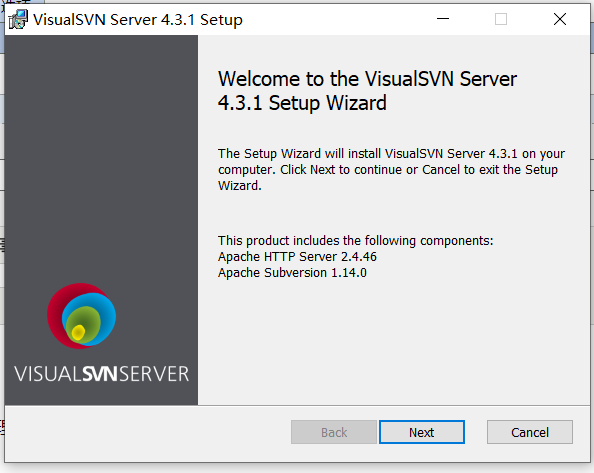
a.双击打开VisualSVN-Server-4.3.1-x64.msi (其中数字代表版本与处理器是64位/32位)
b.点击next
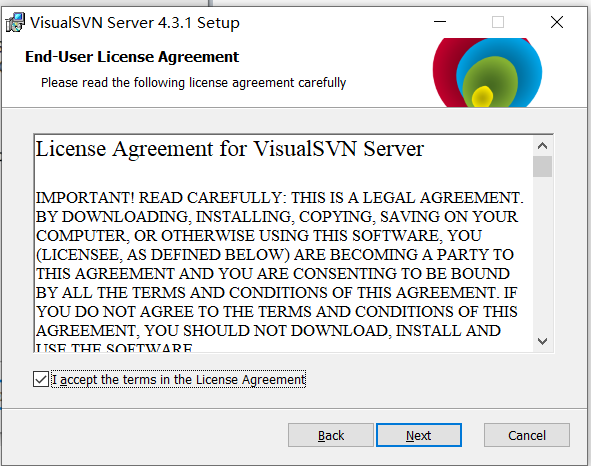
c.选中I accept ……………………Agreement,点击next
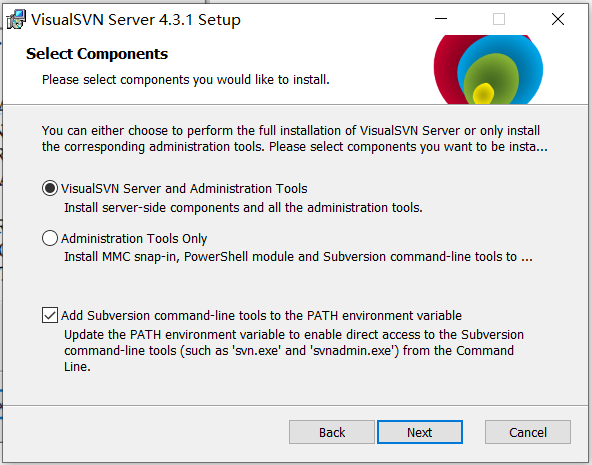
d.这里我们选择服务器与管理工具
1.选择VisualSVN Server and Administration tools VisualSVN服务器和管理工具
2.选择Administration tools only 管理工具
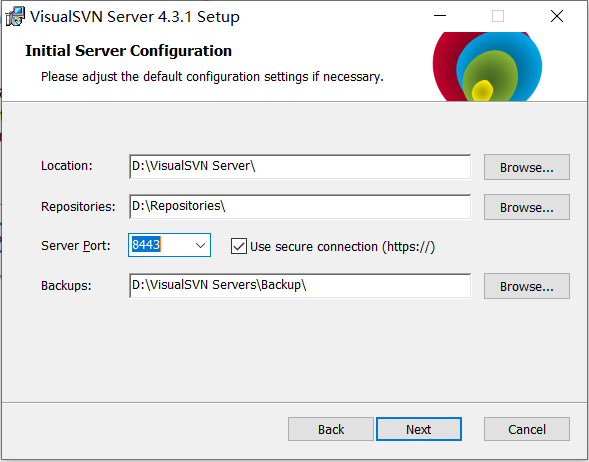
e.初始服务器配置
Location:安装位置:自定义
repositories:仓库:自定义
Server port:端口号:8443
Backups:备份
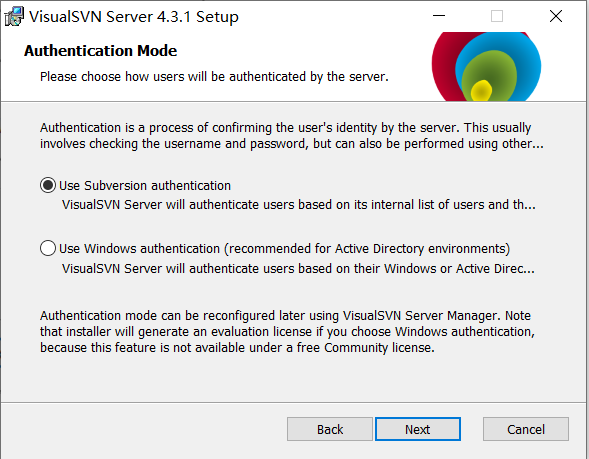
f.认证模式(这里我选择svn认证)
Use Subversion authentication 使用svn认证
Use Windows authentication 使用Windows认证
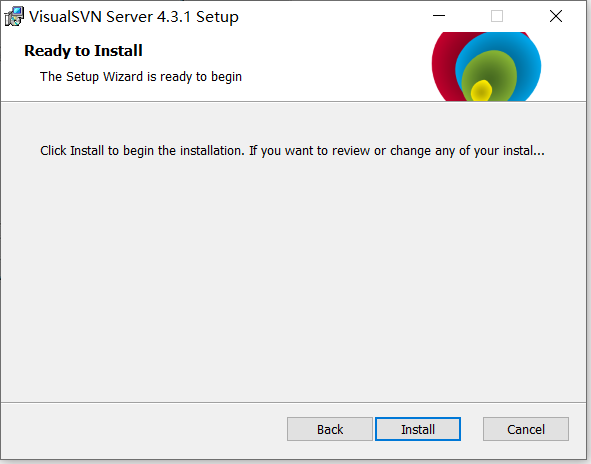
g.点击install
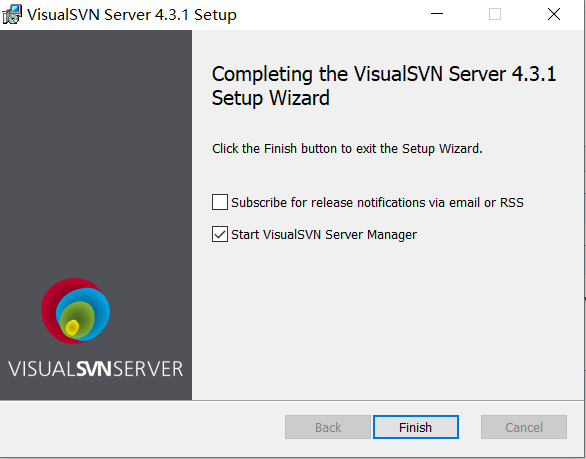
h.安装完成

 浙公网安备 33010602011771号