

页面预览Word
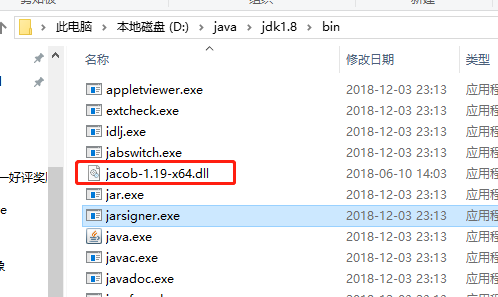
一、使用jacob预览Word
分为两步走:
引入pom文件:
jacob.jar下载地址:
链接:https://pan.baidu.com/s/1RRhXEjaL1h7UBxmEA66DQw
提取码:6poh
复制这段内容后打开百度网盘手机App,操作更方便哦
        <!-- https://mvnrepository.com/artifact/net.sf.jacob-project/jacob -->
        <!--<dependency>-->
            <!--<groupId>net.sf.jacob-project</groupId>-->
            <!--<artifactId>jacob</artifactId>-->
            <!--<version>1.14.3</version>-->
        <!--</dependency>-->

        <dependency>
            <groupId>com.jacob</groupId>
            <artifactId>jacob</artifactId>
            <version>1.19</version>
            <scope>system</scope>
            <systemPath>${project.basedir}/lib/jacob.jar</systemPath>
        </dependency>
1、首先把word转换为pdf,代码如下:
public boolean word2PDF(String inputFile, String pdfFile) {
        ActiveXComponent app = new ActiveXComponent("Word.Application");
        try {
            app.setProperty("Visible", false);
            Dispatch docs = app.getProperty("Documents").toDispatch();
            Dispatch doc = Dispatch.call(docs, "Open", new Object[]{inputFile, false, true}).toDispatch();
            Dispatch.call(doc, "ExportAsFixedFormat", new Object[]{pdfFile, 17});
            Dispatch.call(doc, "Close", new Object[]{false});
            app.invoke("Quit", 0);
            return true;
        } catch (Exception var6) {
            app.invoke("Quit", 0);
            return false;
        }
    }
2、页面预览pdf
@RequestMapping("/GetPdf.do")
    public void GetPdf(HttpServletResponse response) {
        //从数据库中查出文件位置和文件名字
        String pdfpath = "D:\\upload\\test2\\王浩.pdf";
        String pdfname = "王浩";
        try {
            File file = new File(pdfpath);
            if (!file.exists()) {
                response.getWriter().write("该文档生成pdf失败,请下载文档查看");
                return;
            }
            InputStream fis = new FileInputStream(pdfpath);
            byte[] buffer = new byte[1024];
            response.reset();
            response.addHeader("Content-Disposition", "inline;filename=" + java.net.URLEncoder.encode(pdfname, "UTF-8"));
            response.addHeader("Content-Length", "" + file.length());
            response.setContentType("application/pdf");
            OutputStream toClient = new BufferedOutputStream(response.getOutputStream());
            int nbytes = 0;
            while ((nbytes = fis.read(buffer)) != -1) {
                toClient.write(buffer, 0, nbytes);
                toClient.flush();
            }
            toClient.flush();
            toClient.close();
            fis.close();
        } catch (Exception ex) {
            ex.printStackTrace();
        }
    }
测试代码如下:
PdfConvert p = new PdfConvert();
        String path_1="D:\\upload\\test2\\";
        String path = path_1+"采菊东篱下.docx";
        String path2 = path_1+"采菊东篱下.pdf";
        p.word2PDF(path, path2);
执行后生成文件对比如下:

然后启动项目访问该pdf
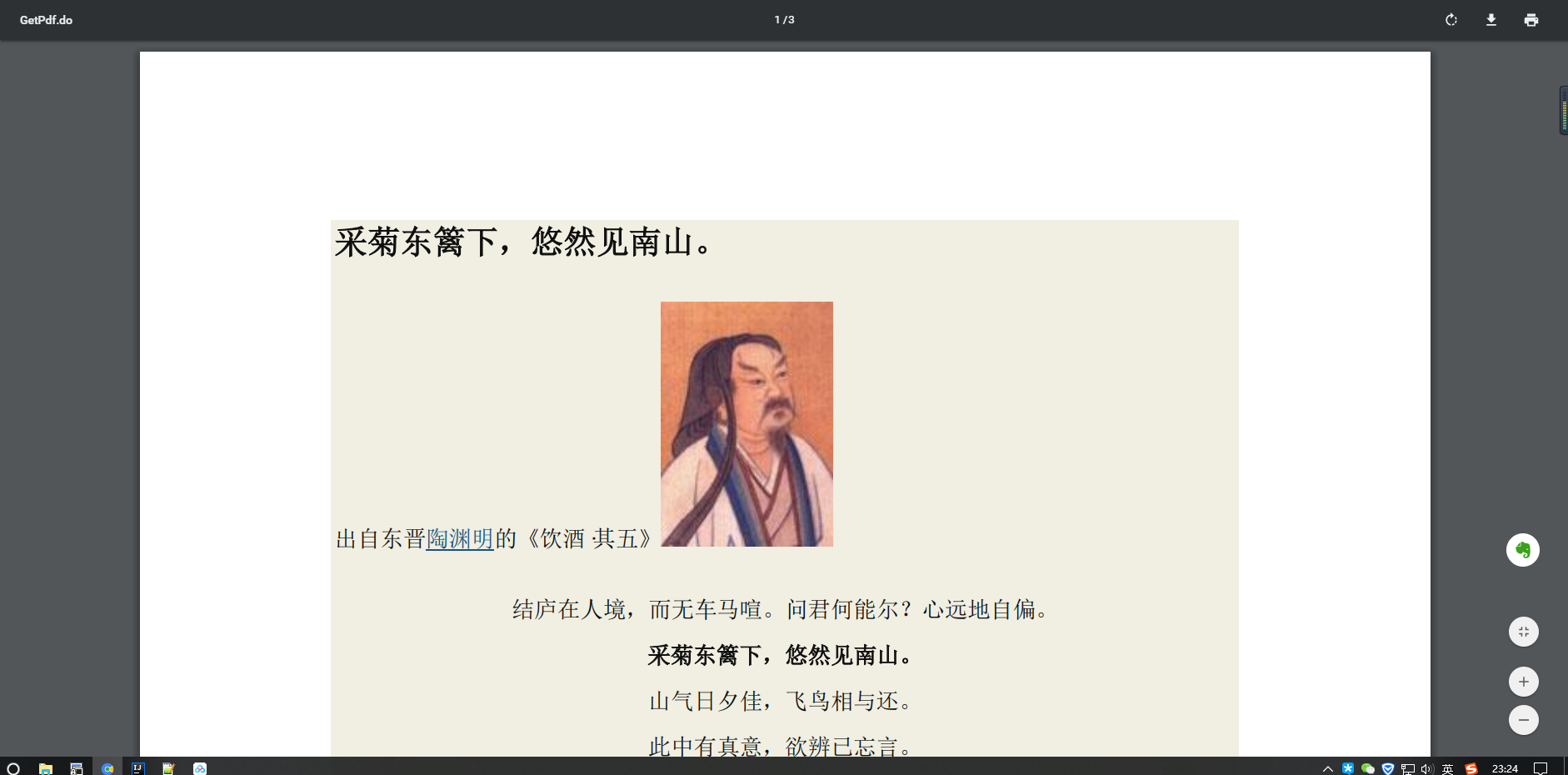
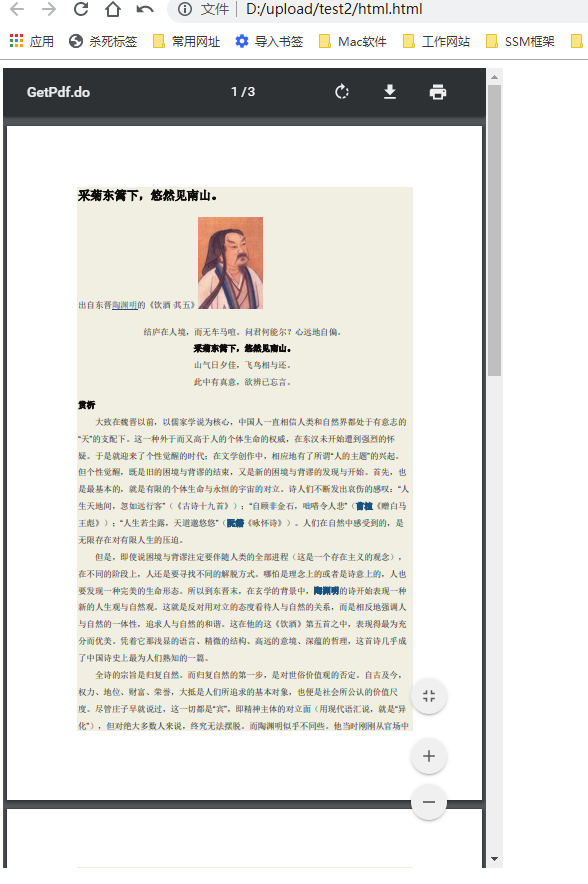
前端也可使用空间在控制范围代码如下:
<!DOCTYPE html>
<html lang="en">
<head>
    <meta charset="UTF-8"/>
    <title>pdf在线预览</title>
</head>
<body>
<div style=" width: 100%; height: 100%;">
    <embed src="http://localhost:8080/GetPdf.do"
           type="application/pdf" style="overflow: auto; width: 500px; height: 800px;" />
</div>
</body>
</html>
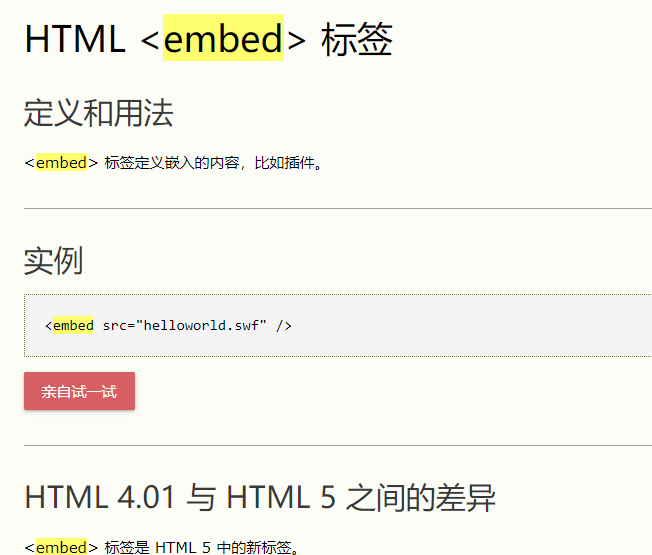
前端标签介绍:
参考文章:
https://blog.csdn.net/tuesdayma/article/details/81286746

 浙公网安备 33010602011771号