
idea提交代码时.gitignore过滤不生效问题
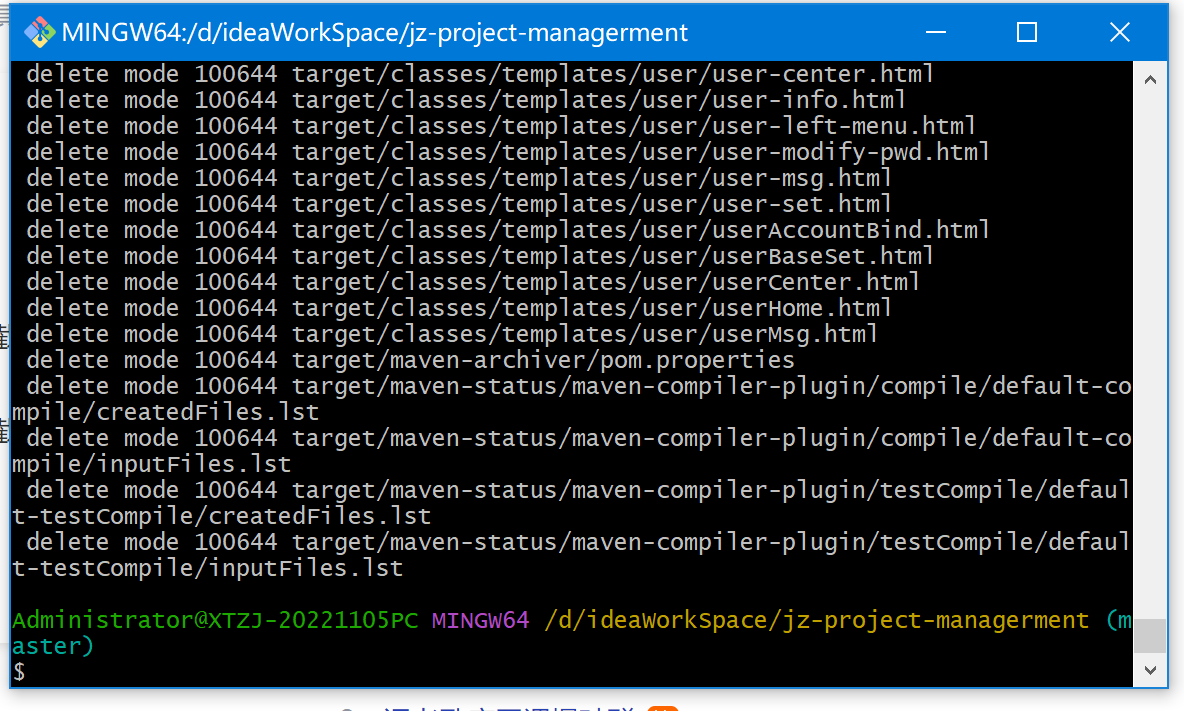
1、进入项目目录,执行以下代码:
git rm -r --cached .

git add .

git commit -m 'update .gitignore'
如效果图:
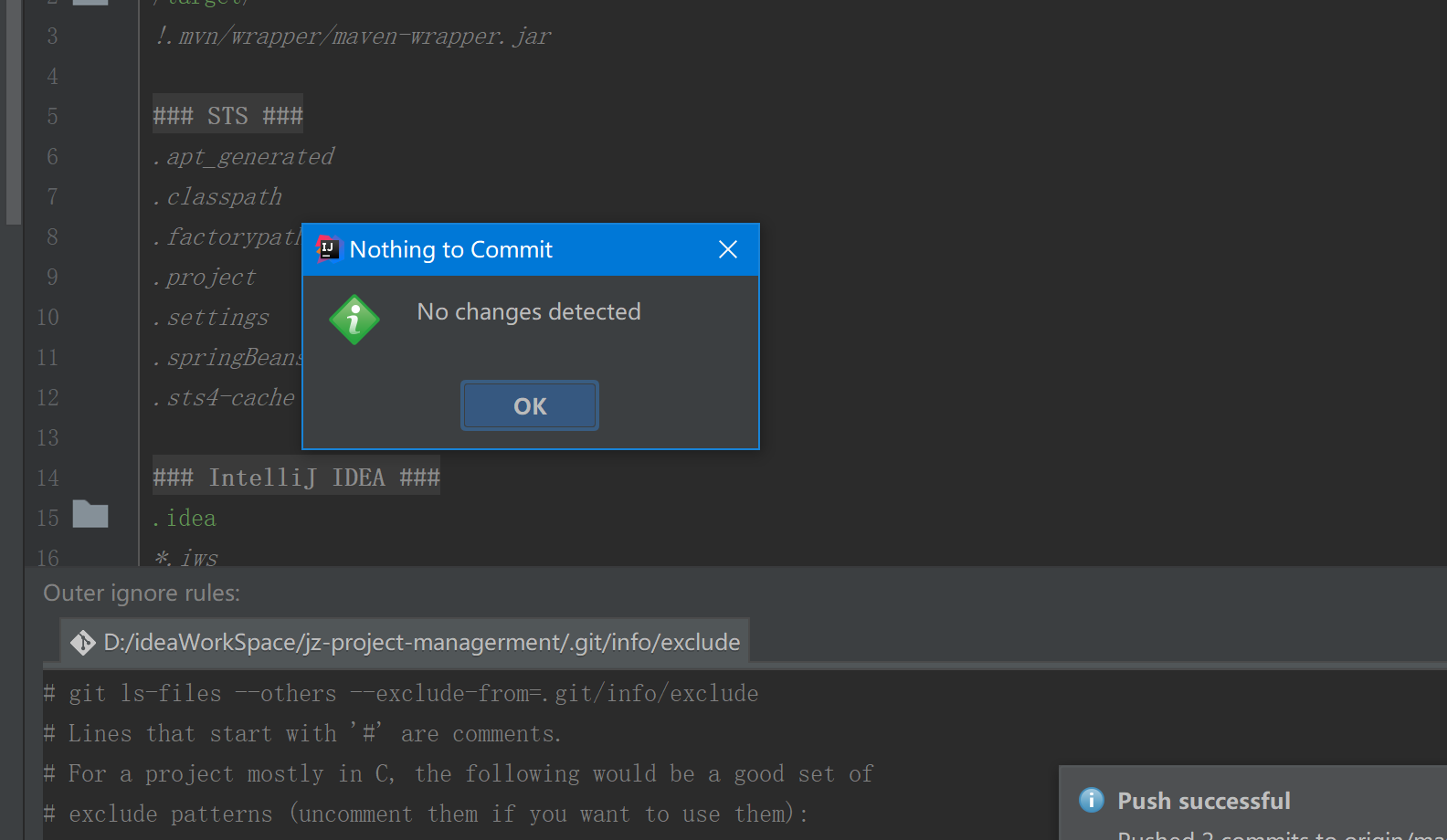
2、然后把idea关闭,重新打开,再提交代码.gitignore就生效了,如:提示没有修改的文件,过滤了
。
1、进入项目目录,执行以下代码:
git rm -r --cached . git add . git commit -m 'update .gitignore'
如效果图:
2、然后把idea关闭,重新打开,再提交代码.gitignore就生效了,如:提示没有修改的文件,过滤了
。

 浙公网安备 33010602011771号