程序员老彭
联系方式
专注网站与小程序开发
网站 + 小程序开发专业团队开发

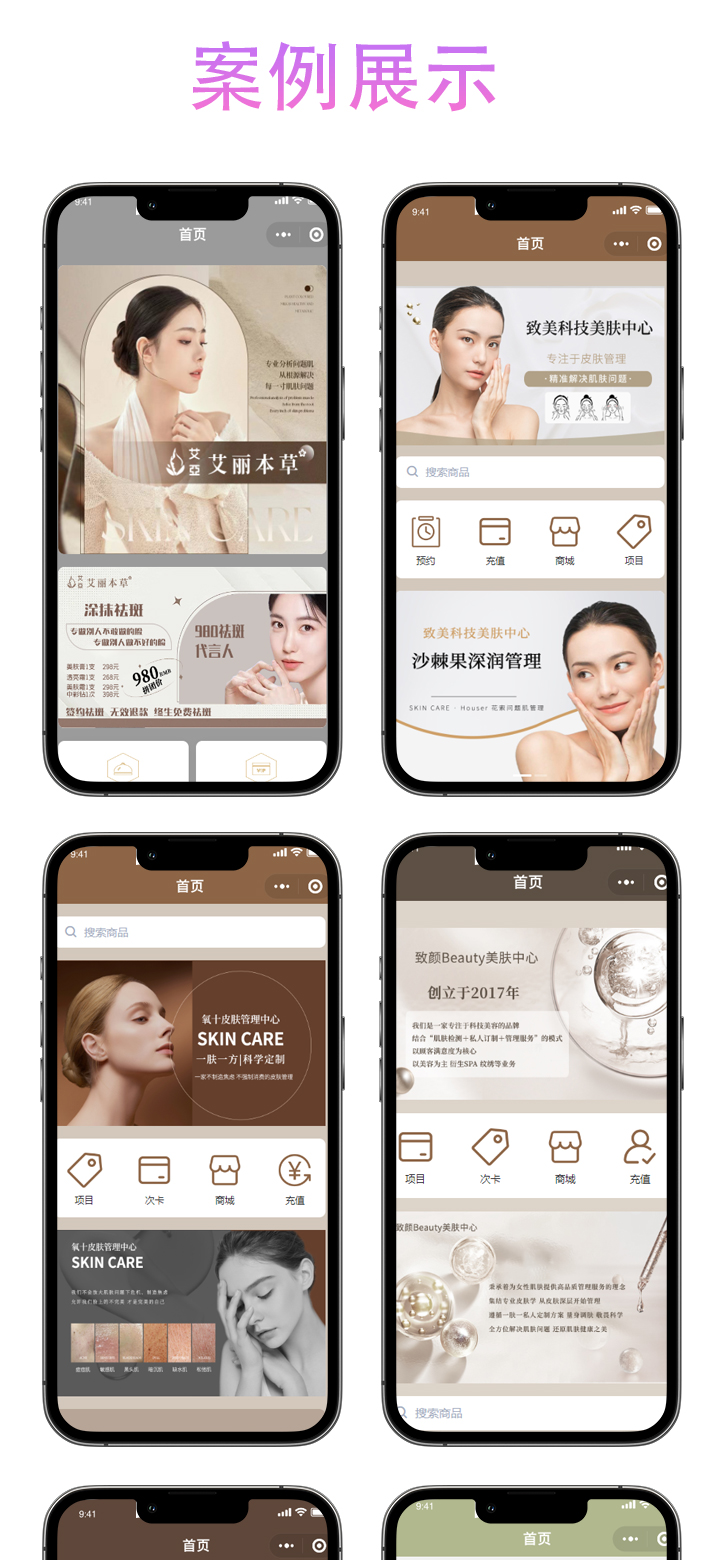
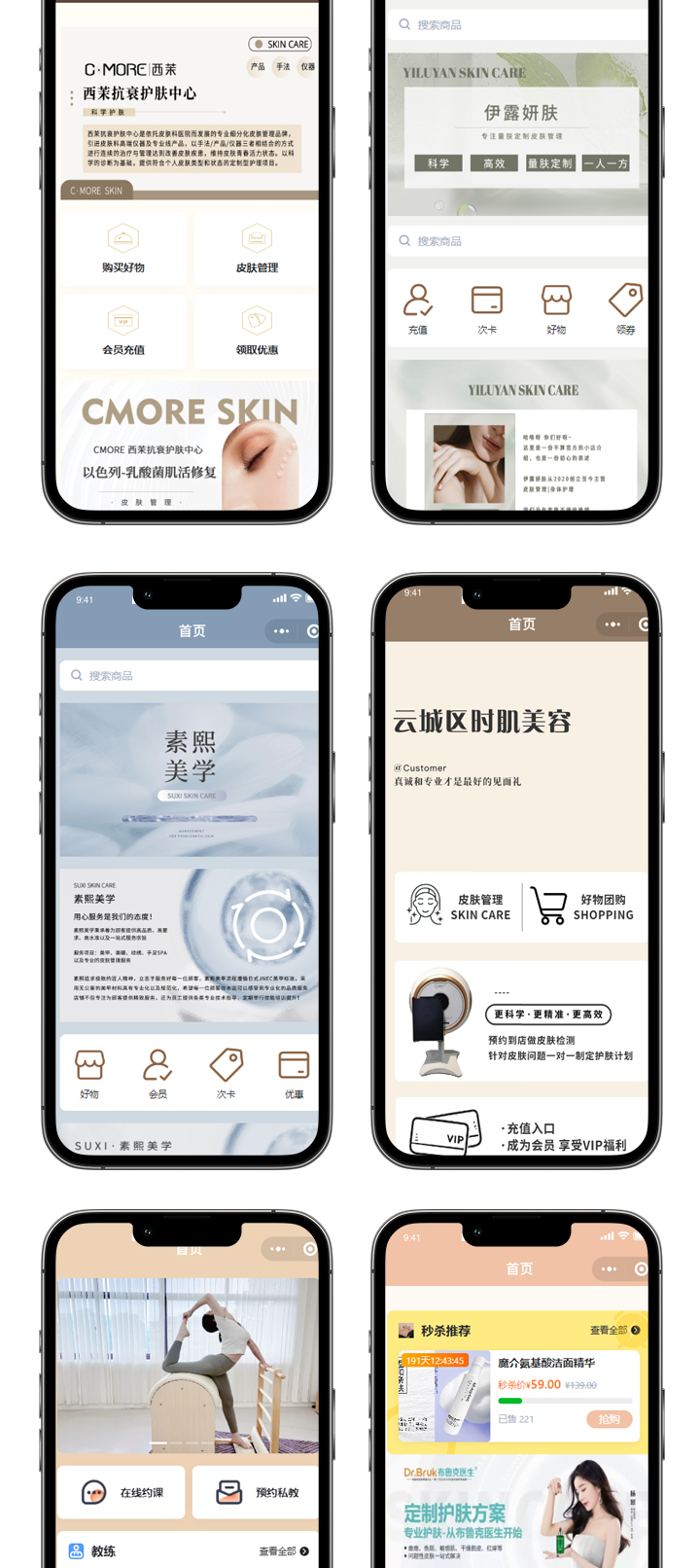
微信美业医疗美容院小程序预约会员管理养生馆诊所肌护肤理疗系统
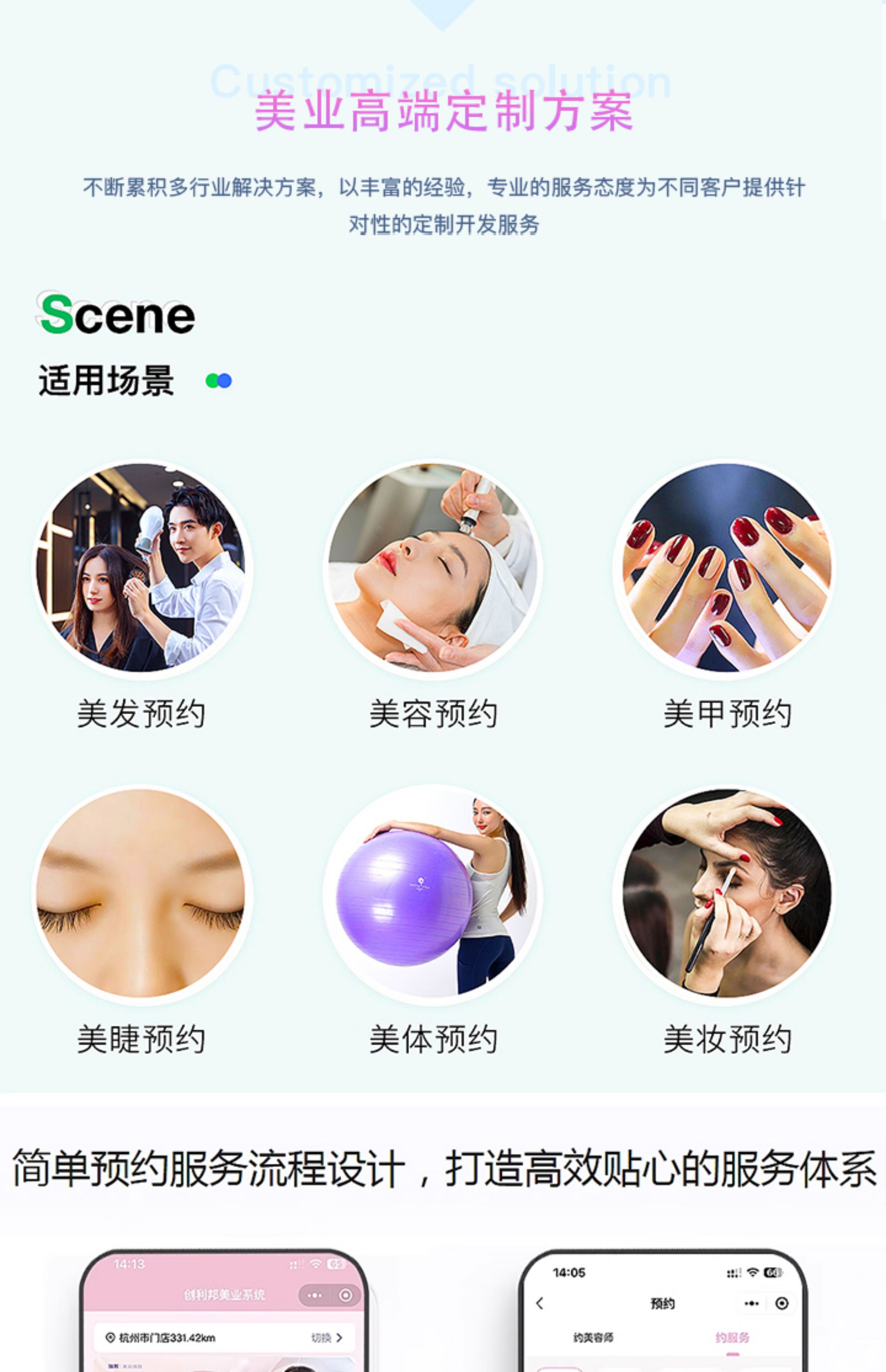
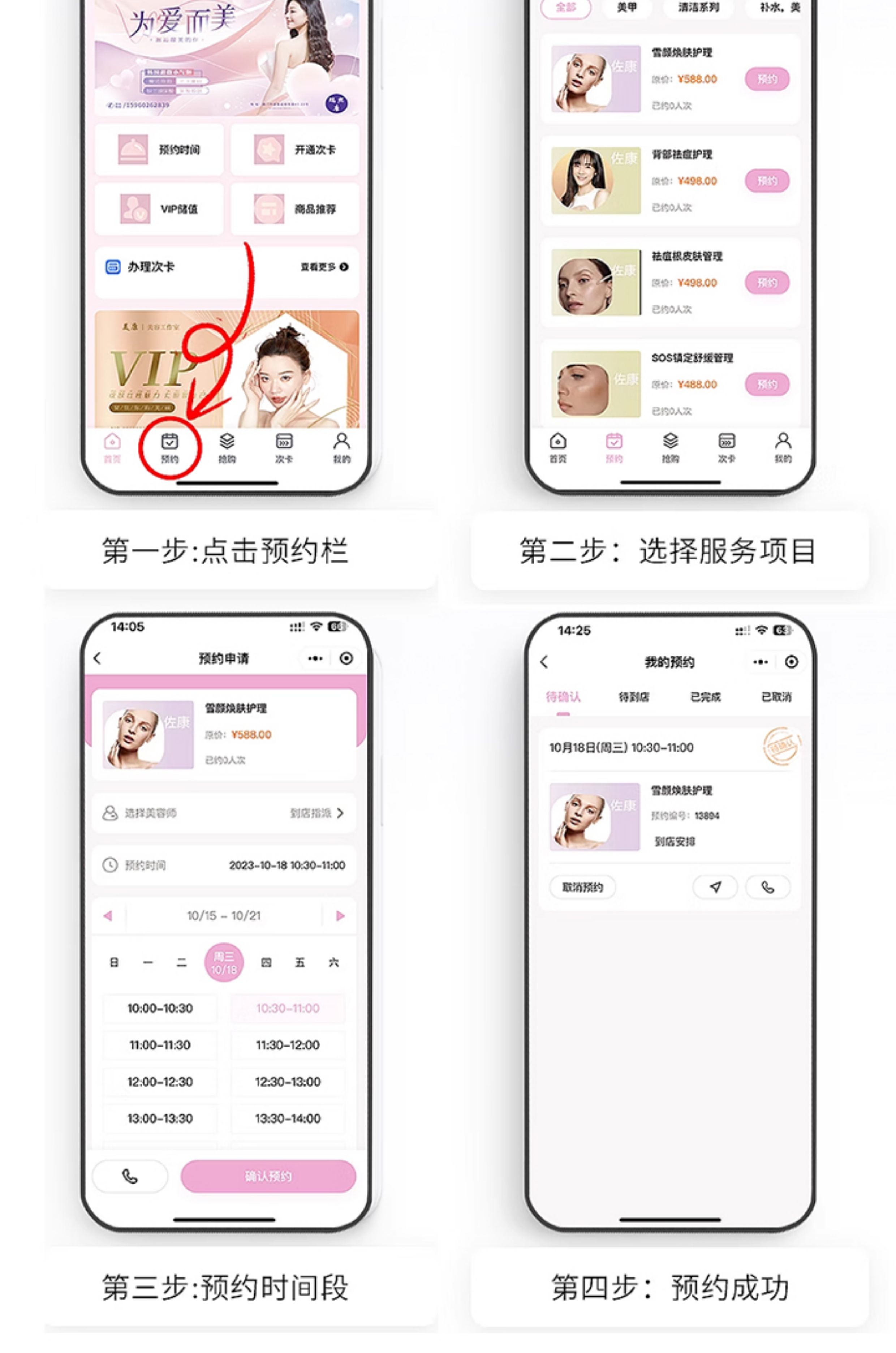
 

预约会员小程序代码示例

前端页面代码 (WXML)

<view class="container">
  <picker mode="selector" range="{{services}}" range-key="name" bindchange="selectService">
    <view class="picker">选择服务:{{selectedService.name || '请选择'}}</view>
  </picker>

  <picker mode="date" start="{{today}}" end="{{maxDate}}" bindchange="selectDate">
    <view class="picker">选择日期:{{selectedDate || '请选择'}}</view>
  </picker>

  <picker mode="time" start="09:00" end="21:00" bindchange="selectTime">
    <view class="picker">选择时间:{{selectedTime || '请选择'}}</view>
  </picker>

  <input type="text" placeholder="请输入姓名" bindinput="inputName"/>
  <input type="number" placeholder="请输入手机号" bindinput="inputPhone"/>

  <button type="primary" bindtap="submitReservation" disabled="{{!formValid}}">提交预约</button>
</view>


逻辑层代码 (JS)

Page({
  data: {
    services: [
      { id: 1, name: '基础护理' },
      { id: 2, name: '深度清洁' },
      { id: 3, name: '专业理疗' }
    ],
    selectedService: {},
    today: new Date().toISOString().split('T')[0],
    maxDate: new Date(Date.now() + 30*24*60*60*1000).toISOString().split('T')[0],
    selectedDate: '',
    selectedTime: '',
    name: '',
    phone: '',
    formValid: false
  },

  selectService(e) {
    const index = e.detail.value
    this.setData({
      selectedService: this.data.services[index]
    })
    this.checkForm()
  },

  selectDate(e) {
    this.setData({
      selectedDate: e.detail.value
    })
    this.checkForm()
  },

  selectTime(e) {
    this.setData({
      selectedTime: e.detail.value
    })
    this.checkForm()
  },

  inputName(e) {
    this.setData({
      name: e.detail.value
    })
    this.checkForm()
  },

  inputPhone(e) {
    this.setData({
      phone: e.detail.value
    })
    this.checkForm()
  },

  checkForm() {
    const valid = this.data.selectedService.id && 
                 this.data.selectedDate && 
                 this.data.selectedTime && 
                 this.data.name && 
                 /^1[3-9]\d{9}$/.test(this.data.phone)
    this.setData({
      formValid: valid
    })
  },

  submitReservation() {
    wx.request({
      url: 'https://your-api-domain.com/reservations',
      method: 'POST',
      data: {
        serviceId: this.data.selectedService.id,
        date: this.data.selectedDate,
        time: this.data.selectedTime,
        name: this.data.name,
        phone: this.data.phone
      },
      success(res) {
        wx.showToast({
          title: '预约成功',
          icon: 'success'
        })
      },
      fail() {
        wx.showToast({
          title: '预约失败',
          icon: 'none'
        })
      }
    })
  }
})


样式代码 (WXSS)

.container {
  padding: 20px;
}

.picker {
  margin: 15px 0;
  padding: 10px;
  border: 1px solid #ddd;
  border-radius: 4px;
}

input {
  margin: 15px 0;
  padding: 10px;
  border: 1px solid #ddd;
  border-radius: 4px;
}

button {
  margin-top: 20px;
}


功能说明

  1. 服务选择:通过picker组件提供可选择的会员服务列表
  2. 时间选择:限制可预约日期范围为当天至30天后,时间限制在9:00-21:00
  3. 表单验证:实时检查表单完整性,包括手机号格式验证
  4. 数据提交:通过wx.request将预约信息提交至后端API

后端接口建议

需要配套的后端接口支持,建议包含以下功能:

  • 接收预约请求并存储到数据库
  • 检查时间冲突
  • 发送预约确认通知
  • 会员积分管理

代码可根据实际需求进行调整,如增加会员等级判断、优惠券使用等功能。

posted @ 2025-12-13 18:05  程序员老彭  阅读(1)  评论(0)    收藏  举报