
Rust Yew 如何编写支持国际化(i18n)的前端页面?
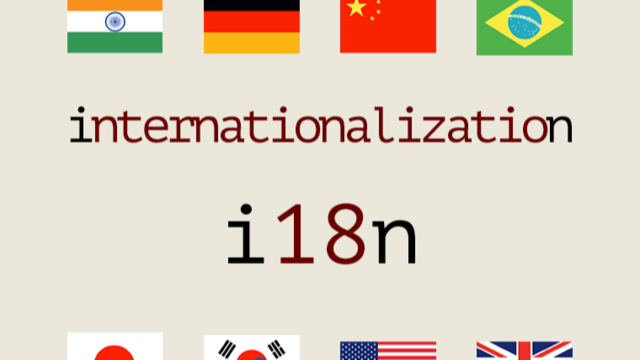 介绍如何使用 Rust Yew 编写支持国际化(i18n)的前端页面
首先,Yew 本身没有并提供国际化(i18n)功能的,我们会用到另外一个项目:fluent
这个是一个Mozilla UI显示国际化的一个项目,其已经被应用于Firefox等项目中。
配置国际化文本很简单,就是一个文本文件对应一个语言
在文本文件里,添加如下配置,就可以在程序里使用了:
# 类似key-value键值对

# Simple things are simple.
hello-user = Hello, {$userName}!

# Complex things are possible.
shared-photos =
    {$userName} {$photoCount ->
        [one] added a new photo
       *[other] added {$photoCount} new photos
    } to {$userGender ->
        [male] his stream
        [female] her stream
       *[other] their stream
    }.
(在它的官网上,可以看到动态效果)
如何使用上述国际语言文件,fluent提供了很多包,包括:
- Javascript
- Python
- Rust
- 以及React
其中Rust的crate是:
下面,我们开始逐步介绍,如何在Yew里使用
第一步,准备多语言文件:
zh-CN.txt和 en-US.txt
具体内容可以参看:
https://github.com/songday/blog-rs/blob/main/frontend/resource/i18n/zh-CN.txt
https://github.com/songday/blog-rs/blob/main/frontend/resource/i18n/en-US.txt
第二步,创建一个读取国际化文件的方法
// 入参有两个:accept_language是用户当前使用的语言,message_ids是获取国际化文本的key数组
// 返回是一个Map,key和value对应国际化配置的key-value
pub fn get<'a, 'b>(
    accept_language: &'a str,
    message_ids: Vec<&'static str>,
) -> Result<HashMap<&'static str, String>, ()> {
    let (locale, resource) = match accept_language {
        "en-US" => (accept_language, EN_US_TEXT),
        _ => ("zh-CN", ZH_CN_TEXT), // 默认使用中文
    };
    let ftl_string = resource.to_owned();
    let res = FluentResource::try_new(ftl_string).expect("Failed to parse an FTL string.");

    let lang_id = locale.parse().expect("Parsing failed.");
    let mut bundle = FluentBundle::new(vec![lang_id]);
    bundle
        .add_resource(&res)
        .expect("Failed to add FTL resources to the bundle.");

    let mut result = HashMap::with_capacity(message_ids.len());
    let mut errors = vec![];
    for message_id in message_ids {
        let msg = bundle.get_message(message_id).expect("Message doesn't exist.");
        let pattern = msg.value().expect("Message has no value.");
        let value = bundle.format_pattern(&pattern, None, &mut errors);
        errors.clear();
        result.insert(message_id, value.to_string());
    }
    Ok(result)
}
https://github.com/songday/blog-rs/blob/main/frontend/src/i18n.rs
有了这个方法,我们就可以在Yew里使用了。
第三步,应用到yew
在Component里,调用上面的get方法:
// 批量获取
let messages = i18n::get(
    &user_language(),
    vec!["back", "edit", "delete", "deletion_confirm", "cancel"],
)
.unwrap();
然后进行输出:
<span>{ messages.get("back").unwrap() }</span>
至此,仅需要3步,就完成了i18n的集成。
最后来看看效果:
中文
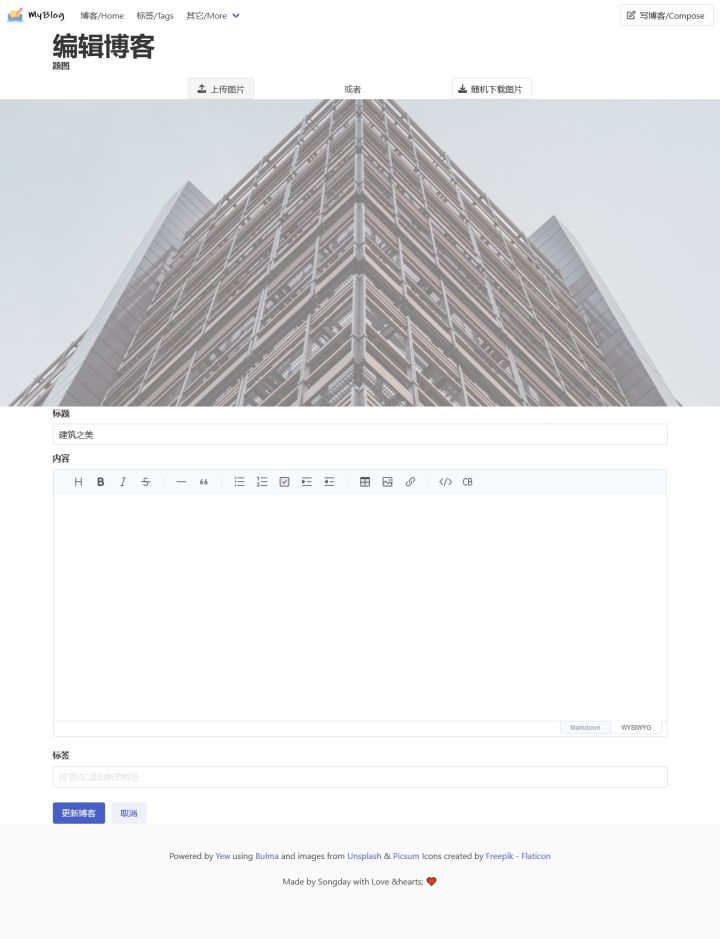 最上面的导航条,还是保持中/英文,但是下面的按钮、输入框的标题,都已经本地化
英文
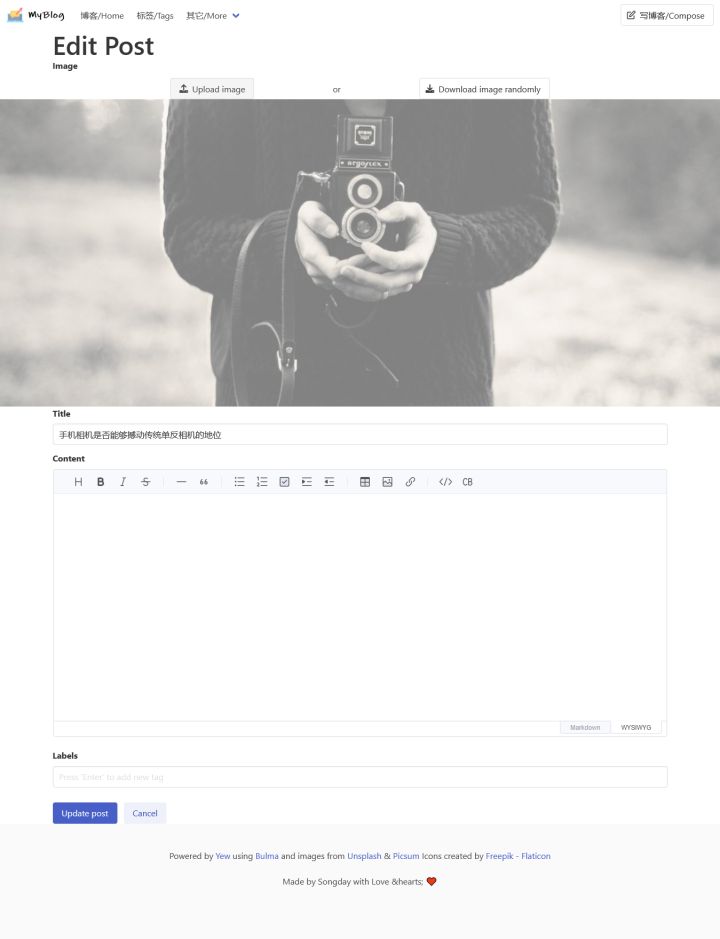 同上
同上
写在最后:
以上的显示代码,已经应用在:
blog-rs是一个用Rust写的,包含前后端的开源项目。
后端是用的Warp+SQLx实现的,前端用的是Yew最新版(0.19.3)
数据库用的是SQLite
它的特点有:
- 仅有一个跨平台的执行文件(无其它依赖,数据库在第一次启动会自动初始化)
- 编辑器支持
Markdown - 可以导出到
Hugo等

 浙公网安备 33010602011771号