
Win10需要使用新应用以打开此windowsdefender链接怎么解决?
1、以管理员身份打开“Windows PowerShell”。
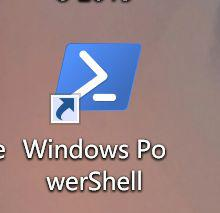
2、以管理员身份在Powershell中依次运行如下命令即可解决。
1.$BasePath = Get-Content .appx.list (报错不要管)
2.$BasePath | % {$Path = $($_).Trim() Add-AppxPackage -Register -DisableDevelopmentMode “$PathAppXManifest.xml”}
3.Get-AppxPackage | Select InstallLocation | Out-file appx.list
4.Add-AppxPackage -Register -DisableDevelopmentMode “C:\Windows\SystemApps\Microsoft.Windows.SecHealthUI_cw5n1h2txyewy\AppxManifest.xml”
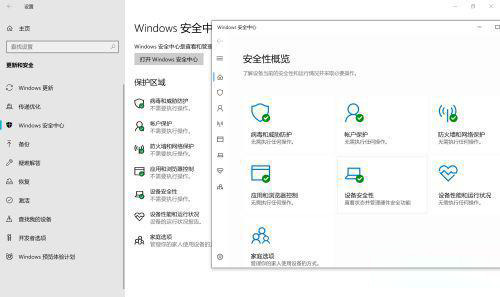
3、可以查看是否可以打开了。
转载自:Win10需要使用新应用以打开此windowsdefender链接怎么解决? - 系统之家 (xitongzhijia.net)

 浙公网安备 33010602011771号