
Ubuntu安装docker
1.先卸载旧版,如果没有的话,就不用执行了,直接第二步
apt-get remove docker docker-engine docker.io containerd runc
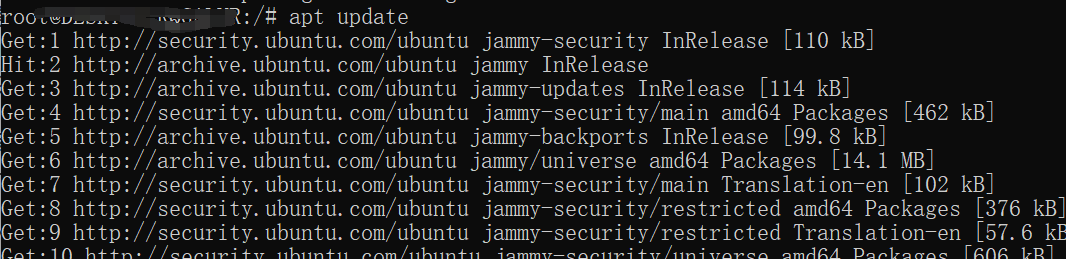
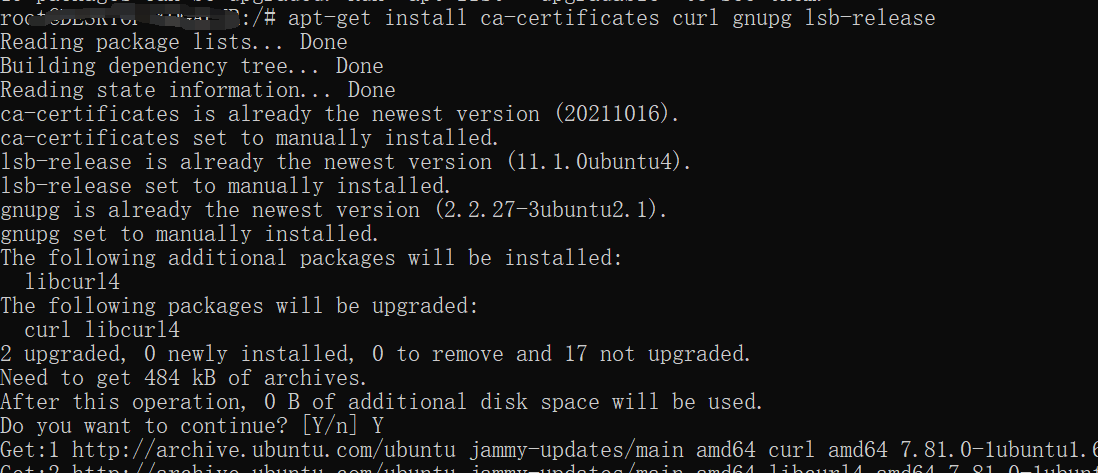
2.在终端输入(安装ca证书)(安装时如遇到Y/n时输入Y并继续)
apt update
apt-get install ca-certificates curl gnupg lsb-release
3.安装证书
curl -fsSL http://mirrors.aliyun.com/docker-ce/linux/ubuntu/gpg | sudo apt-key add -

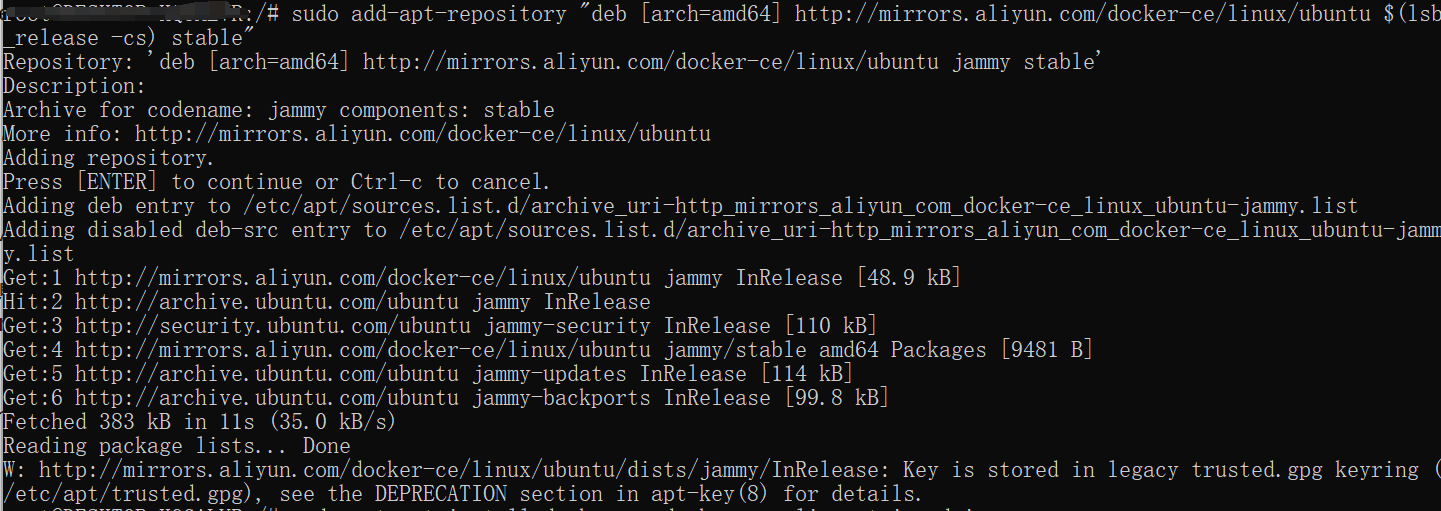
4.写入软件源信息
sudo add-apt-repository "deb [arch=amd64] http://mirrors.aliyun.com/docker-ce/linux/ubuntu $(lsb_release -cs) stable"
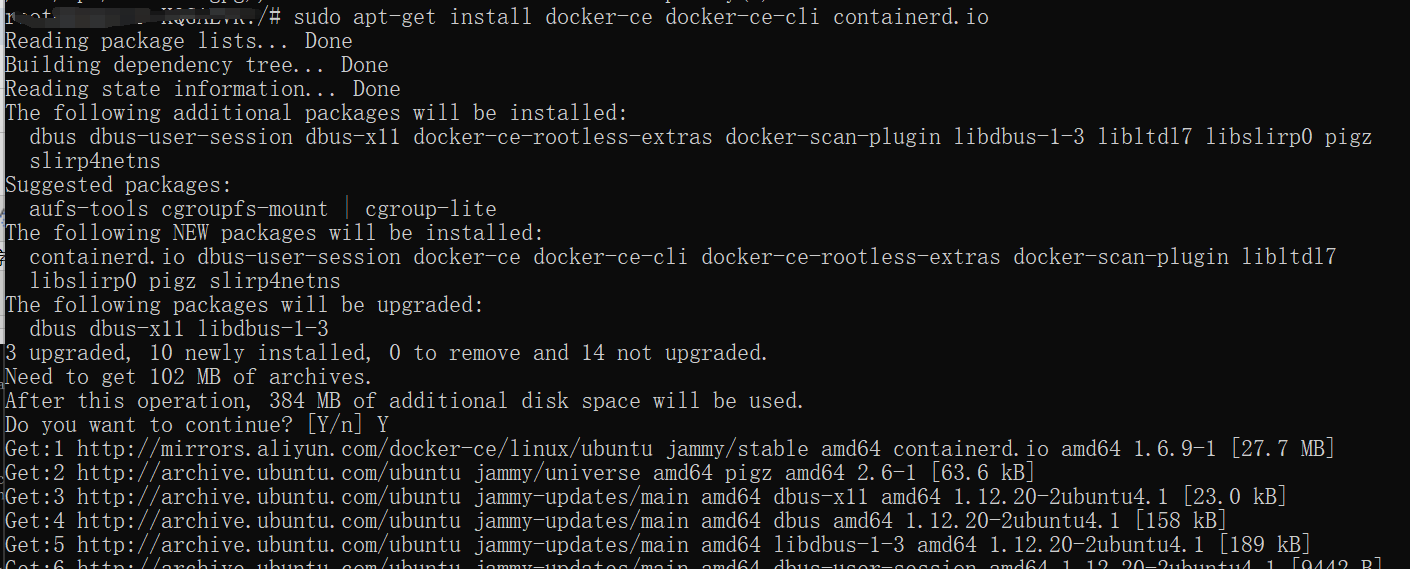
5.安装(安装时如遇到Y/n时输入Y并继续)
sudo apt-get install docker-ce docker-ce-cli containerd.io
6.启动docker
systemctl start docker
这一步可能报错,如果报错,提示 System has not been booted with systemd as init system (PID 1)
系统中没有systemd命令,使用SysV init的命令代替(详情见问题文章...)

用下方命令代替
service docker start
成功:

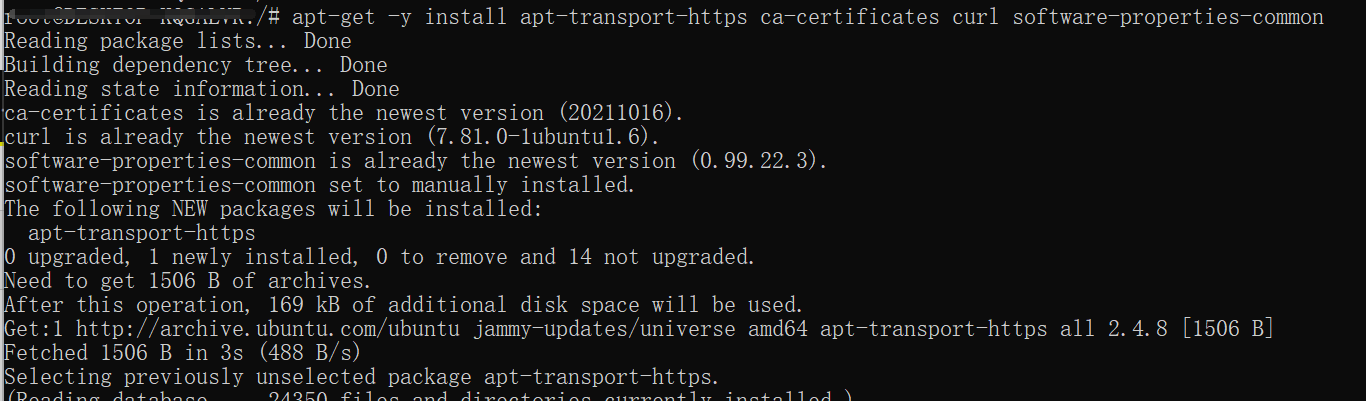
7.安装工具
apt-get -y install apt-transport-https ca-certificates curl software-properties-common
8.重启docker
service docker restart

 浙公网安备 33010602011771号