

HTML滚动背景图片视觉差效果
在博客园注册自己的博客已经三个多个月了,今天开始准备督促自己有空的时候在博客写下一些学习总结,或者课上学习到的知识点。在做实战项目时遇到了一个比较有意思的页脚背景图视觉差效果,所以在这里分享一些样式。
效果如下图:

一、首先需要在HTML文件里布局,整个页脚布局了两个部分,分别是id为contact的div和footer。具体HTML文件如下:
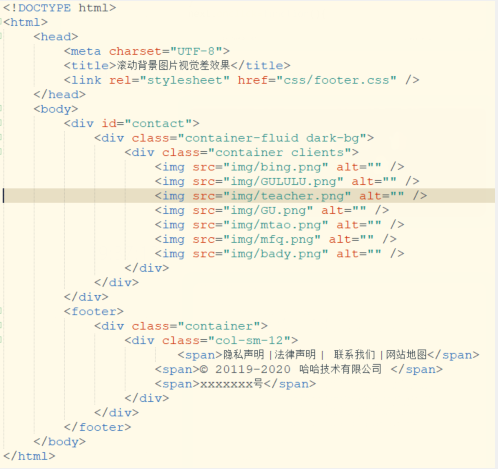
<!DOCTYPE html>
<html>
<head>
<meta charset="UTF-8">
<title>滚动背景图片视觉差效果</title>
<link rel="stylesheet" href="css/footer.css" />
</head>
<body>
<div id="contact">
<div class="container-fluid dark-bg">
<div class="container clients">
<img src="img/bing.png" alt="" />
<img src="img/GULULU.png" alt="" />
<img src="img/teacher.png" alt="" />
<img src="img/GU.png" alt="" />
<img src="img/mtao.png" alt="" />
<img src="img/mfq.png" alt="" />
<img src="img/bady.png" alt="" />
</div>
</div>
</div>
<footer>
<div class="container">
<div class="col-sm-12">
<span>隐私声明 |法律声明 | 联系我们 |网站地图</span>
<span>© 20119-2020 哈哈技术有限公司 </span>
<span>xxxxxxx号</span>
</div>
</div>
</footer>
</body>
</html>
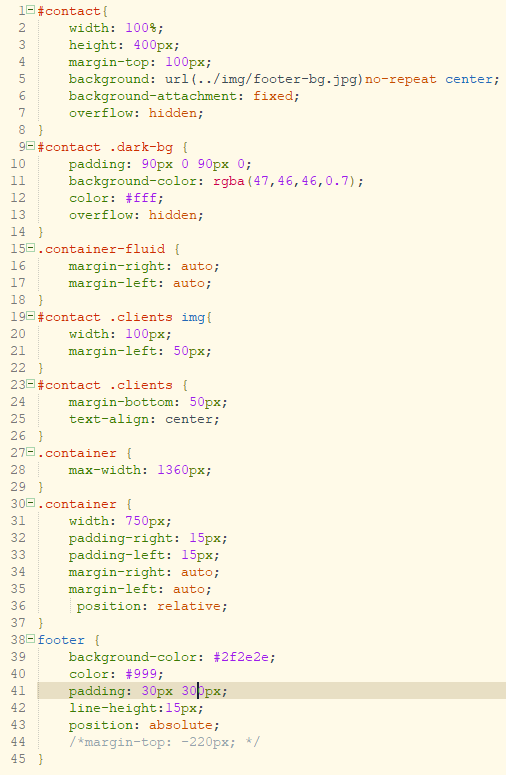
二、接下来需要一个css文件来添加样式,注意background-attachment: fixed 是实现视差的主要代码,用于固定背景图的位置,从而实现一个背景图滚动视差的效果。
透明层(classname为container-fluid dark-bg)的高度不要超过背景图片的高度且页脚需要定位上来与透明层连接,背景图多出去的部分设置over-flow:hidden;隐藏。
具体css代码如下:
#contact{
width: 100%;
height: 400px;
margin-top: 100px;
background: url(../img/footer-bg.jpg)no-repeat center;
background-attachment: fixed;
overflow: hidden;
}
#contact .dark-bg {
padding: 90px 0 90px 0;
background-color: rgba(47,46,46,0.7);
color: #fff;
overflow: hidden;
}
.container-fluid {
margin-right: auto;
margin-left: auto;
}
#contact .clients img{
width: 100px;
margin-left: 50px;
}
#contact .clients {
margin-bottom: 50px;
text-align: center;
}
.container {
max-width: 1360px;
}
.container {
width: 750px;
padding-right: 15px;
padding-left: 15px;
margin-right: auto;
margin-left: auto;
position: relative;
}
footer {
background-color: #2f2e2e;
color: #999;
padding: 30px 300px;
line-height:15px;
position: absolute;
/*margin-top: -220px; */
}
注意添加背景图是用no-repeat设置图片不重复且背景图片的大小可能尺寸需要相对较大,
我的博客背景图及部分代码是来源于一个优选网站,链接:http://www.meweidea.com/#services。

 浙公网安备 33010602011771号