
Element UI + Vue + Vue-Router + Axios 项目构建
下载Element UI 官网体提供的模板
解压初始化
- 解压下载的zip包
- 命令行进入该目录下执行,安装依赖库: yarn install
- 启动项目: yarn dev
- 访问 https://localhost:8010/ (这里的8010这端口是webpack中配置的,详细见webpack.config.js)
- 页面见:
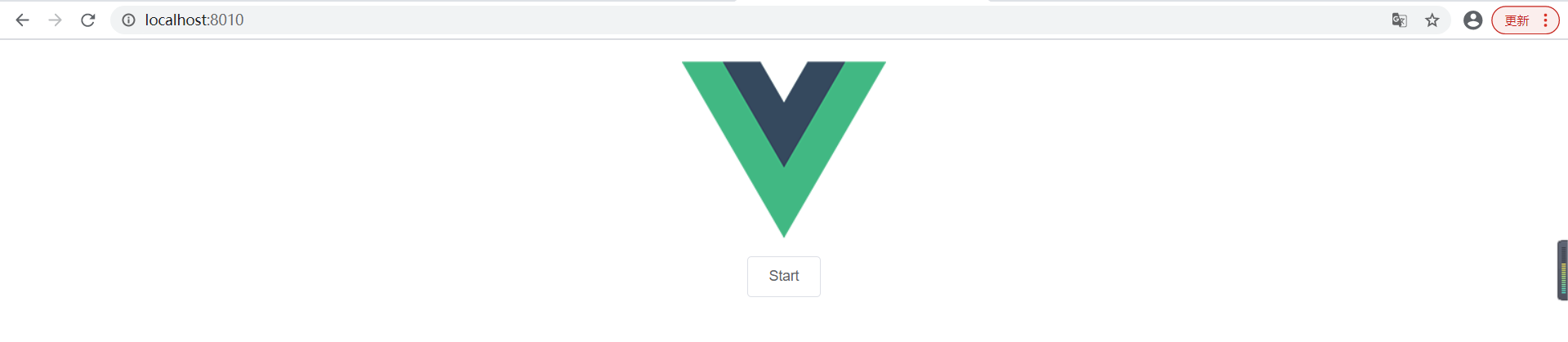
安装Vue-Router
* yarn add vue-router --save
安装Axios
* yarn add axios --save
package.json 中包含了安装的依赖
  "dependencies": {
    "axios": "^0.21.1",
    "element-ui": "^2.3.4",
    "vue": "^2.5.16",
    "vue-router": "^3.5.1"
  }
配置Router
新建一个组件
- 在src创建components目录
- 在components目录下,新建vue组件(Hello.vue)
    <template>
        <div>{{hello}}</div>
    </template>
    <script>
    export default {
        name:'Hello',
        data:function(){
            return {
                hello:'hello'
            }
        }
    }
    </script>

    <style scoped>

    </style>
配置路由
- 在src下创建config目录
- config创建路由配置(router.js)
- 内容如下:
import Vue from 'vue'
import VueRouter from 'vue-router'

//导入Hello组件
import Hello from '../components/Hello.vue'
//在Vue中使用路由
Vue.use(VueRouter)

export default new VueRouter({
    //默认为hash模式,在history模式下地址栏的#号会隐藏
    mode:'history',
    routes:[
        {
            path:'/',
            name:'Hello',
            component: Hello
        }
    ]
})
在Vue中引入路由信息(main.js)
  import Vue from 'vue'
  import ElementUI from 'element-ui'
  import 'element-ui/lib/theme-chalk/index.css'
  import App from './App.vue'
  import Router from './config/router'

  Vue.use(ElementUI)

  new Vue({
    //Vue 使用配置好的路由
    router:Router,
    el: '#app',
    render: h => h(App)
  })
在App.vue中加入rouer-view组件,对路由的内容进行渲染
<template>
  <div id="app">
    <router-view/>
  </div>
</template>

<script>
export default {
}
</script>

<style>
#app {
  font-family: Helvetica, sans-serif;
  text-align: center;
}
</style>
- 保存并且访问https://localost:8010/
- 当看见页面中有hello显示时,路由配置成功

配置Axios
- 在main.js中配置如下:
import Vue from 'vue'
import ElementUI from 'element-ui'
import 'element-ui/lib/theme-chalk/index.css'
import App from './App.vue'
import Router from './config/router'
//引入Axios模块
import Axios from 'axios'

Vue.use(ElementUI)
//把Axios对象给$http
Vue.prototype.$http=Axios

new Vue({
  router:Router,
  el: '#app',
  render: h => h(App)
})
- 如果要使用axios发送Ajax,只需要在js的方法中调用this.$http就可以获得axios对象
- 更多详细信息请访问Axios官网
使用地址总结
- Element UI 官网
- Element UI模板地址
- Vue 地址
- Vue-Router 地址
- Axios 地址
每天都努力一点....

 浙公网安备 33010602011771号