
SmartUpload组件如何在eclipse中使用
1.首先,我们可以在网上获取smartUpload组件的jar包(网上很多)
2.然后将这个包放在WEB-INF下的lib目录中
如下图:

然后就可以写代码来使用它了:
例子:
Text01.html
<!DOCTYPE html>
<html>
<head>
<meta charset="UTF-8">
<title>Insert title here</title>
</head>
<body>
<form action="Text01.jsp" method="post" enctype="multipart/form-data">
 姓名:<input type="text" name="uname"><br/>

照片:<input type="file" name="pic"><br/>


 <input type="submit" value="上传">
 <input type="reset" vlaue="重置">
</form>
</body>
</html>
在jsp中我们要导入: <%@page import =“com.jspsmart.upload.*” %> 才可以使用
Text01.jsp:
<%@ page language="java" contentType="text/html; charset=UTF-8"
    pageEncoding="UTF-8"%>
    <%@page import ="com.jspsmart.upload.*" %>
<!DOCTYPE html PUBLIC "-//W3C//DTD HTML 4.01 Transitional//EN" "http://www.w3.org/TR/html4/loose.dtd">
<html>
<head>
<meta http-equiv="Content-Type" content="text/html; charset=UTF-8">
<title>Insert title here</title>
</head>
<body>
<%

SmartUpload smart=new SmartUpload();
smart.initialize(pageContext);
smart.upload();
String name=smart.getRequest().getParameter("uname");
smart.save("Upload");
%>
<h2>姓名:<%=name %></h2>
<h2>request无法取得:<%=request.getParameter("uname") %></h2>
</body>
</html>
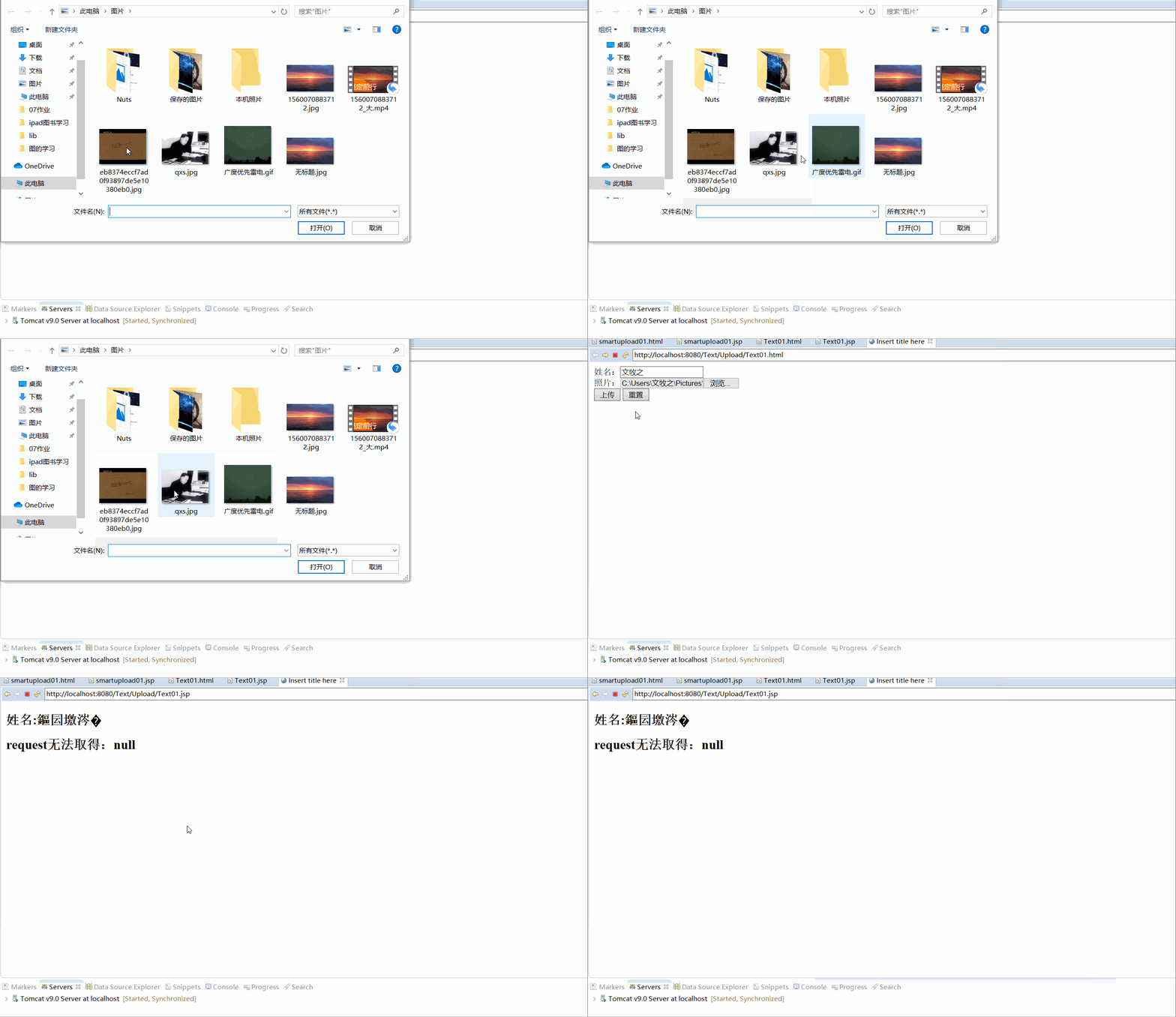
我们可以在下面类似目录中查看我们上传的文件:
D:\JAVAweb.metadata.plugins\org.eclipse.wst.server.core\tmp0\wtpwebapps\Text\Upload

如果上面的全做了还是出错,那么你应该好好检查自己的代码,看是不是拼写错误。

 浙公网安备 33010602011771号